


Calendly Integration
This guide explains how to connect Calendly to Binadox using a Personal Access Token. You will generate a Calendly API token and use it in Binadox to complete the integration.
Create a Personal Access Token
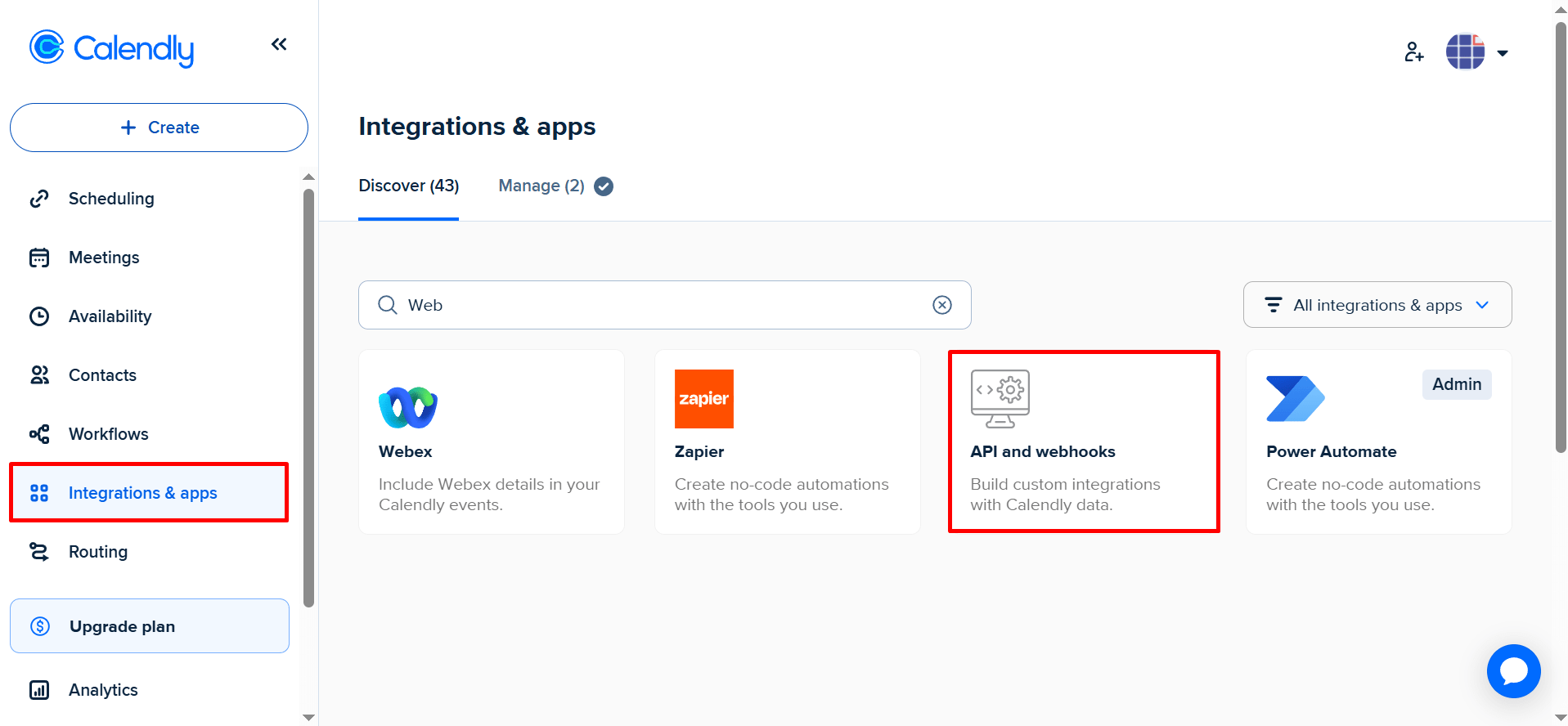
Go to Integrations & apps in Calendly. Click API and webhooks
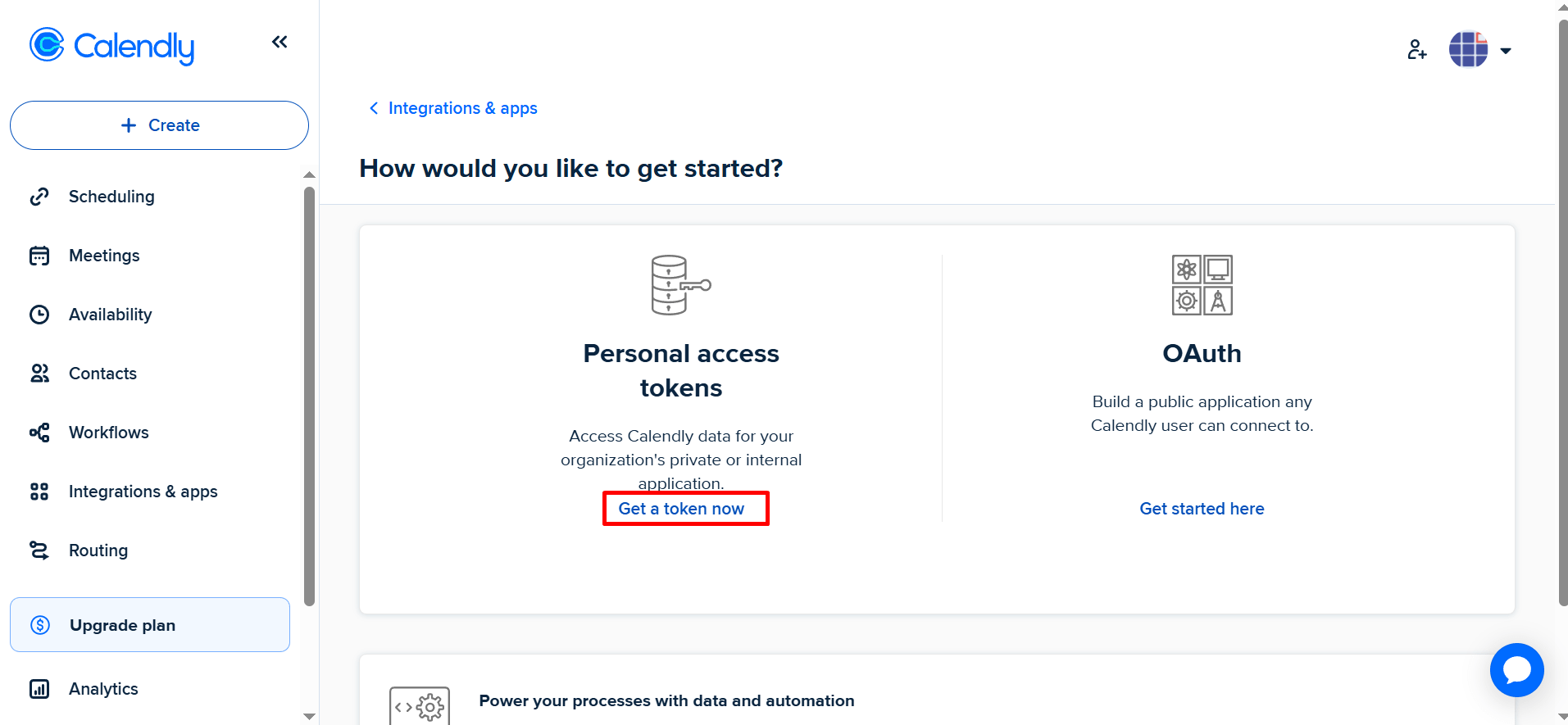
In the Personal access tokens panel, click Get a token now.
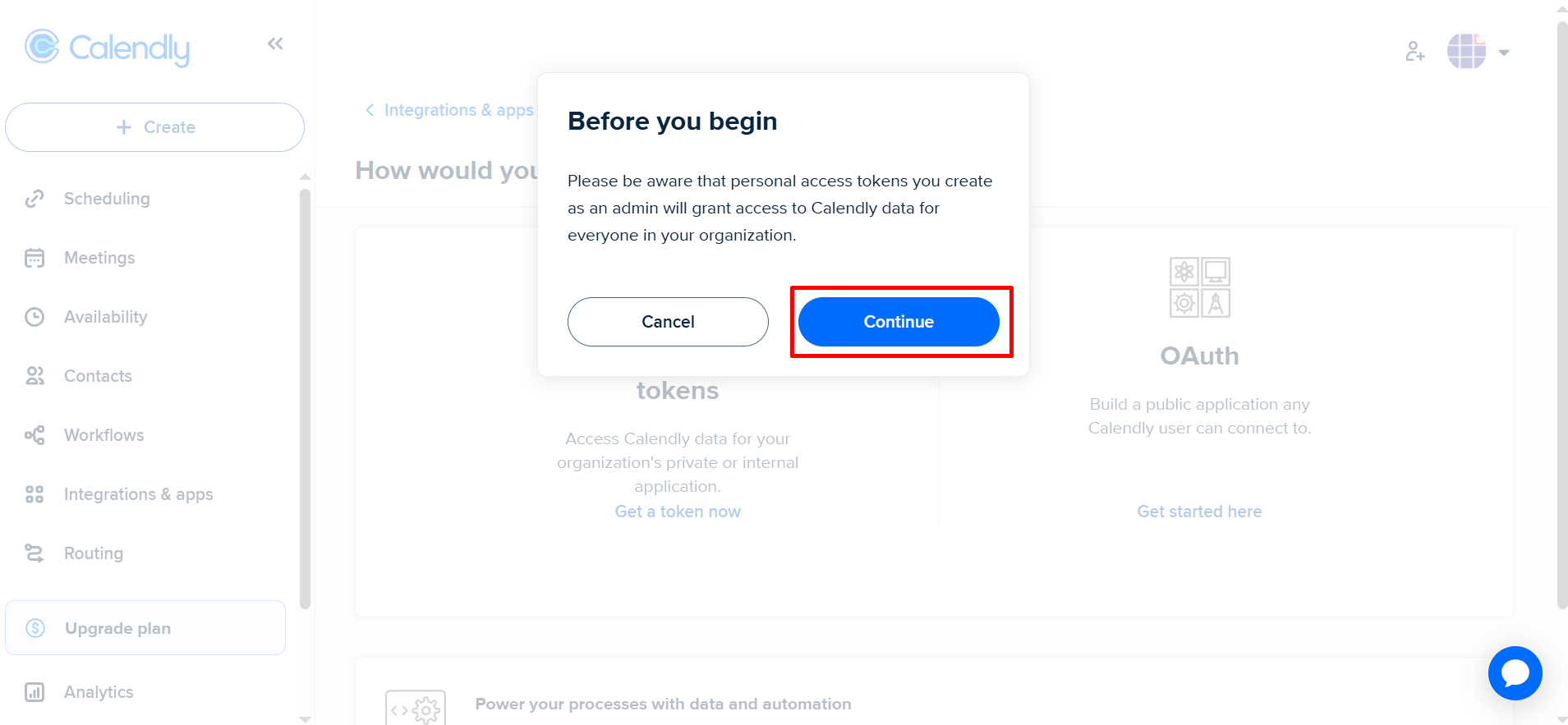
A warning appears explaining that tokens give access to organizational data. Click Continue to proceed with token creation.
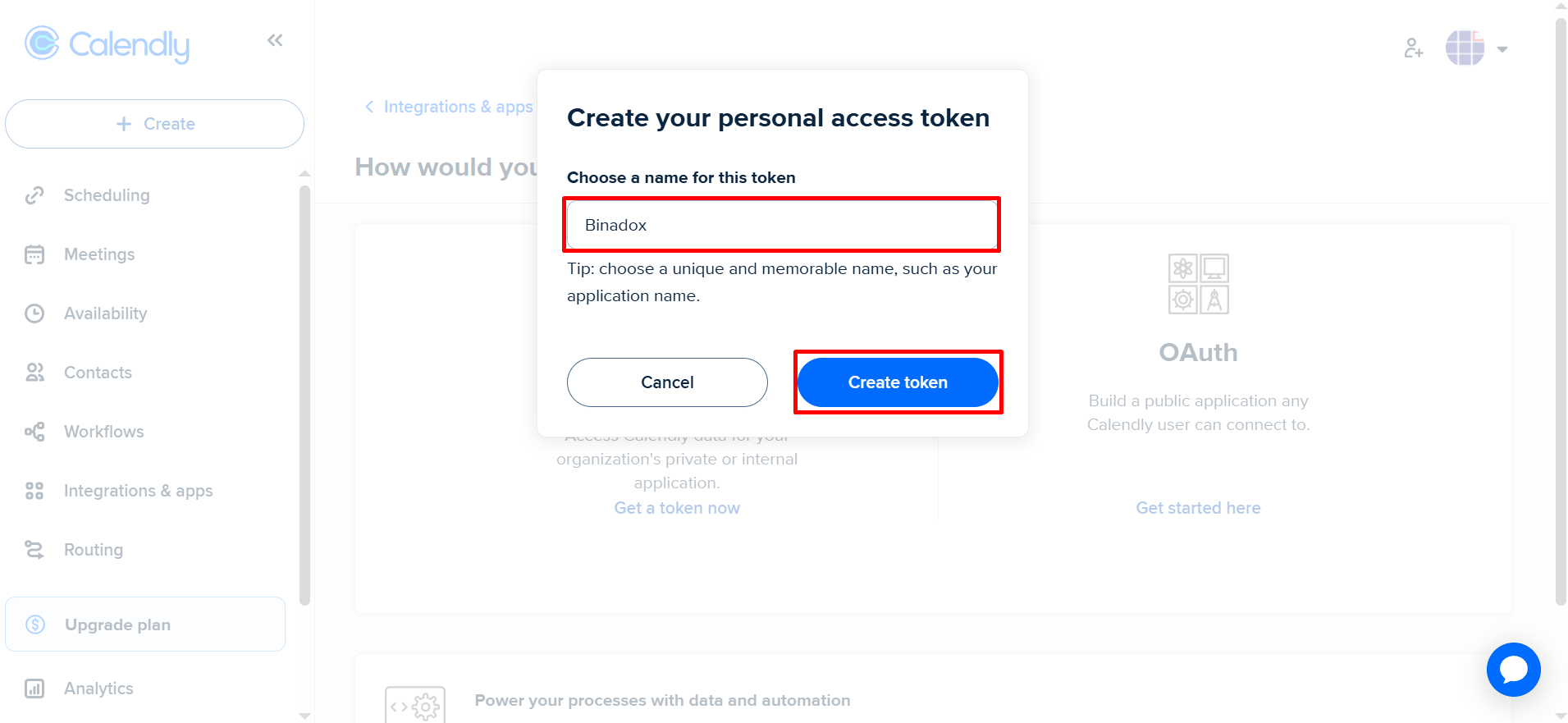
Enter a name for the token (e.g., Binadox) and click Create token.
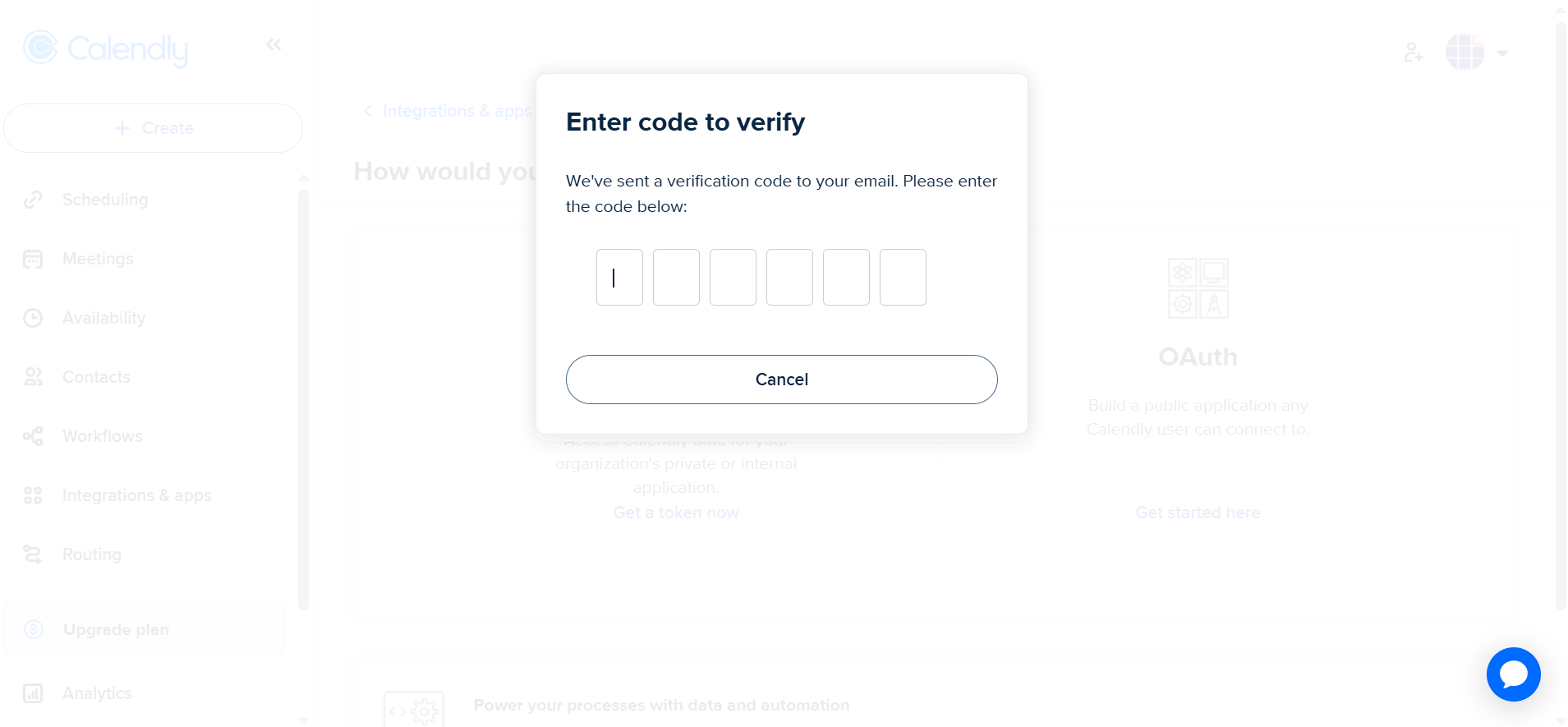
Calendly sends a verification code to your email. Enter the code exactly as shown in your email, then submit.
The new personal access token is shown. Click Copy token.
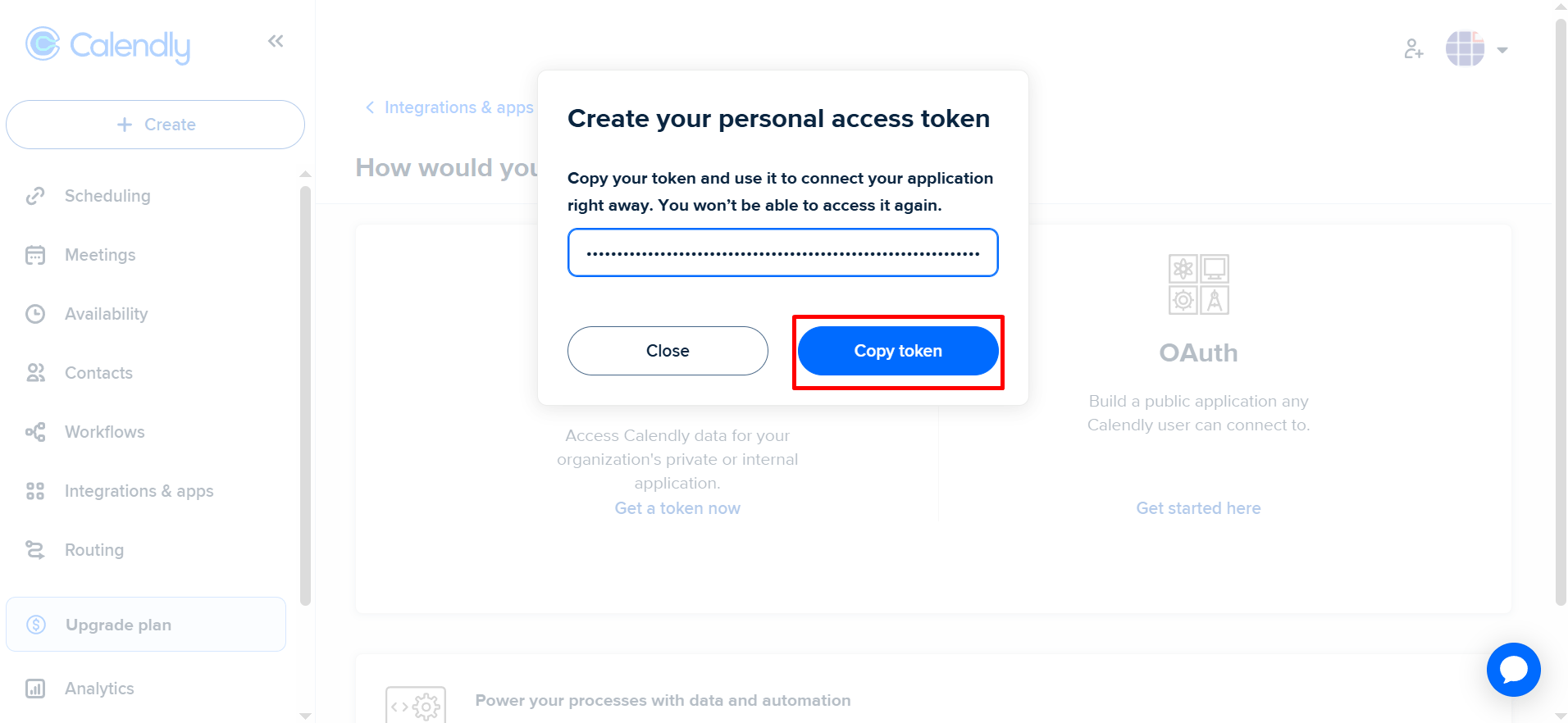
Important:
You will not be able to see it again after closing this dialog.
Connect Calendly in Binadox
Log in to Binadox.
Open SaaS Connections.
Select Calendly from the list.