



Navigating the complexities of Microsoft 365 licensing can feel like a significant challenge. With a wide array of plans and frequent updates, ensuring your organization isn’t overspending on unused or underutilized licenses is crucial for budget optimization and operational efficiency. An effective office 365 license audit tool provides the necessary visibility to align software assets with actual user needs, preventing unnecessary expenditure and reducing security risks. This article explores the key features to look for in a solution, compares native Microsoft tools with third-party options, and provides a clear framework for making an informed decision.
Key takeaways
- Identify Inactive & Oversized Licenses: A primary goal is to find users who haven’t logged in for over 45-90 days and those on premium E5 plans who only use Exchange and Teams.
- Native Tools vs. Third-Party Automation: While Microsoft’s Admin Center and PowerShell can facilitate a manual audit, dedicated third-party tools offer automation, cost visibility, and streamlined reporting.
- Focus on Role-Based Assignment: The most significant savings often come from assigning licenses based on employee roles rather than a one-size-fits-all approach.
- Regular Audits Are Key: A complete manual audit can take 2 to 4 weeks, making continuous monitoring with an automated tool a more efficient long-term strategy.
Why You Need to Audit Office 365 Licenses
The core reasons to regularly audit Office 365 licenses are cost control, security, and compliance. Many organizations find they can reduce their M365 costs by 15-20% simply by auditing and right-sizing their licenses. Without a clear view, companies often pay for premium features that employees never use or for licenses assigned to former employees.
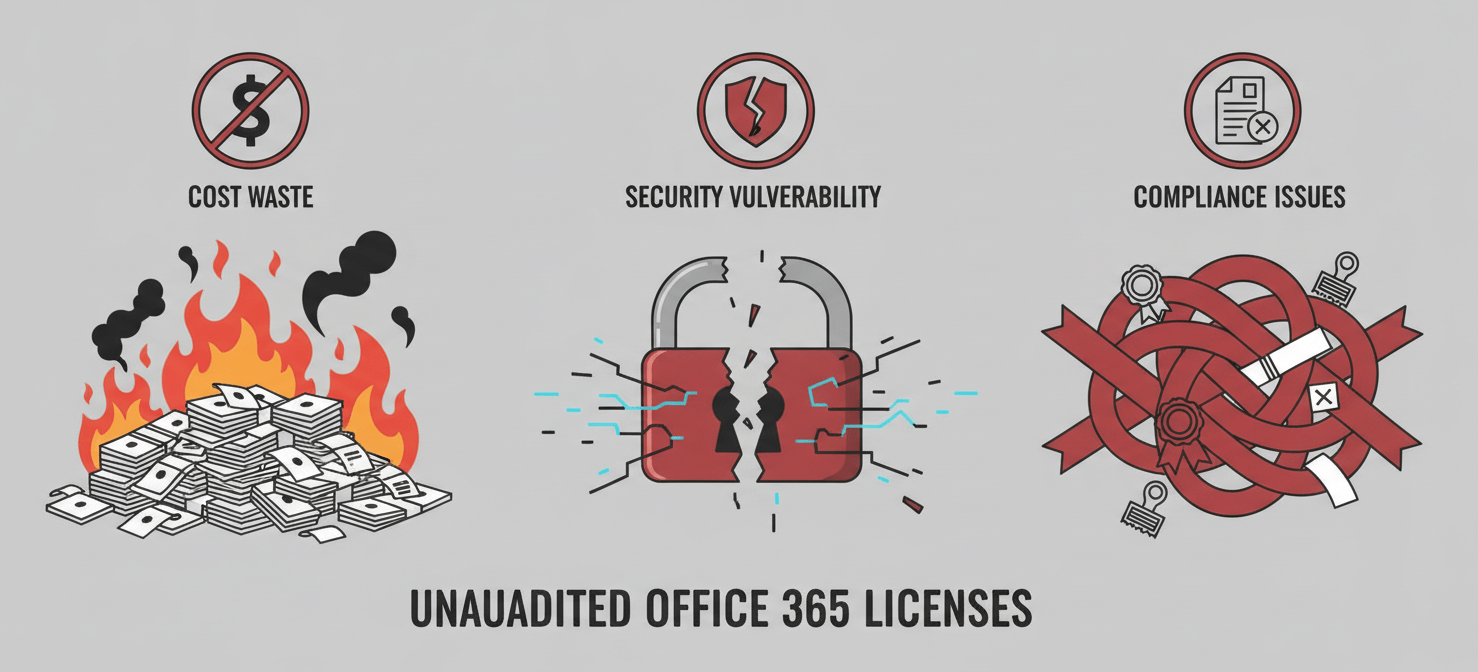
This “license sprawl” not only wastes money but also creates security vulnerabilities. Each unmonitored account is a potential entry point for unauthorized access. Furthermore, failing to conduct regular audits can lead to compliance issues, as organizations may not be able to prove that their software usage aligns with their licensing agreements. A proactive audit serves as a defense against vendor audits and potential fines.
Common Licensing Mistakes
- Over-provisioning: Assigning high-tier licenses like E3 or E5 to users who only need basic email and collaboration tools is a frequent source of wasted spending.
- Inactive Accounts: Licenses often remain assigned to employees who have left the company or changed roles, consuming costs without providing any value.
- Underutilization of Features: Many businesses pay for premium plans but fail to leverage advanced tools like Power BI or advanced security features, resulting in a poor return on investment.
Native Microsoft Tools vs. Third-Party Solutions
When conducting an M365 license usage report, you have two primary options: using the tools built into the Microsoft 365 ecosystem or investing in a specialized third-party solution.
Using Native Tools for a Manual Audit
Microsoft provides several native tools that can be used to perform a license audit manually. While this approach requires more hands-on effort, it is achievable without additional software costs.
- Microsoft 365 Admin Center: The Admin Center is the starting point for any manual audit. You can navigate to the ‘Reports’ dashboard to view usage statistics for services like Exchange, OneDrive, and Teams. The ‘Active Users’ section allows you to export a list of users and their assigned licenses. However, the Admin Center’s reporting can be limited, often lacking detailed cost information or advanced filtering capabilities.
- Microsoft Purview Audit: For more detailed tracking, the Microsoft Purview portal can audit specific activities, such as when a user’s license was changed. This is useful for maintaining a log of all license assignments and modifications.
- PowerShell: For more advanced administrators, PowerShell scripts offer a powerful way to collect detailed license and usage data. Scripts can be used to identify inactive users, check service plan details, and automate parts of the data-gathering process. However, this method requires technical expertise and can be complex to set up and maintain.
Leveraging a Third-Party Office 365 License Audit Tool
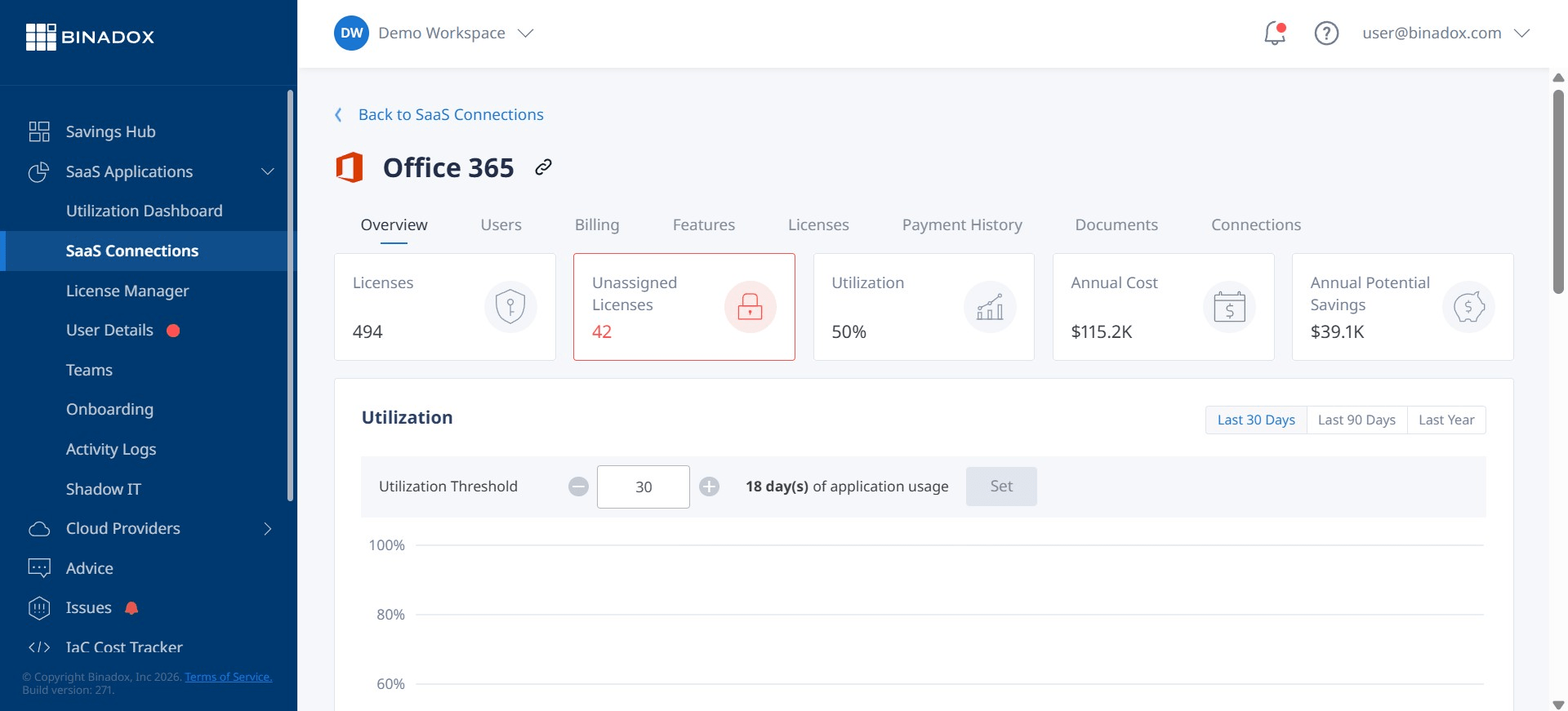
Third-party tools are designed to simplify and automate the entire license audit process. These solutions integrate with your Microsoft 365 environment to provide deep insights and actionable recommendations.
Key benefits often include:
- Automated Discovery: These tools can automatically identify inactive, unused, and oversized licenses, saving significant manual effort.
- Cost Visibility: Many third-party tools provide detailed cost analysis, showing exactly how much is being spent on each license type and identifying specific areas for savings.
- Role-Based Optimization: Advanced tools can analyze user activity to recommend the most appropriate and cost-effective license for each employee based on their actual needs.
- Continuous Monitoring and Alerts: Instead of periodic manual audits, these tools offer continuous monitoring and can send alerts for unusual activity or when license counts approach their limits.
Key Features to Look for in an Office 365 License Audit Tool
When evaluating a third-party office 365 license audit tool, there are several critical features to consider. The right solution should not only provide data but also make it easy to act on that information to optimize spending and improve security.
Comprehensive Reporting and Dashboards
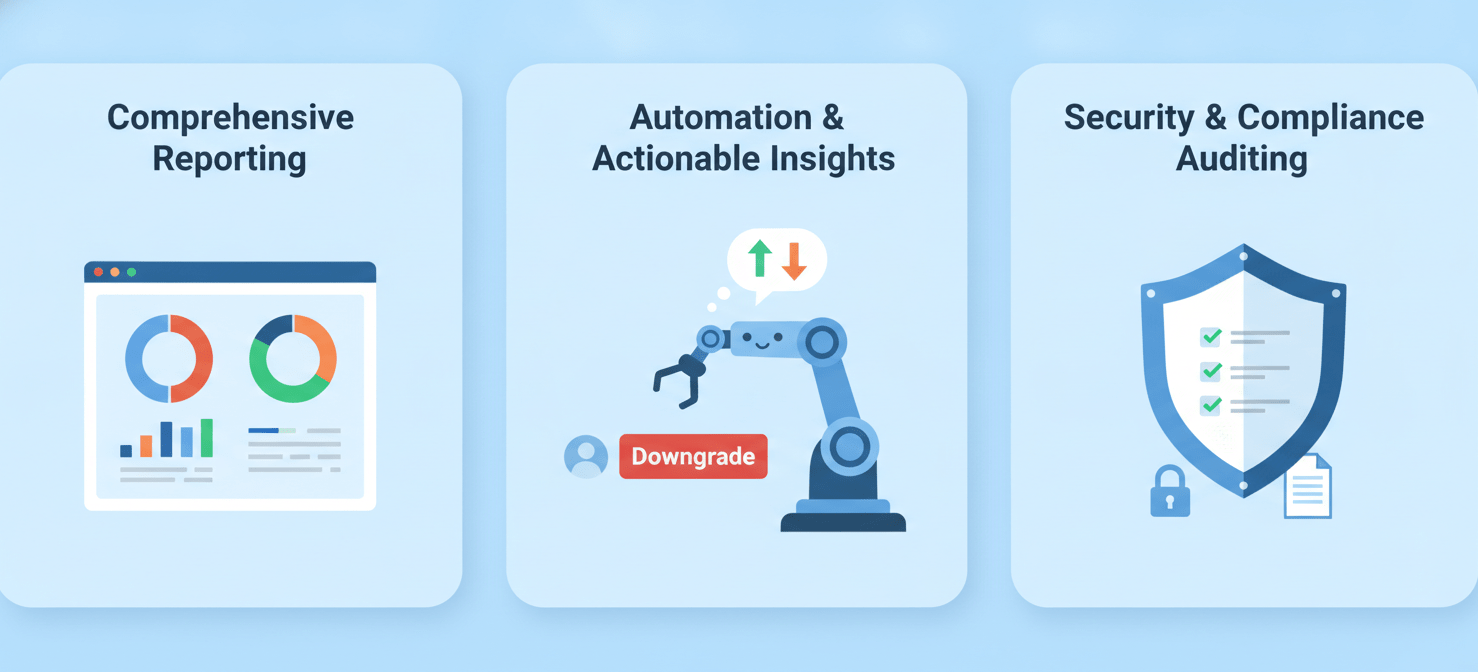
A strong audit tool must offer clear, customizable reports and dashboards. Look for solutions that provide a unified view of all your licenses, including counts, usage statistics, and associated costs. The ability to filter by department, user activity, and license type is essential for drilling down into specific areas of concern. The tool should be able to report on licensed vs. unlicensed users, MFA status, and user login activity.
Automation and Actionable Insights
The primary advantage of a third-party tool is automation. The best solutions go beyond simple reporting to provide actionable recommendations. For example, the tool should be able to flag a user with an E5 license who has only used email for the past 90 days and suggest downgrading them to a less expensive plan. Some tools can even automate the process of reclaiming or reassigning licenses based on predefined rules, such as automatically downgrading a license after a set period of inactivity.
Security and Compliance Auditing
Effective license management is also a critical component of your security posture. A good audit tool will help you identify and mitigate risks associated with unused licenses and over-provisioned access. Look for features that allow you to audit user permissions, track changes to license assignments, and generate reports to demonstrate compliance with internal policies and external regulations. This includes monitoring for risky sign-ins and ensuring that former employees’ access has been fully de-provisioned.
How to Choose the Right Tool for Your Organization
Selecting the best tool requires a clear understanding of your organization’s specific needs. Consider the size of your company, the complexity of your licensing agreements, and the technical resources available to your IT team.

First, assess your current situation. A manual audit using native tools can be a good starting point to understand the scope of the problem. This initial review can help you build a business case for a more advanced, automated solution.
Next, evaluate potential third-party tools based on the key features discussed above. Request demos and, if possible, run a trial to see how the tool works with your actual data. Pay close attention to the user interface and the quality of the insights provided. A tool that is difficult to use or generates confusing reports will be of little value.
Finally, consider the total cost of ownership. While a third-party tool comes with a subscription fee, it should be weighed against the potential cost savings from license optimization and the reduced administrative overhead for your IT team. For many organizations, the return on investment is significant and rapid.
Conclusion
Failing to manage Microsoft 365 licenses effectively is a quiet but significant drain on company resources. It leads to unnecessary spending, creates security gaps, and complicates compliance efforts. While Microsoft’s native tools provide a foundation for a manual review, a dedicated office 365 license audit tool offers the automation and deep visibility needed for continuous optimization. By carefully evaluating your needs and choosing a tool that provides clear, actionable insights, you can ensure your organization is paying only for what it truly needs, transforming a complex administrative task into a strategic financial advantage. After all, paying for software no one uses is a bit like funding a gym membership for a ghost; the expense is real, even if the user is not.
To gain full control over your M365 spending and unlock these strategic advantages, you can easily create your free Binadox account to get started, or if you prefer a guided tour of its capabilities, simply book a demo with our experts.
 7-day free trial