



Azure Kubernetes Service (AKS) is a powerful platform for running applications, but costs can quickly escalate, especially in non-production environments like development, testing, and staging. These environments often sit idle outside of work hours, consuming expensive resources without providing value. For any team using AKS, it’s crucial to implement strategies that reduce AKS dev environment cost. Fortunately, Azure provides several effective mechanisms to control spending by ensuring you only pay for what you actually use.
Key takeaways
- Stop Idle Clusters: Use the AKS start/stop feature to completely deallocate cluster nodes during nights and weekends, which can reduce compute costs by up to 70%.
- Scale to Zero: Configure user node pools with the cluster autoscaler to automatically scale down to zero nodes when there are no running pods, eliminating costs for unused capacity.
- Use Spot VMs: Leverage Azure’s unused capacity with Spot node pools for non-critical workloads to achieve savings of up to 90% compared to on-demand pricing.
- Right-Size Resources: Continuously analyze and adjust VM sizes and pod resource requests to match actual workload demands, avoiding overprovisioning.
Stop and Start Your Cluster on a Schedule
One of the most direct ways to slash costs is to stop your non-production clusters when they aren’t in use. Development and testing activities typically occur during business hours. Therefore, clusters left running overnight and on weekends represent a significant source of wasted spending.
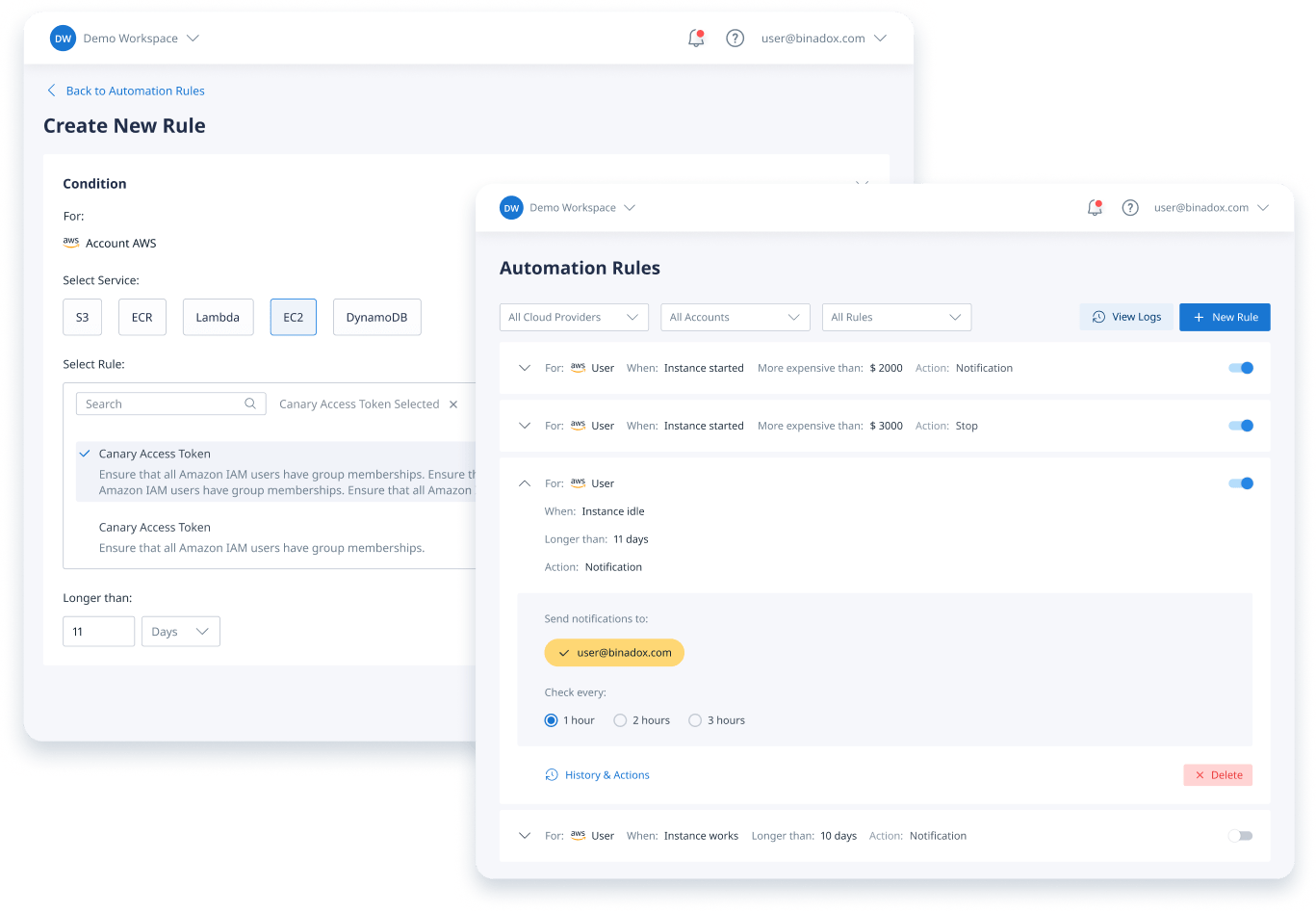
The AKS start/stop feature addresses this problem directly. When you stop an AKS cluster, the control plane and all associated node pool virtual machines are deallocated. This means you stop paying for the bulk of the cluster’s cost—the compute resources—while all your Kubernetes objects like deployments and services are preserved. The cluster state is maintained for up to 12 months, ready for you to restart it.
Automating the Lifecycle
Manually stopping and starting clusters is impractical. Instead, you should automate the process. You can use various Azure services to create a schedule:
- Azure Automation Runbooks: Create PowerShell or Python scripts that execute
az aks stopandaz aks startcommands on a defined schedule. - Azure Logic Apps: Design a workflow with a time-based trigger to call the Azure CLI or REST API to manage the cluster state.
- CI/CD Pipelines: Integrate start/stop commands into your Azure DevOps or GitHub Actions pipelines for on-demand environments.
By automating this process, you can ensure resources are only active when your team needs them, leading to substantial savings with minimal effort. A typical three-node development cluster can waste hundreds of dollars per month if left running 24/7, most of which can be saved with a simple schedule.
Scale Node Pools to Zero
While stopping the entire cluster is effective, sometimes you need parts of the environment to remain active. In these scenarios, a more granular approach is to stop idle AKS resources by scaling individual node pools down to zero. AKS distinguishes between system and user node pools. System node pools are required to run critical cluster services and must always have at least one node. However, user node pools, where your applications run, can be scaled all the way down to zero nodes.
This is where the Cluster Autoscaler becomes a key tool for AKS non-production cost optimization. By configuring the autoscaler on a user node pool, you can set the minimum number of nodes to zero (--min-count 0). When the autoscaler detects that there are no pods needing to be scheduled on the node pool, it will automatically remove all nodes, effectively stopping compute costs for that pool. As soon as a new pod is scheduled that requires the node pool, the autoscaler will provision new nodes to meet the demand.
This method is ideal for environments where usage is sporadic. For example, a specific testing environment might only be needed for a few hours a day. By scaling its dedicated node pool to zero automatically, you avoid paying for idle VMs while keeping the overall cluster operational for other tasks.
How to reduce aks dev environment cost with Spot VMs
For workloads that can tolerate interruptions, Azure Spot Virtual Machines offer a powerful way to cut costs. Spot VMs leverage Azure’s surplus compute capacity at discounts of up to 90% compared to pay-as-you-go rates. This makes them an excellent fit for non-production environments like development, testing, and CI/CD pipelines, where occasional disruptions are acceptable.
You can add a Spot node pool to your AKS cluster as a secondary pool. It’s important to understand that these nodes can be evicted by Azure with little notice when the capacity is needed for on-demand workloads.
Best Practices for Spot VMs
To use Spot VMs effectively and without disrupting your team, follow these practices:
- Use for Interruptible Workloads: Only run applications that are stateless or can gracefully handle shutdowns, such as batch processing jobs, rendering tasks, and automated tests.
- Combine with On-Demand Nodes: Maintain a standard on-demand node pool as a fallback. This mixed-node strategy ensures that if Spot instances are evicted, critical workloads can be rescheduled onto the stable on-demand nodes.
- Use Taints and Tolerations: Apply a taint to your Spot node pool to prevent critical pods from being scheduled on it by default. Then, add a corresponding toleration to the pods that are designed to run on Spot instances.
By directing appropriate workloads to Spot node pools, you can dramatically lower the compute costs of your development and testing infrastructure.
Right-Size Your Resources
A common source of unnecessary spending is overprovisioning. Teams often request more CPU and memory for their pods and nodes than is actually needed, “just in case.” This leads to significant waste. Right-sizing involves aligning your resource allocation with the actual demand of your applications.
Choose the Right VM Sizes
The virtual machine size and family you choose for your node pools have a major impact on cost. Non-production environments rarely need the high-performance, expensive VMs designed for production traffic.
- General-Purpose VMs: For many dev/test workloads, general-purpose VM series like the B-series (burstable) or D-series are sufficient and cost-effective.
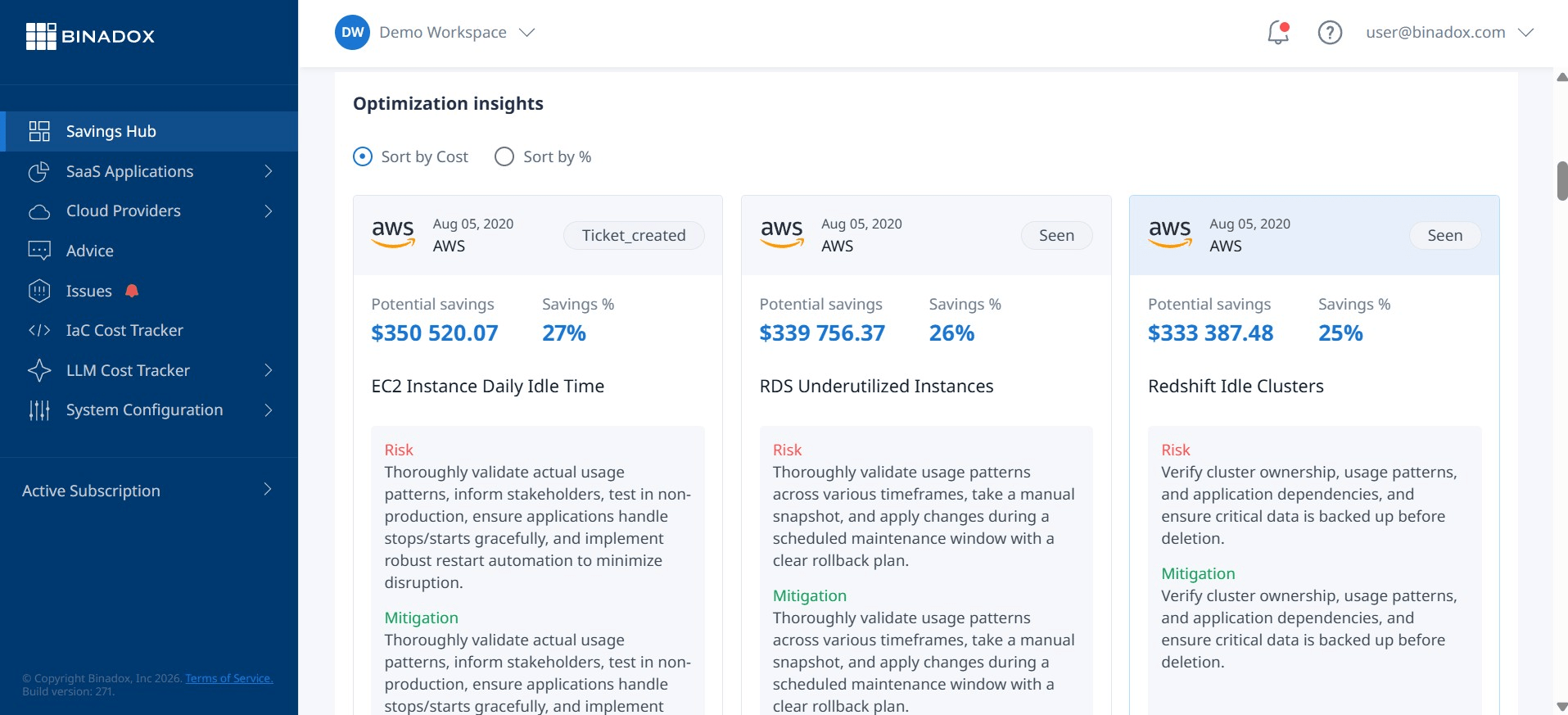
- Analyze Usage: Use tools like Azure Advisor to get recommendations for underutilized VMs. Advisor analyzes usage patterns and suggests downsizing to smaller, cheaper instances without impacting performance.
Set Correct Pod Requests and Limits
Resource requests and limits defined in your Kubernetes manifests are critical for efficient scheduling and cost management.
- Analyze Pod Utilization: Use monitoring tools to understand the actual CPU and memory consumption of your pods.
- Right-Size Requests: Set resource requests close to the typical usage of your application. This allows Kubernetes to pack pods more densely onto nodes, improving utilization and reducing the total number of nodes required.
- Use Azure Policy: Implement Azure Policy for AKS to enforce rules, such as requiring all pods to have defined resource requests and limits. This prevents developers from deploying pods with no resource definitions, which can lead to unpredictable performance and inefficient resource use.
Conclusion
Controlling cloud spend is not about cutting corners; it’s about eliminating waste. For non-production AKS environments, this means paying only for resources that are actively in use. By implementing a combination of automated cluster shutdowns, scaling node pools to zero, leveraging cost-effective Spot VMs, and diligently right-sizing your resources, you can significantly reduce AKS dev environment cost. These strategies require some initial setup, but the long-term savings and operational efficiency they provide are well worth the effort. After all, every dollar saved on an idle test cluster is a dollar that can be invested in building better applications.
Ready to apply these strategies and significantly reduce your AKS costs? You can easily start a free trial to experience the savings firsthand, or for a personalized walkthrough, book a demo with our experts.
 7-day free trial