


Linear Integration
This guide explains how to connect Linear to Binadox using a Linear OAuth2 application. You will create a Linear OAuth app, obtain the required credentials, and use them in Binadox to complete the connection.
Create Linear OAuth2 Application
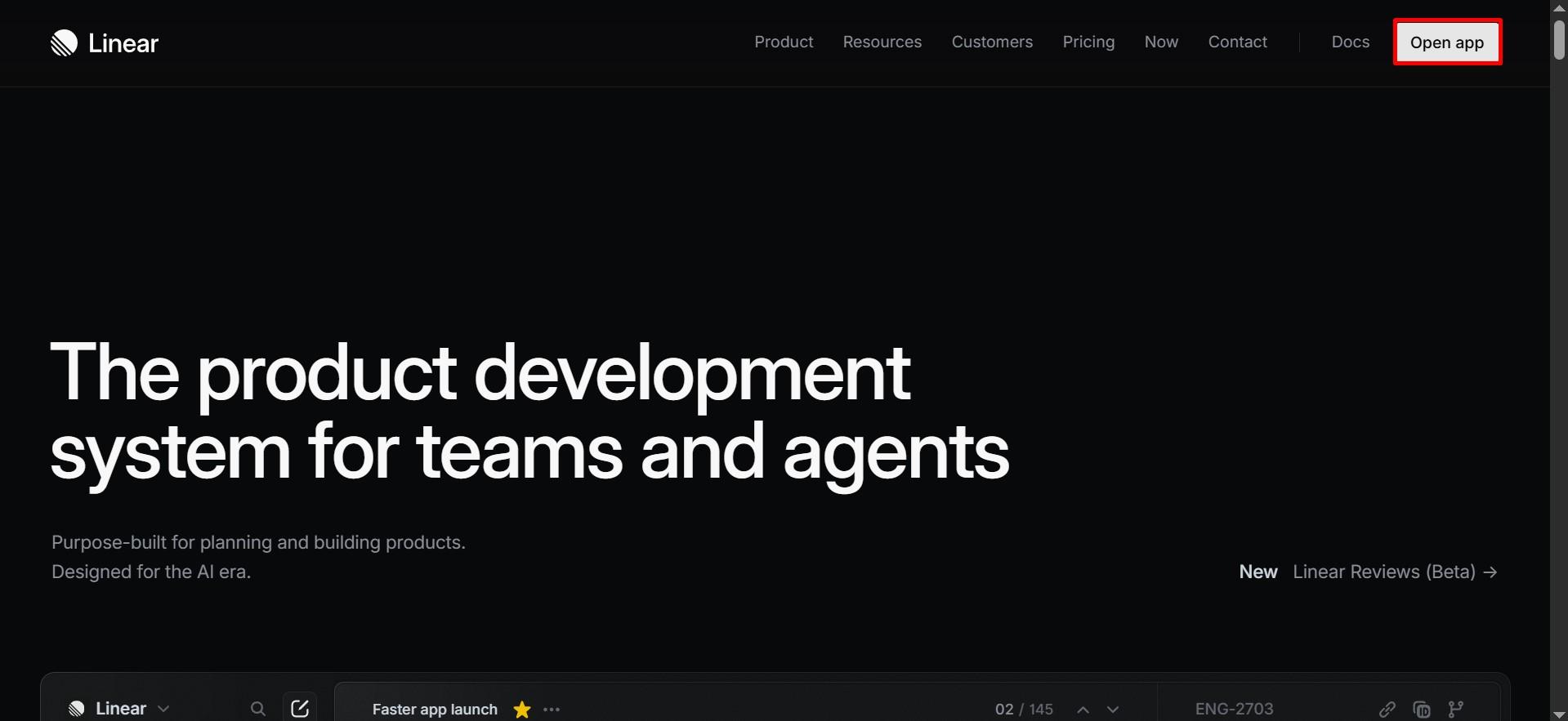
Open your Linear workspace and click Open app in the top right corner.
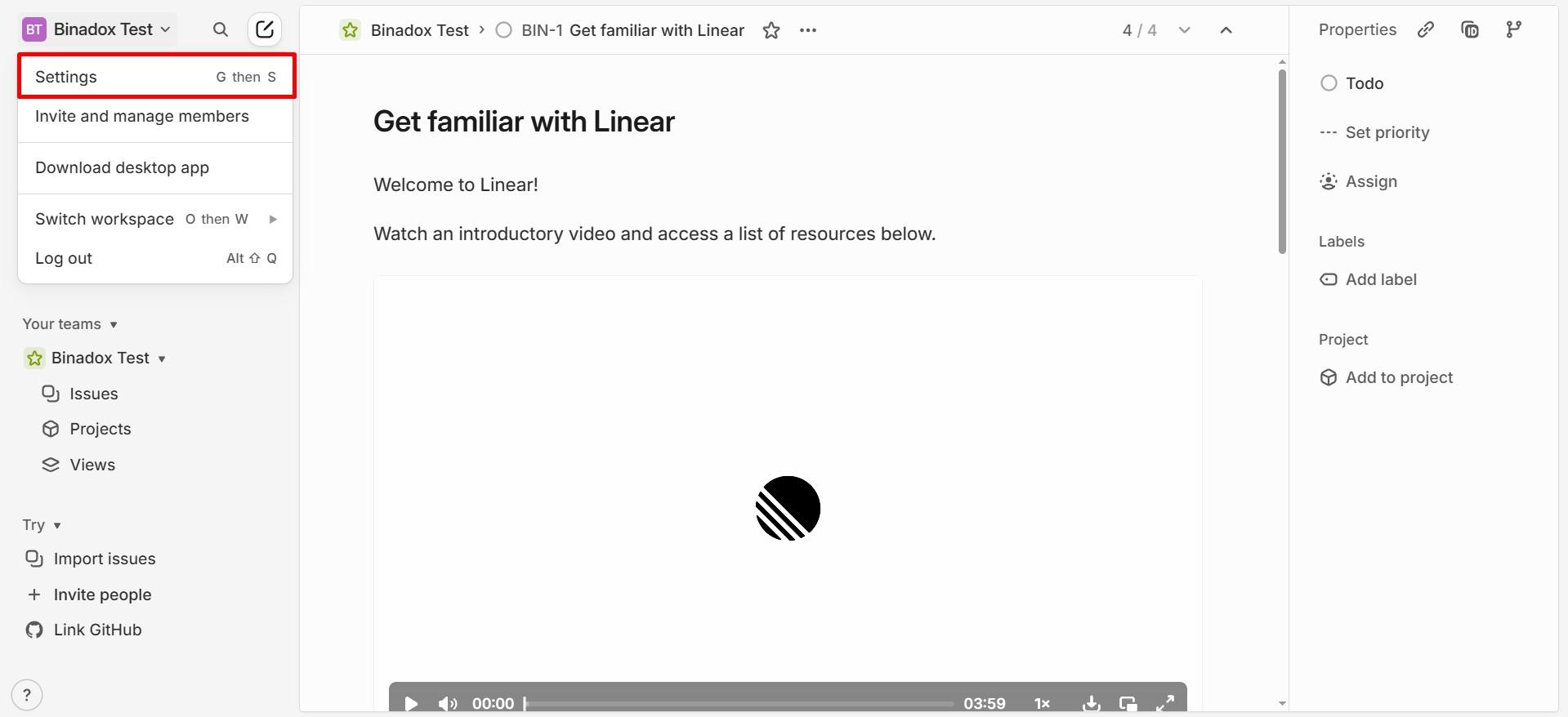
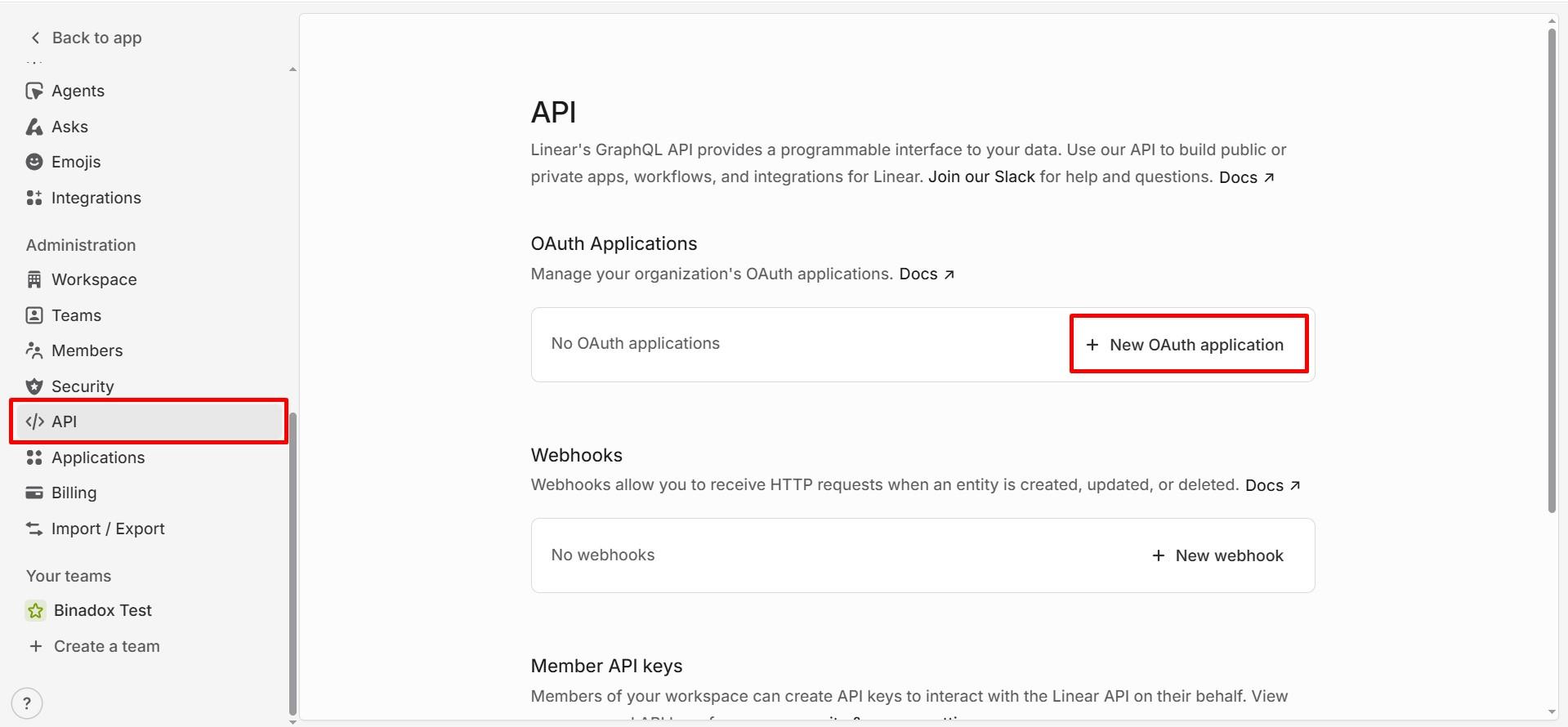
Then open your workspace menu and go to Settings. In the left sidebar, select API.
In the OAuth Applications section, click New OAuth application.
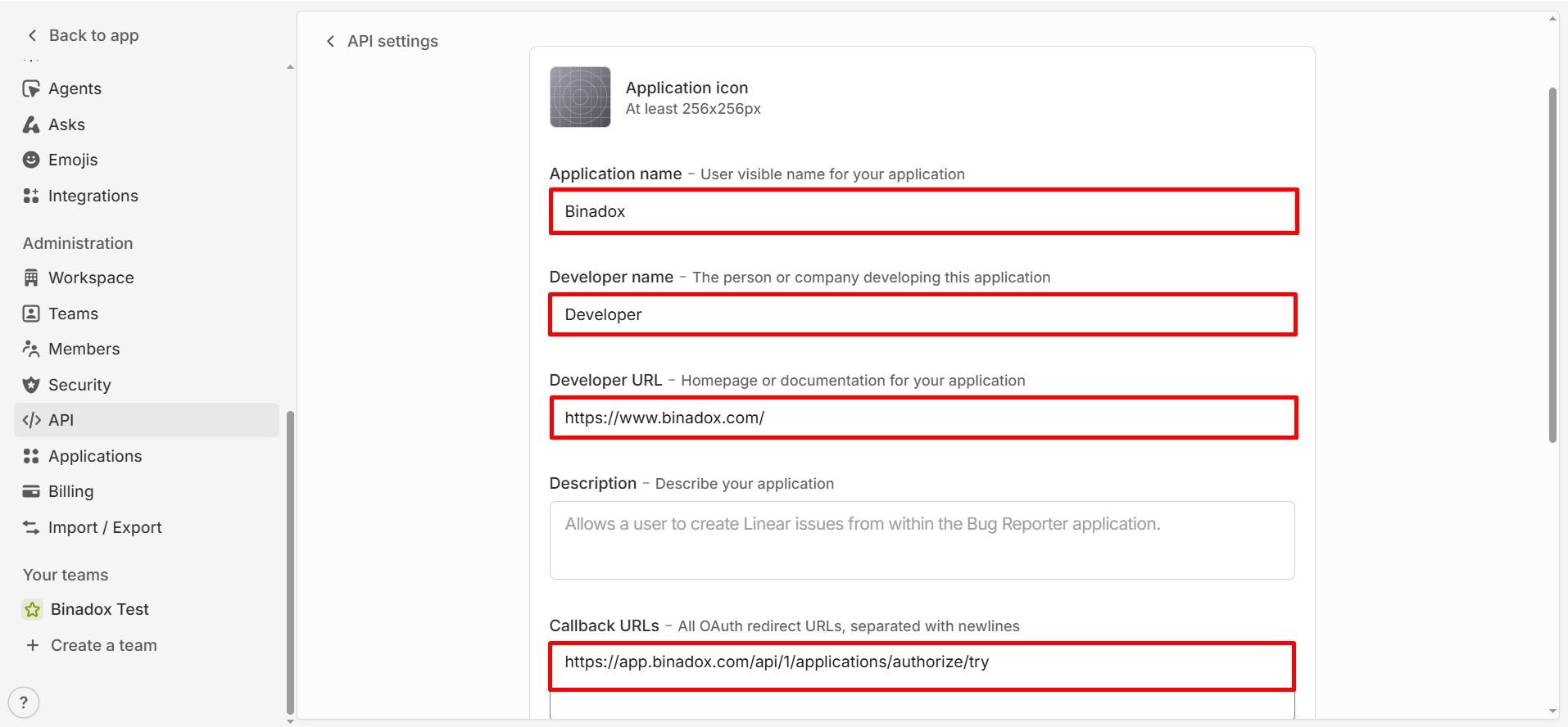
Fill in the application form with the following details:
- Application name: Enter your company or application name.
- Developer name: Enter your company name.
- Developer URL: Enter your company website URL.
- Description: Allows Binadox to securely access Linear workspace data for integration purposes.
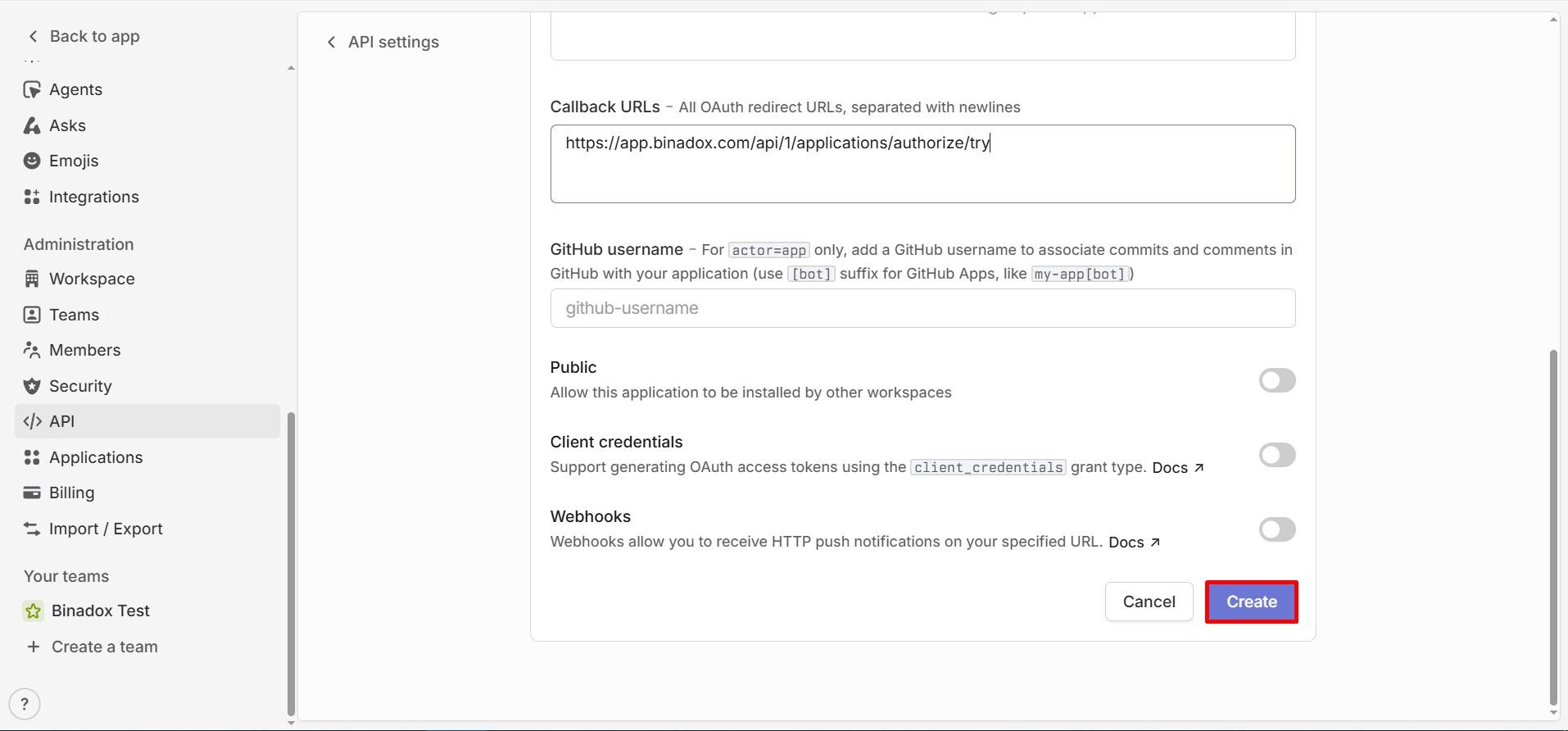
- Callback URL: https://app.binadox.com/api/1/applications/authorize/try
Click Create.
Copy OAuth Credentials
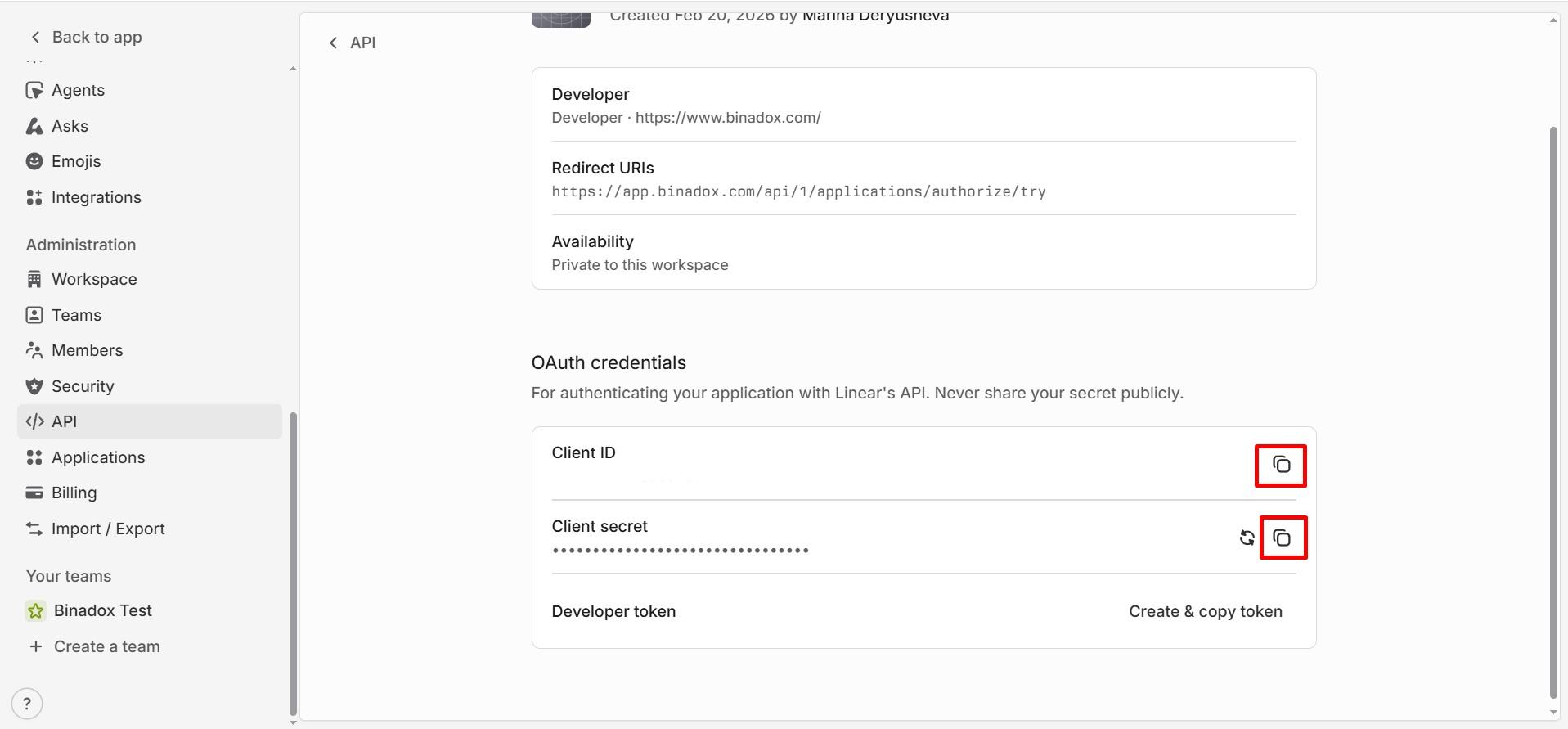
After the application is created, go to the OAuth credentials section and copy the following values:
- Client ID
- Client Secret
You will need both values to complete the setup in Binadox.
Complete Connection in Binadox
In the Binadox dashboard go to SaaS Connections and find Linear in the list of available integrations.
Enter a Connection Name.
Enter the Client ID and Client Secret, then click Connect and complete the authorization process.
Once authorization is successful, Linear will be connected to Binadox.