



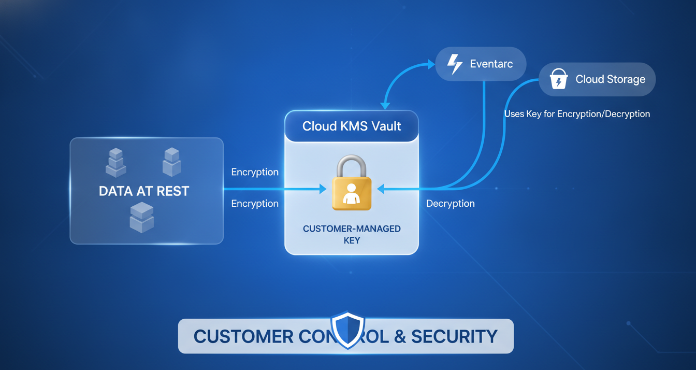
In modern cloud architectures, securing data in transit and at rest is a top priority. While Google Cloud encrypts all customer data by default, some organizations require more direct control over the cryptographic keys used to protect their sensitive information. This is where Customer-Managed Encryption Keys (CMEK) provide a critical layer of control. For services like Eventarc, which routes sensitive event data between different parts of your application, implementing CMEK encryption is a vital step to enhance your security and meet stringent compliance requirements. This article explores what CMEK is, why it’s important for Eventarc, and how you can implement it for your Google Cloud services.
Key takeaways
- Full Control: CMEK gives you direct ownership and control over the keys that encrypt your data at rest in supported Google Cloud services, including Eventarc.
- Enhanced Security: By managing your own keys through Cloud Key Management Service (KMS), you can enforce stricter access controls, manage key rotation schedules, and view detailed audit logs.
- Compliance Alignment: Using CMEK helps meet regulatory and compliance mandates like HIPAA and PCI-DSS, which often require customer-managed encryption for sensitive data.
- Simple Setup: You can enable CMEK for an Eventarc channel in as few as 6 steps through the Google Cloud console, associating a specific key with a channel in a particular region.
What Is CMEK Encryption?
By default, Google Cloud encrypts all data at rest using Google-managed keys. This provides a strong baseline of security without any configuration. However, with this default encryption, Google owns and manages the keys, and you cannot view or directly control them.
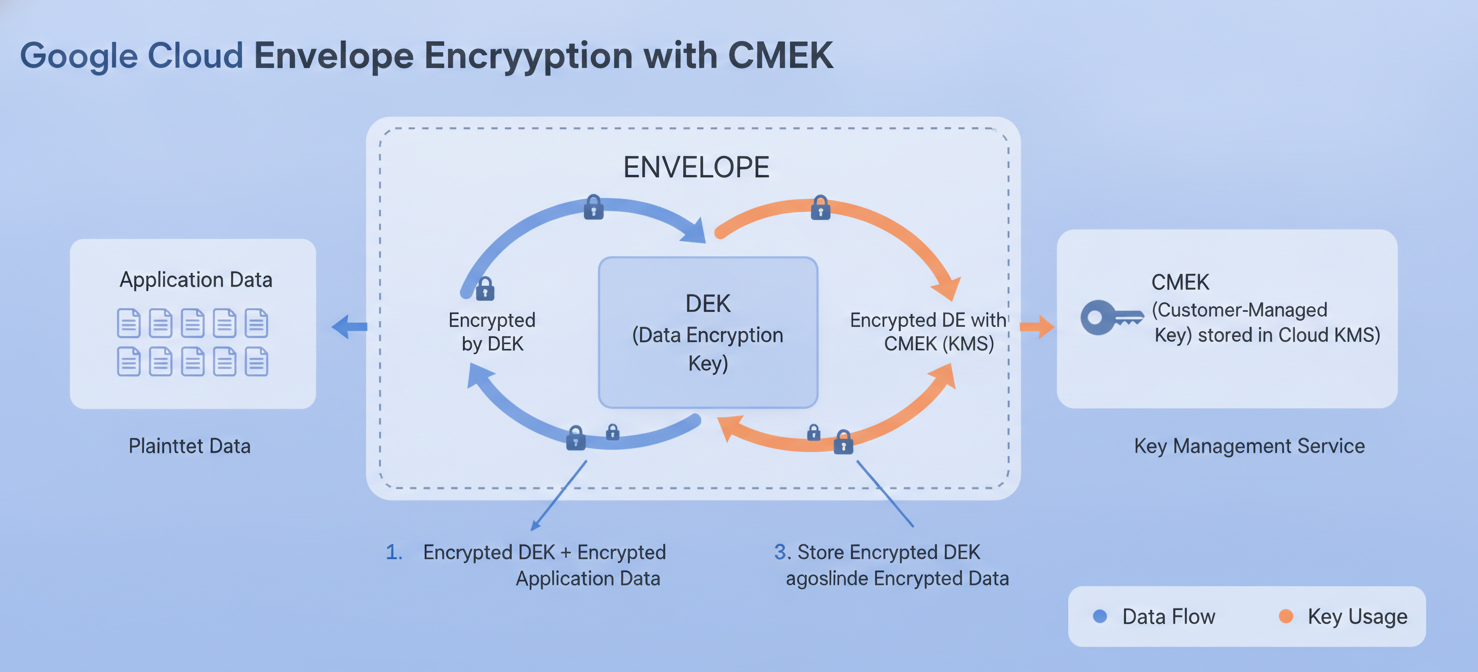
Customer-Managed Encryption Keys (CMEK) is a feature offered by many Google Cloud services that allows you to use your own cryptographic keys to protect your data. Instead of Google controlling the encryption keys, your team manages them within the Cloud Key Management Service (KMS). This means you have full control over the key’s lifecycle, including its creation, rotation, and destruction. When a service like Eventarc needs to encrypt or decrypt data, it sends a request to Cloud KMS to use your key.
This model uses envelope encryption. Your CMEK, which is a Key Encryption Key (KEK), is used to encrypt and decrypt a Data Encryption Key (DEK). It is this DEK that directly encrypts your data. The key material for your CMEK never leaves the Cloud KMS boundary, providing a strong cryptographic separation of your keys from your data.
Why Use CMEK for Eventarc and Google Cloud?
Eventarc is a service that enables you to build event-driven architectures by asynchronously delivering events from Google services, SaaS, and your own applications. These events can contain sensitive information, such as personally identifiable information (PII) or financial data. Using CMEK with Eventarc provides several key benefits.
Meeting Compliance and Regulatory Requirements
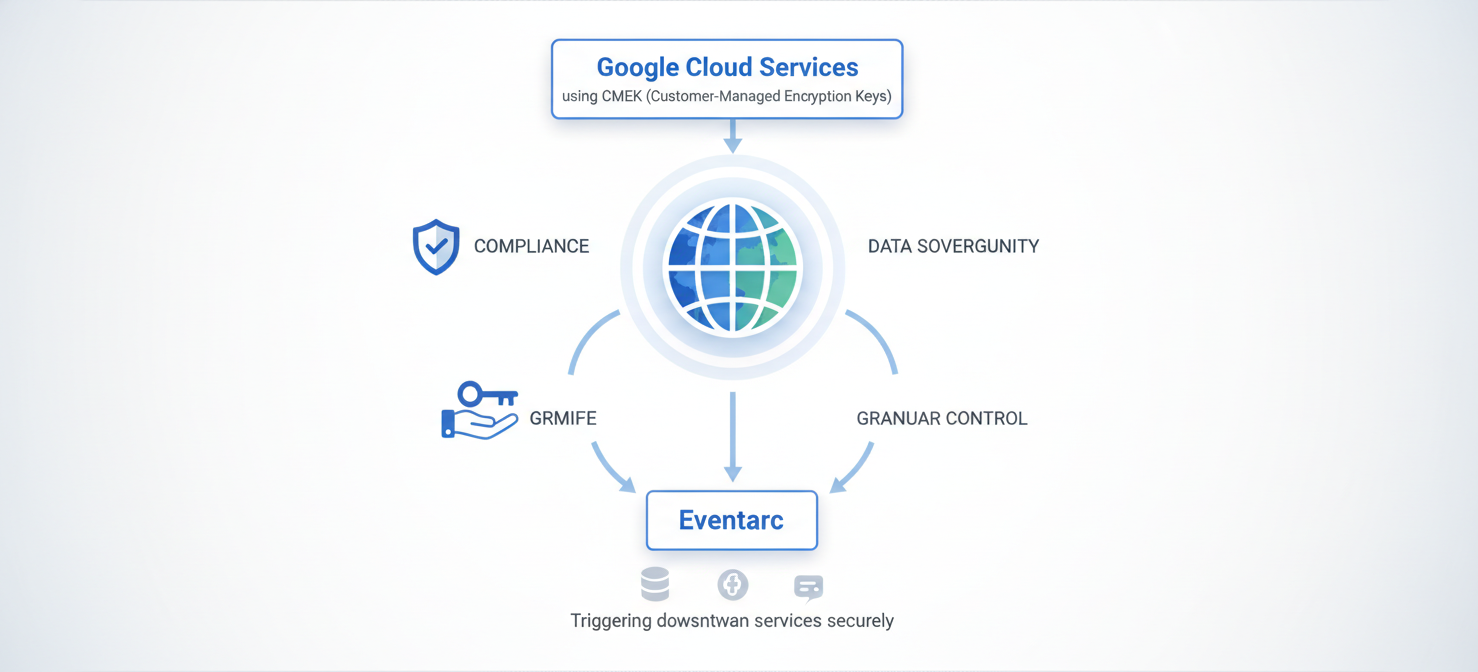
Many industries, including finance and healthcare, operate under strict regulatory frameworks like PCI-DSS and HIPAA. These standards often mandate that organizations maintain control over the encryption keys used to protect sensitive data. By implementing CMEK, you can demonstrate to auditors that you have exclusive control over your data’s encryption, helping you meet these compliance obligations.
Gaining Granular Control and Visibility
With CMEK, you gain granular control over who can access your data and when. Through Cloud KMS, you can define precise IAM permissions for each key, specifying which users or service accounts can use a key for cryptographic operations. Furthermore, every time a key is used, Cloud KMS generates an audit log. This provides a detailed trail of key usage, which is invaluable for security monitoring and incident response.
Enhancing Data Sovereignty
For organizations operating in jurisdictions with strict data sovereignty laws, CMEK is essential. It allows you to ensure that the cryptographic keys protecting your data reside within a specific geographic region. Since the Cloud KMS key must be in the same region as the Eventarc channel it protects, you can enforce data residency policies and prevent data from being decrypted outside of approved legal boundaries.
How CMEK Works with Eventarc
Eventarc integrates with Cloud KMS to apply CMEK to the channels that transport your events. A channel is a resource that Eventarc uses to deliver events from a provider to a destination. When you enable CMEK for an Eventarc channel, all events passing through that channel are encrypted with your specified key.
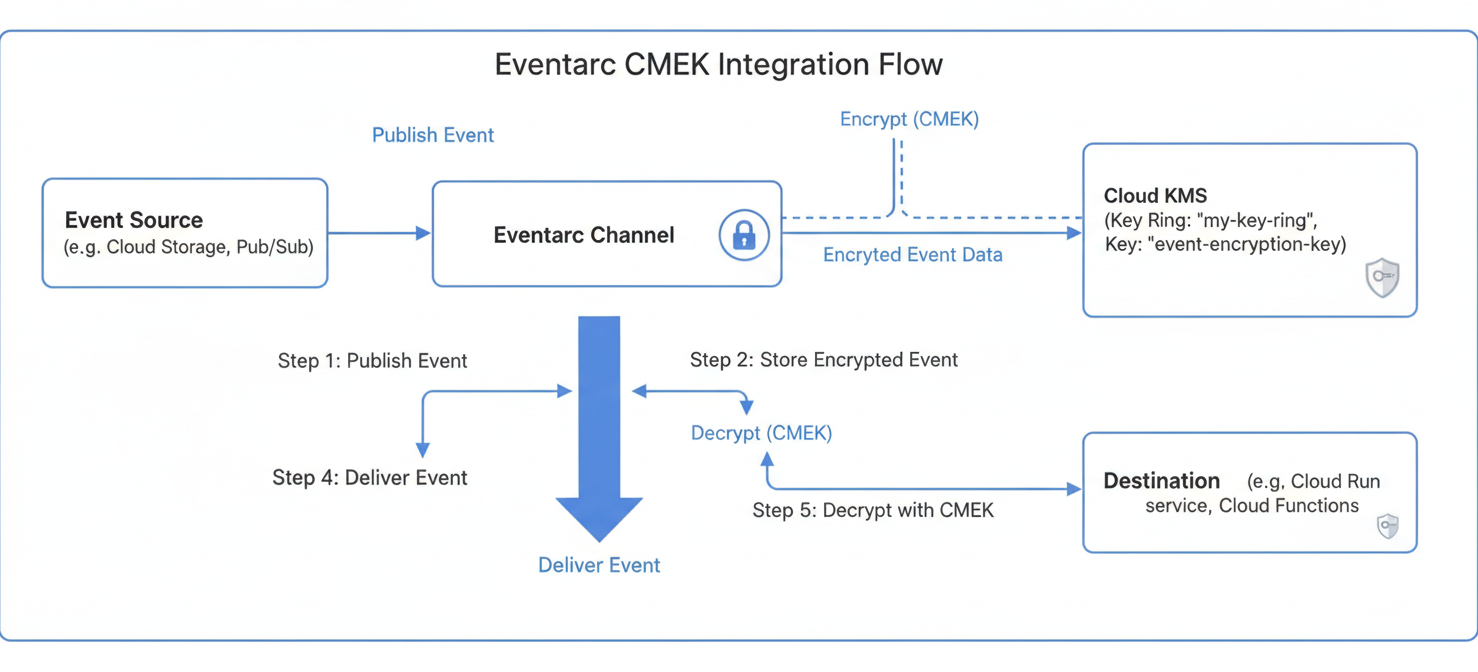
The process is transparent to your applications. When an event is published to a CMEK-enabled channel, Eventarc calls the Cloud KMS API to use your key to encrypt the event data before it is stored at rest. Likewise, when a trigger delivers the event to a destination like Cloud Run or Cloud Functions, Eventarc again calls Cloud KMS to decrypt the data.
This protection applies to the Pub/Sub topic that Eventarc uses as its transport layer. By applying CMEK at the channel level, you ensure that all event data for Google event types within that project and region are protected by your key.
Setting Up CMEK Encryption for Eventarc
Configuring CMEK encryption for Eventarc is a straightforward process that involves creating a key in Cloud KMS and then associating it with an Eventarc channel.
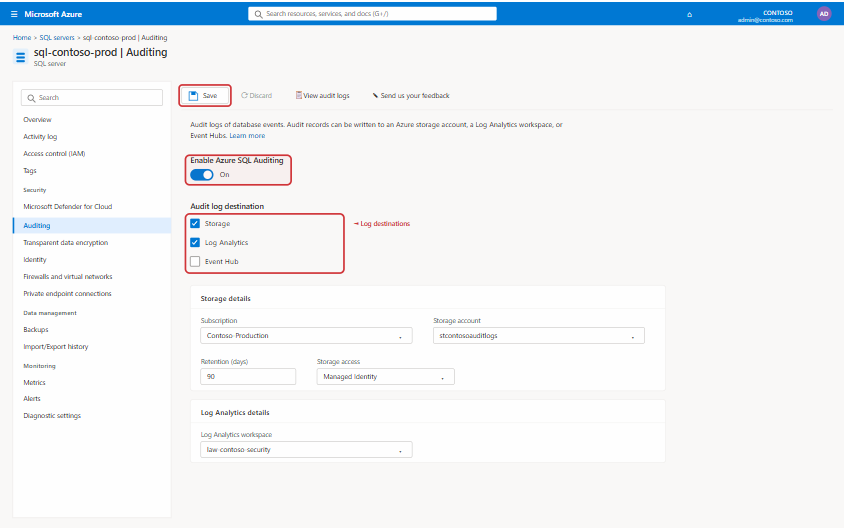
1. Create a Key in Cloud KMS
First, you need a cryptographic key. If you don’t already have one, you can create one in Cloud KMS.
- Enable the APIs: Ensure the Cloud KMS and Eventarc APIs are enabled for your project.
- Create a Key Ring: A key ring is a logical grouping of keys in a specific location. You must create the key ring in the same region where your Eventarc resources will be deployed.
- Create a Key: Within the key ring, create a symmetric encryption key. This is the key that Eventarc will use.
2. Grant Permissions to the Eventarc Service Account
For Eventarc to use your key, its service account needs the appropriate permissions. You must grant the cloudkms.cryptoKeyEncrypterDecrypter role to the Eventarc service agent. This allows the service to perform encryption and decryption operations.
3. Configure the Eventarc Channel
Finally, you can enable CMEK on the Eventarc channel.
- Navigate to the Eventarc channels page in the Google Cloud console.
- Select the channel you want to protect (or create a new one).
- In the channel’s edit settings, select the option to “Use a customer-managed encryption key (CMEK)”.
- Choose the key you created in Cloud KMS from the list.
- Save your changes.
Once saved, the channel and all associated triggers for Google event types in that region will be protected by your CMEK. You can verify this by checking the trigger’s details, which will show that events are encrypted using a customer-managed key.
Best Practices for Managing Your Keys
Effectively managing your encryption keys is just as important as using them. Following best practices ensures your data remains secure and accessible.
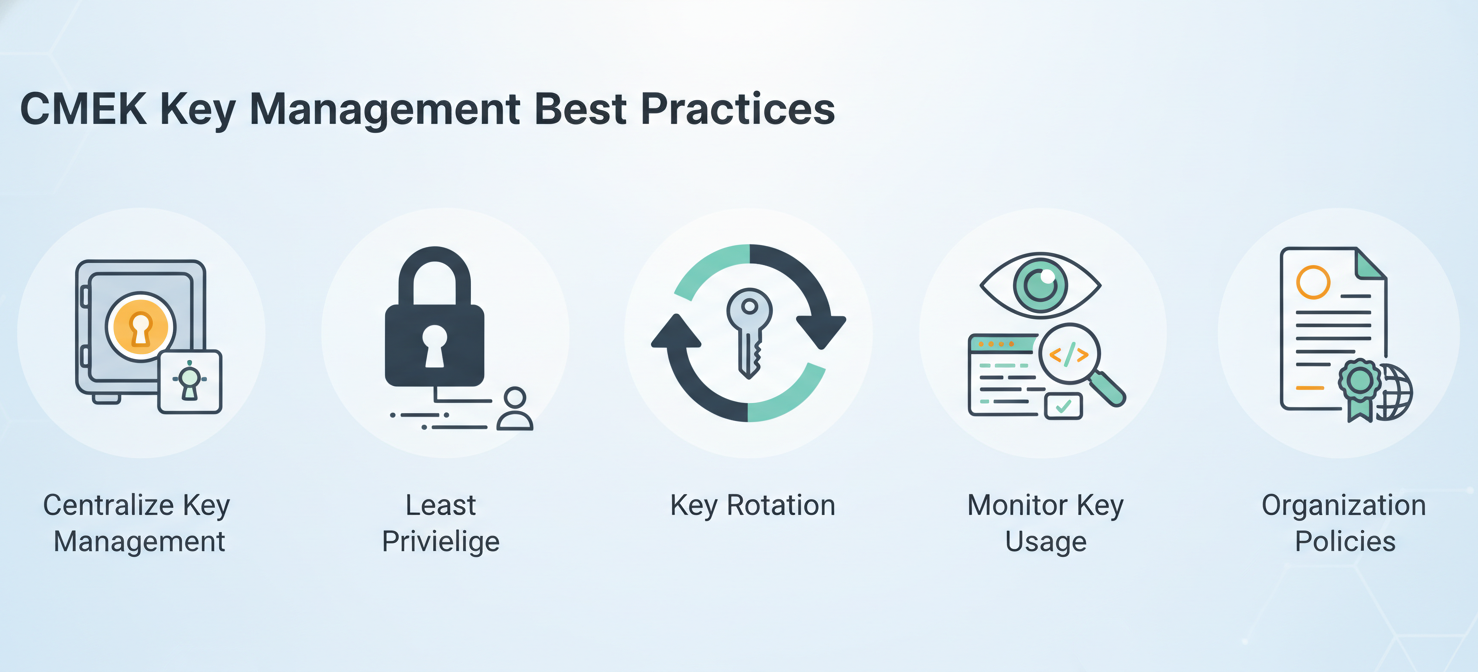
- Centralize Key Management: Use a dedicated Google Cloud project to manage your cryptographic keys. This separation of concerns prevents key management resources from being accidentally modified or deleted along with the application resources they protect.
- Follow the Principle of Least Privilege: Grant key access permissions sparingly. Only provide the
cloudkms.cryptoKeyEncrypterDecrypterrole to the specific service accounts that require it. Avoid granting broad permissions to users or groups. - Implement Key Rotation: Regularly rotate your encryption keys to reduce the risk of a compromised key. Cloud KMS allows you to set an automatic rotation schedule for symmetric keys, generating a new key version at a fixed interval.
- Monitor Key Usage: Regularly review the Cloud Audit Logs for your KMS keys. Look for any unusual or unauthorized access attempts. Setting up alerts for specific activities, such as key disabling or deletion attempts, can provide early warnings of potential security issues.
- Use Organization Policies: Google Cloud offers organization policy constraints to enforce CMEK usage across your organization. You can require that all new resources in supported services be created with a CMEK and restrict which keys can be used.
Conclusion
For organizations that handle sensitive data, relying on default encryption is often not enough. Implementing CMEK encryption for Eventarc and other Google Cloud services provides a necessary layer of control, visibility, and compliance assurance. By taking ownership of your cryptographic keys, you move from a position of trusting your cloud provider’s security to actively managing and verifying your own. While this introduces new operational responsibilities, the benefits of enhanced security, granular control, and the ability to meet stringent regulatory requirements are substantial. Ultimately, managing your own keys isn’t about a lack of trust in the platform; it’s about taking definitive control of your own security posture.
To fully embrace this definitive control over your security posture and streamline your cloud operations, consider exploring our platform by starting a free trial, or connect with our experts to book a demo and see it in action.
 7-day free trial