



Software-as-a-Service (SaaS) makes powerful tools accessible, but the ease of signing up can sometimes be matched by the difficulty of leaving. Canceling a subscription should be straightforward, but opaque terms, auto-renewals, and unresponsive customer support can turn the SaaS offboarding process into a significant headache. Knowing how to cancel SaaS subscriptions effectively is crucial for managing your team’s software stack and budget. This guide provides a structured approach to ending a subscription, even when the vendor seems determined to keep you.
Key takeaways
- Document Everything: Before you do anything, find your contract and document key dates. Many SaaS agreements require a 60 or 90-day notice for cancellation to avoid auto-renewal.
- Follow the Standard Path First: Always start by using the official, in-app cancellation feature, which is typically found in “Billing” or “Account Settings.”
- Create a Paper Trail: If you must contact support, use email instead of a phone call. This creates a timestamped record of your cancellation request.
- Know Your Rights: Consumer protection laws, like California’s Automatic Renewal Law and the FTC’s “Click to Cancel” rule, mandate that canceling must be as easy as signing up.
The Proactive Approach: Before You Sign Up
The easiest cancellation is one you prepare for from the beginning. Before committing to a new SaaS tool, your team should treat the exit strategy as part of the procurement process.

First, carefully review the subscription agreement and terms of service. Pay close attention to clauses related to renewal and termination. Many SaaS contracts include an auto-renewal clause, which automatically extends your subscription for another term unless you provide notice within a specific window. This notice period can be surprisingly long—often 30, 60, or even 90 days before the renewal date.
Next, establish a centralized system for tracking all your SaaS contracts and their renewal dates. A simple spreadsheet or a dedicated SaaS management platform can prevent last-minute surprises. Set calendar alerts for 120, 90, and 60 days before the cancellation notice deadline. This gives your team ample time to evaluate the tool’s performance, explore alternatives, and make an informed decision without being rushed.
Finally, understand the vendor’s data export and deletion policies. Ensure you have a clear plan for migrating your data out of the platform before the subscription ends. Some providers may restrict data access immediately upon cancellation.
The Standard SaaS Offboarding Process
When you’ve decided to move on from a tool, the first step is to follow the vendor’s intended cancellation procedure. This almost always begins within your account settings.
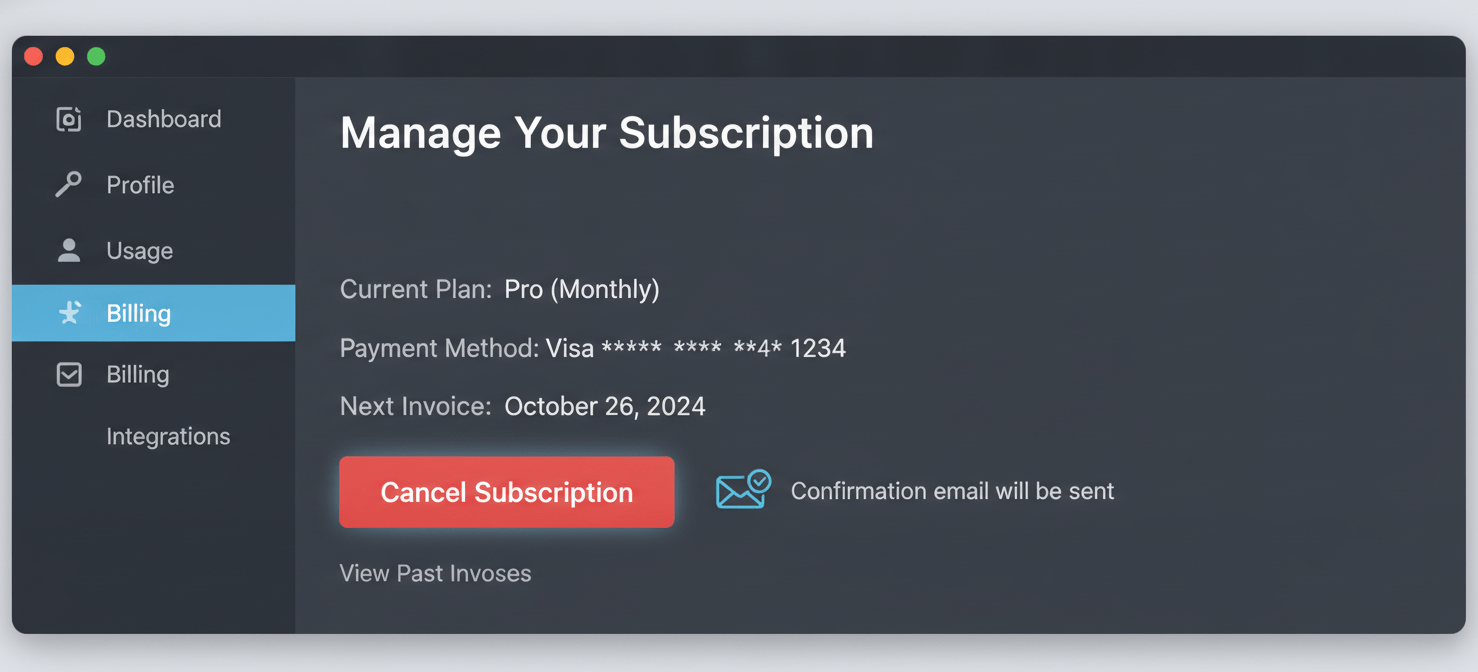
Look for sections labeled “Billing,” “Subscription,” “Account,” or “Plan Management.” Most reputable SaaS companies provide a self-service option to cancel or downgrade your plan. The process is often designed to include a brief exit survey to gather feedback on why you are leaving. While you are not obligated to provide detailed answers, the information can be helpful to the vendor.
Data Backup and Team Communication
Before you click the final confirmation, ensure you have backed up all necessary data. Once a subscription is terminated, you may lose access permanently. Communicate the change to your team, letting them know when access will be revoked and what alternative tools or workflows will replace the old software.
After you cancel, you should receive a confirmation email. Save this email as proof of cancellation. It’s also wise to monitor your corporate credit card statements for the next couple of billing cycles to ensure no further charges are made. Removing your payment method from the platform is not enough to cancel the service; you must follow the explicit cancellation steps.
When Support Goes Dark: Escalation Tactics
Sometimes, the self-service cancellation button is conveniently “hidden,” or the process requires you to contact customer support. This is where things can get difficult. If your initial support tickets or emails go unanswered, it’s time to escalate.
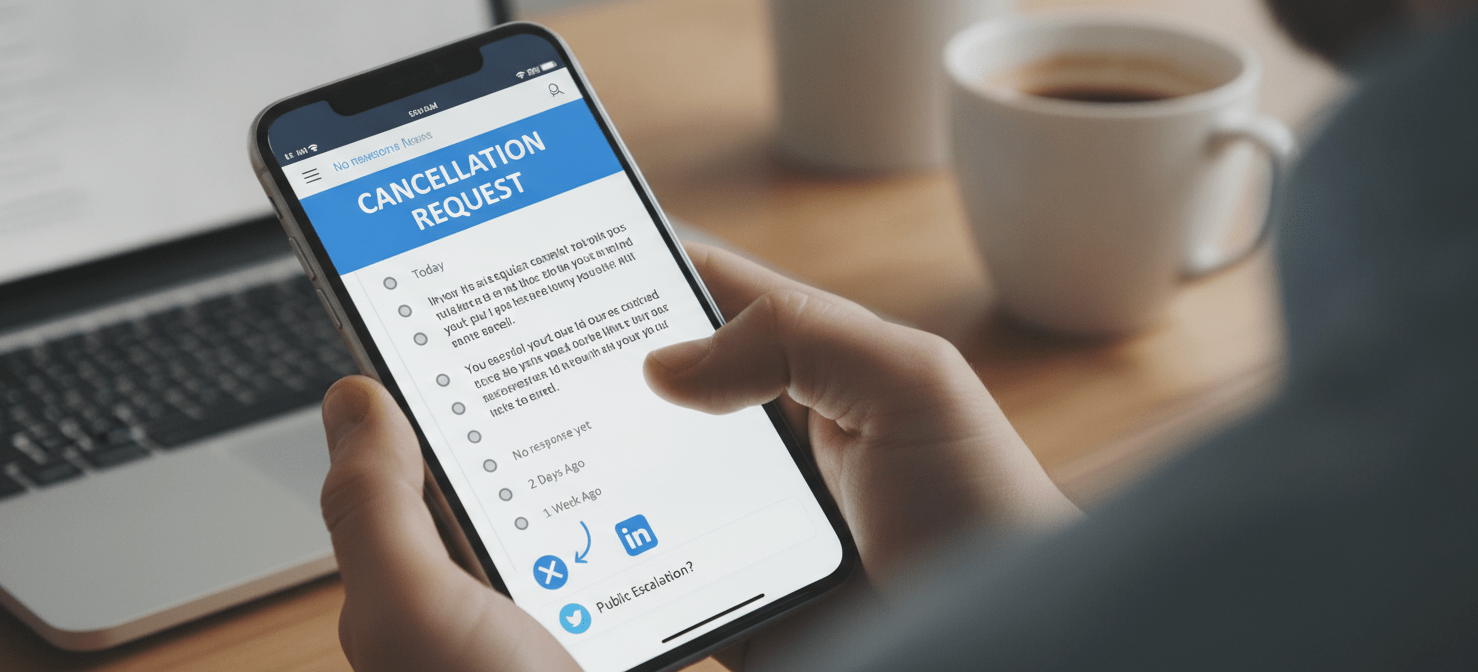
First, gather all your documentation. This includes your original contract, any invoices, and a record of your previous attempts to cancel. Send a clear and concise email to the support or billing department. Your subject line should be unambiguous, such as “Cancellation Request for Account [Your Account ID].”
In the body of the email, state your request plainly: “Please consider this email as our formal written notice to cancel our subscription, effective [Date]. Per our records, we have attempted to cancel through the support portal on [Date(s)]. Please process this cancellation immediately and send a written confirmation that our account has been closed and no further charges will be applied.”
If you still receive no response, take your case public. A polite but firm message on the company’s social media channels (like Twitter or LinkedIn) can often get a faster response. Tag the company’s official account and briefly state that you have been trying to cancel your subscription via official channels without success.
How to Cancel SaaS Subscriptions When All Else Fails
If you’ve followed all the standard procedures and escalation tactics and are still being charged, you have a few final options for canceling enterprise software.
Financial and Legal Recourse
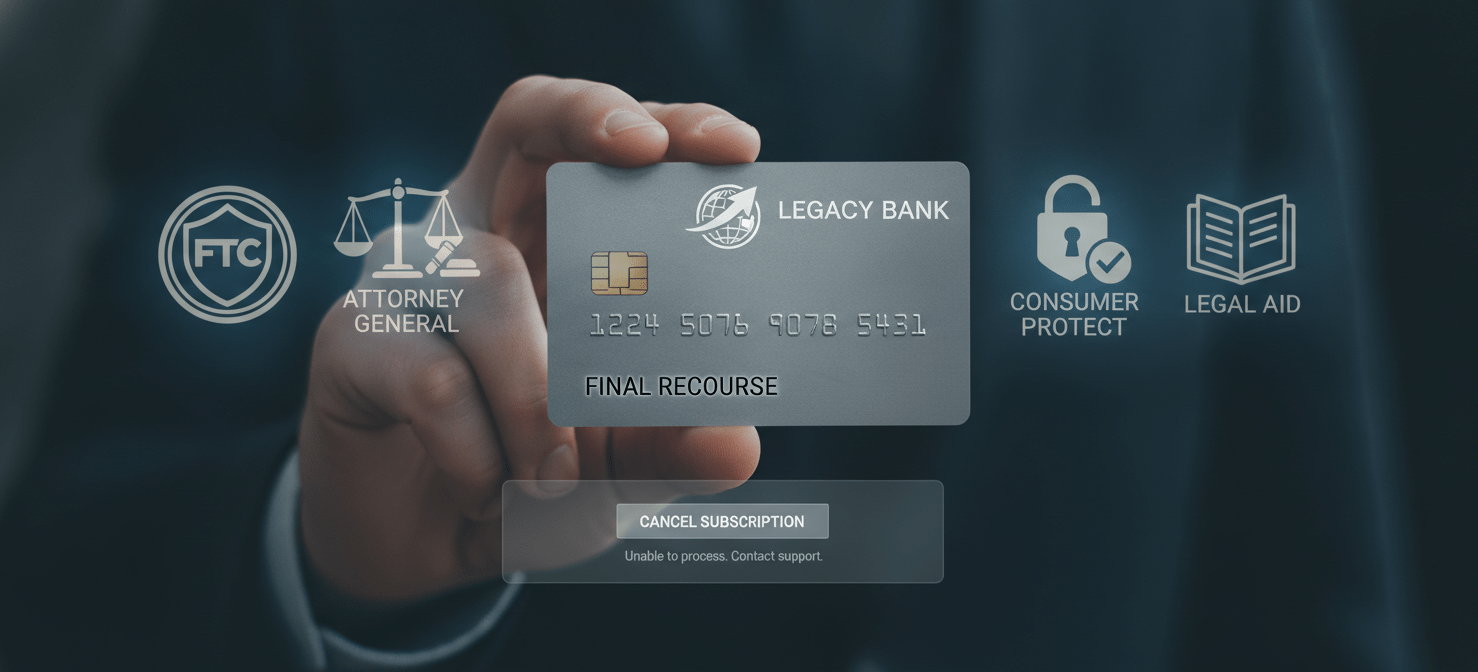
One of the most effective methods is to request a chargeback from your credit card company. Provide them with the documentation of your cancellation attempts. Visa and Mastercard generally allow disputes within 120 days of the transaction, but this can extend for recurring subscriptions. Be aware, however, that initiating a chargeback may lead the SaaS vendor to terminate your account and could impact any data you have left on the platform.
You can also file a complaint with consumer protection agencies. In the United States, the Federal Trade Commission (FTC) and your state’s Attorney General are the appropriate bodies. The FTC’s “Click to Cancel” rule requires businesses to make canceling a subscription as easy as it was to sign up. Similarly, laws like the California Automatic Renewal Law (ARL) impose strict disclosure and cancellation requirements on businesses serving California residents. These regulations provide significant leverage, as non-compliant companies can face legal penalties.
Conclusion
Ultimately, the responsibility for managing your software subscriptions rests with your team. While vendors should provide a clear and fair SaaS offboarding process, proactive management is the best defense against unwanted charges. By thoroughly vetting contracts, tracking renewal dates, and documenting every step of the cancellation process, you can regain control. Learning how to cancel SaaS subscriptions is less about finding a secret trick and more about methodical, persistent, and documented action. When a vendor’s support fails, your records become your most powerful tool. Don’t just get frustrated; get organized.
To proactively manage your software stack and avoid future cancellation frustrations, consider exploring a dedicated SaaS management platform; you can easily start your free Binadox trial to experience its benefits firsthand or book a demo for a guided tour.
 7-day free trial