



Managing cloud costs requires a proactive approach, especially for consistently used services like Amazon ElastiCache. While on-demand nodes offer flexibility, they can become expensive for steady-state workloads. This is where ElastiCache Reserved Nodes provide a significant cost-saving opportunity. By committing to a one or three-year term, you can achieve substantial discounts compared to on-demand pricing. However, maximizing these savings involves understanding how reservations work, managing their lifecycle, and aligning them with your actual usage to avoid waste.
Key takeaways
- Significant Savings: Reserved nodes can reduce your ElastiCache costs by up to 55% compared to on-demand rates, particularly with a 3-year, all-upfront commitment.
- Size Flexibility: Since October 2024, reservations are flexible within a node family, meaning a reservation for a
cache.r7g.xlargecan apply to otherr7gnodes in the same region. - Manual Renewal: Reserved nodes do not auto-renew; you must proactively purchase a new reservation before the old one expires to maintain discounted rates.
- Analyze Before Committing: Before purchasing, use tools like AWS Cost Explorer and monitor CloudWatch metrics to ensure you reserve the right capacity for your baseline needs.
How ElastiCache Reserved Nodes Work
ElastiCache Reserved Nodes are a billing discount, not a specific set of physical instances. When you purchase a reservation, you are essentially pre-paying for a certain node type (e.g., cache.r7g.large) within a specific AWS Region for a one or three-year term. In exchange for this commitment, AWS gives you a significantly lower hourly rate for any matching on-demand nodes running in your account.
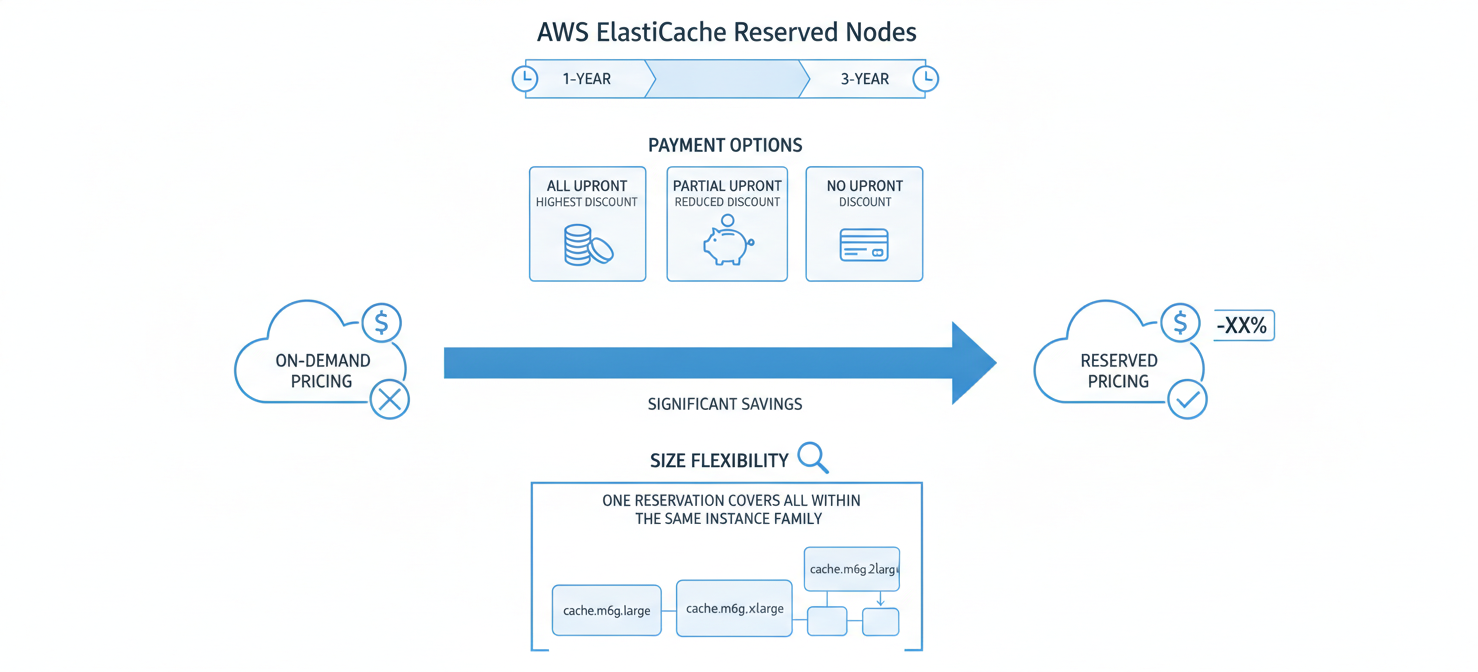
There are three payment options, each offering a different level of discount:
- All Upfront: You pay for the entire reservation term in one payment, which provides the largest discount.
- Partial Upfront: You pay a portion of the cost upfront and the remainder in monthly installments at a lower hourly rate than on-demand.
- No Upfront: You commit to the term with no initial payment and receive a smaller, but still significant, discount on the hourly rate.
A key feature introduced to make reservations more practical is size flexibility. Previously, a reservation only applied to the exact node size purchased. Now, a reservation applies to any node within the same family and region. For example, a reservation for one cache.r7g.2xlarge could cover the usage of two cache.r7g.xlarge nodes or four cache.r7g.large nodes. This flexibility makes it easier to right-size your clusters without losing your reserved node discount.
Benefits and Drawbacks of ElastiCache Reserved Nodes
The primary benefit of elasticache reserved nodes is substantial cost savings. For workloads with predictable, consistent usage, reservations are the most effective way to lower your ElastiCache bill. Savings can range from 30% to over 55% depending on the term and payment option you choose. This model transforms a variable operational expense into a predictable, lower cost.
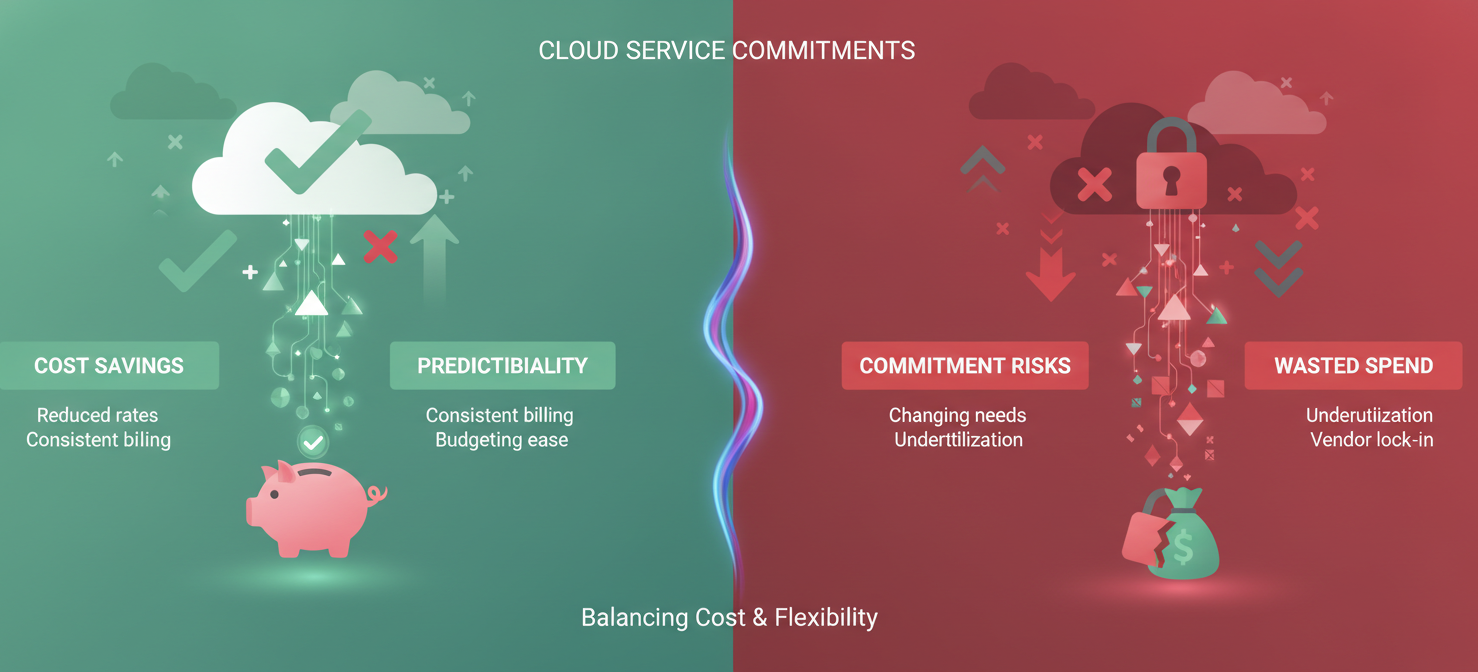
However, there are drawbacks to consider. The commitment is the main challenge. You are locked into a specific node family, region, and term length. If your application needs change dramatically—for instance, requiring a different node family or a move to a different region—the reservation may no longer apply, leading to wasted spend. Furthermore, reserved nodes are not available for ElastiCache Serverless, which uses a different discount model based on AWS Database Savings Plans. Therefore, you must accurately forecast your long-term needs before making a purchase.
Managing Reserved Node Expiry
A critical aspect of managing reserved nodes is handling their expiry. AWS does not automatically renew ElastiCache reservations. When a reservation term ends, any matching nodes in your account will automatically revert to the much higher on-demand pricing. This can lead to an unexpected and significant increase in your monthly bill.
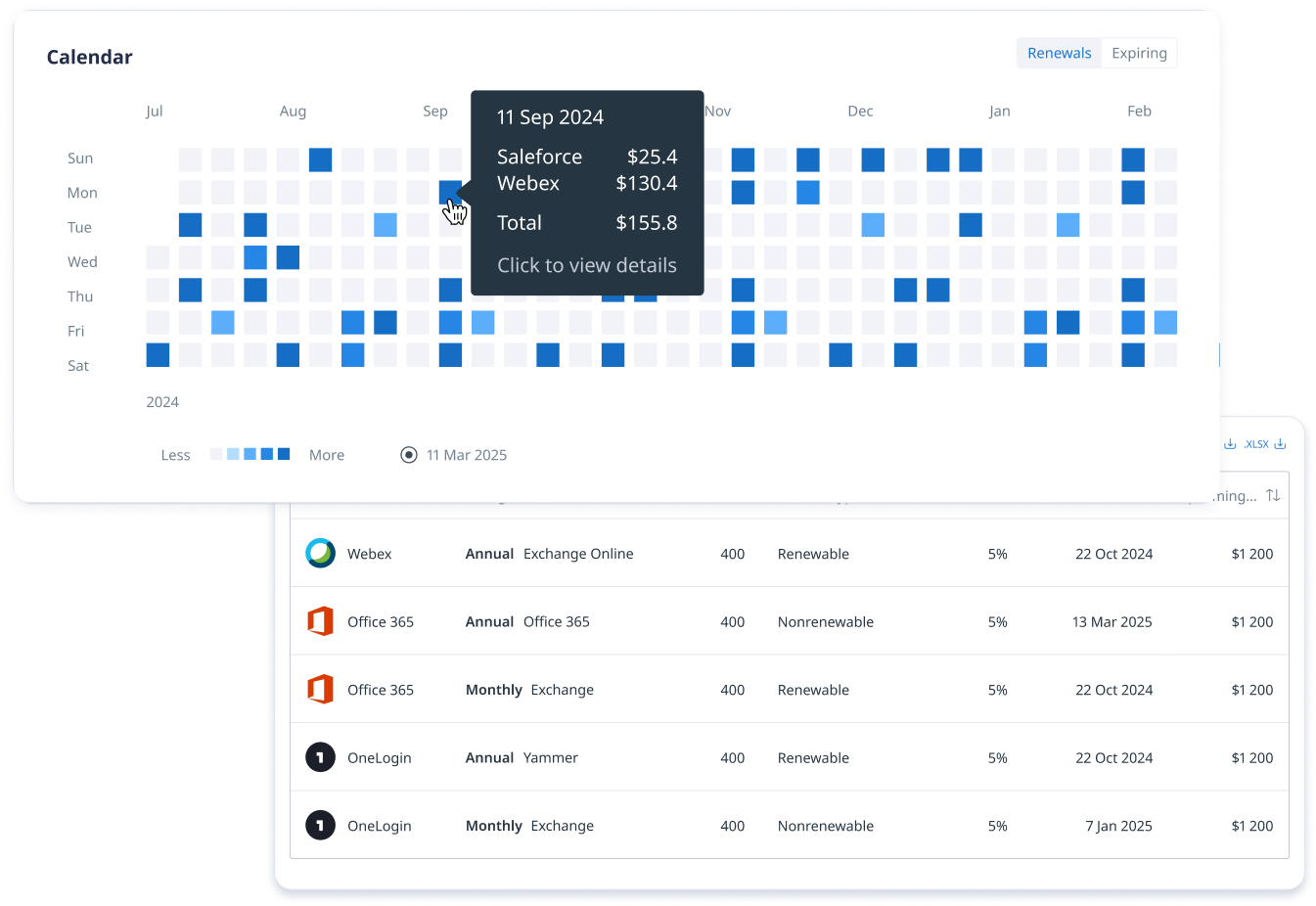
To avoid this, you must proactively monitor the expiration dates of your reservations.
Finding Expiration Dates
You can track the lifecycle of your reserved nodes directly within the AWS Management Console.
- Navigate to the ElastiCache dashboard.
- In the navigation pane, select “Reserved Nodes”.
- This screen lists all your current reservations. You can add a “Remaining Days” column to the view to easily see which reservations are nearing their expiration date.
It is a best practice to set reminders or calendar alerts 30-60 days before a reservation expires. This gives your team enough time to analyze current usage and decide on the appropriate renewal strategy.
The Renewal Process
Renewing a reserved node simply means purchasing a new one with the same or updated specifications to take effect after the current one expires. Before renewing, you should re-evaluate your needs. Has your usage grown or shrunk? Could you switch to a newer, more cost-effective node generation, like the AWS Graviton-based instances? Answering these questions ensures your next reservation is optimized for your current workload, not just a repeat of your last purchase.
Strategies for Cost Optimization
Optimizing costs with reserved nodes goes beyond simply buying them. It requires a strategic approach to balance commitment with flexibility.
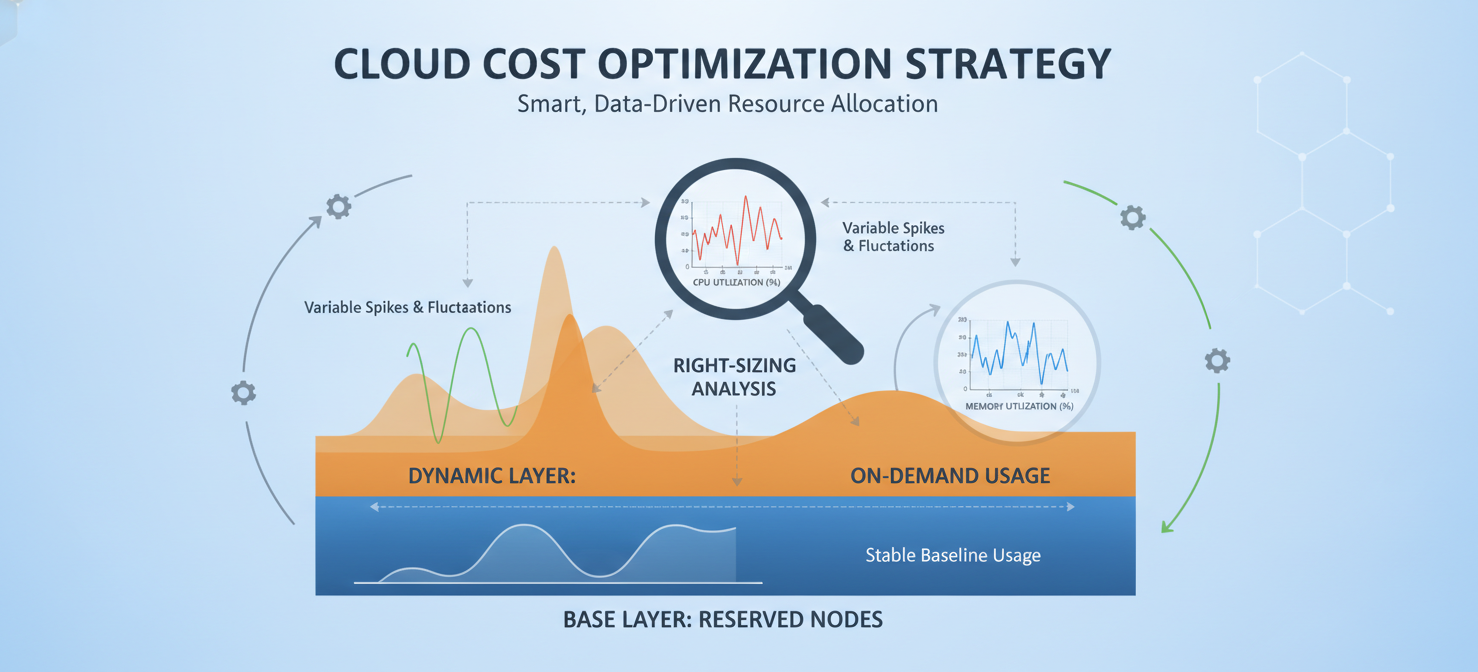
Right-Sizing Before You Reserve
The biggest mistake is reserving capacity you don’t need. Before committing to a one or three-year term, analyze your cluster’s performance metrics in Amazon CloudWatch. Key metrics to watch include:
- CPUUtilization: Consistently low CPU usage may indicate an oversized node.
- FreeableMemory: If this metric is consistently high, you may have provisioned more memory than your application requires.
- Cache Hit Ratio: A low hit ratio (generally below 80%) might suggest your caching strategy is inefficient, not necessarily that you need more capacity.
Use this data to right-size your clusters first. Once your workload is running efficiently on the correctly sized on-demand nodes, you have a stable baseline to use for purchasing reservations.
Tiered Coverage Strategy
For workloads that have both a stable baseline and periodic spikes in demand, a tiered approach is often best.
- Reserve for the Baseline: Purchase reserved nodes to cover your absolute minimum, 24/7 capacity needs. This ensures your core workload gets the maximum discount.
- Use On-Demand for Spikes: Allow your cluster to scale beyond the reserved baseline using on-demand nodes to handle traffic spikes or seasonal peaks.
This hybrid model provides a good balance, delivering significant cost savings on your predictable load while retaining the flexibility to handle variability without over-committing.
Conclusion
Ultimately, ElastiCache Reserved Nodes are a powerful tool for reducing your cloud database costs, but they are not a “set it and forget it” solution. Effective management requires understanding the trade-offs between commitment and cost, actively monitoring expiry dates, and regularly analyzing your usage to ensure your reservations align with your actual needs. By treating elasticache reserved nodes as an active part of your cost management strategy, you can avoid the surprise of an expired discount and ensure you are only paying for the capacity you truly need. Neglecting them, on the other hand, is a reliable way to turn a planned saving into an unplanned expense.
To proactively manage your ElastiCache Reserved Nodes and other cloud resources, ensuring optimal savings and avoiding unexpected costs, you can easily start a free trial of our cost optimization platform or book a demo to explore a tailored strategy with our specialists.
 7-day free trial