



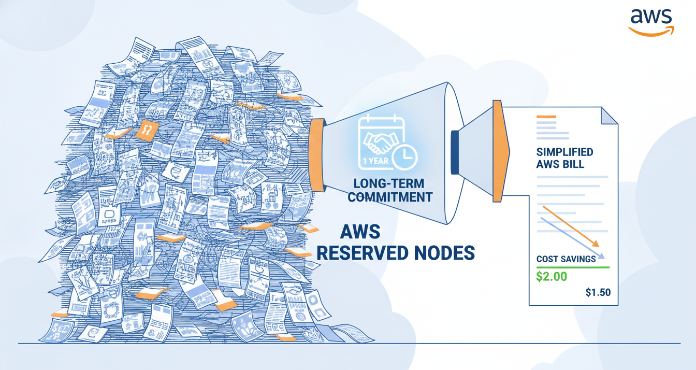
Managing cloud spending can feel like trying to hit a moving target. As your infrastructure scales, so does the complexity of your AWS bill. For teams with predictable, long-term workloads, paying on-demand prices is like leaving money on the table. This is where a strategic approach to aws reserved nodes can make a significant impact, transforming a variable operational expense into a predictable, discounted cost. By committing to specific usage for a one- or three-year term, you can unlock substantial savings compared to on-demand rates.
Key takeaways
- Significant Savings: Reserved Nodes can offer discounts of up to 72% compared to standard on-demand pricing for services like EC2.
- Commitment for Discount: The model is a trade-off; you commit to a 1- or 3-year term for a specific instance type in a particular region in exchange for a lower hourly rate.
- Broad Service Coverage: Reservations are not just for EC2; they are available for RDS, Redshift, ElastiCache, and OpenSearch Service.
- Flexibility Varies: Different types of reservations, like Standard versus Convertible, offer different levels of flexibility to change instance attributes during the term.
What Are Reserved Nodes and How Do They Work?
At its core, a Reserved Node or Reserved Instance (RI) is not a physical server but a billing discount. You are essentially pre-purchasing capacity for a set term. In return for this commitment, AWS gives you a significant discount on the hourly rate. When you launch an on-demand instance that matches the attributes of your reservation (such as instance type, region, and operating system), the discount is automatically applied to your bill.
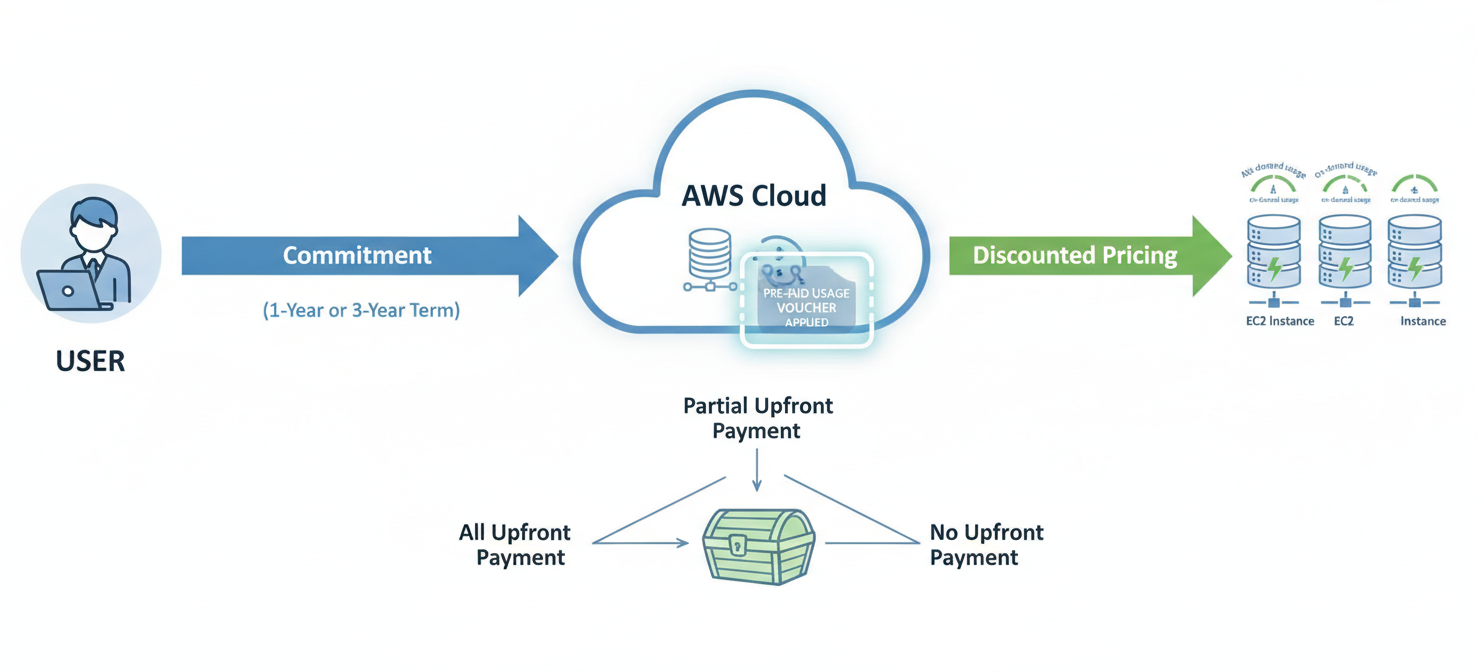
Think of it like a monthly pass for public transit versus buying a ticket for every ride. The pass requires an upfront commitment but makes each trip cheaper. Similarly, Reserved Nodes are ideal for workloads that have a steady, predictable usage pattern. If an instance is going to run 24/7 for the next year, it’s a prime candidate for a reservation.
There are three primary payment options, each offering a different level of discount:
- All Upfront (AURI): You pay for the entire reservation term with one payment, receiving the largest discount.
- Partial Upfront (PURI): You make a smaller upfront payment and then pay a discounted hourly rate for the remainder of the term.
- No Upfront (NURI): You pay nothing upfront and instead commit to a discounted hourly rate for every hour of the term.
The more you pay upfront, the greater your total savings.
Key Benefits of Using AWS Reserved Nodes
The most compelling benefit is, without a doubt, cost savings. For workloads with a consistent footprint, using aws reserved nodes can dramatically lower your monthly bill, with savings reaching up to 72% for a 3-year, all-upfront commitment on EC2. This allows for more predictable budgeting and frees up capital for other strategic initiatives.
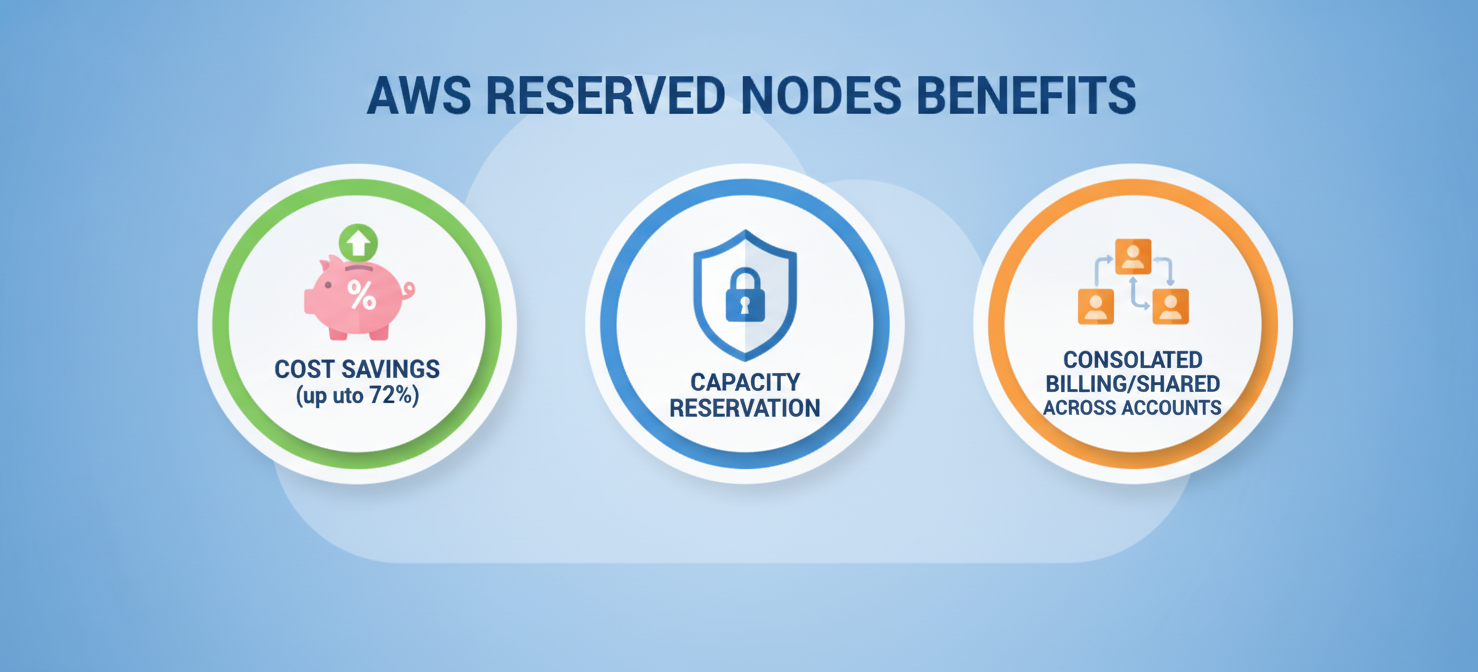
Beyond savings, some reservations provide a capacity reservation when assigned to a specific Availability Zone (AZ). This guarantees that you can launch instances with your specified configuration when you need them, which can be critical for business-essential applications where capacity availability is paramount.
Furthermore, Reserved Instances can be shared across multiple accounts within an AWS Organization. This consolidated billing feature allows the discounts purchased by a central account to apply to matching instance usage in any member account, maximizing the utilization of your reservations.
Which AWS Services Offer Reserved Nodes?
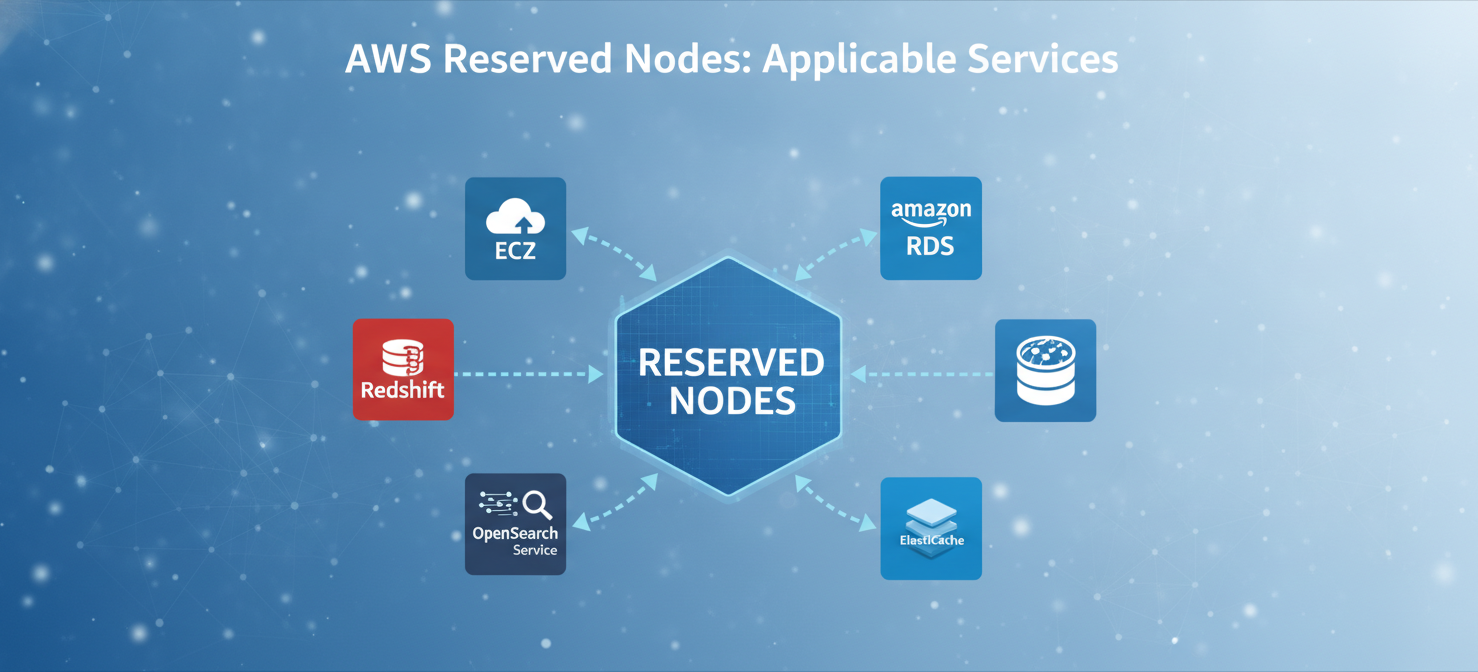
While most commonly associated with Amazon EC2, the reservation model extends to several other key AWS services, allowing you to apply the same cost-saving principles across your cloud architecture.
Amazon EC2
This is the most well-known service for reservations. You can reserve virtual server instances, choosing from a vast selection of instance families and sizes.
Amazon RDS
For your managed relational databases, you can purchase Reserved DB Instances. This applies to popular database engines like MySQL, PostgreSQL, and SQL Server, helping to control the cost of your persistent data tiers.
Amazon Redshift
Data warehousing can be a significant expense. Reserved nodes for Redshift allow you to commit to specific node types for your clusters, reducing the ongoing cost of large-scale analytics.
Amazon ElastiCache
For in-memory caching with Redis or Memcached, you can purchase Reserved Cache Nodes. This is ideal for applications that rely on high-throughput, low-latency caching to perform optimally.
Amazon OpenSearch Service
You can also secure Reserved Instances for your OpenSearch clusters, which helps manage the cost of running search and analytics workloads. It’s important to note that, unlike some other services, OpenSearch RIs do not currently support size flexibility.
How to Choose the Right Reserved Nodes for Your Needs
Selecting the correct reservation requires careful analysis of your usage and future needs. The first step is to analyze your historical usage data using tools like AWS Cost Explorer to identify steady-state workloads.
Next, you must choose between two main offering classes for services like EC2:
- Standard RIs: These offer the highest discount (up to 72%) but have limited flexibility. You can modify certain attributes like Availability Zone and instance size within the same family, but you cannot change the instance family itself. Unused Standard RIs can be sold on the RI Marketplace.
- Convertible RIs: These provide a lower discount (up to 66%) but offer much greater flexibility. You can exchange a Convertible RI for another one with different attributes, including a new instance family, operating system, or tenancy, as long as the new RI is of equal or greater value.
Your choice depends on your confidence in your long-term infrastructure plan. If you are running a stable, mature application, a Standard RI might be the best choice for maximum savings. However, if you anticipate architectural changes or are still optimizing your workloads, the flexibility of a Convertible RI is likely worth the slightly smaller discount.
Best Practices for Managing Your Reserved Node Portfolio
Effective management is crucial to maximizing the value of your reservations. Simply buying them and forgetting about them can lead to waste.
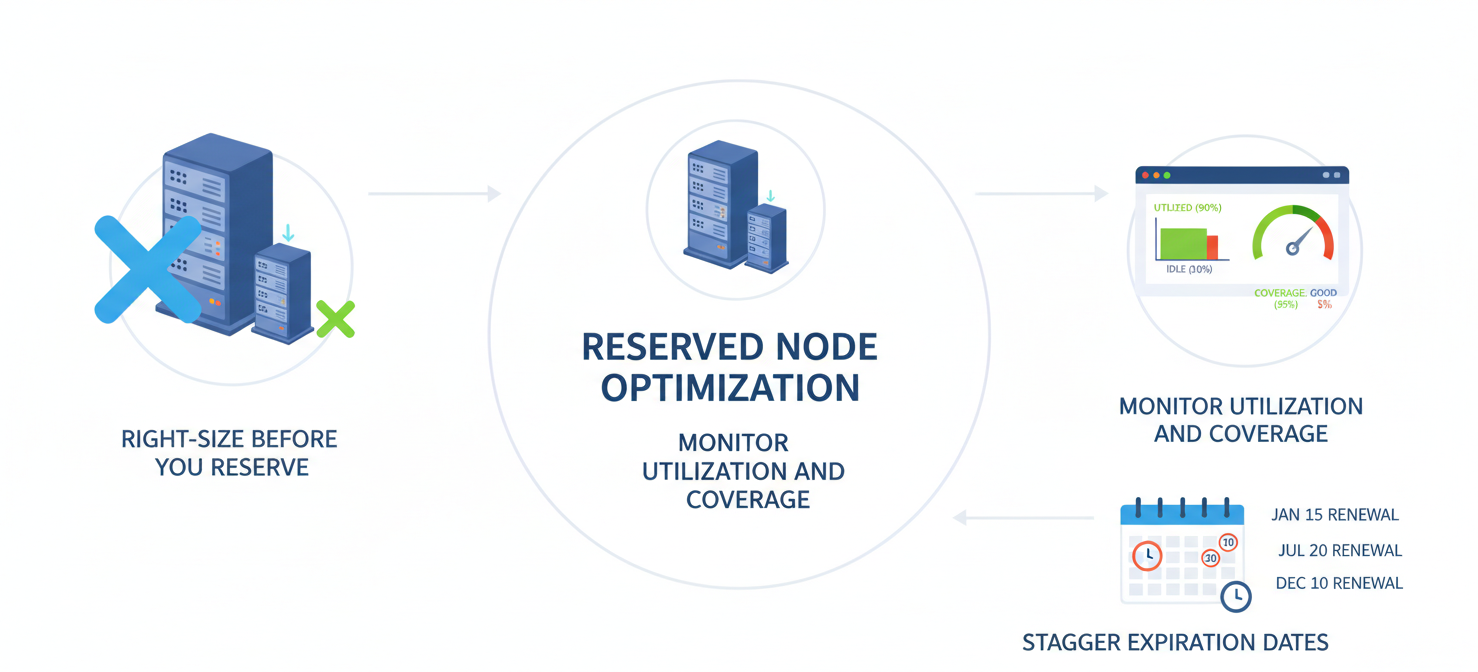
Right-size Before You Reserve
One of the most critical steps is to right-size your instances before you purchase a reservation. Committing to an oversized instance locks in waste for the entire term. Analyze performance metrics to ensure your instances are properly matched to their workload’s CPU and memory demands.
Monitor Utilization and Coverage
Continuously monitor your RI utilization using AWS Cost Explorer and AWS Budgets. High utilization means you are getting the full value of your discount. Low utilization indicates that your running instances don’t match your reservations, and you are paying for capacity you aren’t using. Set up alerts to be notified of low utilization so you can take corrective action.
Stagger Expiration Dates
Avoid having all your reservations expire at the same time. This creates a significant administrative burden and risks a gap in coverage, which can lead to a sudden spike in your bill as instances revert to on-demand pricing. Instead, stagger your purchases and renewals throughout the year to create a more manageable lifecycle.
Common Mistakes to Avoid with Reserved Nodes
A common pitfall is over-committing. It can be tempting to reserve 100% of your infrastructure to maximize savings, but this leaves no room for fluctuations in demand or changes in architecture. A more prudent strategy is to target 70-80% coverage for your stable, production workloads, leaving a buffer of on-demand capacity for variability.
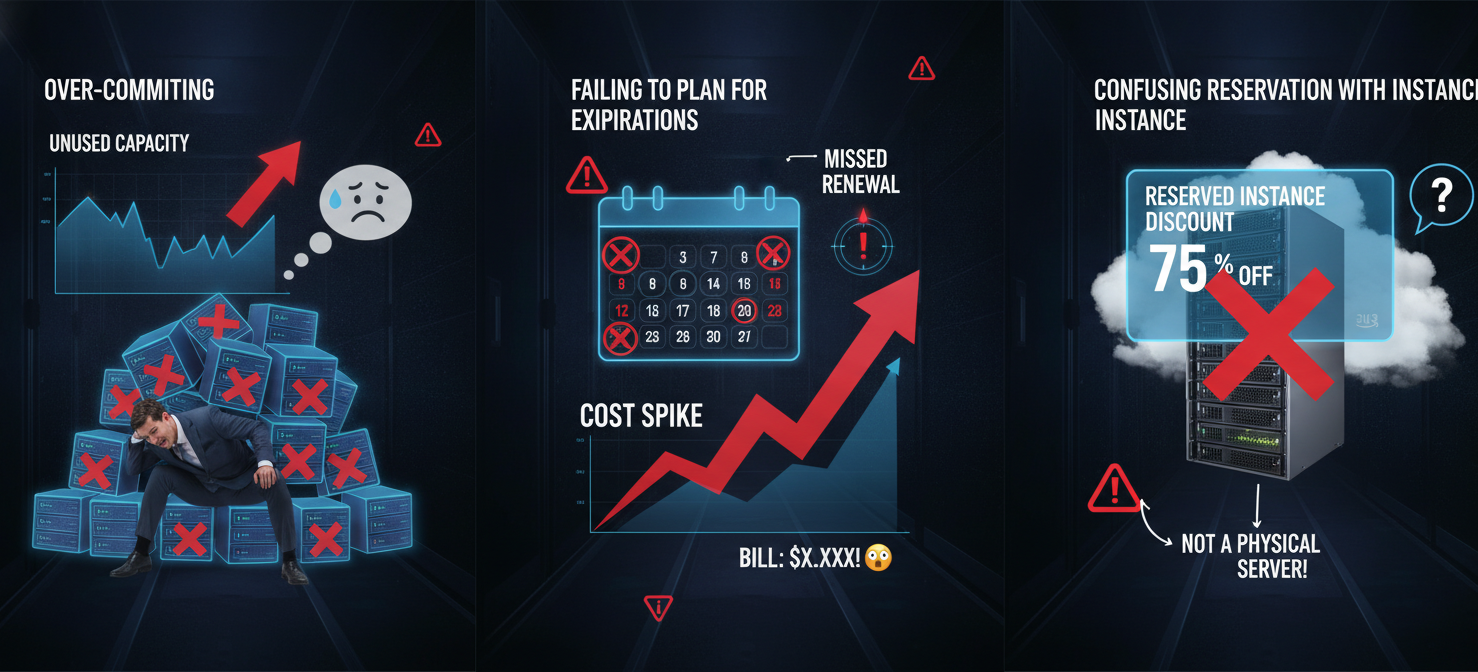
Another mistake is failing to plan for expirations. Reserved Nodes do not auto-renew. If you don’t purchase a new reservation when an old one expires, the corresponding instances will automatically revert to the much higher on-demand rate. It is essential to have a process in place to review and renew reservations well before their expiration date.
Finally, don’t confuse the reservation discount with a specific instance. A Reserved Node is a billing concept applied to any matching on-demand instance in your account. The underlying virtual machine can be stopped, started, or terminated just like any other, and the discount will simply apply to another matching instance if one is running.
In conclusion, mastering aws reserved nodes is less about technical wizardry and more about disciplined financial management. It requires a clear understanding of your workloads, a willingness to analyze data, and a proactive approach to portfolio management. Get it right, and you can turn a significant portion of your variable cloud spend into a predictable, optimized cost. Get it wrong, and you’ve simply prepaid for waste. The choice, and the savings, are yours to make.
To truly master your cloud costs and ensure predictable spending, consider exploring advanced optimization strategies; you can easily start a free trial of our platform to see the savings firsthand, or connect with our experts to book a demo for a personalized plan.
 7-day free trial