




An expired SSL certificate can instantly damage user trust and disrupt your services. When a browser displays a prominent “Your connection is not private” warning, it doesn’t matter how secure your backend is; the visitor’s confidence is gone. This makes managing SSL certificate expiration a critical task for any team responsible for a website or online application. Overlooking this simple maintenance step can lead to service outages, lost revenue, and a tarnished brand reputation. Therefore, establishing a robust process for monitoring and renewal is not just a technical task but a core business necessity.
Key takeaways
- Outages are costly: A single outage from an expired certificate can cost an enterprise between $500,000 and $5 million.
- Automation is essential: With certificate validity periods shrinking to as little as 90 days or less, manual tracking via spreadsheets is no longer a viable strategy for most organizations.
- Monitoring is more than checking dates: Effective monitoring involves validating the entire certificate chain and checking for configuration errors, not just the expiration date.
- Renewal is a multi-step process: Renewing a certificate involves generating a new request, completing domain validation, and installing the new certificate on your server.
The High Cost of Letting a Certificate Expire
When an SSL/TLS certificate expires, the security it provides vanishes. The encrypted connection between a user’s browser and your web server breaks, leaving any data in transit vulnerable. Modern browsers will immediately warn users that the site is unsafe, effectively blocking access. This leads to several direct and indirect consequences that can severely impact your business.

First, you face an immediate loss of user trust. A security warning is a major red flag for visitors, signaling that your site may be compromised. This can cause users to abandon their session, leading to lost sales, missed lead generation opportunities, and a significant drop in traffic. For an e-commerce site, the financial impact can be measured in thousands of dollars per minute.
Furthermore, certificate-related outages can be expensive and time-consuming to resolve. The average cost for an enterprise to recover from a certificate outage is substantial, factoring in lost revenue, productivity, and potential compliance fines. High-profile outages at companies like LinkedIn and Microsoft have demonstrated that no organization is immune to this simple but damaging oversight. As a result, what seems like a minor administrative lapse can quickly escalate into a major financial and reputational crisis.
How to Monitor for SSL Certificate Expiration
Proactive monitoring is the foundation of effective certificate management. Relying on calendar reminders or manual checks is a recipe for failure, especially as infrastructure grows. Instead, your team should implement automated systems to track certificate validity and provide timely alerts.
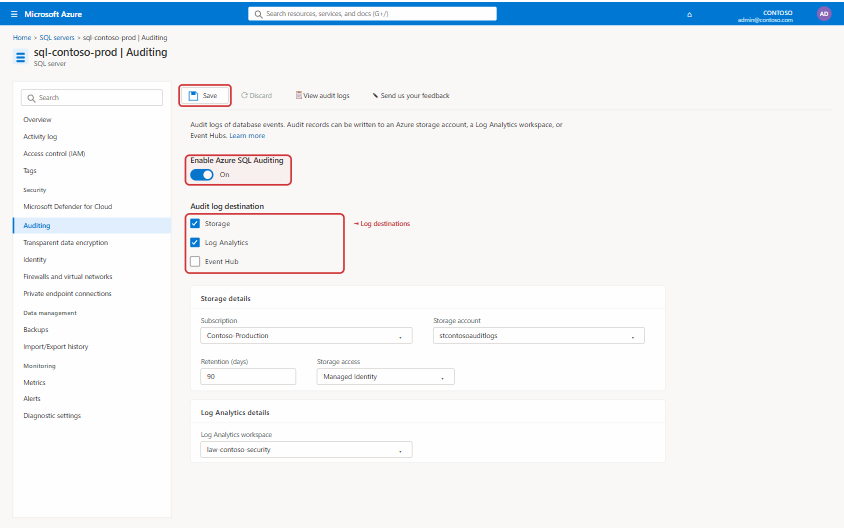
Automated Monitoring Tools
The most reliable way to prevent an unexpected SSL certificate expiration is to use a dedicated monitoring tool. These services automatically check your certificates at regular intervals and from multiple locations, providing a much more robust solution than a simple script. Many of these tools are part of larger uptime or application performance monitoring (APM) platforms.
Here are a few types of tools available:
- Uptime Monitoring Services: Tools like UptimeRobot and Pingdom include SSL monitoring as part of their standard HTTPS checks. They will notify you if a certificate is nearing its expiration date, typically with alerts at 30, 14, and 7-day intervals.
- Synthetic Monitoring Platforms: Solutions like Datadog and Sematext offer more advanced SSL tests. These can validate the entire certificate chain, check for configuration issues, and integrate alerting directly into your team’s existing incident response workflows.
- Dedicated Certificate Management Tools: For larger organizations with a high volume of certificates, specialized certificate lifecycle management (CLM) platforms provide a centralized inventory and automate discovery, renewal, and provisioning.
Setting Up Proactive Alerts
Regardless of the tool you choose, the key is to configure alerts that give your team enough time to act. A single notification the day before expiration is not sufficient. A better practice is to set up a series of escalating alerts. For example, you might configure notifications to be sent 30, 14, 7, and 3 days before expiration. This ensures that the upcoming renewal is on your team’s radar well in advance and that there are multiple opportunities to address it before it becomes an emergency.
The Certificate Renewal Process Explained
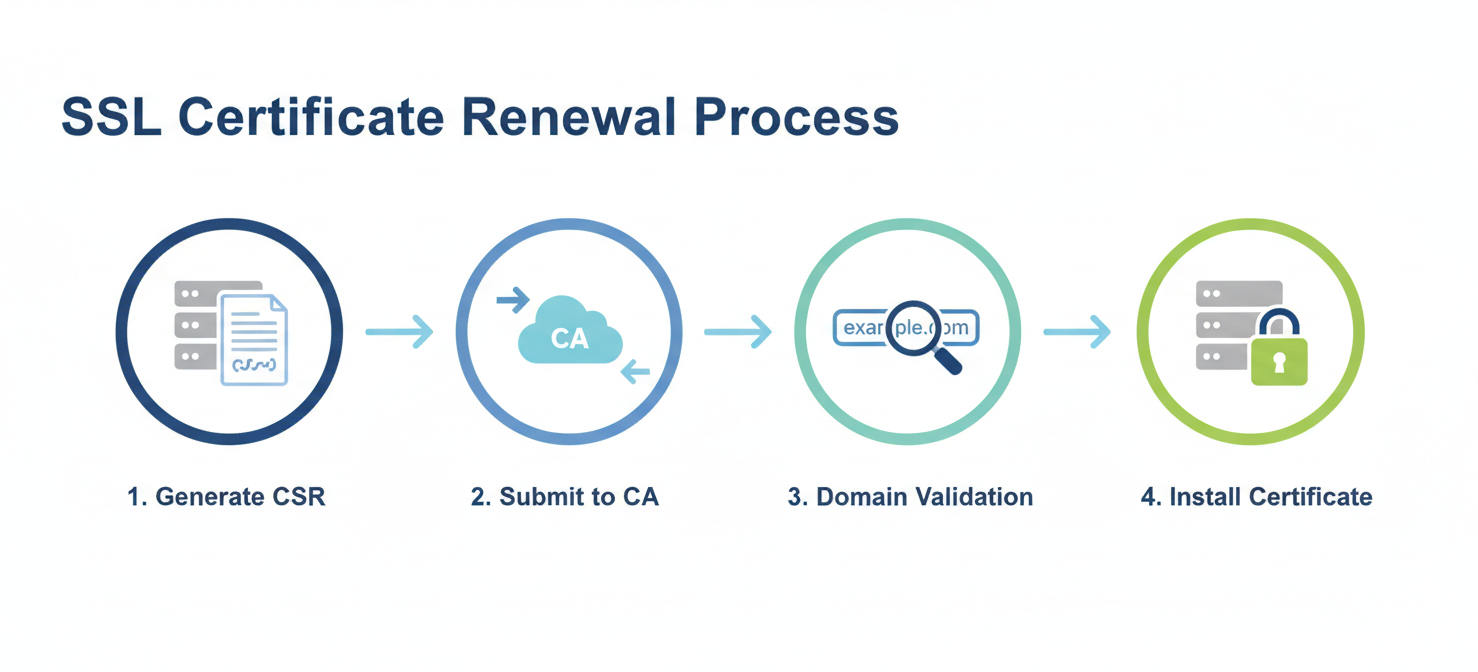
Renewing an SSL certificate is not a one-click affair. It’s a process that involves generating a new request, proving you control the domain, and installing the newly issued certificate. While the exact steps can vary slightly depending on your Certificate Authority (CA), the general workflow remains consistent.
-
Generate a Certificate Signing Request (CSR): The process begins on your web server. You will need to generate a new CSR, which is an encoded block of text containing information about your organization and the domain name you want to secure. This step also creates a new private key, which should be kept secure on your server.
-
Submit the CSR to the Certificate Authority: You will then submit the CSR to your chosen CA. This is typically done through their web portal. The CA uses the information in the CSR to create your new certificate.
-
Complete Domain Validation: Before issuing the certificate, the CA must verify that you own or control the domain name in the request. This is a critical security step. Common validation methods include:
- Email Validation: The CA sends an email to a registered administrative contact for the domain.
- DNS Record: You are asked to add a specific TXT record to your domain’s DNS settings.
- HTTP File Upload: You need to upload a specific text file to a designated location on your web server.
-
Install the New Certificate: Once validation is complete, the CA will issue your new certificate files. You must then install these files on your web server, replacing the old, expiring certificate. This step is often the most technical part of the process and requires care to ensure the server is configured correctly with the new certificate and any necessary intermediate certificates.
Best Practices for Certificate Lifecycle Management
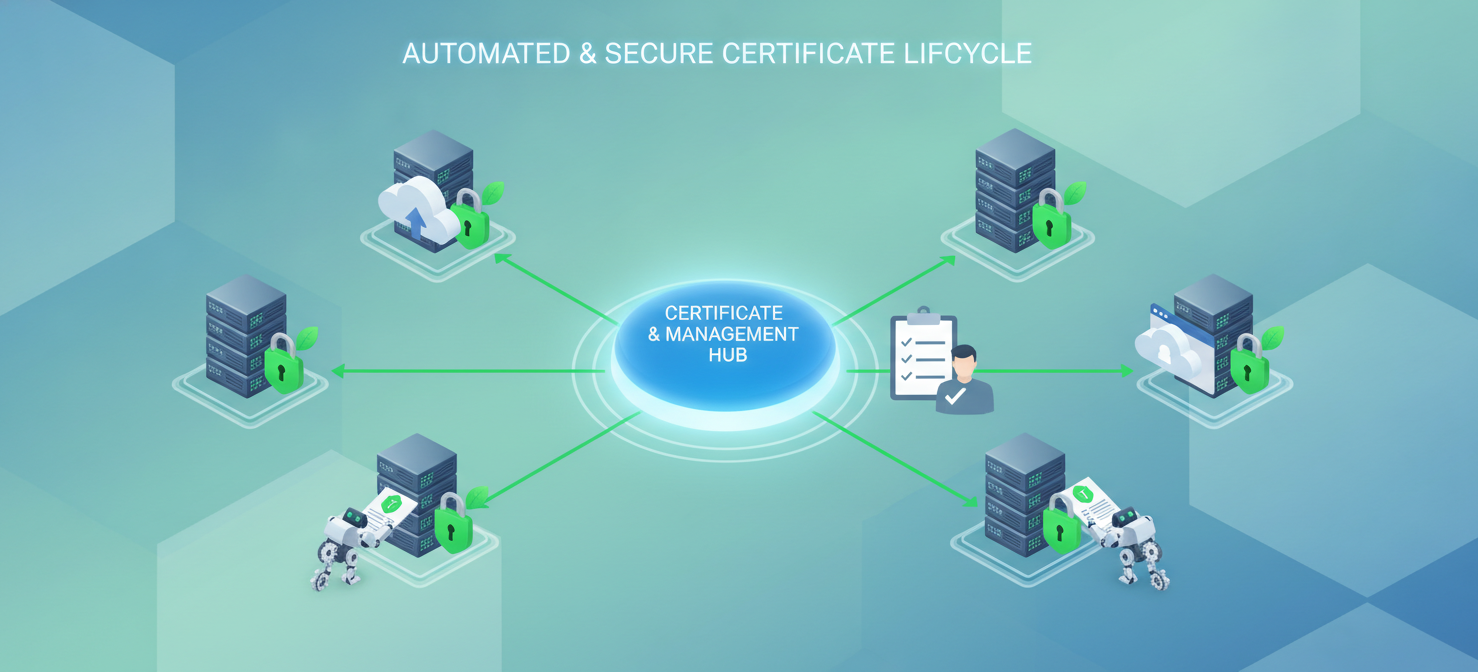
Managing a single certificate is straightforward. Managing dozens or hundreds across different servers and environments requires a structured approach. Adopting best practices for certificate lifecycle management can help prevent outages and reduce administrative overhead.
Maintain a Centralized Inventory
You cannot manage what you cannot see. The first step is to create and maintain a complete inventory of all SSL certificates used in your organization. This inventory should track key details for each certificate, including the common name, expiration date, issuing CA, and where it is deployed. This visibility is crucial for ensuring no certificate is forgotten.
Automate Renewals Where Possible
With certificate lifespans getting shorter—Let’s Encrypt certificates are valid for 90 days, and the industry is moving toward even shorter validity periods—automation is no longer optional. The Automated Certificate Management Environment (ACME) protocol, used by CAs like Let’s Encrypt, allows you to automate the entire renewal and installation process. Implementing ACME clients like Certbot can significantly reduce the risk of human error and ensure certificates are always renewed on time.
Assign Clear Ownership
Every certificate should have a designated owner or team responsible for its renewal. When an alert is triggered, there should be no ambiguity about who needs to take action. This clear line of responsibility ensures that renewal tasks are not overlooked or lost in a shared inbox. By establishing clear ownership, you create accountability and streamline the entire management process.
Conclusion
Managing SSL certificate expiration is a fundamental aspect of maintaining a secure and reliable online presence. The consequences of failure—from browser warnings and lost user trust to significant financial losses—are far too high to leave to chance. By implementing automated monitoring, establishing a clear renewal process, and adopting lifecycle management best practices, your team can effectively mitigate this risk. The trend toward shorter certificate lifespans will only make automation and diligent oversight more critical. Ultimately, treating certificate management as a core operational priority is the only way to prevent a simple expiration date from becoming a costly and entirely avoidable outage.
Ensuring continuous uptime and user trust means making certificate management a core operational priority, and you can discover how to streamline this with a dedicated solution by starting a free trial or booking a demo to see its full potential.
 7-day free trial