



If your recent Veeam renewal quote made you do a double-take, you’re not alone. Many IT teams have noticed a significant jump in their Veeam license price increase, leaving them to wonder what’s behind the change. The reality is that several factors are contributing to this shift, ranging from a fundamental change in licensing models to broader market trends and the addition of powerful new features. Understanding these reasons is the first step toward managing your data protection budget effectively.
Key takeaways
- Licensing Model Shift: Veeam’s move from per-socket perpetual licenses to the subscription-based Veeam Universal License (VUL) is a primary driver, changing the cost structure from a one-time purchase to a recurring operational expense.
- Annual Price Adjustments: Veeam has implemented annual price increases, with adjustments between 4% and 8% taking effect at the beginning of 2025 and 2026.
- Feature-Driven Value: The VUL model includes all “Enterprise Plus” features, meaning customers who were on lower tiers are now paying for more advanced capabilities, whether they use them or not.
- Market and Inflation: Like most technology companies, Veeam adjusts its pricing to account for global inflation and to remain competitive while funding research and development for new features.
The Shift to Universal Licensing
One of the most significant factors behind the rising Veeam renewal cost is the transition away from the traditional per-socket licensing model to the Veeam Universal License (VUL). Historically, you could buy a perpetual license for each CPU socket in your host servers. This was a capital expenditure (CapEx) that was often cost-effective for organizations with high virtual machine (VM) density.
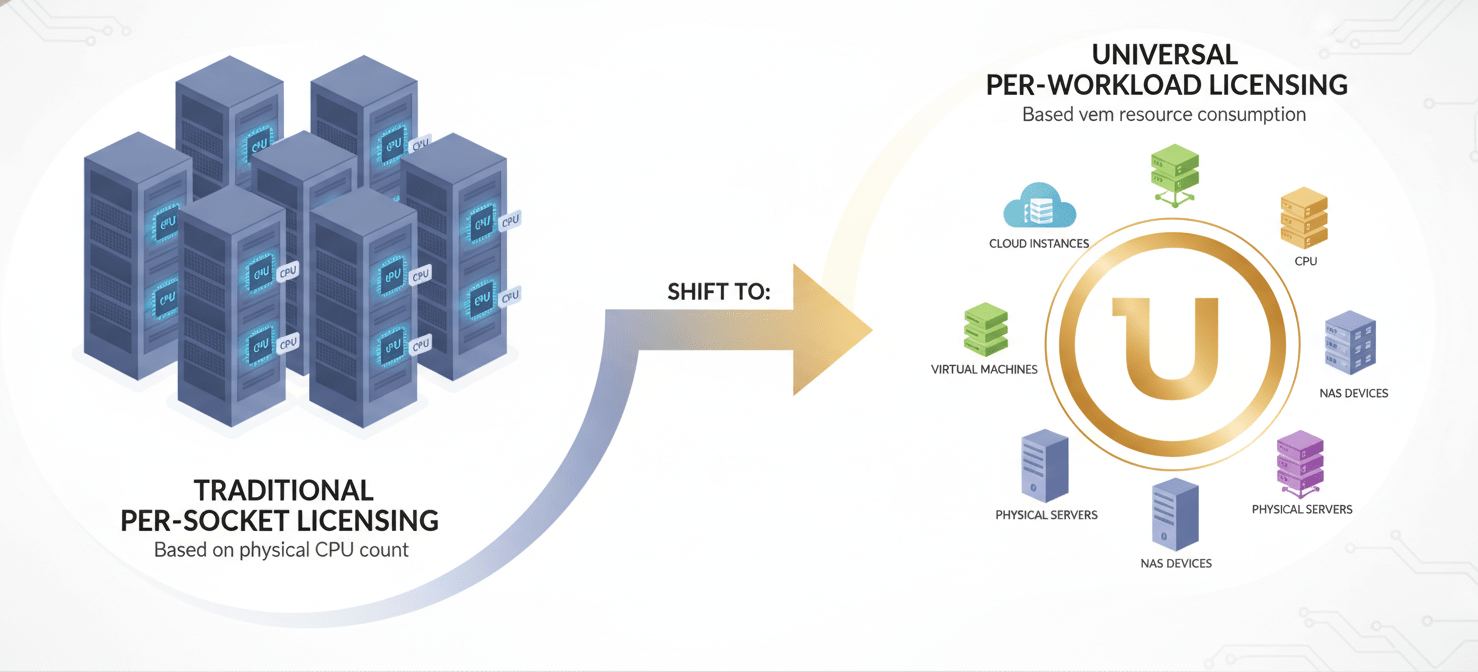
However, as IT environments evolved to include physical servers, cloud instances, and NAS devices, the per-socket model became less suitable. In response, Veeam introduced the VUL, a portable, per-workload subscription license that covers virtually any environment—VMs, cloud instances, physical servers, and enterprise applications.
From Sockets to Workloads
This move to a “per-instance” model fundamentally changes the cost calculation. An environment that was cost-efficient under socket licensing (e.g., a server with 20 VMs per socket) might see a substantial cost increase under VUL, as each of those 20 VMs now requires its own license. While VUL offers greater flexibility, this migration can lead to sticker shock for teams accustomed to the old model. Furthermore, Veeam has phased out new sales of perpetual socket licenses, encouraging all customers to move toward the subscription-based VUL model.
Inflation and Market Adjustments
Beyond the structural change in licensing, broader economic factors also play a role. Technology vendors regularly adjust their pricing to account for inflation and changing market conditions, and Veeam is no exception. The company has announced price adjustments for many of its subscription offerings.

For example, Veeam implemented price increases of approximately 4% to 8% that took effect on January 1, 2025, and has announced a similar increase for January 1, 2026. These adjustments are positioned as necessary to align the Manufacturer’s Suggested Retail Price (MSRP) with the enhanced value delivered through new product features and to reflect the competitive landscape. While these incremental increases may seem small, they can compound over multi-year terms, contributing to a noticeable SaaS renewal price hike.
New Features and Enhanced Capabilities
Your Veeam license now unlocks more capabilities than ever before. The VUL model simplifies the feature set by providing the capabilities of the highest tier, Enterprise Plus, to all users. If your team previously used a Standard or Enterprise edition, your renewal quote now reflects a license with significantly more power.
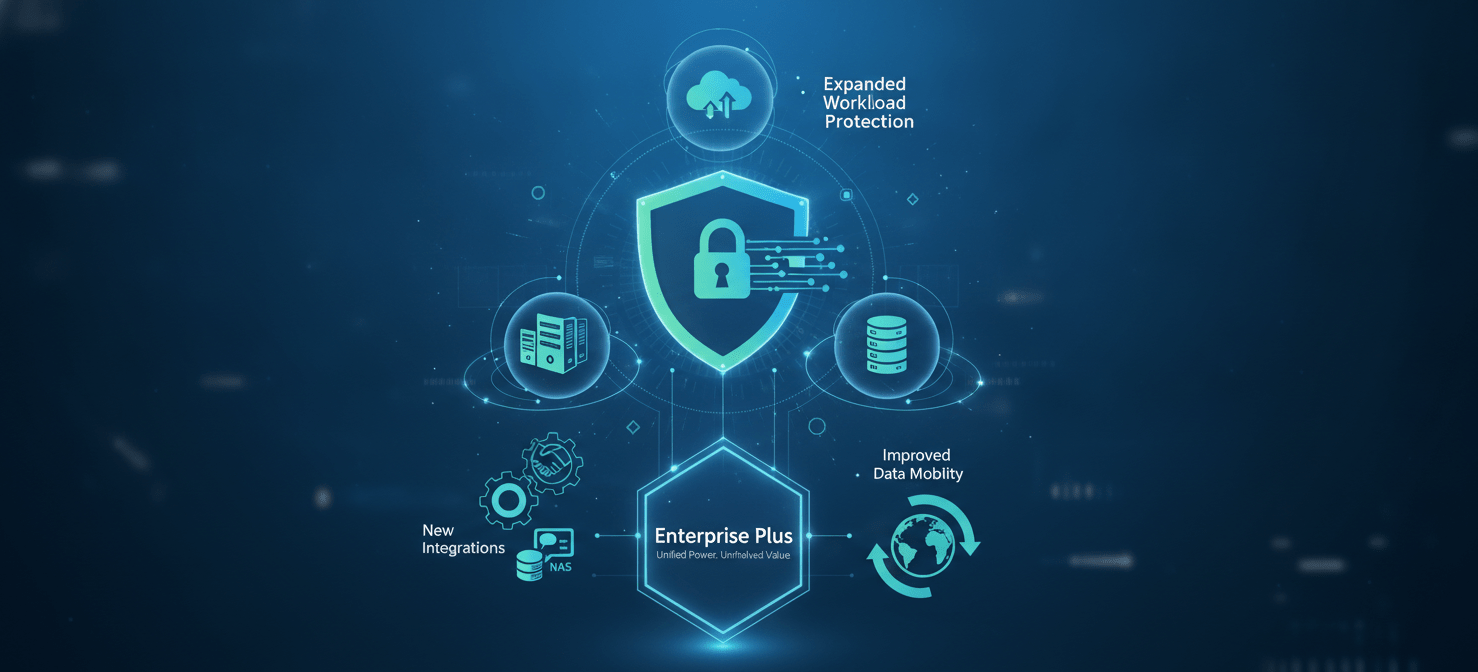
These advanced features are not just minor tweaks; they represent substantial development in key areas:
- Greater Data Security: Enhanced protections against cyber threats and data breaches.
- Expanded Workload Protection: Support for a wider range of environments, including cloud-native backups for AWS and Azure, physical servers, and NAS devices.
- New Integrations: Seamless integration with various enterprise applications and platforms.
- Improved Data Mobility: Better data transfer and accessibility across different systems.
While these features add considerable value, they also contribute to the overall cost. The renewal price reflects access to this full suite of tools, which is a significant change for customers upgrading from more basic, legacy license tiers.
Support Tier and Service Level Agreement (SLA) Changes
The cost of your Veeam license is also tied to the level of support you receive. Subscription licenses like VUL typically bundle support costs, whereas perpetual licenses required a separate, ongoing maintenance fee that was often 20-25% of the initial license cost.
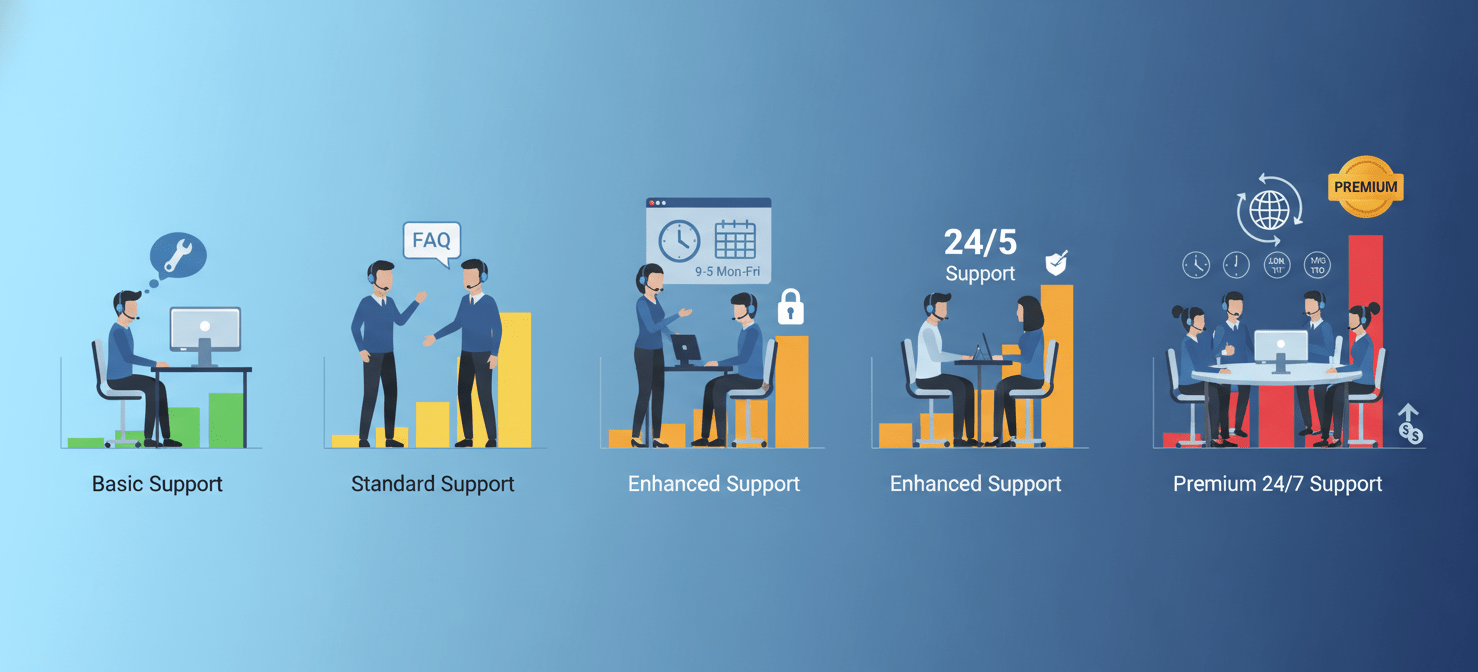
Upgrading to a VUL subscription often means moving to a higher tier of support automatically. For instance, the VUL model includes Production (24/7) Support, which might be an upgrade for customers who previously used a lower support tier. While this provides better access to technical assistance when you need it most, it is factored into the overall subscription price. If your organization requires an even higher level of service, such as Premier support, this will come as an additional paid upgrade, further influencing the total cost.
How to Manage and Potentially Reduce Your Veeam Renewal Cost
Facing a higher renewal bill doesn’t mean you’re out of options. There are several practical steps your team can take to manage and potentially mitigate the Veeam license price increase.
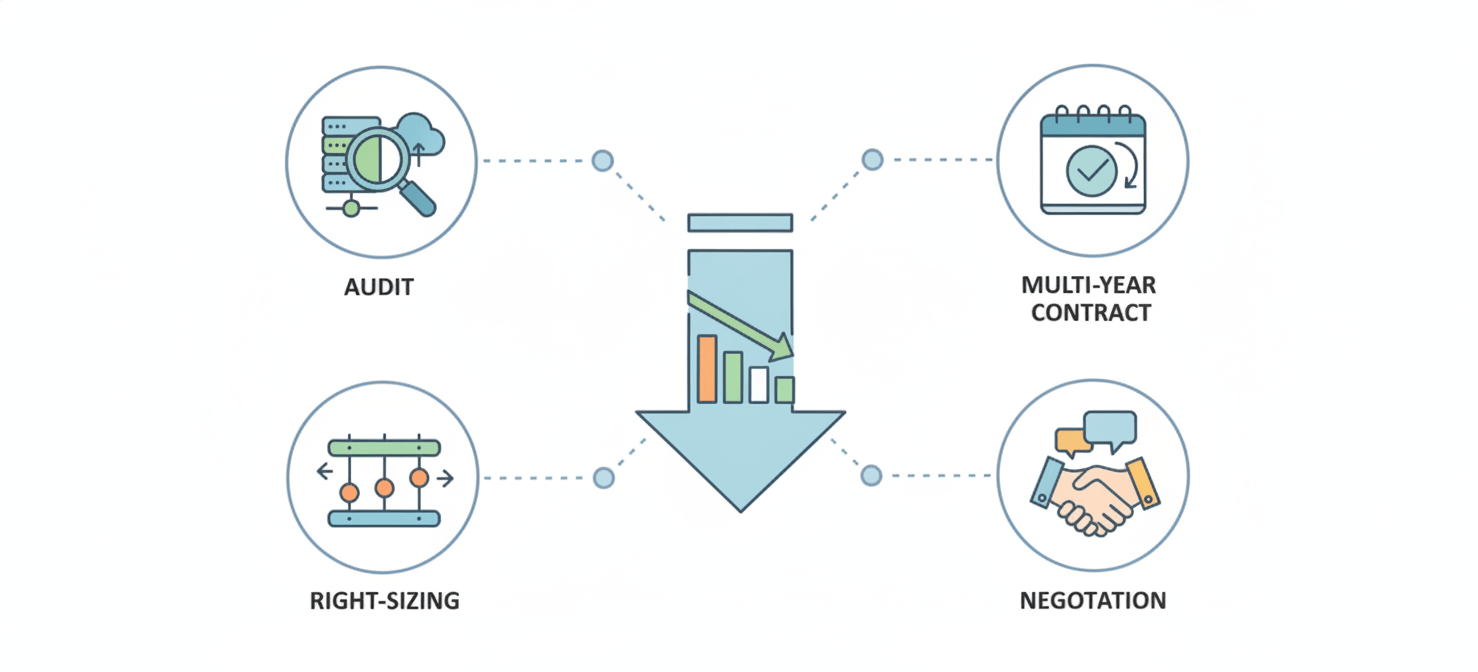
Conduct a Workload Audit
First, take a detailed inventory of every workload you are protecting. Are there old VMs, test servers, or unused applications that are still consuming licenses? Decommissioning unnecessary workloads is the quickest way to reduce your license count and, therefore, your cost. Ensure you are only paying to protect what is essential.
Explore Multi-Year Subscriptions
If your budget allows, consider committing to a multi-year subscription. Veeam often provides discounts for two, three, or even five-year terms purchased upfront. This strategy allows you to lock in the current pricing and avoid the annual price increases for the duration of the contract term. Renewing before the annual price adjustment in January can also secure the lower rate.
Right-Size Your Edition
While VUL includes all Enterprise Plus features, evaluate whether your organization truly needs them. Veeam offers different editions of its Data Platform, such as Standard, Advanced, and Premium, each with a different price point. Downgrading to a lower tier that still meets your core backup and recovery needs could result in significant savings. Have an honest conversation with your reseller about your technical requirements versus your budget.
Negotiate with Your Reseller
Finally, don’t be afraid to negotiate. Resellers have some flexibility in their pricing, and discounts of 10-30% (or more for large enterprises) are often achievable, especially with multi-year commitments or competitive evaluations. Come to the table prepared with a clear understanding of your workload count, your feature requirements, and quotes from alternative solutions. This preparation gives you the leverage needed to secure the best possible price.
Conclusion
The sticker shock from a Veeam license price increase is understandable, but it’s rarely arbitrary. The shift to the flexible but more granular VUL model, coupled with market-wide inflation, continuous product innovation, and bundled premium support, are all significant contributors. By auditing your workloads, exploring longer contract terms, and negotiating effectively, you can better manage your Veeam renewal cost. Ultimately, the goal is to ensure your data protection strategy remains both robust and economically sustainable—without any unpleasant surprises when the bill arrives.
If you’re looking for alternatives or a clearer path to optimizing your data protection spend, you can try Binadox free to see how it fits your needs, or book a demo to discuss your specific challenges with an expert.
 7-day free trial