



Azure Kubernetes Service (AKS) simplifies deploying and managing containerized applications, but understanding its cost can be complex. While Azure manages the Kubernetes control plane for free in its basic tier, your total bill is influenced by numerous factors beyond that. This aks pricing explained guide breaks down the core components of your bill, from the virtual machines that power your cluster to the service level agreements that guarantee its uptime, helping you navigate the financial side of running a production-ready Kubernetes environment.
Key takeaways
- AKS offers a free tier for cluster management, but you always pay for the underlying resources like VMs (nodes), storage, and networking.
- For production workloads, the optional Uptime SLA provides a financially-backed guarantee for the Kubernetes API server, costing approximately $73 per cluster per month.
- The majority of AKS costs, often 70-80%, come from the worker node virtual machines.
- Hidden costs can arise from data transfer, monitoring services, and unused resources like unattached disks.
How AKS Pricing Works: The Core Components
The AKS cost structure can be separated into two main areas: the cluster management fee and the resources your cluster consumes. For many users, especially those with smaller clusters or in development environments, the cluster management itself is free.
However, you always pay for the Azure resources that your cluster uses. These are the primary drivers of your monthly bill.
Worker Nodes
The most significant portion of your AKS costs will come from the worker nodes. These are the Azure Virtual Machines (VMs) that run your applications. Consequently, your costs are directly tied to the number of VMs you use, their size (CPU and memory), and how long they run. For example, a cluster with three Standard_D2s_v3 nodes could cost over $200 per month for the compute resources alone.
Storage and Networking
In addition to compute, your applications will likely require storage. AKS uses Azure Managed Disks for persistent volumes, and the cost depends on the type (Standard HDD, Standard SSD, Premium SSD) and size of the disks you provision.
Networking is another key component. While traffic within the same virtual network is often free, you will incur costs for data transfer (egress) out of the Azure region and for services like Load Balancers that expose your applications to the internet.
AKS Uptime SLA Explained
For development or test clusters, the free management tier is often sufficient. This tier provides no financially-backed Service Level Agreement (SLA), but Azure still makes a best effort to keep the control plane available.
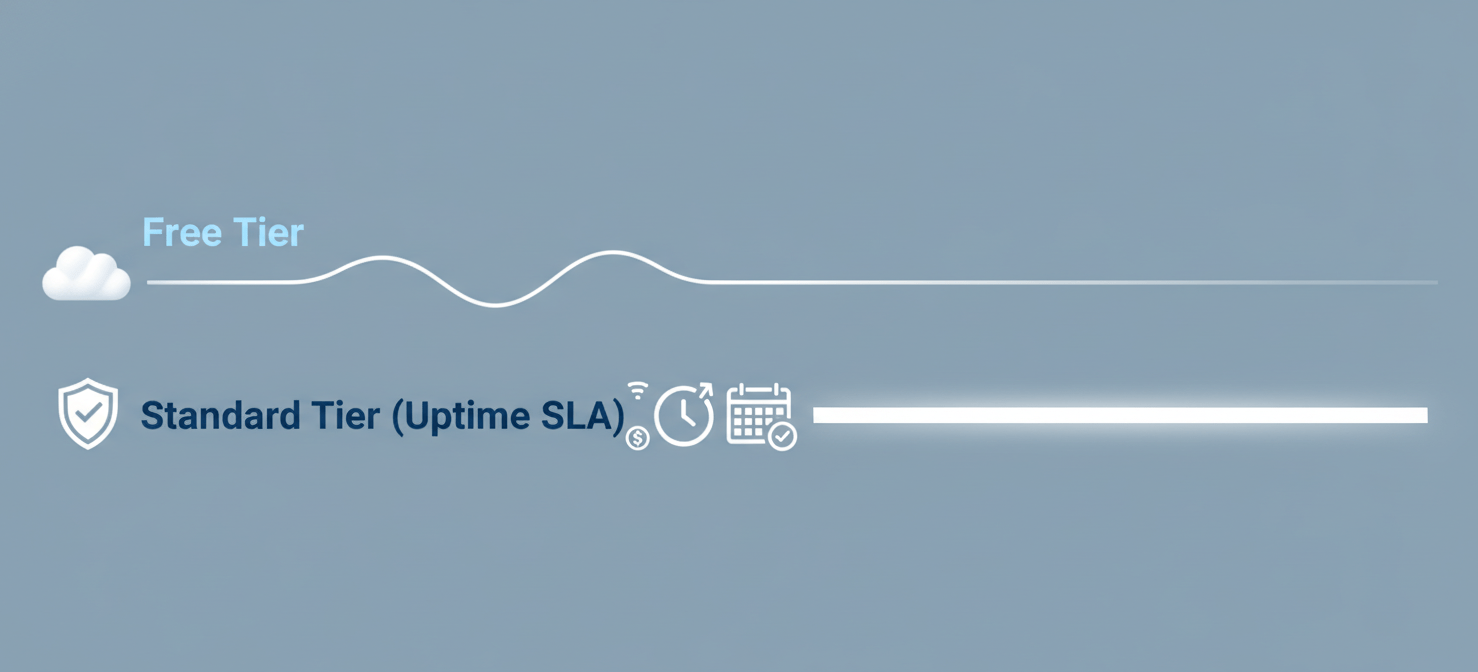
However, for production workloads, reliability is critical. This is where the optional Uptime SLA comes in. By upgrading to the Standard tier, you get a financially-backed guarantee on the availability of the Kubernetes API server.
- Standard Tier: This tier costs about $0.10 per cluster per hour (roughly $73 per month) and provides a 99.95% uptime guarantee for clusters using Availability Zones, and 99.9% for those that do not. This tier is recommended for any production environment where uptime is important and supports clusters with up to 5,000 nodes.
- Premium Tier: For organizations needing extended support, the Premium tier includes the Uptime SLA plus two years of Long-Term Support (LTS) for a specific Kubernetes version. This comes at a higher cost of about $0.60 per cluster per hour.
It’s important to remember that this SLA fee is in addition to the costs of your worker nodes and other resources.
Hidden AKS Costs to Watch For
Beyond the primary costs of nodes and the SLA, several other services can contribute to your monthly bill. Understanding how does aks pricing work involves looking out for these potential “hidden” fees.
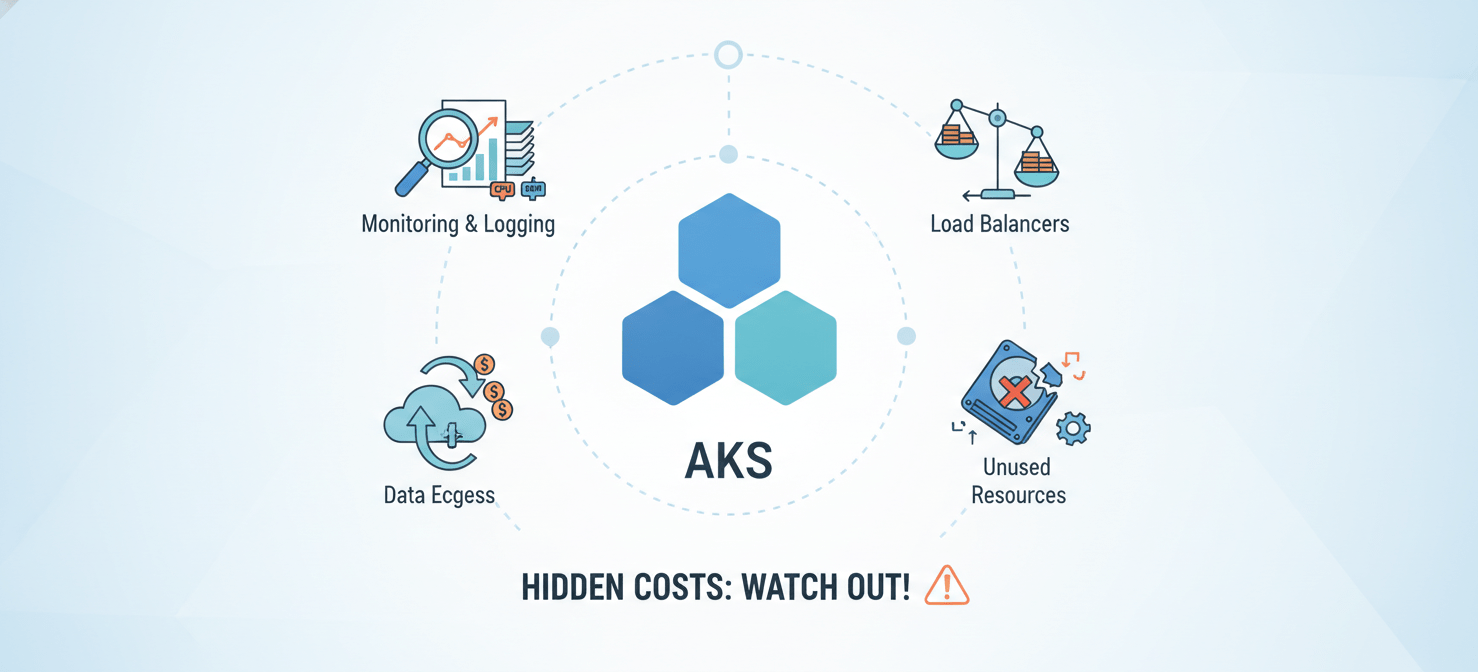
- Monitoring and Logging: Services like Azure Monitor and Log Analytics are essential for observing your cluster’s health, but they are billed separately based on data ingestion and retention. Default settings can sometimes generate more data than necessary, leading to unexpected costs.
- Data Transfer: Egress traffic, or data moving out of your Azure region to the internet or another region, is a common source of unforeseen expenses.
- Unused Resources: Resources that are provisioned but not actively used can still incur charges. This includes unattached persistent disks or snapshots that are no longer needed but haven’t been deleted.
- Load Balancers: While necessary for exposing services, Azure Load Balancers have their own costs based on the number of rules and the amount of data processed.
How to Optimize Your AKS Costs
Fortunately, there are several strategies your team can employ to manage and reduce your AKS spending without sacrificing performance.
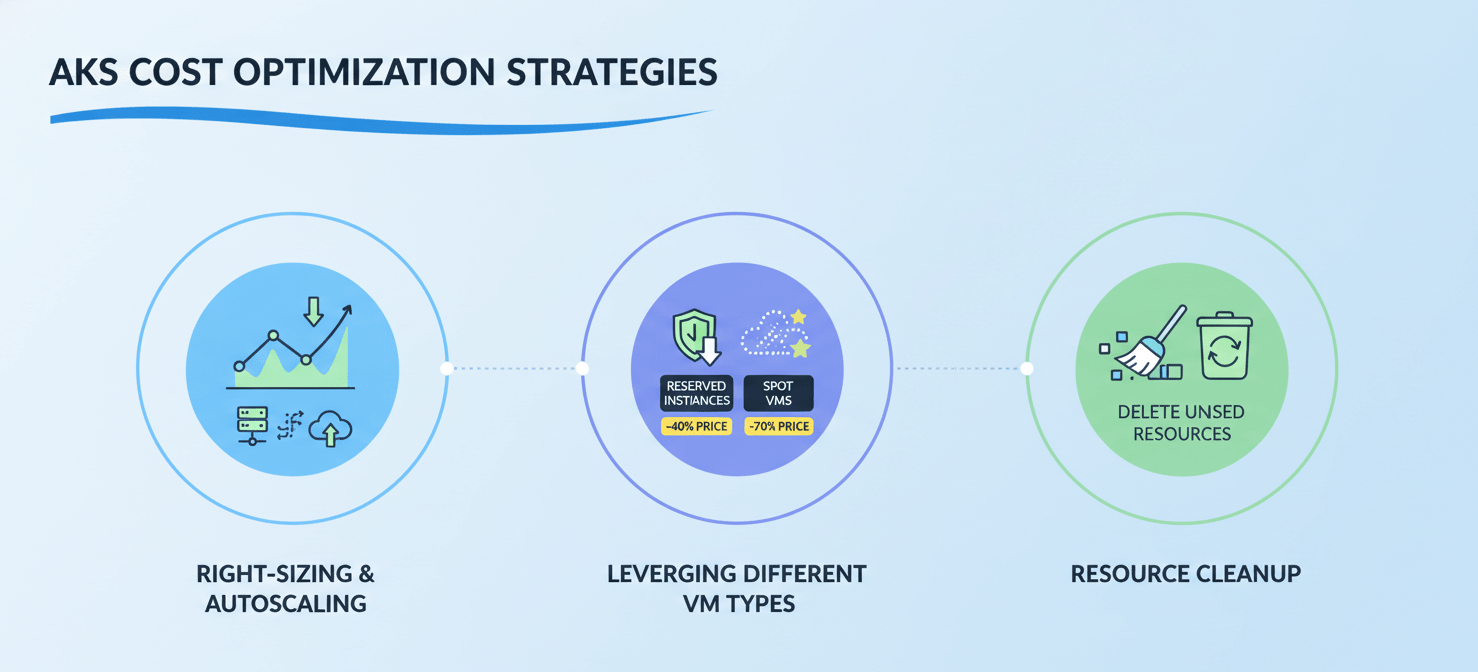
Right-Sizing and Autoscaling
One of the most effective cost-saving measures is to ensure your nodes and resource requests are right-sized for your workloads. Avoid overprovisioning by setting realistic CPU and memory requests based on actual usage. Furthermore, you can implement autoscaling to automatically adjust the number of nodes based on demand, ensuring you don’t pay for idle resources.
Leveraging Different VM Types
Azure offers various ways to pay for VMs that can lead to significant savings.
- Reserved Instances: For predictable, long-term workloads, you can commit to a one- or three-year plan for specific VMs and save up to 72% compared to pay-as-you-go pricing.
- Spot VMs: For workloads that can handle interruptions, such as batch processing or CI/CD jobs, Azure Spot VMs offer deep discounts of up to 90% by using spare Azure capacity.
Resource Cleanup and Management
Finally, good hygiene is crucial. Regularly clean up unused resources like orphaned disks and snapshots. For non-production environments, you can even stop clusters when they are not in use to save on compute costs, as the cluster state and objects are maintained.
Conclusion
Understanding the aks pricing explained in this guide is the first step toward managing your cloud-native infrastructure costs effectively. The total cost of an AKS cluster is more than just the sum of its nodes; it’s a combination of compute, storage, networking, management fees, and ancillary services. While the free tier is great for getting started, production workloads demand the reliability of the Uptime SLA. By right-sizing resources, leveraging cost-saving VM options like Spot instances, and diligently cleaning up unused components, you can prevent your Azure bill from becoming an unwelcome surprise. Ultimately, a well-managed cluster is not just performant and reliable—it’s also cost-efficient.
To truly master your cloud spending and ensure your AKS setup is both performant and cost-efficient, consider exploring a free trial of Binadox’s platform or scheduling a consultation to discuss tailored optimization strategies.
 7-day free trial