



Azure Kubernetes Service (AKS) simplifies deploying and managing containerized applications, but understanding its pricing structure is crucial for managing your cloud budget effectively. A detailed aks cost analysis reveals that the total cost extends beyond just the virtual machines running your workloads. It involves a combination of cluster management fees, compute resources, networking, storage, and various associated services that contribute to the final monthly bill. This article breaks down every component to help you forecast and control your AKS spending.
Key takeaways:
- AKS offers a free tier for cluster management, but production workloads often require the Standard tier, which costs approximately $73 per cluster per month for a financially-backed uptime SLA.
- Worker nodes (virtual machines) are the largest cost component, typically accounting for 70-80% of the total AKS expenses.
- Costs for networking, storage, and associated services like monitoring and security can add a significant 10-30% overhead on top of your compute spending.
- Data egress (outbound data transfer) is a frequently overlooked cost, with prices starting at $0.087 per GB for the first 10 TB in common US and Europe zones.
The Free Tier and Beyond: Core AKS Cluster Management Costs
The first layer of AKS pricing is the management of the Kubernetes control plane itself. Azure offers multiple tiers to suit different needs, from small development projects to large-scale, mission-critical applications.
- Free Tier: For development, testing, or small-scale applications, AKS provides a free control plane. In this tier, you do not pay for the management of the Kubernetes API server, scheduler, and other core components. However, there is no financially backed Service Level Agreement (SLA) for uptime. This tier is recommended for clusters with fewer than 10 nodes.
- Standard Tier: Designed for production workloads, the Standard tier includes a financially backed uptime SLA. This guarantees 99.95% availability for the Kubernetes API server in clusters using Availability Zones and 99.9% for those that do not. The cost for this reliability is approximately $0.10 per cluster per hour, which translates to about $73 per month. This tier supports clusters with up to 5,000 nodes.
- Premium Tier: For enterprises requiring extended support cycles, the Premium tier offers all the benefits of the Standard tier plus two-year Long Term Support (LTS) for specific Kubernetes versions. This allows your team more time to plan upgrades for critical applications. The cost is significantly higher, at about $0.60 per cluster per hour, or roughly $438 per month.
Choosing the right tier is a balance between cost and reliability. While the free tier is attractive for non-critical workloads, the modest cost of the Standard tier is a worthwhile investment for the stability of production environments.
Worker Nodes: The Heart of Your AKS Expenses
While the control plane management fee can be zero, you always pay for the underlying infrastructure that runs your applications. Worker nodes, which are Azure Virtual Machines (VMs), constitute the most significant portion of the total cost of aks.
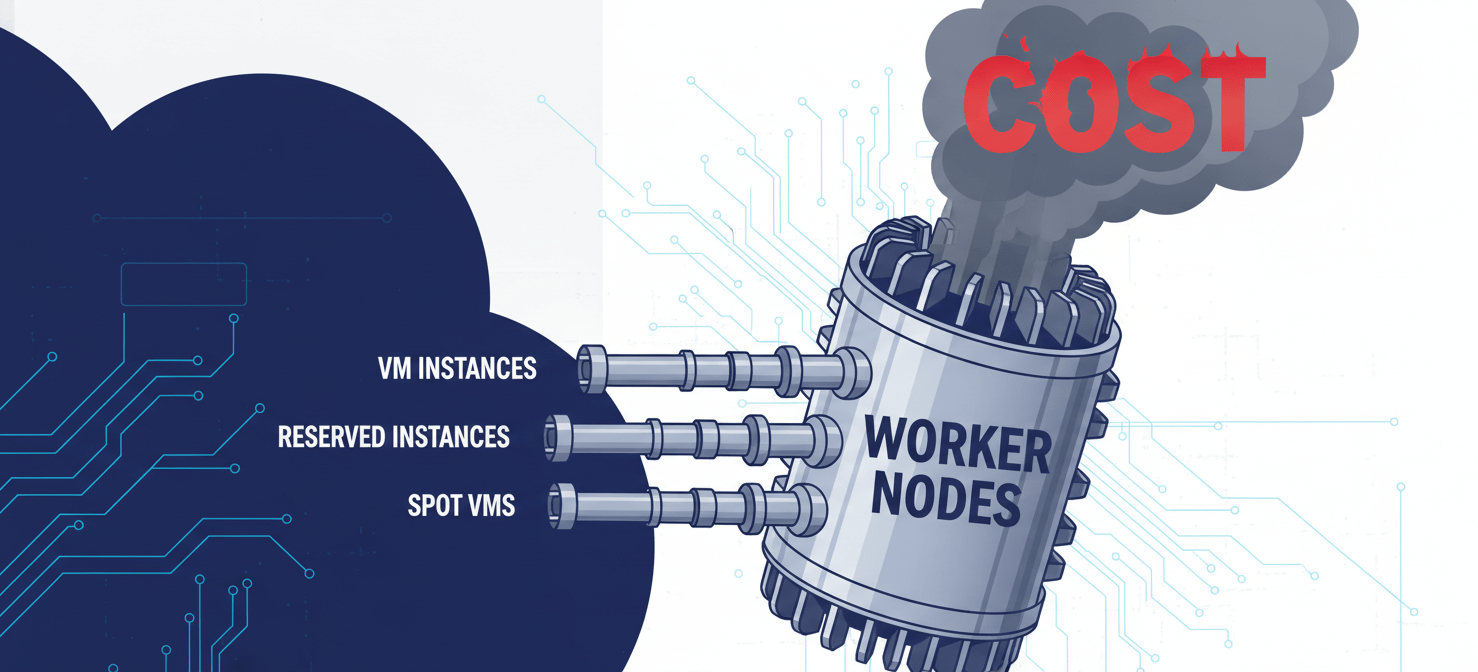
VM Instances
The price of worker nodes depends directly on the VM type, size, quantity, and region. For instance, a general-purpose Standard_D2s_v3 VM with 2 vCPUs and 8 GB of RAM might cost around $70 per month on a pay-as-you-go basis. A cluster with three such nodes would incur approximately $210 per month just for compute resources. Costs scale linearly as you add more nodes or choose more powerful, specialized VMs (e.g., memory-optimized or GPU-enabled).
Pricing Models to Reduce Compute Costs
To manage these expenses, Azure offers several pricing models beyond the standard pay-as-you-go option:
- Reserved Virtual Machine Instances: By committing to a one- or three-year term for specific VM types, you can achieve savings of up to 65% compared to pay-as-you-go rates. This model is ideal for stable, predictable workloads.
- Azure Spot Virtual Machines: Spot VMs leverage unused Azure capacity at discounts of up to 90%. However, these instances can be evicted with little notice, making them suitable for fault-tolerant, interruptible workloads like batch processing or development environments.
Effectively managing your worker nodes through right-sizing, autoscaling, and choosing the appropriate pricing model is the most impactful way to control your AKS associated costs.
Networking: How Data In and Out Affects Your Bill
Networking is another critical component in any aks cost analysis. While some networking aspects are free, others can introduce substantial charges, particularly as your application scales.
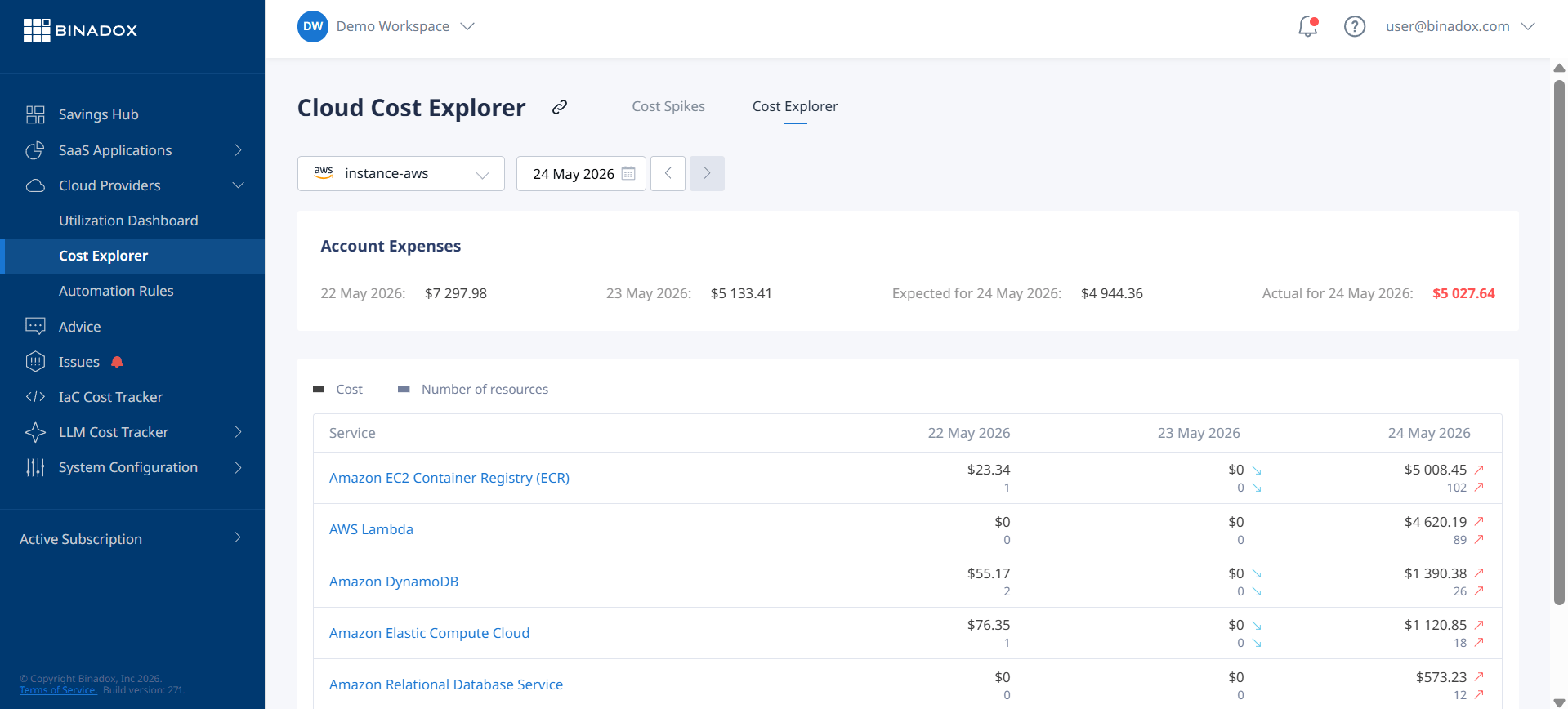
Key Networking Cost Components
- Load Balancers: To expose your services to the internet, AKS typically provisions a Standard Azure Load Balancer. This service has an hourly charge (around $0.025 per hour) and a fee for the amount of data processed. A single load balancer can add approximately $18-$20 per month to your bill before data processing fees.
- Public IP Addresses: Services exposed via a load balancer require a public IP address. Standard public IPs have a small hourly cost, typically adding a few dollars per month for each IP.
- Data Egress: Inbound data transfer to Azure is generally free. However, outbound data (egress) from your cluster to the internet is not. Azure charges per gigabyte for data leaving its data centers, with rates varying by region. For example, in the US and Europe (Zone 1), the first 100 GB per month is free, after which the rate is about $0.087 per GB. This can become a major expense for applications that serve large amounts of data.
Understanding your traffic patterns is essential. For applications with high egress, using a Content Delivery Network (CDN) can help reduce costs by caching content closer to users.
Storage: Persistent Data’s Price Tag
Containerized applications often require persistent storage that outlives the pod lifecycle. In AKS, this is handled by Azure’s storage services, each with its own pricing model.
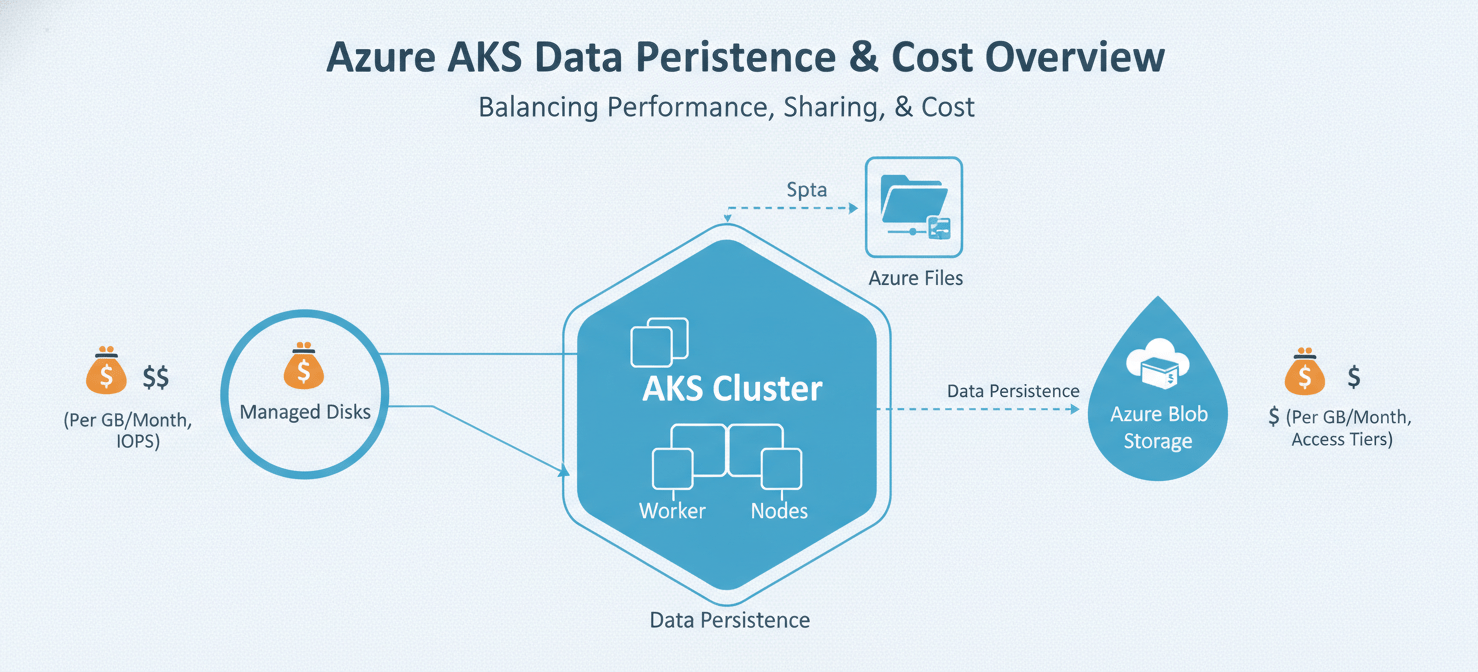
Common Storage Options for AKS
- Azure Managed Disks: These are block-level storage volumes attached to your worker nodes, commonly used for databases or other stateful workloads. Pricing depends on the disk type (Standard HDD, Standard SSD, Premium SSD, Ultra Disk), provisioned size, and the number of transactions (for standard tiers). For example, you pay for the provisioned capacity of a disk, regardless of how much data you actually store.
- Azure Files: This service provides fully managed file shares in the cloud accessible via the SMB and NFS protocols. It’s a good option for shared content or configuration files. Azure Files offers multiple performance tiers and billing models, including pay-as-you-go (based on usage) and provisioned (based on allocated capacity).
- Azure Blob Storage: While not directly used for persistent volumes in the same way as disks or files, Blob Storage is a cost-effective solution for storing large amounts of unstructured data like logs, backups, or media files. Costs are determined by the volume of data stored, the number of operations performed, and the chosen access tier (Hot, Cool, Cold, or Archive).
Choosing the right storage solution requires balancing performance needs with cost. For instance, Premium SSDs offer high performance but at a higher price, while Standard HDDs are cheaper but slower.
Associated Services: The Hidden AKS Cost Factors
The total cost of running a production-ready AKS cluster often includes several other Azure services that provide essential monitoring, security, and management capabilities.
- Azure Monitor for containers: This service provides performance visibility by collecting memory and processor metrics from controllers, nodes, and containers. While basic monitoring is included, advanced data collection and retention incur costs based on the volume of data ingested and the data retention period.
- Microsoft Defender for Containers: To secure your clusters, Defender for Containers offers vulnerability scanning and real-time threat protection. Pricing is typically based on the number of vCores in your cluster, with a monthly fee per vCore. For example, the service might cost around $7 per vCore per month.
- Azure Container Registry (ACR): You need a place to store and manage your container images. ACR offers several tiers (Basic, Standard, Premium) with different levels of included storage, webhooks, and geo-replication capabilities. Costs are based on the tier and any storage used beyond the included amount.
- Azure Policy for Kubernetes: For enforcing organizational standards and at-scale compliance, Azure Policy can be integrated with AKS. While the feature itself may not have a direct cost, it can influence the configuration of your resources, which in turn affects cost.
These services are often vital for production environments, and their costs should be included in any comprehensive aks associated costs estimate.
A Practical AKS Cost Analysis Example
To illustrate how these components come together, let’s estimate the monthly cost for a small production cluster.
- Cluster Management: Standard Tier for the uptime SLA: ~$73
- Worker Nodes: 3 x
Standard_D2s_v3VMs (2 vCPU, 8 GB RAM) on pay-as-you-go: 3 * ~$70 = ~$210 - Networking:
- 1 Standard Load Balancer: ~$18
- 1 Public IP Address: ~$3
- Data Egress (estimated 100 GB beyond free tier): 100 * $0.087 = ~$8.70
- Storage: 2 x 100 GB Standard SSD Managed Disks for persistent volumes: ~$10
- Associated Services:
- Azure Container Registry (Standard tier): ~$20
- Azure Monitor (estimated data ingestion): ~$25
- Microsoft Defender for Containers (3 nodes * 2 vCores/node * ~$7/vCore): ~$42
Estimated Total Monthly Cost: ~$409.70
This example highlights that the worker nodes are the primary expense, but the sum of the smaller charges for networking, storage, and associated services adds nearly 50% to the compute cost. Using the official Azure Pricing Calculator is essential for creating a detailed estimate tailored to your specific needs.
Conclusion
A thorough aks cost analysis reveals a multi-faceted pricing structure where the final bill is a sum of many parts. While the free management tier is a great entry point, production systems quickly accumulate costs from worker nodes, networking services like load balancers and data egress, persistent storage, and crucial add-ons for monitoring and security. The largest expense is almost always the virtual machines for your nodes, making compute optimization your most effective cost-control lever. However, ignoring the smaller, cumulative costs of associated services is a common pitfall that leads to budget surprises. Ultimately, a clear understanding of each charge allows your team to build a cost-effective and reliable Kubernetes platform on Azure, without discovering you’ve accidentally purchased a fleet of gold-plated load balancers you didn’t need.
Effectively managing your AKS costs requires continuous vigilance and the right tools to identify savings opportunities and prevent budget surprises. To gain a clearer picture of your cloud spend, you can start a free Binadox trial today, or for a personalized walkthrough of our capabilities, we invite you to book a demo.
 7-day free trial