



Dealing with an unexpected charge from a service provider is a frustrating experience. For many, navigating the Network Solutions auto-renewal process can feel like a significant challenge, leading to unwanted charges for domains or hosting services. If you’ve been surprised by a renewal fee, you are not alone. Understanding the system is the first step toward resolving the issue, whether that means securing a refund or simply preventing it from happening again. This article provides a practical guide to help you manage and fight these charges effectively.
Key takeaways
- You can disable auto-renewal at any time through the “Renewal Center” in your Network Solutions Account Manager.
- To request a refund for an automatic renewal, you generally must contact Network Solutions within 30 days of the charge.
- Canceling some services, like hosting packages, may involve calling customer support directly and could incur processing fees.
- Domain name registrations are often non-refundable once processed, making it crucial to disable auto-renew well before the renewal date.
Understanding the Network Solutions Auto-Renewal System
By default, many services at Network Solutions are set to renew automatically. The company states this feature is designed to prevent accidental service interruptions. While convenient for some, it can lead to unwelcome charges if you no longer need the service or found a better alternative.
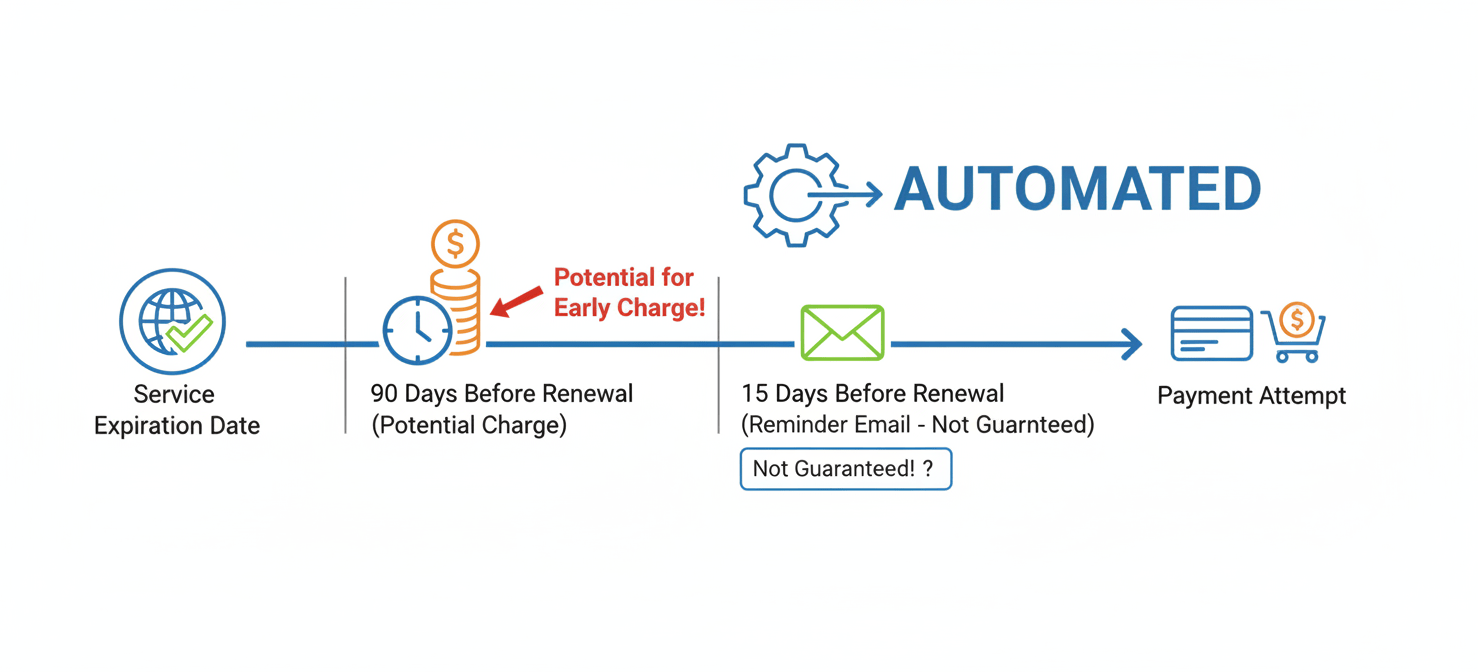
According to their terms, Network Solutions may attempt to renew your services up to 90 days before the expiration date without direct notice. The company does state it will endeavor to send a reminder email about 15 days before the renewal date, but this is not a guaranteed obligation. If the primary payment method on file fails, their system will immediately try a secondary payment method if one is available. This proactive approach makes it essential for you to be equally proactive in managing your account settings.
How to Turn Off Network Solutions Auto-Renewal
Preventing future unwanted charges is straightforward once you know where to look. You have full control over these settings within your account.
Step-by-Step Guide to Disabling Auto-Renew
- Log In to Your Account: First, navigate to the Network Solutions website and log in to your Account Manager.
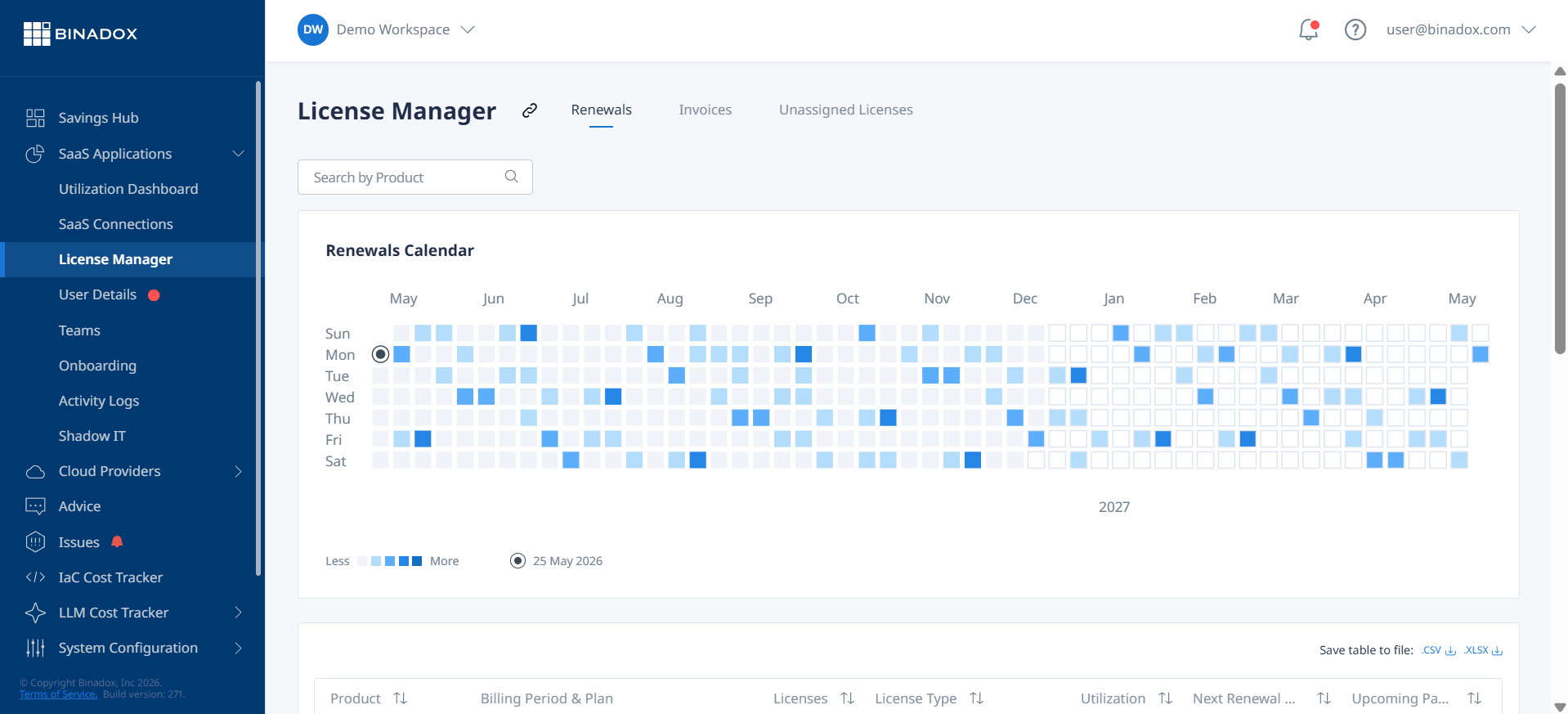
- Access the Renewal Center: Once logged in, find and click on the “Renewal Center” tab, typically located in the left-hand menu.
- Select Your Products: The Renewal Center displays a list of your products and their renewal status. You can use the search bar to find specific services.
- Disable Auto-Renew: Locate the service you wish to change. You can either click the checkbox next to the product and then select the “Disable Auto-Renew” button, or click the “Disable” link in the “Auto Renew Status” column. A confirmation pop-up will appear; click to confirm your action.
You can manage both annual and monthly products from the Renewal Center. It is wise to review these settings periodically, especially if you have multiple services.
Steps to Get a Network Solutions Refund
If you’ve already been charged, obtaining a refund requires prompt action. Network Solutions has a specific, though sometimes conditional, refund policy.
Contacting Support for a Refund
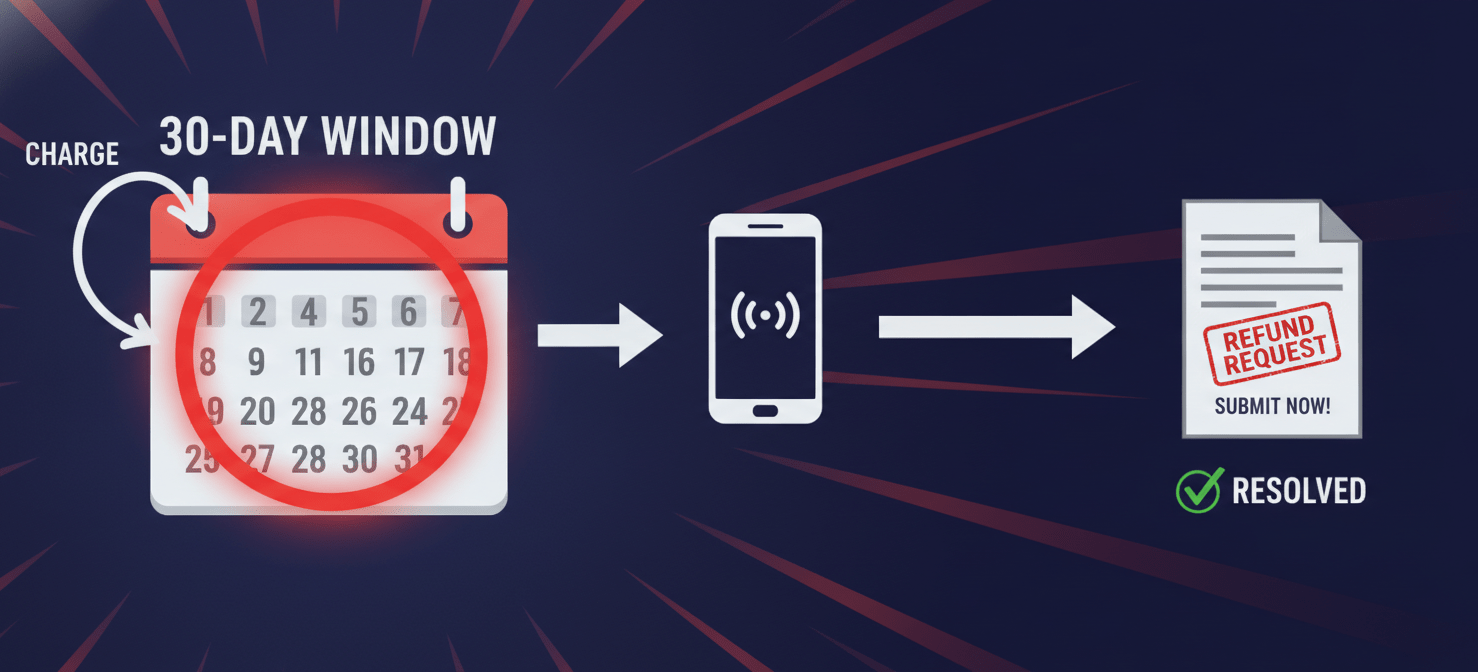
Generally, Network Solutions maintains a no-refund policy, but they make exceptions. For an automatic renewal charge, you must contact them within 30 days of the transaction for a refund to be considered. If approved, the renewal term will be reversed.
For newly purchased products, the window is much smaller—you may need to request a refund within just three days.
The most direct way to request a refund and cancel a service is often by phone. You can reach customer support by calling their toll-free numbers. Be prepared to provide your account information and clearly state that you want to cancel the service and receive a refund for the recent auto-renewal charge. After the call, it is good practice to ask for a confirmation email for your records.
Keep in mind that some products have different rules. For example, SSL certificates and premium domain purchases are typically non-refundable. Furthermore, canceling a hosting package might come with a processing fee.
How to Cancel Network Solutions Hosting and Other Services
If you wish to part ways with Network Solutions entirely, the process may involve more than just disabling auto-renewal.
The Cancellation Process
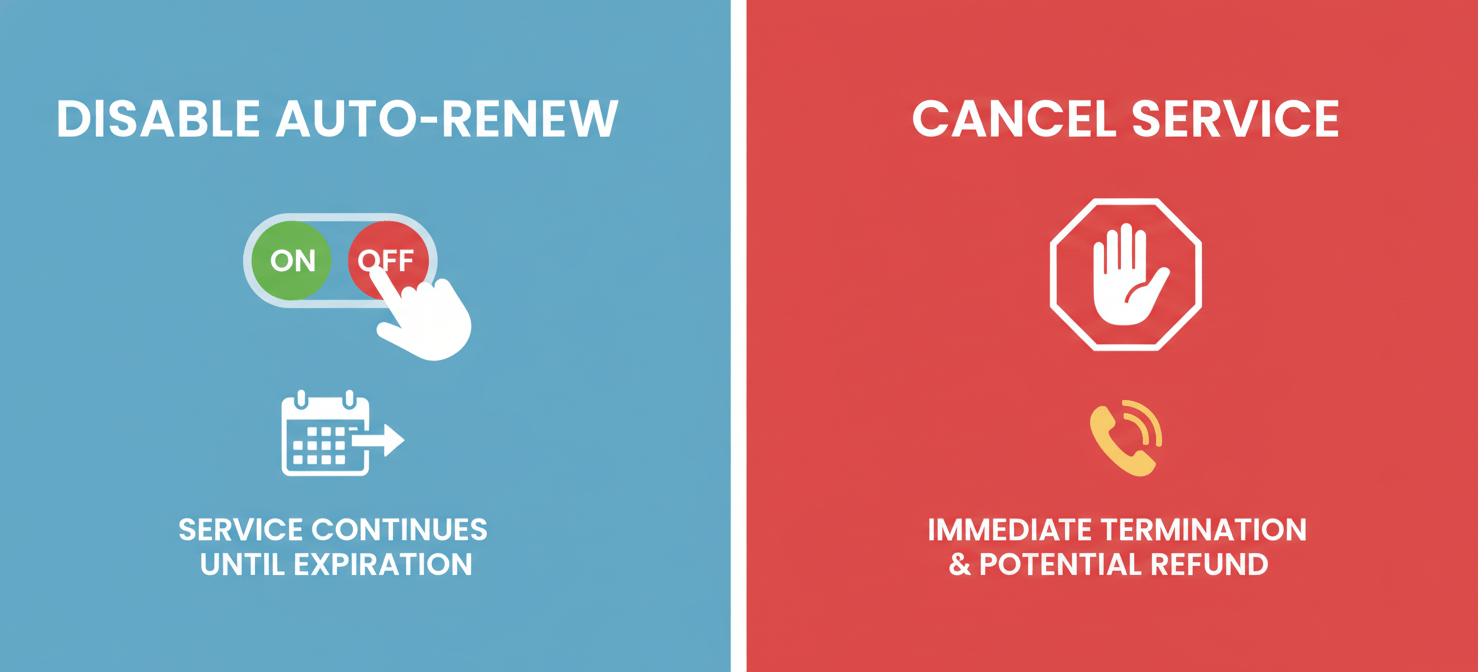
To completely cancel your hosting account or other active services, a phone call to customer service is usually required. You will need to speak with a representative, provide your customer details, and explicitly request the cancellation of your account and any recurring payments.
This is a crucial distinction: turning off auto-renew prevents the next charge, while canceling the service terminates it. If you simply turn off auto-renew, your service will continue to run until its expiration date. If you need to stop the service immediately and potentially seek a prorated refund (if applicable), you must go through the formal cancellation process.
For domain names, canceling the service is effectively letting it expire once auto-renewal is off. If you want to move the domain to another registrar, you will need to initiate a transfer process, which is a separate procedure.
Conclusion
Successfully managing your services with any provider requires a degree of vigilance. With Network Solutions, the key is to be proactive. By regularly checking your account’s Renewal Center, you can prevent unwanted charges before they happen. If you do get caught by a charge you didn’t expect, act quickly. Understanding the 30-day window for renewal refunds is critical to successfully getting your money back. While their policies can seem rigid, knowing the specific steps to disable network solutions auto-renewal and request a refund empowers you to resolve the situation. Don’t let automatic systems dictate your expenses; take control of your account settings and make them work for you, not against you.
To further streamline your service management and ensure you maintain control over all your subscriptions, you can explore how to try Binadox free or book a demo to see its full capabilities.
 7-day free trial