



Understanding your cloud spending is crucial, but high-level summaries often hide the important details. To truly optimize costs, you need to know exactly which resources are contributing to your bill. This is where you can get resource-level details with the Azure Cost Analysis API. The portal is a great starting point, but for deep, automated analysis, the API provides the necessary power and flexibility. With programmatic access, your team can build custom reports, integrate cost data into other systems, and gain a much clearer picture of your cloud expenditures.
Key takeaways
- The Azure Cost Analysis API provides programmatic access to the same detailed cost and usage data available in the Azure portal.
- You can achieve granular cost analysis by querying data at different scopes, including Management Group, Subscription, and Resource Group.
- For large, recurring data needs, setting up automated Exports to an Azure Storage account is the most scalable solution, recommended for datasets over 2 GB per month.
- The Query API is highly flexible for ad-hoc analysis, allowing you to group and filter costs by dimensions like resource type, location, and tags.
Why Resource-Level Granularity Matters
Gaining a line-item understanding of your Azure bill is the first step toward effective cloud financial management. When you can see the cost of each virtual machine, storage account, and database, you can make informed decisions. This level of detail allows you to pinpoint inefficiencies, such as oversized or orphaned resources that accumulate charges without providing value.
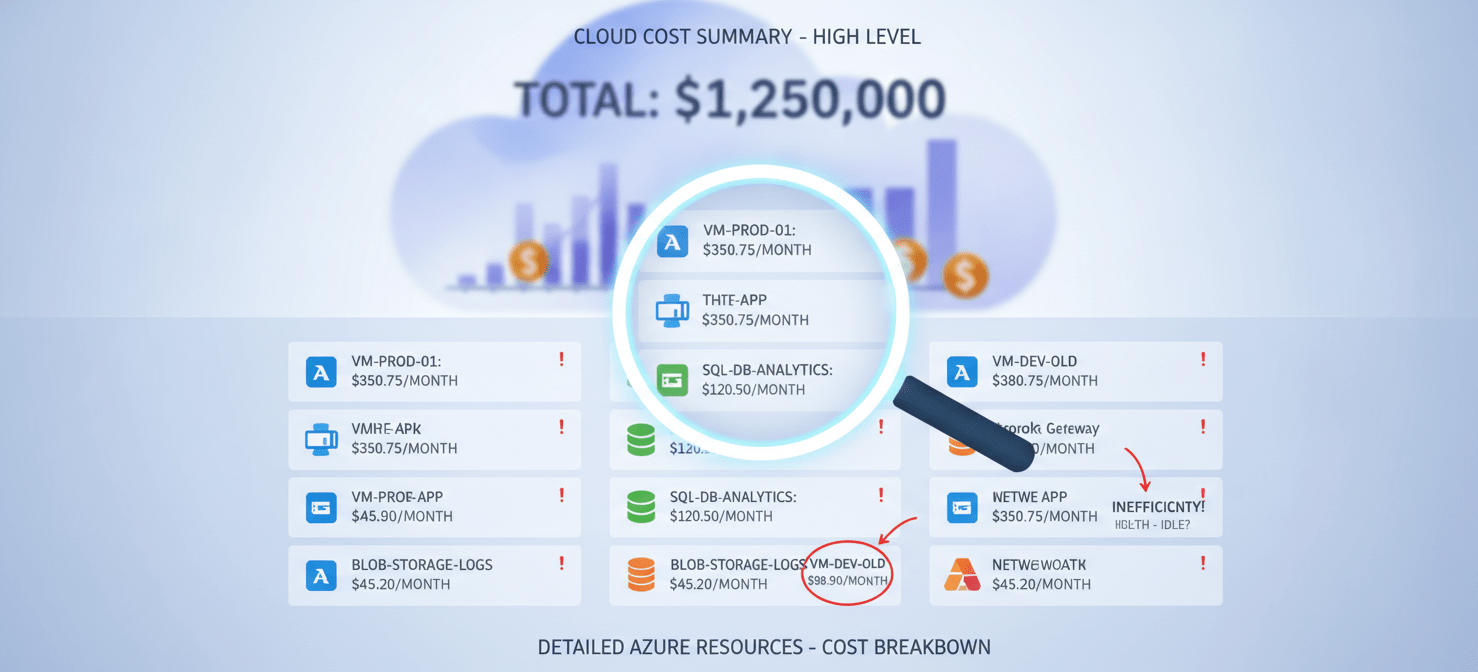
Furthermore, resource-level data is essential for accurate cost allocation. For organizations that need to charge back cloud costs to specific departments, projects, or business units, this granularity is non-negotiable. It fosters a culture of accountability where teams can see the direct financial impact of their infrastructure choices. This detailed visibility transforms cost management from a reactive accounting exercise into a proactive, data-driven strategy for optimizing your cloud investment.
Understanding the Azure Cost Analysis API
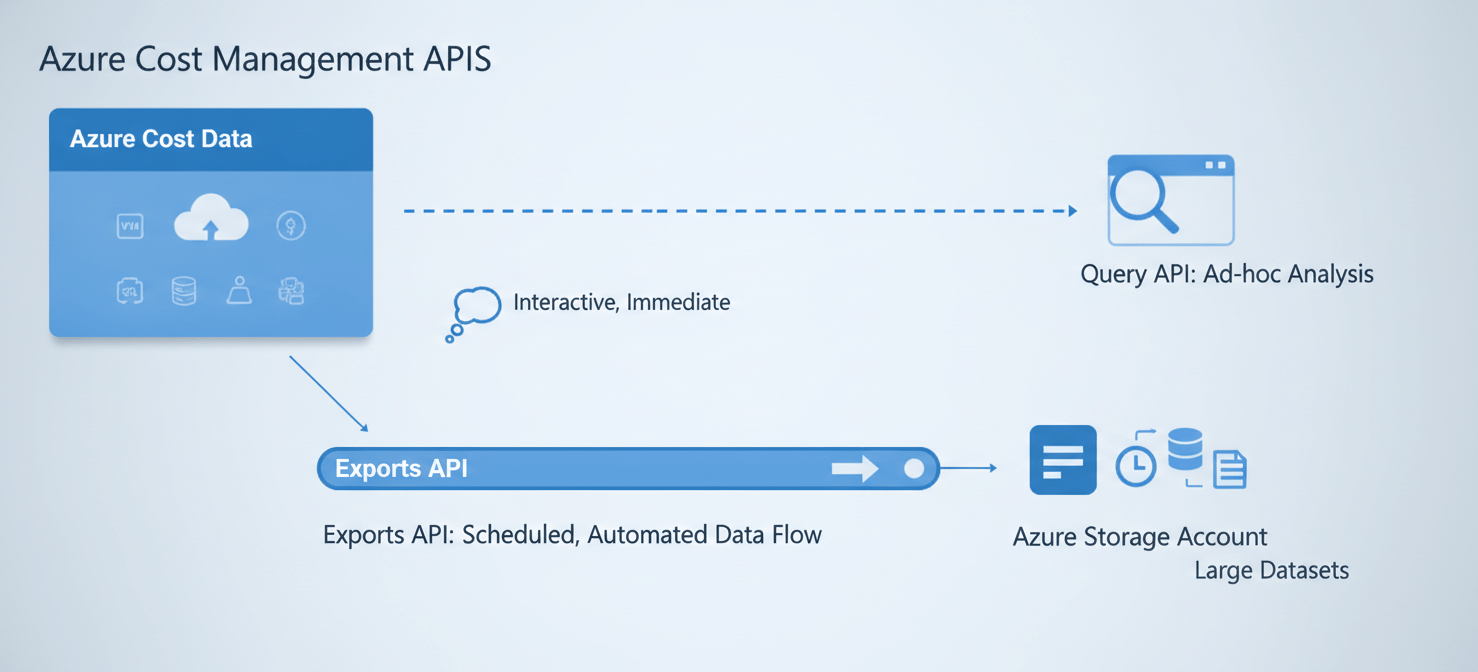
The Azure Cost Management and Billing suite offers several APIs to access cost and usage data programmatically. These tools give you the power to move beyond the standard portal views and build custom solutions. The primary APIs for retrieving cost details are the Query API and the Exports API.
The Query API
The Query API is designed for flexible, ad-hoc analysis. It allows you to retrieve aggregated cost and usage data by creating customized filters and expressions. You can group data by various dimensions, such as resource type, location, or tags, to answer specific questions about your spending. This makes it ideal for building custom dashboards or running specific analytical queries.
The Exports API
For handling large volumes of data or for regular reporting, the Exports API is the recommended solution. This API allows you to schedule recurring exports of your detailed cost and usage data to an Azure Storage account. The data is delivered in CSV format, making it easy to ingest into other systems like data warehouses or business intelligence tools for further analysis. This approach is more scalable and avoids potential API rate limits you might encounter with frequent, large queries.
How to Get Azure Cost Analysis API Resource Details
Accessing granular cost data programmatically involves a few key steps, from setting up authentication to structuring your API calls correctly.
Authentication and Permissions
First, you need to authenticate your requests. This is typically done using a service principal or a managed identity. Your service principal must be assigned an appropriate role, such as “Cost Management Reader,” at the scope you intend to query. The scope defines which resources the API call will cover and can be set at the level of a management group, subscription, or resource group.
Defining Your Scope
Choosing the right scope is critical for getting the data you need without pulling in unnecessary information.
- Management Group: Use this for a high-level, enterprise-wide view across multiple subscriptions.
- Subscription: This is the most common scope, ideal for analyzing the costs within a specific environment like production or development.
- Resource Group: For the most granular view, target a specific resource group to track costs associated with a particular application or project.
Structuring Your Query
With the Query API, you construct a request body that specifies the dataset you want. This includes the time frame, the granularity (daily or monthly), and how you want the data aggregated and grouped. For instance, to get costs per resource, you would group the data by ResourceId. You can also include filters to narrow down the results, such as focusing on a specific service name or tag.
For those looking to export Azure cost data with tags, the API allows you to group by tag keys. This organizes the cost data based on the custom tags you’ve applied to your resources, which is invaluable for internal cost allocation.
Practical Applications and Use Cases
Once you can programmatically access detailed cost data, you can unlock several powerful use cases that go beyond the capabilities of the Azure portal.
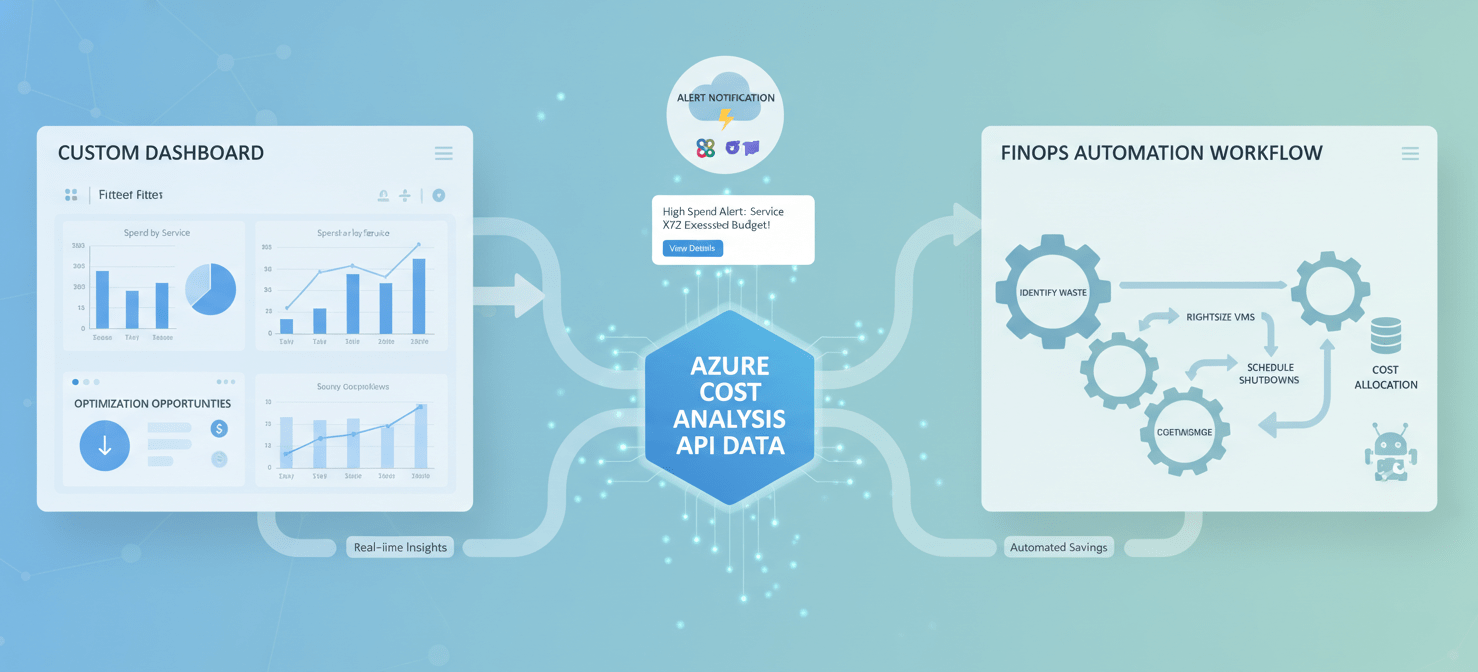
One of the most common applications is building custom cost dashboards. While the Azure portal is useful, it may not fit your organization’s specific workflow. By pulling data from the API, you can create tailored visualizations in tools like Power BI or Grafana, combining Azure costs with other business metrics for a holistic view.
Another key use is automated governance. You can create scripts or functions that regularly query the API to check for cost anomalies or budget overruns. For example, you could set up an Azure Function that runs daily, pulls cost data for specific resource groups, and triggers an alert in Slack or creates a Jira ticket if costs spike unexpectedly. This allows for a much faster response to potential issues.
Furthermore, this data is crucial for FinOps practices. Integrating detailed cost data into a central data lake allows you to perform complex trend analysis and compare spending across different cloud providers if you operate in a multi-cloud environment.
Common Challenges and Solutions
Working with the Azure Cost Management APIs can present a few common challenges, but they are manageable with the right approach.
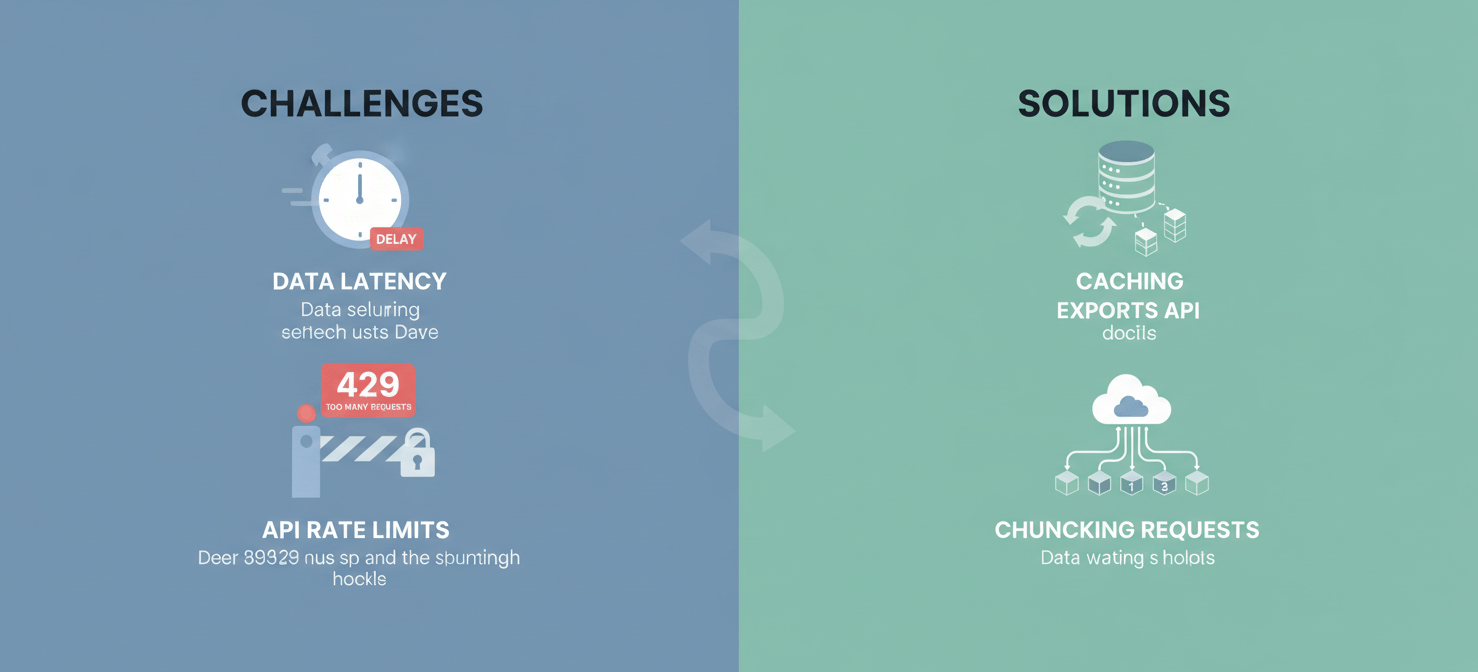
Data Latency
It’s important to remember that cost data is not real-time. There can be a delay of several hours before usage is reflected in the billing data. Microsoft recommends calling the APIs no more than once per day, as cost data is typically refreshed every four hours. For most reporting and analysis, this latency is acceptable.
API Rate Limits
The Cost Management APIs are subject to rate limits to ensure service stability. If you make too many requests in a short period, you may receive a 429 (Too Many Requests) error. To manage this, it’s best to cache data when possible and use the Exports API for large, recurring data pulls instead of making numerous small queries. When you do encounter a 429 error, your code should be prepared to handle it by waiting for the period specified in the retry-after response header.
Handling Large Datasets
For scopes with a large amount of cost data, a single API query might return a massive dataset that is difficult to handle. In these cases, it’s better to break your requests into smaller chunks, for example, by querying data one day or one week at a time. For very large datasets, using the Exports API is the most robust and scalable solution.
Conclusion
Moving beyond the Azure portal’s dashboards to directly query cost data is a sign of a maturing cloud financial strategy. By using the API, you gain the flexibility to automate reporting, integrate cost data into your own tools, and achieve the granularity needed for true optimization. Getting Azure cost analysis API resource details allows you to transform raw billing data into actionable insights. It enables your team to build intelligent guardrails, create custom analytics, and ultimately protect your budget. While there are challenges like rate limiting and data latency to consider, the benefits of programmatic access far outweigh them, providing a solid foundation for a sophisticated FinOps practice.
To truly transform raw billing data into actionable insights and protect your budget, consider exploring how Binadox can simplify your cloud cost management, or if you prefer a direct overview, you can easily schedule a quick consultation.
 7-day free trial