



As your organization’s use of Amazon EKS (Elastic Kubernetes Service) expands, managing its associated costs becomes increasingly complex. The dynamic nature of containerized workloads makes it difficult to attribute expenses to specific teams, applications, or projects. Answering a simple question like “Which namespace is driving our AWS bill?” can feel impossible without the right tools. This is where Kubernetes-native cost monitoring solutions become essential. This article provides a detailed comparison of two leading players in this space, helping you navigate the kubecost vs opencost decision for your EKS environment.
Key takeaways
- Shared Origins: Kubecost is the commercial product built upon OpenCost, which is the open-source cost allocation engine donated to the Cloud Native Computing Foundation (CNCF).
- Feature Divide: OpenCost provides the core data layer for cost allocation, while Kubecost adds a polished UI, multi-cluster views, budget alerts, and cost optimization recommendations.
- EKS Advantage: AWS offers an optimized Kubecost bundle for EKS users at no extra cost for a single cluster, which includes a subset of commercial features.
- Installation in Minutes: Both tools can be deployed on an EKS cluster quickly using Helm charts, with Kubecost often being slightly faster due to its bundled dependencies.
What Are Kubecost and OpenCost?
Understanding the relationship between Kubecost and OpenCost is the first step. They are not direct competitors in the traditional sense; rather, they represent a classic open-core model.
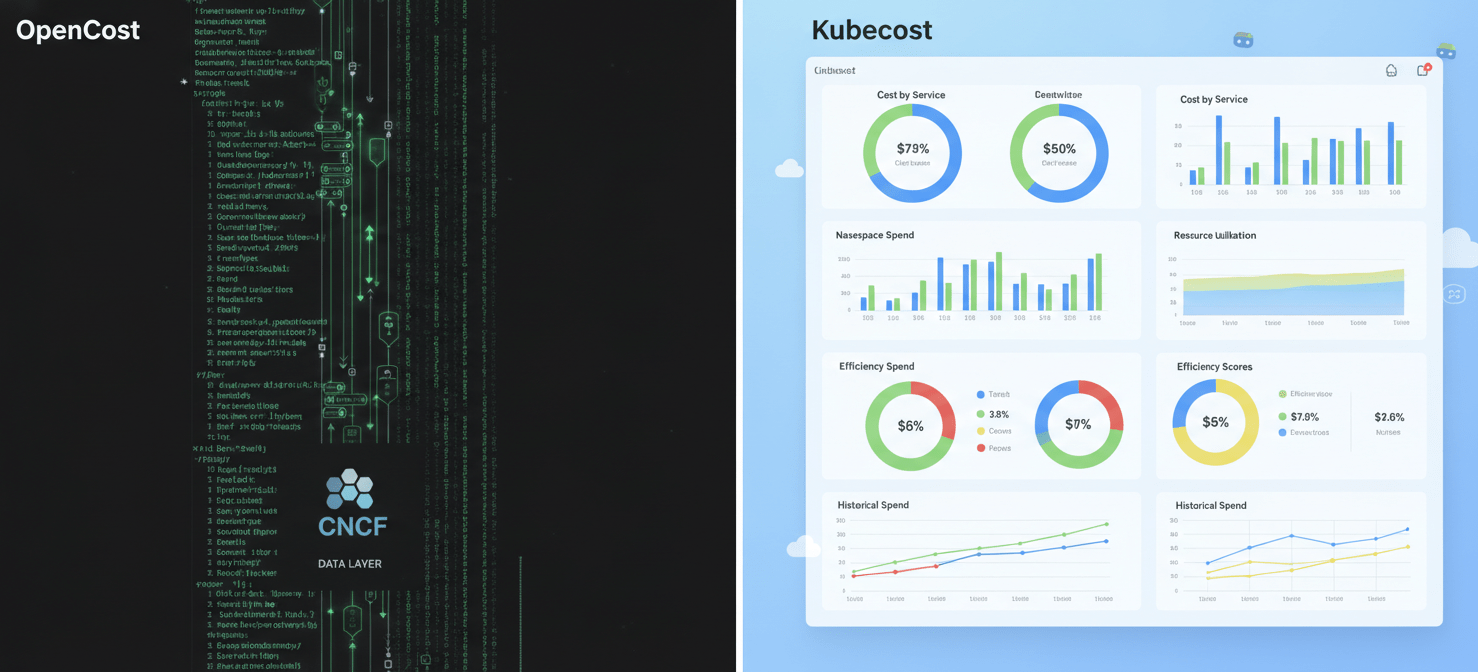
OpenCost: The Open-Source Foundation
OpenCost is a vendor-neutral, open-source project for measuring and allocating Kubernetes and cloud costs in real-time. It was originally developed by the team behind Kubecost and was later donated to the CNCF, where it is now an incubating project. Think of OpenCost as the foundational engine. Its primary job is to provide a standardized, accurate data layer that calculates costs by Kubernetes-native concepts like namespace, controller, service, and pod. It integrates with cloud provider billing APIs to map infrastructure costs to specific Kubernetes workloads. However, it is fundamentally a data-layer tool, often requiring you to build your own dashboards and alerting mechanisms on top of it, typically using Prometheus and Grafana.
Kubecost: The Commercial, Feature-Rich Solution
Kubecost is the commercial product built on the OpenCost engine. It takes the powerful cost allocation data from the core engine and wraps it in a comprehensive, user-friendly platform. Kubecost provides pre-built dashboards, advanced reporting, multi-cluster management, and crucial FinOps features like budget alerts and governance policies. It is designed to be an out-of-the-box solution for teams that need immediate, actionable insights without the overhead of building and maintaining a custom monitoring stack. Kubecost offers a free tier, which is more feature-rich than a basic OpenCost installation, as well as paid Business and Enterprise tiers for more complex needs.
Core Feature Comparison: Kubecost vs OpenCost
While both tools share the same allocation engine, their feature sets diverge significantly. The choice between opencost vs kubecost often comes down to whether you need a powerful data source or a complete, managed solution.
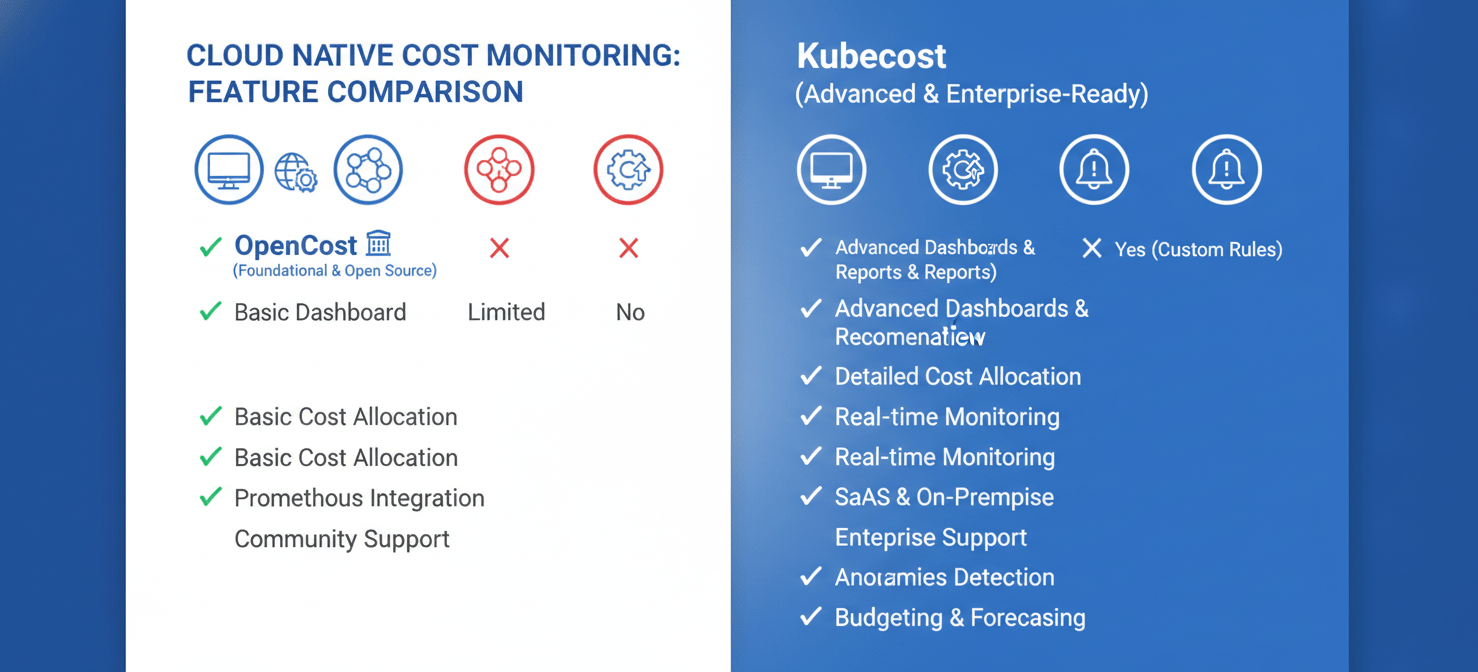
| Feature | OpenCost | Kubecost (Free & Paid Tiers) |
|---|---|---|
| Core Cost Allocation | Yes, by namespace, pod, deployment, etc. | Yes, built on the same OpenCost engine. |
| User Interface | Basic UI available, but often used with Grafana. | Polished, out-of-the-box dashboards and reports. |
| Multi-Cluster Views | No built-in aggregation; requires custom setup. | Yes, in paid tiers for centralized reporting. |
| Cost Optimization | No built-in recommendations. | Provides actionable recommendations for rightsizing. |
| Alerting & Governance | Relies on external tools like Prometheus Alertmanager. | Built-in budget alerts, anomaly detection, and RBAC. |
| Data Retention | Dependent on your Prometheus configuration. | 15 days on the free tier; unlimited on paid tiers. |
| Support | Community-driven via GitHub and CNCF Slack. | Community support for free tier; dedicated support for paid tiers. |
| Cloud Billing Integration | Yes, for AWS, Azure, and GCP. | Yes, with advanced reconciliation for discounts (Savings Plans, RIs) in paid tiers. |
Installation and Configuration on EKS
Getting started with either tool on Amazon EKS is straightforward, thanks to Helm, the Kubernetes package manager.
Installing OpenCost on EKS
Deploying OpenCost requires a few distinct steps because it relies on an existing Prometheus instance for data collection.
- Prerequisites: You need a running EKS cluster,
kubectl, and Helm installed. Most importantly, you must have a Prometheus server running in your cluster. - Helm Installation: The process involves adding the OpenCost Helm repository and then running a
helm installcommand. You will need to configure avalues.yamlfile to point OpenCost to your Prometheus server’s address. - Cloud Integration: For accurate pricing, you must configure IAM roles and provide access to your AWS Cost and Usage Report (CUR) so OpenCost can pull real billing data. This includes setting up access for spot instance data feeds if you use them.
The entire process is well-documented but requires a hands-on approach to connect the different components.
Installing Kubecost on EKS
Kubecost simplifies the installation, particularly for EKS users. AWS provides an EKS add-on for Kubecost, which is the recommended installation method.
- EKS Add-on: You can enable the Kubecost add-on directly from the Amazon EKS console or via the AWS CLI. This method handles the installation of dependencies like Prometheus and kube-state-metrics automatically. This optimized bundle is provided at no cost for use on a single cluster.
- Helm Installation: For more customized setups, you can still use Helm. The command is typically a one-liner that pulls a pre-configured, EKS-optimized version of Kubecost from the Amazon ECR public gallery.
- Accessing the UI: Once installed, you can access the Kubecost dashboard by port-forwarding the service. From there, you can immediately start exploring your EKS cost data.
For most EKS users, the Kubecost EKS add-on offers the path of least resistance to getting started with powerful cost monitoring.
User Interface and Usability
OpenCost provides a functional but basic web UI that displays cost allocation data. It’s useful for quick checks and validation. However, for deeper analysis, trend monitoring, or creating shareable reports for different teams, most users export OpenCost’s metrics to a Grafana dashboard. This offers immense flexibility but also requires the effort to build and maintain those dashboards.
In contrast, Kubecost provides a polished, intuitive, and feature-rich user interface right out of the box. Its dashboards are designed for various stakeholders, from engineers debugging a specific workload’s cost to finance leaders reviewing overall cluster spend. You can easily filter and group costs by any Kubernetes concept, visualize cost trends over time, and drill down into efficiency scores for specific deployments. This immediate usability is a major advantage for teams that want to derive value quickly without investing in custom dashboard development.
Alerting and Reporting Capabilities
Actionable insights require more than just a dashboard; they require proactive alerting and structured reporting.
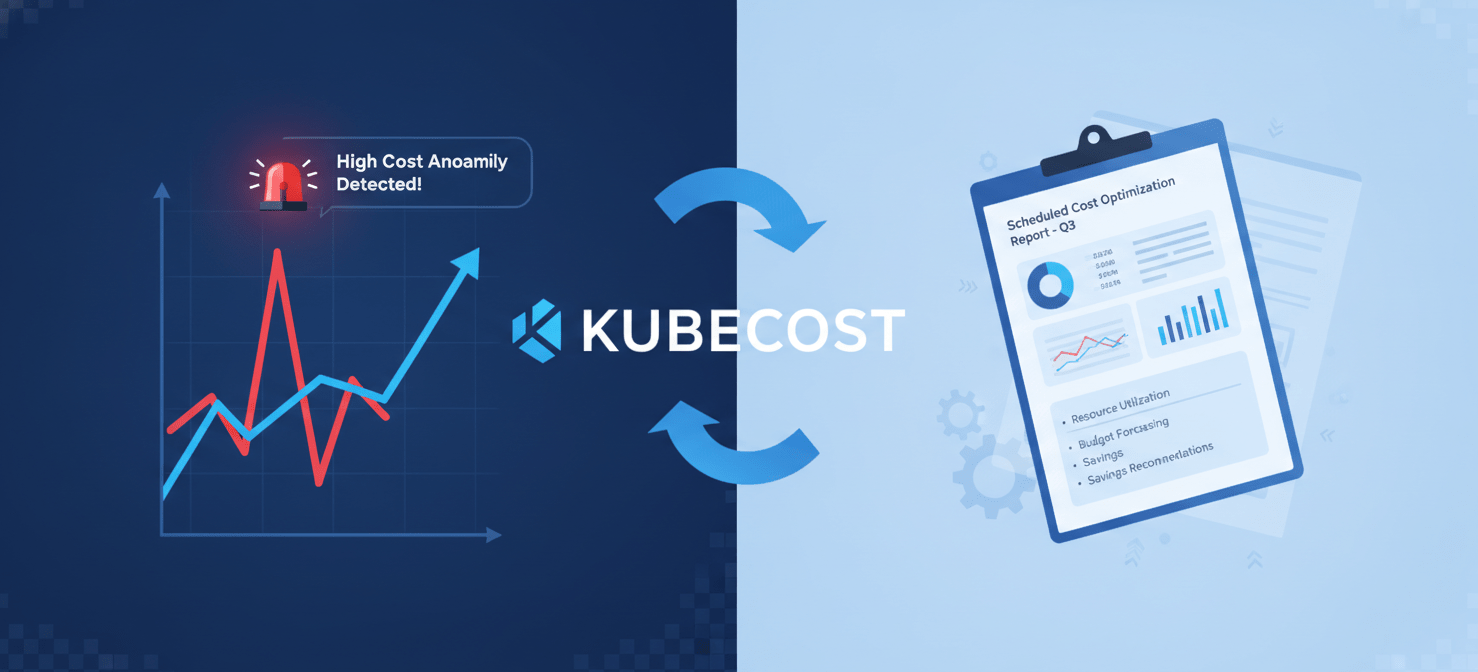
OpenCost itself does not have a native alerting feature. Instead, it relies on its integration with Prometheus. You can configure alerts using Prometheus Alertmanager to trigger notifications when certain cost thresholds are breached or when anomalies are detected in the metrics that OpenCost exports. This is a powerful and flexible system but requires you to define, configure, and manage the alerting rules yourself.
Kubecost, on the other hand, builds these capabilities directly into its product, especially in its paid tiers. You can set budgets for namespaces, teams, or labels and receive automated alerts via Slack or email when you are approaching your limit. It can also detect cost anomalies automatically, flagging unexpected spikes in spending before they become a major problem. Furthermore, Kubecost can generate and schedule regular cost reports, making it easy to share insights with stakeholders across your organization.
Which Tool Is Right for Your EKS Environment?
Ultimately, the choice between these Kubernetes cost monitoring tools depends on your team’s specific needs, resources, and goals.
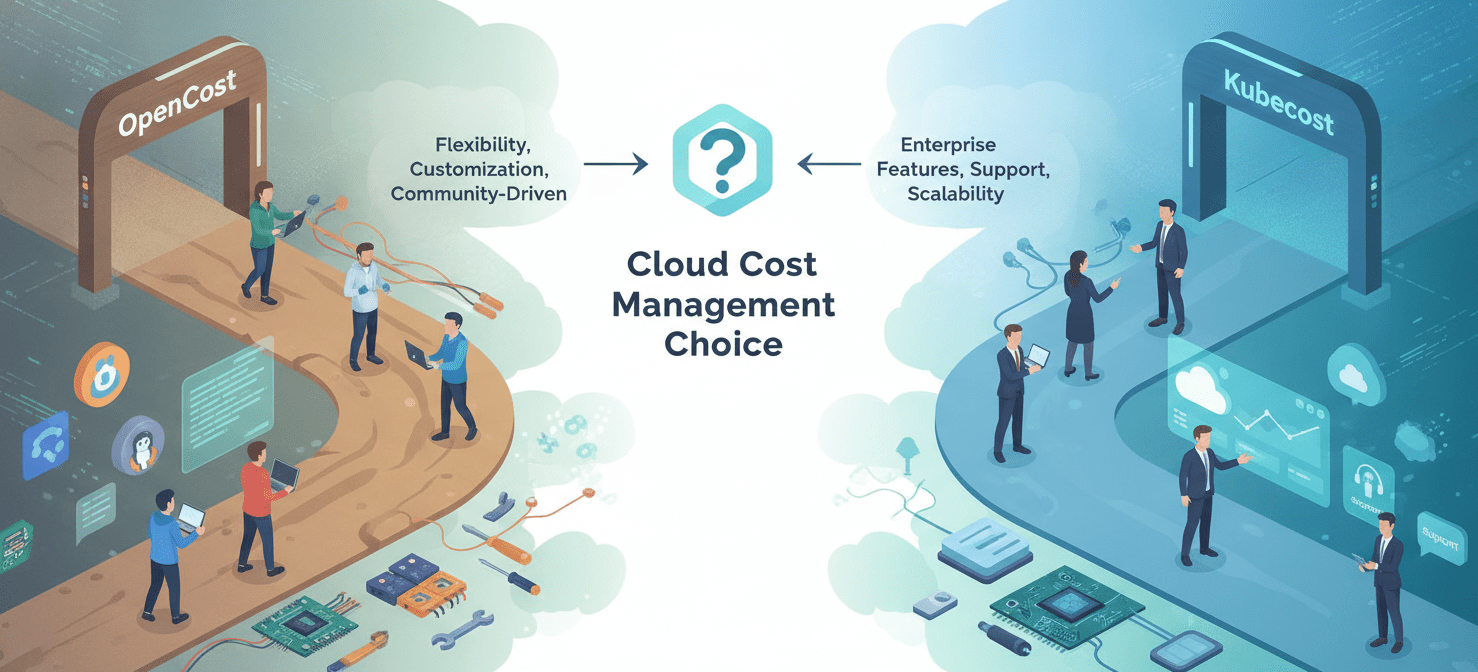
Choose OpenCost if:
- Your team has strong expertise with Prometheus and Grafana and prefers to build a custom observability stack.
- You need a free, open-source, and vendor-neutral data layer for cost allocation to feed into other systems.
- You are primarily focused on the core task of cost allocation and do not need advanced features like automated recommendations or multi-cluster management.
Choose Kubecost if:
- You need a turnkey solution with a user-friendly interface that provides immediate value.
- You want actionable cost-saving recommendations and proactive budget alerts without manual configuration.
- You manage multiple EKS clusters and require a single, centralized view of all your Kubernetes spending (a feature of paid tiers).
- You are an EKS user who can take advantage of the free, feature-enhanced EKS-optimized bundle for single-cluster monitoring.
Conclusion
Navigating the kubecost vs opencost decision is less about picking a winner and more about aligning the tool to your team’s operational maturity and goals. OpenCost provides the essential, community-governed engine for cost allocation—a foundational piece of any FinOps toolkit. It gives you the raw data with the freedom and responsibility to build upon it. Kubecost takes that same engine and builds a comprehensive, user-friendly platform around it, designed to turn that data into savings and efficiency gains with minimal setup. For teams running on EKS, the AWS-optimized Kubecost bundle presents a compelling starting point, offering commercial features for free on a single cluster. Whichever path you choose, implementing a dedicated Kubernetes cost monitoring tool is no longer optional; it’s a critical step toward financial accountability and operational excellence in the cloud.

If you’re ready to take this critical step towards mastering your EKS costs, you can easily arrange a personalized demonstration of effective cost management or simply start your complimentary Binadox trial to gain immediate insights.
 7-day free trial