



Choosing the right endpoint security solution is a critical decision for any business. The ideal platform must protect against an ever-evolving landscape of cyber threats without straining your IT resources or budget. In the debate of Microsoft Defender vs Eset, two major contenders emerge, each with a different approach to endpoint protection. This article provides a detailed comparison of their features, management capabilities, and pricing structures to help you determine the best fit for your organization.
Key takeaways
- Integration vs. Specialization: Microsoft Defender offers deep integration with the Windows and Microsoft 365 ecosystem, while Eset provides a specialized, cross-platform security solution known for its lightweight performance.
- Pricing Models: Microsoft Defender for Endpoint is priced per user, with Plan 1 at $3.00/user/month and Plan 2 at $5.20/user/month. Eset’s PROTECT platform starts at approximately $211 per year for 5 devices.
- Feature Sets: Both offer core features like next-generation antivirus and endpoint detection and response (EDR). However, advanced features like full disk encryption and cloud sandboxing are standard in Eset’s mid-tier plans, whereas some advanced capabilities in Defender require the higher-tier Plan 2.
- Management: Eset provides a single console for managing multiple operating systems (Windows, macOS, Linux, Android, iOS). Microsoft’s management is streamlined for organizations heavily invested in the Microsoft 365 environment.
Feature Comparison: Core Security
When evaluating endpoint security, the primary concern is the effectiveness of core protection features. Both Microsoft Defender and Eset offer robust, multi-layered security to defend against malware, ransomware, and other advanced threats.

Threat and Vulnerability Management
Microsoft Defender provides strong threat and vulnerability management, especially in its more advanced plans. Defender for Endpoint P2, for instance, continuously scans for vulnerabilities and helps prioritize remediation efforts to reduce your organization’s attack surface. For small to medium-sized businesses, Microsoft Defender for Business also includes vulnerability management to help identify and fix weaknesses before they can be exploited.
Eset, on the other hand, integrates vulnerability and patch management in its higher-tier plans like ESET PROTECT Complete. This feature automatically tracks and patches vulnerabilities across your systems. Eset’s approach focuses on proactive defense, using technologies like its Ransomware Shield to identify threats based on behavior and reputation.
Attack Surface Reduction & Next-Gen Protection
Microsoft Defender includes a comprehensive suite of attack surface reduction capabilities. These features include application control, web protection, network firewall, and specific rules designed to mitigate ransomware. Its next-generation protection uses antimalware and antivirus capabilities, both on-device and in the cloud, to block emerging threats.
Eset leverages a multilayered approach with multiple technologies to balance performance and detection. Its platform includes an exploit blocker, network attack protection, and botnet protection. Eset is also known for its lightweight client and strong protection against fileless malware through advanced memory scanning and script-based detection.
Endpoint Detection and Response (EDR)
Microsoft Defender offers EDR capabilities across its business and enterprise plans. Defender for Business provides core EDR functions with automated remediation to handle common threats. For more advanced needs, Defender for Endpoint P2 delivers deeper investigation tools, including advanced threat hunting and detailed endpoint timelines.
Eset’s EDR capabilities, known as Extended Detection and Response (XDR), are available in its higher-tier plans. ESET Inspect, the XDR component, provides root cause analysis and allows for searching across numerous indicators of compromise. However, this advanced functionality typically requires a higher-tier subscription.
Feature Comparison: Management & Usability
Effective security requires not only powerful features but also intuitive management and a user-friendly interface. The experience of deploying and managing Microsoft Defender and Eset can differ significantly based on your existing IT infrastructure.
Console and Deployment
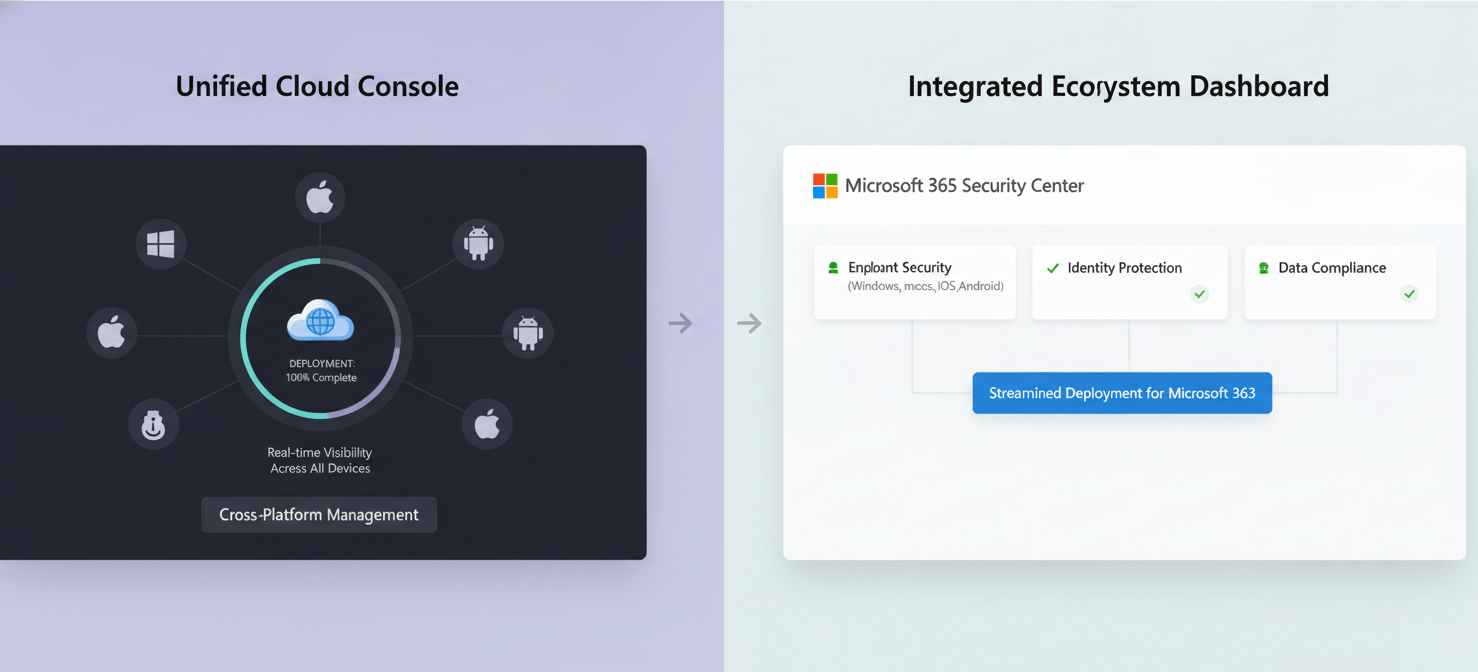
Microsoft Defender is managed through the Microsoft 365 Defender portal, offering a unified console for organizations embedded in the Microsoft ecosystem. For small businesses, Defender for Business provides a wizard-based setup and simplified management experience. This integration is a major advantage for teams already familiar with Microsoft 365, as it streamlines security management alongside other IT tasks.
Eset provides the ESET PROTECT platform, a single-pane-of-glass console that can be deployed either in the cloud or on-premises. This flexibility is a key advantage for businesses with hybrid environments or those who prefer not to be tied to a specific cloud provider. The console allows for one-click security deployment and provides visibility across all protected devices, regardless of their operating system.
Cross-Platform Support
Microsoft Defender has expanded its support beyond Windows to include macOS, Linux, Android, and iOS. This makes it a viable option for organizations with diverse device ecosystems. Mobile threat defense capabilities are available to protect iOS and Android devices on the go.
Eset has long been recognized for its strong cross-platform support. The ESET PROTECT platform is designed to manage security for Windows, macOS, Linux, Android, and iOS devices from its central console. ESET PROTECT Advanced and higher tiers include Mobile Threat Defense for Android and iOS, which offers antimalware, anti-theft, and mobile device management (MDM) features.
Reporting and Automation
Microsoft Defender provides automated investigation and remediation capabilities, which help to reduce the workload on security teams by automatically resolving many common threats. The platform also offers detailed reporting, including monthly security summaries in Defender for Business, to provide insights into your security posture.
Eset also offers robust automation and reporting. The ESET PROTECT platform includes over 170 built-in reports and allows for the creation of custom reports from more than 1000 data points. Its custom notification system allows you to create tailored alerts for specific events.
Microsoft Defender vs Eset: A Pricing Comparison
Budget is a significant factor in any endpoint security cost comparison. Microsoft and Eset have different pricing structures, which can make a direct comparison challenging.
Microsoft Defender Pricing
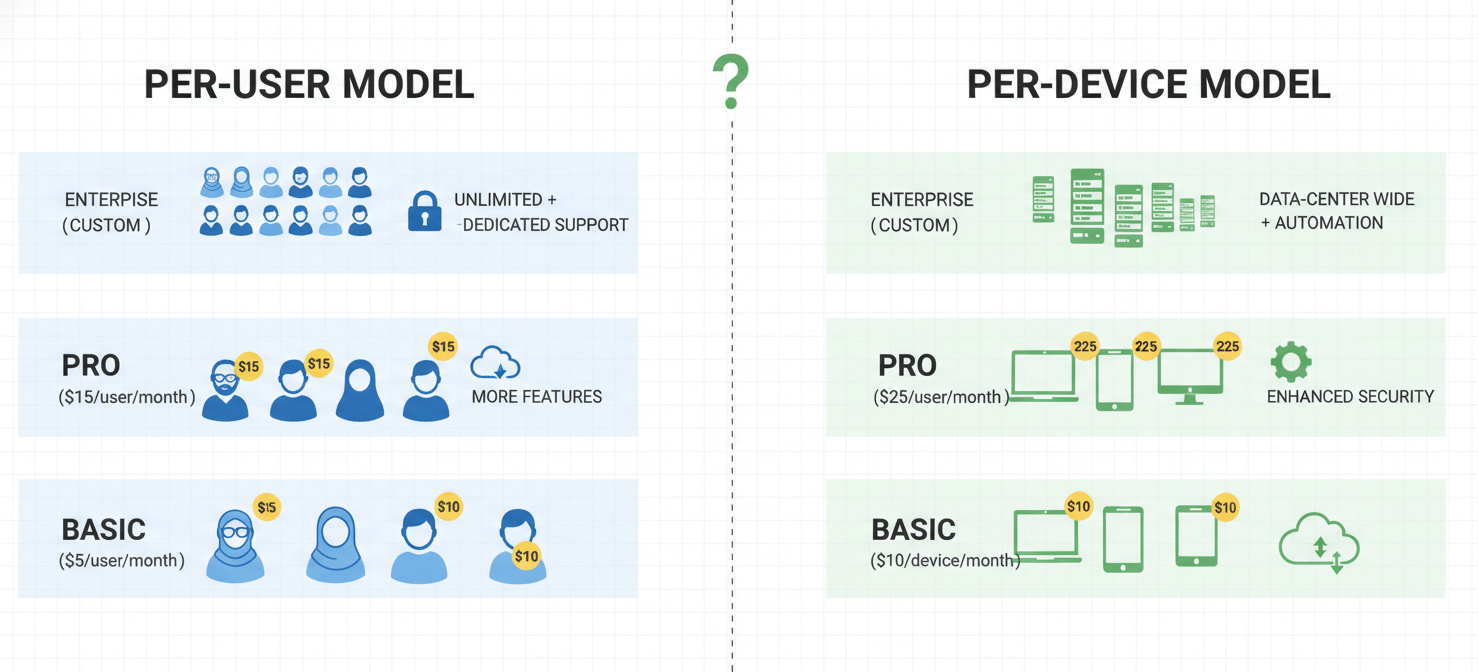
Microsoft Defender for Endpoint is available in two main plans, priced on a per-user, per-month basis. Each license covers up to five devices for a single user.
- Plan 1: Costs around $3.00 per user/month and includes next-generation antivirus, attack surface reduction, and manual response actions.
- Plan 2: Is priced at approximately $5.20 per user/month and adds advanced features like EDR, automated investigation and response, and threat and vulnerability management.
For small and medium-sized businesses (up to 300 users), Microsoft Defender for Business is often included with Microsoft 365 Business Premium subscriptions, which can be a cost-effective option for companies already using this suite.
Eset Pricing
Eset’s pricing is typically based on the number of devices and the chosen tier of protection, with annual subscriptions.
- ESET PROTECT Entry: Starts at around $211 per year for 5 devices and provides basic endpoint protection, server security, and a management console.
- ESET PROTECT Advanced: Begins at approximately $275 per year for 5 devices and adds crucial features like full disk encryption and a cloud sandbox for advanced threat defense.
- ESET PROTECT Complete: Starts at about $287.72 per year for 5 devices and includes cloud app protection and mail server security.
Eset also offers tiers with XDR capabilities and managed detection and response (MDR) services at higher price points. This mdm pricing comparison shows that costs can vary significantly based on the required features.
Which is Right for Your Business?
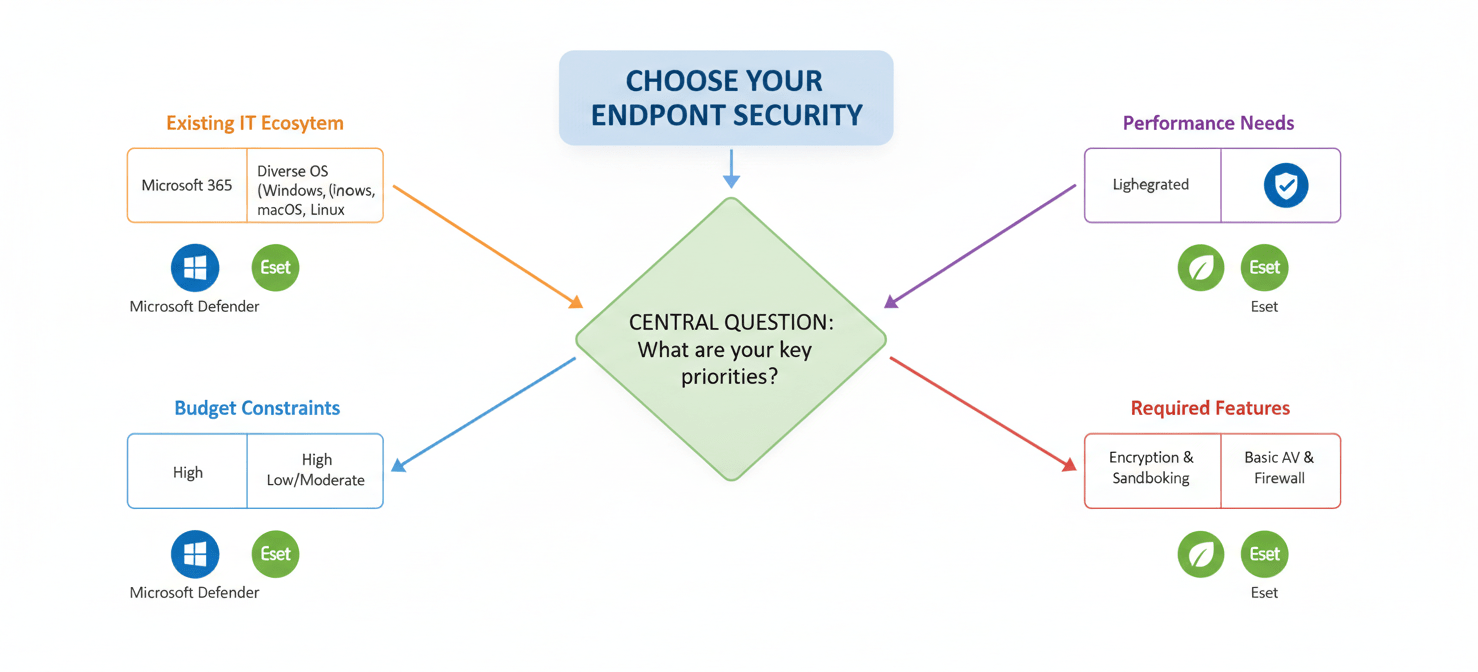
The choice between Microsoft Defender and Eset depends heavily on your organization’s specific needs, existing infrastructure, and IT expertise.
Choose Microsoft Defender if:
- Your organization is heavily invested in the Microsoft 365 ecosystem. The seamless integration offers a streamlined management experience.
- You have a Microsoft 365 Business Premium subscription, as Defender for Business is included, providing excellent value.
- You need a unified security platform that combines endpoint, email, and identity protection within a single vendor’s framework.
Choose Eset if:
- You need a lightweight solution with minimal impact on system performance.
- Your environment includes a diverse mix of operating systems (Windows, macOS, Linux) and you require a single, flexible console for management.
- You require features like full disk encryption and cloud sandboxing at a competitive price point, as these are included in the ESET PROTECT Advanced tier.
- You prefer the option of an on-premises management console for air-gapped or high-security networks.
Conclusion
Ultimately, the microsoft defender vs eset debate does not have a single winner for every organization. Microsoft Defender presents a compelling, integrated solution for businesses that operate primarily within the Microsoft universe, offering convenience and powerful, AI-driven security. In contrast, Eset stands out as a highly efficient, specialized security provider that excels in multi-platform environments and offers key security features like encryption at a very accessible tier. Your team should evaluate your current infrastructure, security priorities, and budget. A decision based on these factors, rather than a simple feature-to-feature tally, will lead to the more secure and sustainable choice.
To truly understand how these solutions integrate with your existing setup and to see their real-world impact on your specific environment, we invite you to explore a demonstration or begin your complimentary Binadox trial today.
 7-day free trial