



Software-as-a-Service (SaaS) has become the backbone of modern business operations, offering flexibility and scalability. However, this convenience often leads to a sprawling portfolio of applications, making it difficult to manage costs and usage effectively. Without a clear strategy for saas usage tracking, your organization could be wasting a significant portion of its budget on unused or underutilized software licenses. This guide provides a practical roadmap to identify this waste and reclaim control over your software stack.
Key takeaways
- Organizations waste an average of $18M annually on unused SaaS licenses.
- A systematic, 4-step approach involving discovery, analysis, action, and monitoring can effectively eliminate license waste.
- On average, 30-40% of all SaaS licenses in an enterprise go completely unused, representing a significant opportunity for cost savings.
- Implementing a dedicated SaaS management platform can automate discovery and provide the deep usage insights necessary for ongoing optimization.
What is SaaS Usage Tracking?
SaaS usage tracking is the systematic process of monitoring and analyzing how employees interact with the company’s portfolio of subscription-based software. It goes beyond simply knowing what applications you pay for. Instead, it focuses on gathering detailed software usage metrics to understand which tools are being used, by whom, how often, and to what extent.
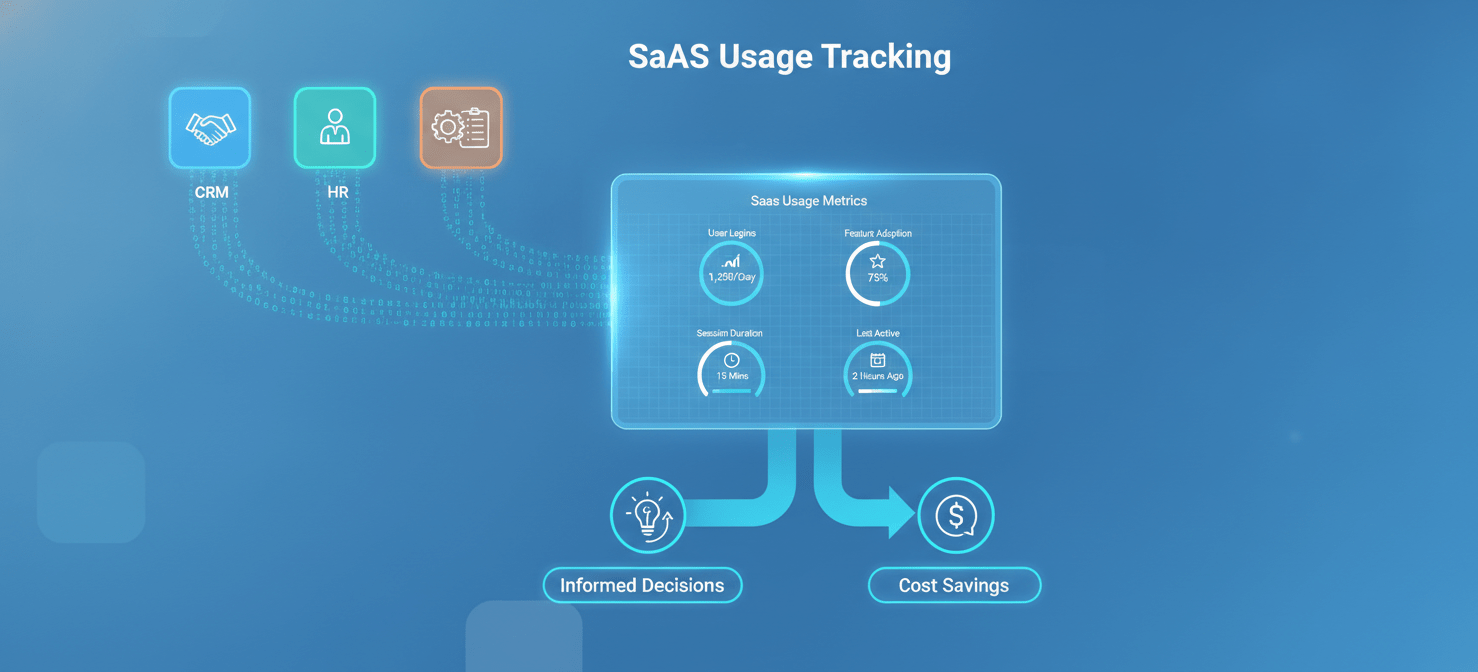
This process involves monitoring key data points like user logins, feature adoption rates, session duration, and specific actions taken within an application. The goal is to create a clear and accurate picture of your entire SaaS environment. This visibility allows you to make informed, data-driven decisions about license allocation, renewals, and overall software investment. Ultimately, effective tracking transforms your SaaS stack from a chaotic expense into a well-managed asset.
Why It’s Crucial to Track SaaS Usage
Failing to monitor SaaS license utilization can have significant financial and operational consequences. As companies grow, they accumulate applications, often without a centralized procurement process. This leads to redundant tools, forgotten subscriptions, and licenses assigned to employees who no longer need them. The result is a bloated software budget and unnecessary risk.
The High Cost of Inefficiency
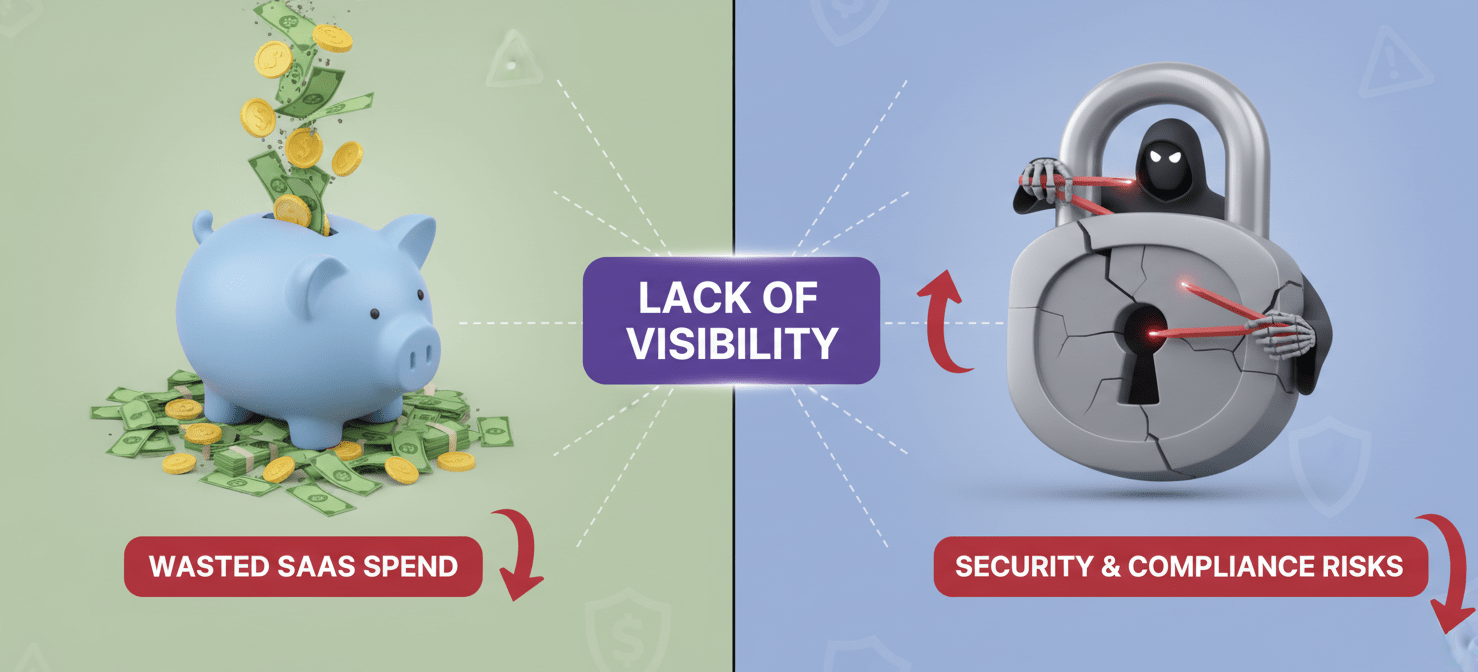
The financial impact of unmanaged SaaS is staggering. The average organization now manages around 305 different SaaS applications. Without oversight, a large portion of this spending becomes waste. Research shows that the average organization wastes nearly $20 million per year on unused SaaS licenses alone. This waste stems directly from a lack of visibility. When you don’t know who is using what, you can’t identify opportunities to downgrade plans, reallocate licenses, or cancel subscriptions that provide no value.
Security and Compliance Risks
Beyond the financial drain, poor SaaS management creates significant security vulnerabilities. “Shadow IT”—software procured by employees without IT approval—is a primary concern. These unvetted applications may not meet your company’s security standards, creating entry points for data breaches. Furthermore, when an employee leaves the company, their access to various SaaS platforms may not be immediately revoked. These dormant accounts, still containing sensitive company data, become prime targets for unauthorized access. Proper tracking ensures that only authorized users have access and that de-provisioning happens swiftly and completely.
How to Track SaaS Usage and Identify Inactive Licenses
A structured approach is essential for getting a handle on your SaaS portfolio. By following a clear, step-by-step process, you can move from confusion to control, ensuring your software investments are both efficient and secure.
Step 1: Discover Every Application
You cannot manage what you cannot see. The first step is to create a comprehensive inventory of every SaaS application in use across your organization. This includes officially sanctioned tools as well as shadow IT.
- Review Financial Records: Start by analyzing expense reports, credit card statements, and accounts payable records. This will uncover recurring subscription payments that may not be on IT’s radar.
- Integrate with Single Sign-On (SSO): If your company uses an SSO provider, its logs are a valuable source for identifying which applications employees are accessing.
- Survey Your Employees: Directly ask team leaders and individual employees what tools they use regularly. This can help fill in gaps and uncover department-specific applications.
Step-2: Analyze Usage Data
Once you have a complete list of applications, the next step is to dig into the usage data for each one. The goal is to separate active, valuable licenses from inactive, wasteful ones.
- Define “Inactive”: Establish a clear threshold for inactivity. For many organizations, a user who has not logged in for 90 days is considered inactive. This timeframe can be adjusted based on the specific tool and its expected use case.
- Collect Software Usage Metrics: For each application, gather data on user login frequency, last login date, and specific feature usage if available. Many SaaS tools provide this information in their admin dashboards.
- Segment Your Findings: Categorize licenses as active, inactive (no logins in 90+ days), or underutilized (infrequent logins or use of only basic features).
Step 3: Take Action and Reclaim Licenses
With your data in hand, it’s time to act. This phase focuses on systematically eliminating waste by de-provisioning or reallocating inactive and underutilized licenses.
- Communicate with Users: Before deactivating an account, contact the user or their manager. Confirm that they no longer need the license. This prevents disruption and ensures you don’t remove access from someone with a legitimate, albeit infrequent, need.
- Deprovision Inactive Accounts: For confirmed inactive users, revoke their access and remove the license from your subscription. This immediately reduces your seat count and associated costs.
- Reallocate or Downgrade: If a user only needs limited functionality, see if they can be moved to a lower-cost or free plan. Unassigned licenses can be held in a pool for new employees, avoiding the need to purchase new ones.
Step 4: Monitor and Automate Continuously
- Schedule Regular Audits: Set a recurring schedule (e.g., quarterly) to repeat the discovery and analysis process. This ensures your license management stays current as employees join, leave, or change roles.
- Automate Where Possible: Implement automated workflows for employee onboarding and offboarding. This ensures new hires get the tools they need quickly and that departing employees have their access revoked immediately and completely.
Tools for Effective SaaS License Utilization Monitoring
While manual tracking using spreadsheets is possible for very small companies, it quickly becomes unmanageable as an organization grows. Dedicated SaaS management platforms (SMPs) provide the visibility and automation needed to manage a complex software portfolio effectively.
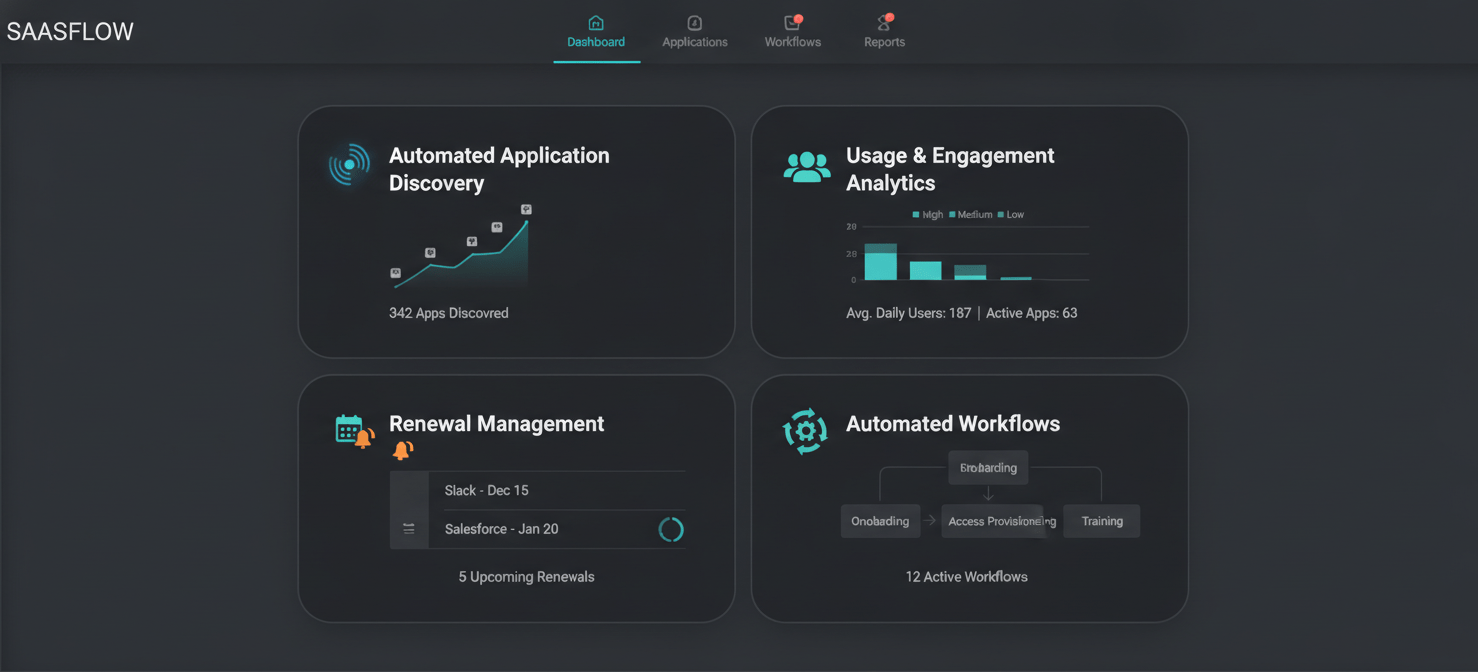
These platforms integrate with your finance, HR, and SSO systems to create a single, unified view of your entire SaaS stack. They automate the discovery process, continuously monitoring for new applications and providing detailed analytics on license utilization. Key features often include:
- Automated Application Discovery: Identifies all SaaS applications being used, including shadow IT.
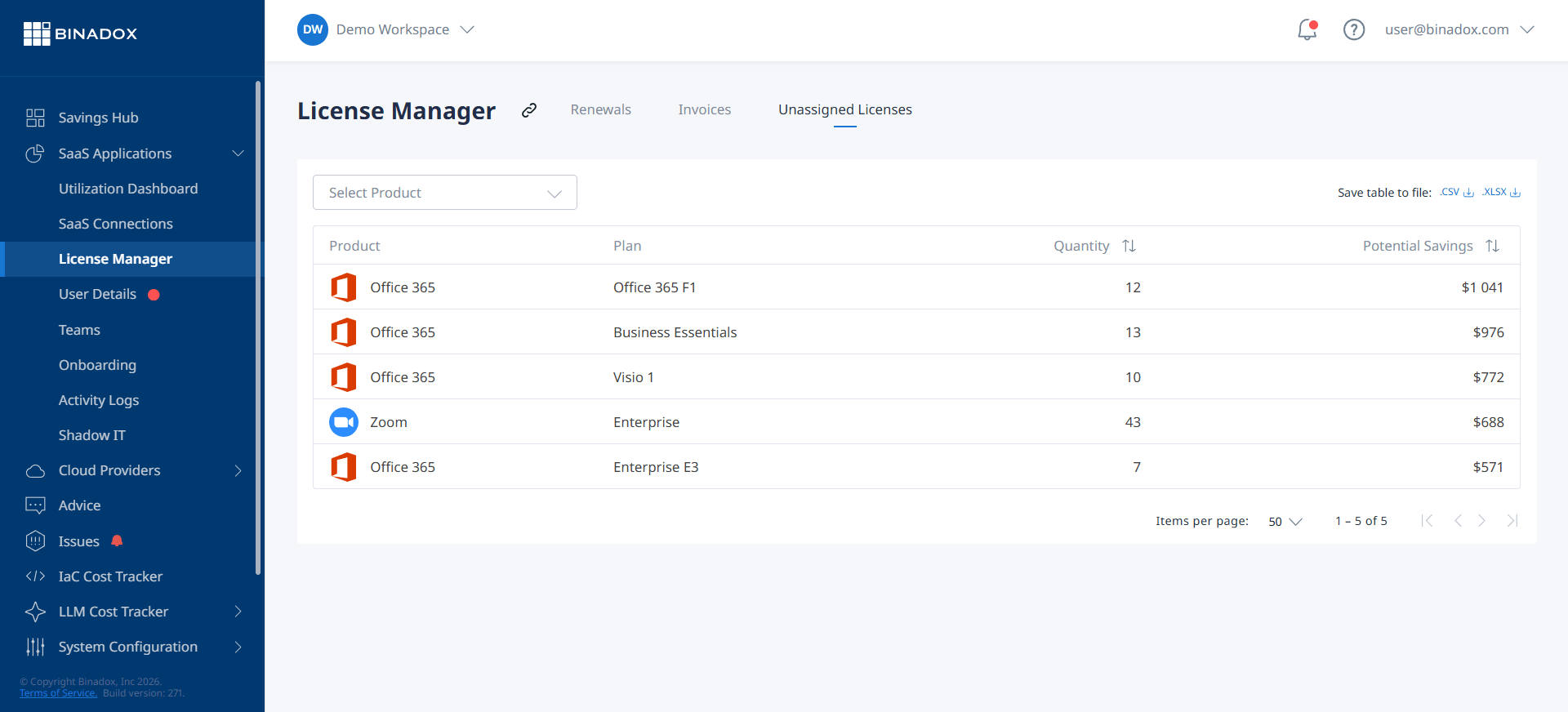
- Usage and Engagement Analytics: Tracks logins, feature adoption, and other metrics to pinpoint inactive and underutilized licenses.
- Renewal Management: Provides a calendar of all upcoming renewals with alerts, giving you time to make informed decisions about each contract.
- Automated Workflows: Streamlines the de-provisioning and reclaiming of licenses, often integrating directly with application APIs.
Best Practices for Managing SaaS Licenses
Beyond implementing the right tools and processes, adopting a strategic mindset toward SaaS management can yield long-term benefits. These best practices help create a culture of efficiency and accountability.
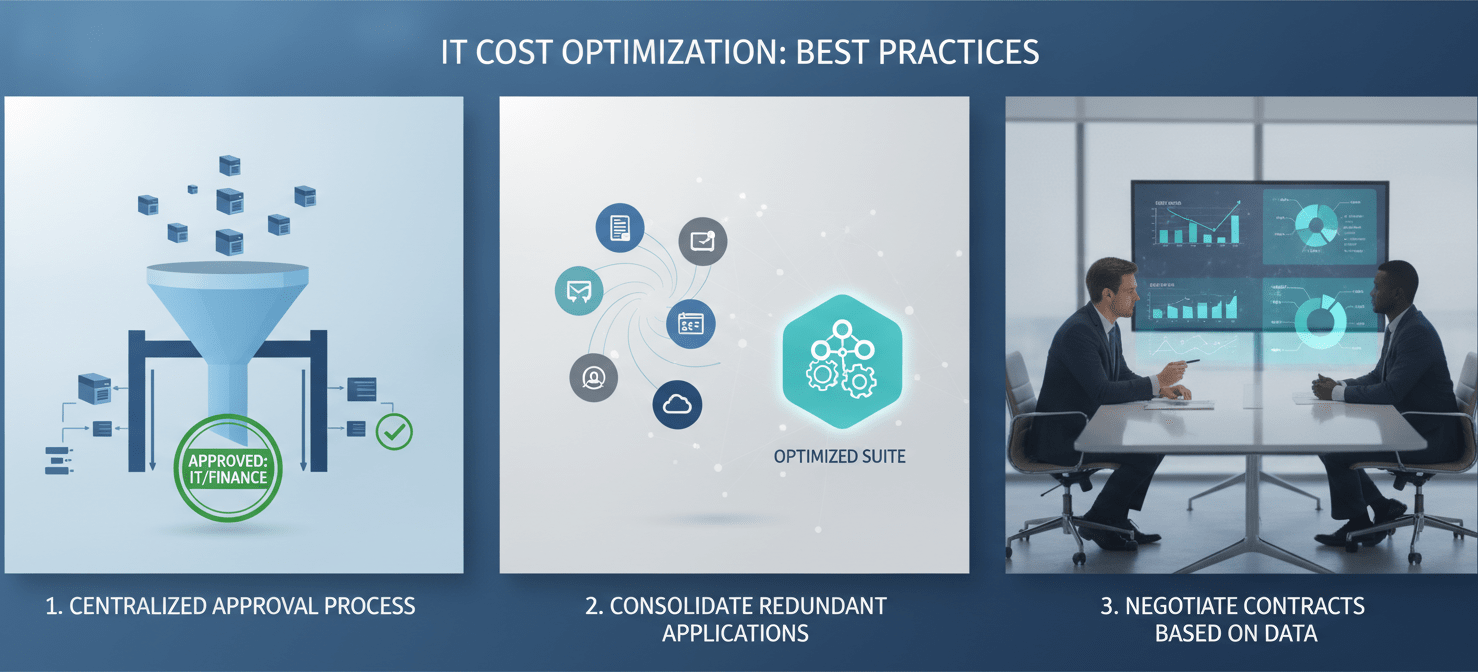
Establish a Centralized Approval Process
Prevent SaaS sprawl at the source by creating a formal process for requesting and approving new software. This ensures that every new application is vetted for security, necessity, and potential overlap with existing tools. Centralizing procurement with the IT or finance department provides greater control and visibility over spending.
Consolidate Redundant Applications
During your discovery process, you will likely find multiple applications that serve the same function. For example, different teams might be using separate project management or file-sharing tools. Work with department heads to identify the best-in-class solution for each category and consolidate subscriptions. This not only saves money but also improves collaboration by standardizing the tools your teams use.
Negotiate Contracts Based on Data
Arm your procurement team with accurate usage data before they enter into renewal negotiations with vendors. When you can demonstrate precisely how many licenses are actively being used, you are in a much stronger position to negotiate favorable terms. You may be able to reduce your seat count, secure a better price per user, or adjust your contract to better reflect your actual needs.
Conclusion
Ignoring the state of your SaaS portfolio is no longer an option. The costs are too high, and the risks are too significant. Implementing a robust saas usage tracking program is not about restricting access to useful tools; it’s about ensuring that every dollar spent on software delivers real value to your organization. By systematically discovering your assets, analyzing the data, taking decisive action, and continuously monitoring your environment, you can cut inactive licenses and transform a major cost center into a streamlined, efficient, and secure operational advantage. The alternative is to keep paying for shelfware, and nobody has the budget for that.
To truly transform your SaaS portfolio from a cost center into a strategic asset, take the next step towards proactive management: you can easily create your free Binadox account to begin optimizing your licenses today, or if you prefer a guided introduction to its full capabilities, book a demo with our experts.
 7-day free trial