



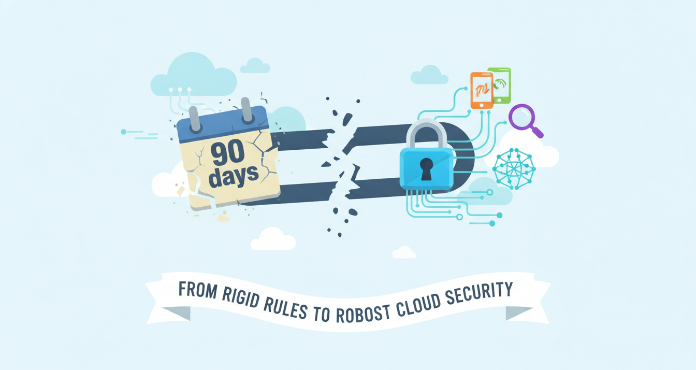
For years, forcing users to change their passwords every 90 days was standard security advice. However, the landscape of digital security has evolved, and with it, the expert consensus on what truly keeps accounts safe. Today, rigid, mandatory password expiration policies are often seen as doing more harm than good, particularly for cloud accounts. This shift requires a new approach, moving away from arbitrary timelines and toward more effective, modern security measures that protect data without frustrating your team.
Key takeaways
- Security experts, including NIST and Microsoft, now advise against mandatory password expiration unless a compromise is suspected.
- Forcing frequent password changes often leads to users creating weaker, more predictable passwords.
- Modern security emphasizes strong, long passwords combined with multi-factor authentication (MFA), which can prevent over 99% of account compromise attacks.
- Instead of forced expiration, focus on proactive monitoring for compromised credentials and banning commonly used passwords.
The Traditional Approach: Why We Started Expiring Passwords
The original logic behind password expiration was straightforward. It was based on the assumption that if an attacker stole a password, they would have a limited time to use it before it was changed. This concept dates back to a time when it might take an attacker weeks or months to crack a hashed password. Therefore, a 90-day expiration policy was seen as a reasonable window to invalidate a potentially stolen credential before it could be exploited.

This model assumed a slow-moving threat. It was a race against time where the defender’s periodic password change could beat the attacker’s cracking efforts. For a long time, this was the accepted best practice and became embedded in countless corporate security policies and compliance frameworks.
The Modern View: NIST, Microsoft, and the Shift Away from Expiration
The security landscape has changed dramatically. Modern computing power can crack even complex 8-character passwords in hours, not months. As a result, a 90-day expiration window is largely irrelevant against a determined attacker who will almost always use a stolen credential immediately.
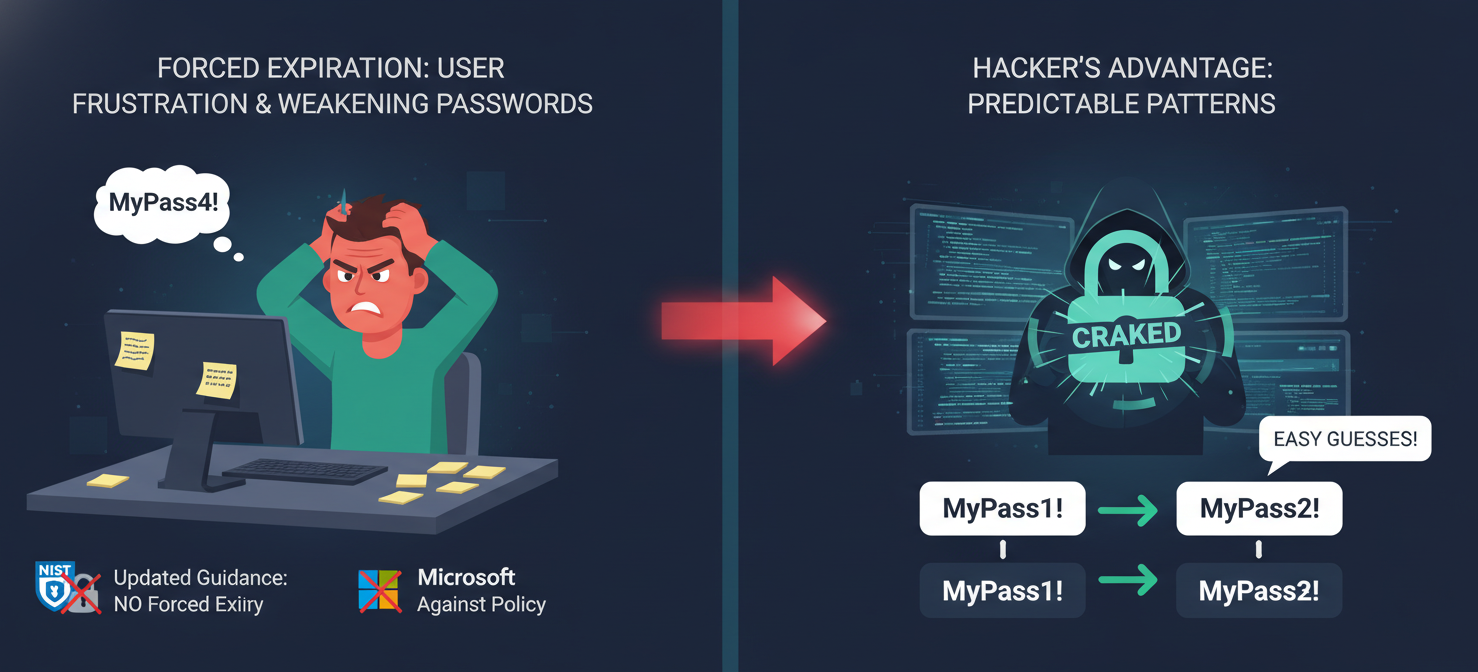
Recognizing this new reality, key organizations have updated their guidance. The National Institute of Standards and Technology (NIST) now explicitly recommends against periodic password expiration. Their research found that mandatory changes often have a negative effect on security. When forced to change passwords, users tend to make small, predictable alterations (e.g., changing “Password2025!” to “Password2026!”), which are easy for attackers to guess.
Microsoft has echoed this sentiment, updating its security baseline recommendations to remove password expiration requirements for cloud-only accounts. The consensus is clear: the minor benefit of forced expiration is heavily outweighed by the harm it causes to overall password strength and user behavior.
So, Should You Still Use Password Expiration Policies?
Given the updated guidance, the default answer for most cloud accounts should be no. Disabling mandatory password expiration encourages users to create and maintain stronger, more memorable passphrases that they don’t have to constantly tweak.
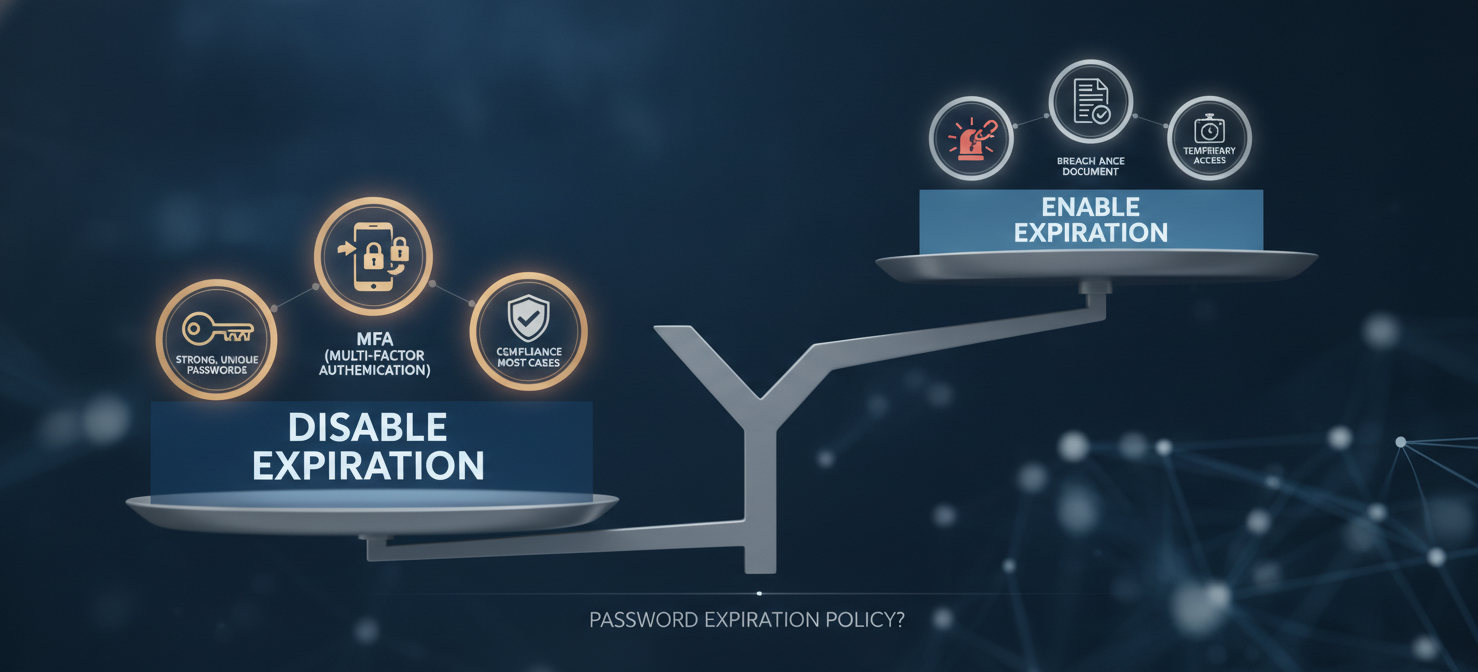
However, there are specific situations where expiration remains a useful tool:
- After a suspected breach: If you have any reason to believe a user’s credentials have been compromised, forcing an immediate password reset is a critical first step. NIST guidance supports this risk-based approach to password changes.
- Compliance requirements: Some regulatory frameworks, like PCI DSS, may still mandate password rotation. In these cases, you must comply, but you should still supplement this policy with the more effective measures below.
- Temporary access: For temporary accounts or roles with elevated privileges, setting a short-term expiration can be a sensible precaution.
For the vast majority of your users, though, it’s time to move beyond the 90-day rule and focus on what truly works.
Better Alternatives to Forced Password Resets
Instead of relying on outdated password expiration policies, your team should implement a layered security strategy focused on stronger authentication and proactive defense.

Multi-Factor Authentication (MFA)
The single most effective step you can take to secure your cloud accounts is to enforce multi-factor authentication. MFA requires users to provide two or more verification factors to gain access, such as something they know (a password), something they have (a phone or security key), and something they are (a fingerprint). According to Microsoft, MFA can block 99.9% of automated sign-in attacks. This one control dramatically reduces the risk of a compromised password leading to a breach.
Strong Password Requirements
While expiration is out, the need for strong passwords is not. A modern password policy should focus on length and uniqueness rather than arbitrary complexity rules.
- Enforce a significant minimum length. Aim for at least 14 characters. Length is the most critical factor in password strength.
- Ban common and breached passwords. Your system should check new passwords against a list of known weak and compromised passwords (e.g., “123456,” “password,” or company names) and reject them.
- Educate users. Encourage the use of passphrases (multiple random words strung together) and password managers to create and store unique, strong credentials for every service.
Proactive Security Monitoring
Modern cloud platforms offer sophisticated tools to monitor for suspicious activity. Instead of waiting for a password to expire, you can actively look for signs of a compromise. This involves implementing User and Entity Behavior Analytics (UEBA) to detect anomalies like logins from unusual locations, impossible travel scenarios, or irregular data access patterns. Proactive monitoring allows you to respond to threats in real-time rather than waiting for a policy’s clock to run out.
How to Configure Password Policies in Major Cloud Platforms
Each major cloud provider allows you to customize your password policies to align with these modern best practices.
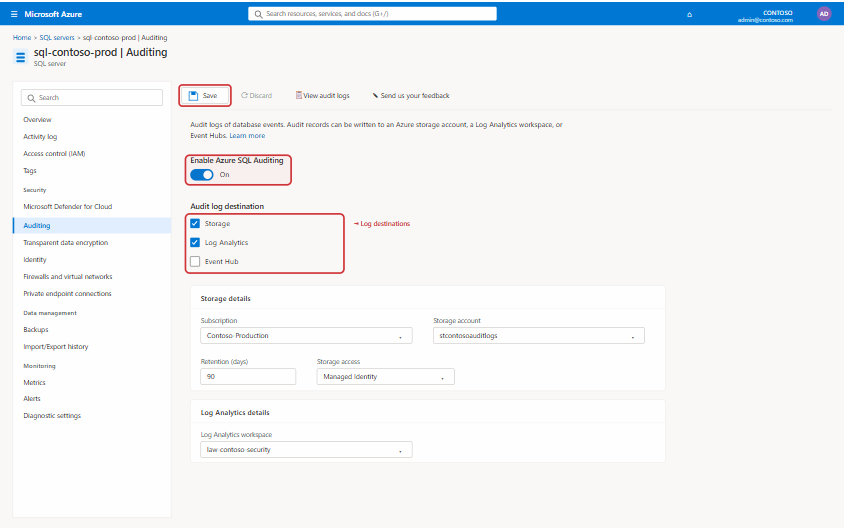
- Amazon Web Services (AWS): In AWS Identity and Access Management (IAM), you can set a custom password policy for your account. Here, you can define minimum password length, character requirements, and prevent password reuse. While AWS still offers a password expiration option, best practice is to disable it in favor of enforcing MFA and strong password length.
- Microsoft Azure: For cloud-only accounts in Microsoft Entra ID (formerly Azure AD), the default policy is already set for passwords to never expire, in line with Microsoft’s recommendations. You can customize banned passwords to block terms specific to your organization and enforce MFA through Conditional Access policies.
- Google Cloud: Google Cloud leverages Google Workspace or Cloud Identity for user management. The best practice is to enforce 2-Step Verification (2SV) for all users. You can also set minimum password length requirements and integrate with third-party identity providers to manage authentication centrally.
Conclusion
The era of the mandatory 90-day password change is over. Continuing to enforce outdated password expiration policies gives a false sense of security while actively encouraging weaker password habits among your team. The evidence is clear: a long, unique password combined with multi-factor authentication is exponentially more secure than a recycled, slightly-altered password that is changed every three months. By disabling arbitrary expiration and instead focusing on MFA, password strength, and proactive monitoring, you can build a more resilient and practical security posture for your cloud accounts. After all, the goal is actual security, not just the performance of it.
To build a truly resilient security posture for your cloud accounts, explore how our platform implements these modern best practices by booking a demo, or if you’re ready to experience the difference, begin a free trial today.
 7-day free trial