



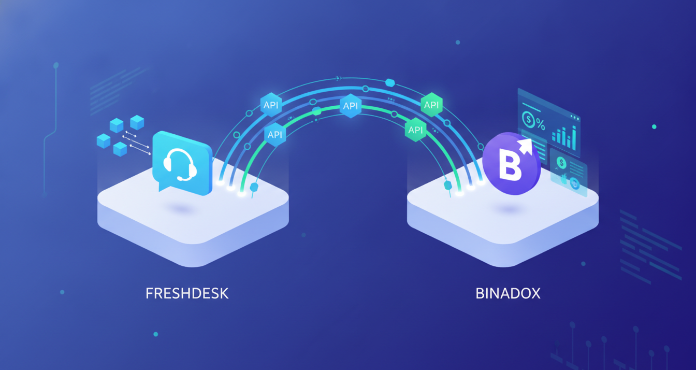
As your company grows, so does its reliance on Software as a Service (SaaS) applications. Freshdesk is a popular choice for customer support, but its per-agent pricing means costs can escalate quickly without proper oversight. Effective SaaS spend management requires visibility into how licenses are actually used. Therefore, a freshdesk integration with a dedicated cost optimization platform is not just a nice-to-have; it’s a fundamental component of a sound financial strategy. This integration provides the data needed to eliminate waste, reallocate resources, and ensure you only pay for what you truly need.
Key takeaways
- Gain complete visibility into Freshdesk license usage, user activity, and spending patterns.
- Automate user provisioning and de-provisioning to prevent paying for inactive accounts.
- Reduce SaaS waste by identifying and reallocating underutilized Freshdesk licenses.
- Set up the Binadox integration in under 5 steps to start optimizing your Freshdesk costs.
Why Integrating Freshdesk with a SaaS Management Platform is Crucial
Without a clear view into your SaaS stack, you are likely overspending. Teams purchase software, employees come and go, and unused licenses often accumulate unnoticed. This is especially true for tools like Freshdesk, where adding a new agent is simple, but tracking their long-term activity is not. Integrating Freshdesk with a SaaS spend management platform centralizes control and provides actionable data.

This connection allows you to move from reactive budget management to a proactive optimization strategy. Instead of manually auditing licenses—a time-consuming and often inaccurate process—you get automated, continuous monitoring. This helps identify redundant subscriptions and underutilized seats, which are primary sources of wasted SaaS spend. Furthermore, by centralizing software procurement and management, you establish a clear governance framework that prevents unnecessary purchases from the start.
How Binadox’s Freshdesk Integration Works
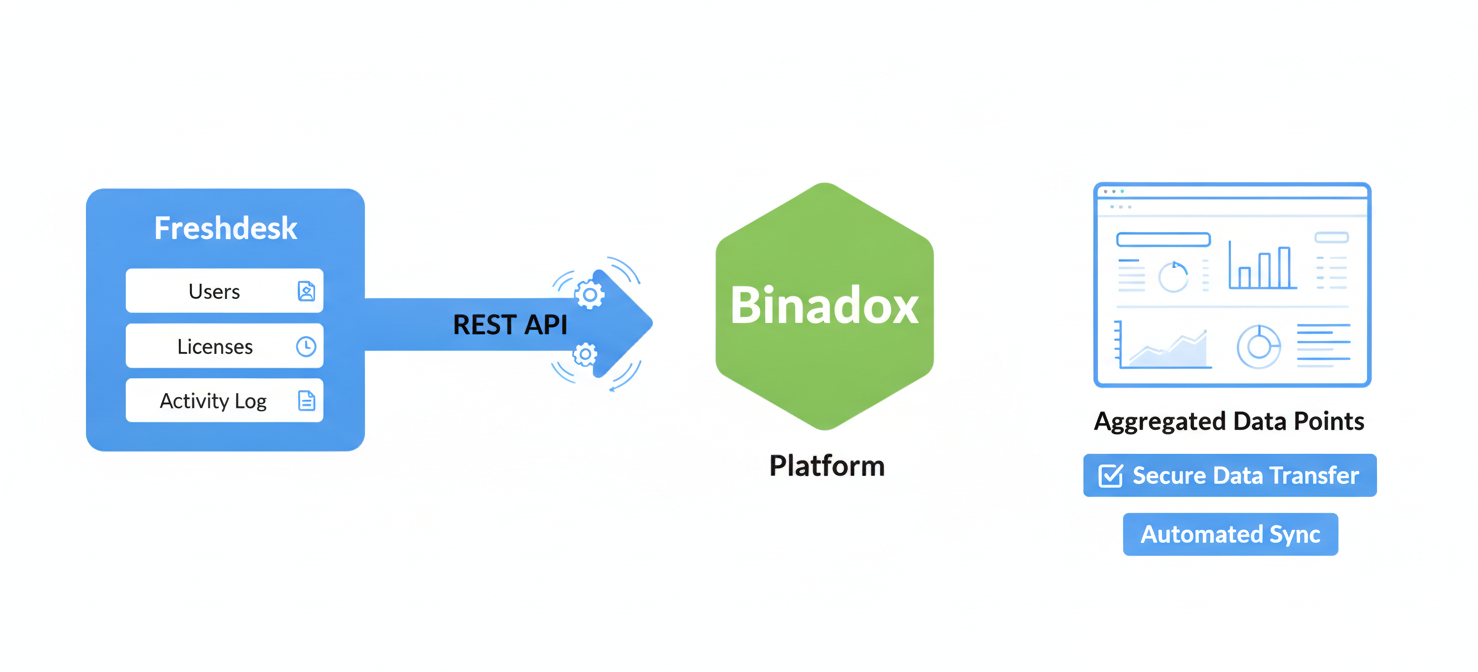
The connection between Freshdesk and Binadox relies on Freshdesk’s REST API. An API (Application Programming Interface) acts as a secure bridge, allowing the two platforms to exchange data without sharing sensitive login credentials. Binadox uses this connection to pull key information about your Freshdesk account.
Data Synchronization via API
To establish the link, you provide Binadox with your Freshdesk domain and an API key. You can generate this key directly from your Freshdesk profile settings. Once authenticated, Binadox can access data points such as:
- User Lists: A complete roster of all agents with a Freshdesk license.
- License Tiers: Information on which pricing plan each agent is assigned to (e.g., Growth, Pro, Enterprise).
- Activity Data: Insights into when users last logged in and their general usage patterns.
This data is then analyzed within the Binadox platform to give you a clear and comprehensive dashboard of your Freshdesk environment. The integration provides full visibility into subscriptions, spending, and user data, which is essential for effective cost management.
Key Benefits of the Freshdesk Integration for SaaS Spend Management
Connecting Freshdesk to a platform like Binadox offers several direct benefits that translate into tangible cost savings and improved operational efficiency.
Eliminate Wasted Spend on Unused Licenses
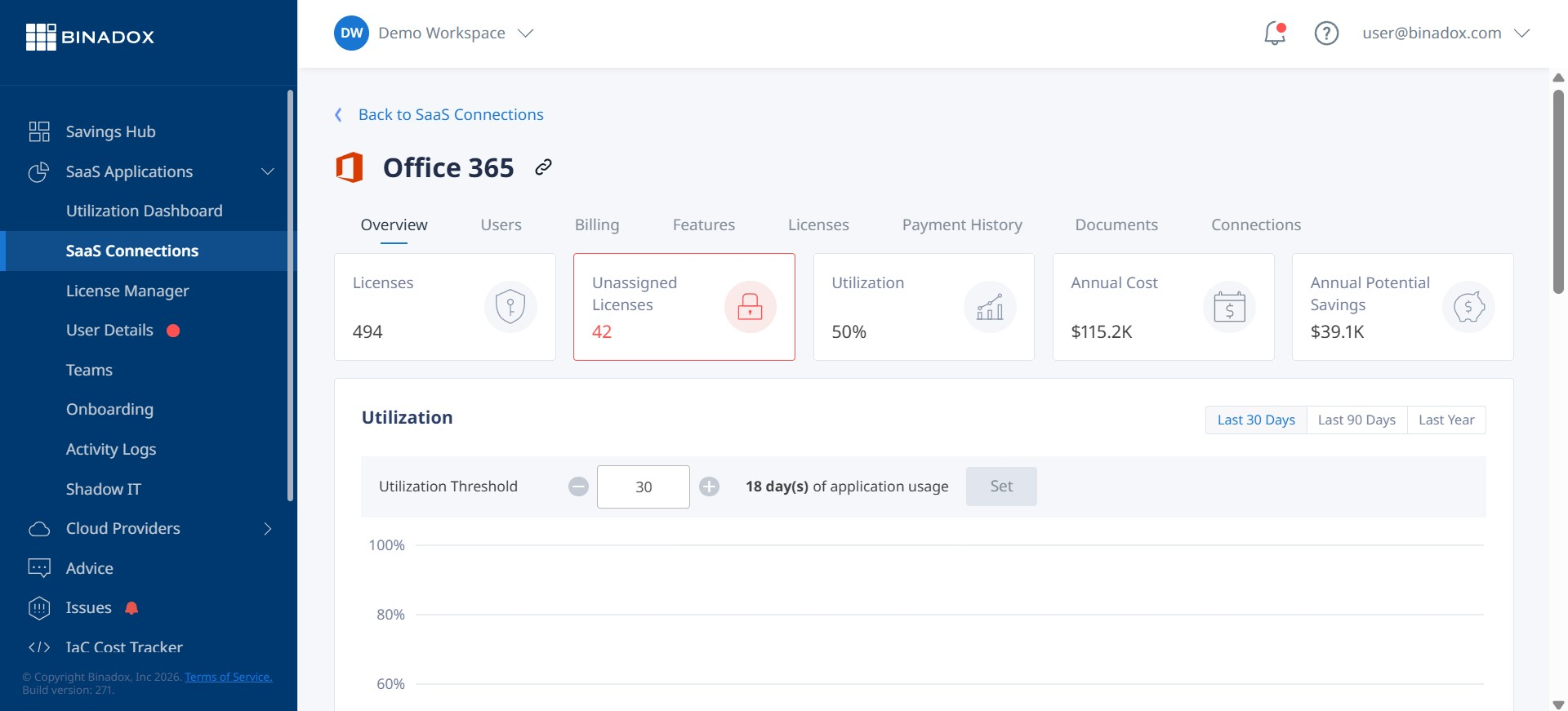
The most immediate benefit is identifying “shelfware”—software licenses that are paid for but go unused. The integration provides clear data on which agents are inactive. With this information, you can confidently de-provision their accounts and stop paying for unnecessary seats. This process of rightsizing your licenses is a core tenet of SaaS spend optimization.
Automate User Provisioning and Deprovisioning
Binadox helps automate the user lifecycle within Freshdesk. When a new employee joins, a license can be provisioned automatically. More importantly, when an employee leaves, their license can be immediately de-provisioned and returned to the available pool. This automation closes the gap where companies often continue paying for licenses for months after an employee’s departure, a significant source of SaaS waste.
Improve Budget Forecasting and Renewal Management
With detailed usage reports and spending data, your team can make more accurate budget forecasts. You gain a clear understanding of your actual needs, which puts you in a stronger negotiating position when it’s time to renew your Freshdesk contract. Binadox also provides a centralized renewals calendar, helping you stay ahead of contract deadlines and avoid surprise auto-renewals.
Step-by-Step: How to Set Up Your Freshdesk Integration with Binadox
Connecting your Freshdesk account to Binadox is a straightforward process that requires just a few pieces of information.
- Log into Binadox: Navigate to the “Integrations” section and find Freshdesk under the SaaS tab.
- Name the Connection: Give your integration a unique name to easily identify it later.
- Enter Your Freshdesk Credentials: You will need two items: your Freshdesk domain (e.g., yourcompany.freshdesk.com) and your personal API key.
- Find Your API Key: To get your API key, log into Freshdesk, click on your profile picture in the top-right corner, and select “Profile Settings.” Your API key will be listed there.
- Connect and Configure Billing: Paste the API key and domain into Binadox, fill in your billing information for tracking purposes, and click “Connect.”
Once connected, Binadox will begin syncing your Freshdesk data, and you can start monitoring usage and costs from the main dashboard.
Optimizing Your Freshdesk Licenses Beyond Integration
While integration provides the necessary data, true optimization involves creating sustainable management practices.
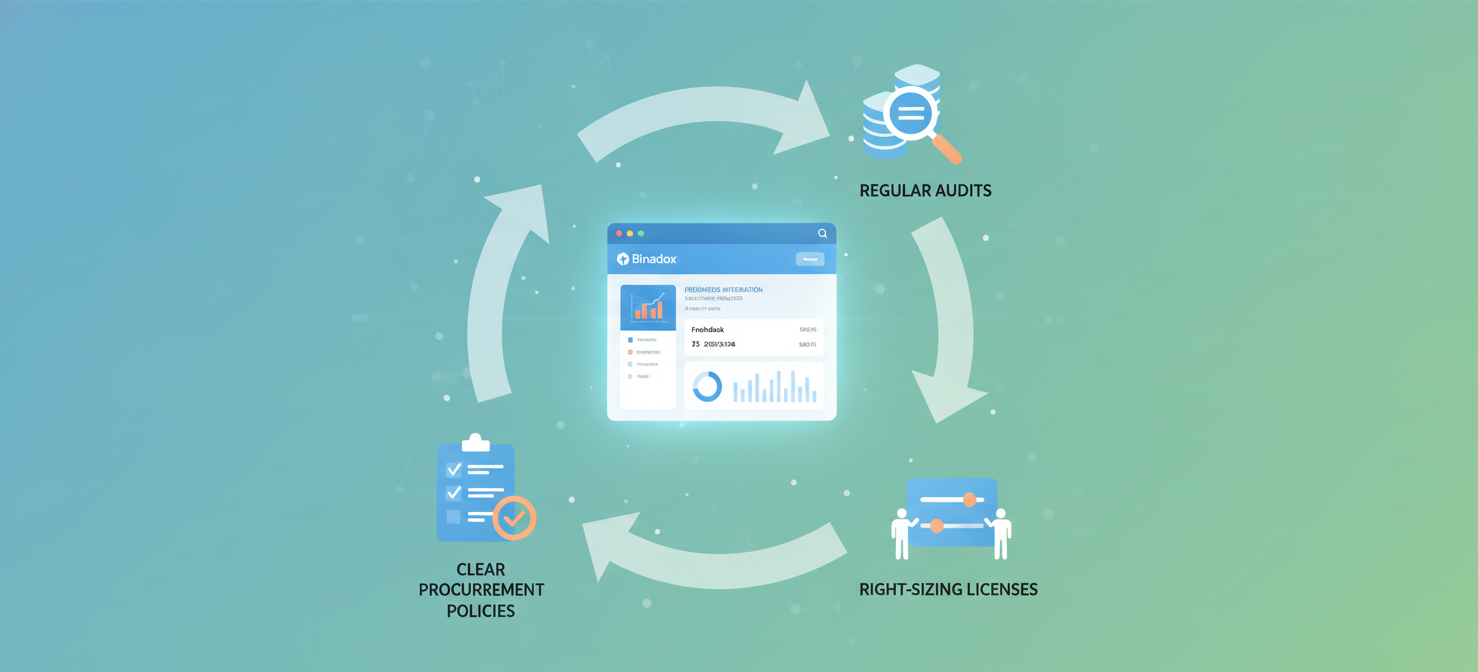
Conduct Regular Audits
Make it a routine to review your Freshdesk usage data within Binadox. A quarterly review is a good starting point to catch inactive licenses and adjust your subscription count before costs accumulate. This continuous monitoring is far more effective than an annual fire drill when the renewal notice arrives.
Right-Size License Tiers
Freshdesk offers multiple pricing tiers, each with different features and costs. Your integration data may reveal that some agents are on an expensive Enterprise plan but only use features available in the Pro plan. Downgrading these users to a more appropriate tier can unlock significant savings without impacting their productivity.
Establish Clear Procurement Policies
Centralize your SaaS purchasing process. When a team requests a new Freshdesk license, the request should go through an approval workflow. This ensures that you check for available, unassigned licenses first before purchasing a new one. This simple step prevents the unnecessary expansion of your SaaS inventory.
In conclusion, managing your Freshdesk spend effectively is impossible without clear visibility into how licenses are being used. A freshdesk integration with a SaaS spend management platform like Binadox provides this crucial visibility. It automates the discovery of waste, streamlines user management, and provides the hard data needed to make informed decisions. Without it, you’re simply guessing at your software needs, and in the world of SaaS, guessing is an expensive habit to maintain.
If you’re ready to stop guessing and gain full control over your Freshdesk spend, consider exploring Binadox with a free trial or by booking a personalized demo.
 7-day free trial