



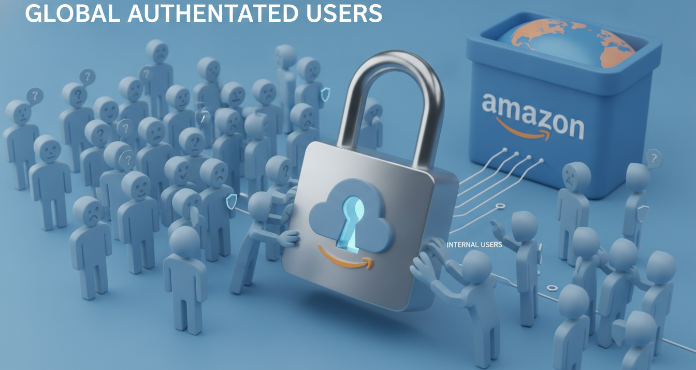
Amazon S3 is a robust and scalable object storage service, but its flexible access control system can sometimes lead to unintended data exposure. A common point of confusion and a significant source of risk is the “Authenticated Users” group. Misunderstanding this setting can inadvertently open your sensitive data to a vast audience. Properly managing s3 authenticated users access is not just a best practice; it is a critical component of a strong cloud security posture. This article breaks down the risks associated with this setting and provides a clear path to remediation.
Key takeaways
- The “Authenticated Users” group includes any user with a valid AWS account, not just users within your own organization.
- Granting list or read access to this group can allow attackers to discover and exfiltrate sensitive data from your S3 buckets.
- Remediation involves a 4-step process: finding affected buckets, editing Access Control Lists (ACLs), and implementing preventative controls like S3 Block Public Access.
- Regularly auditing S3 permissions using tools like AWS Trusted Advisor and IAM Access Analyzer is essential for maintaining security.
What is the “Authenticated Users” Group in AWS?
In the context of Amazon S3 Access Control Lists (ACLs), the “Authenticated Users” group is a predefined group that represents any and all valid AWS accounts. This is a crucial distinction. Many users mistakenly believe this group refers only to the IAM users created within their own AWS account. However, the scope is global.
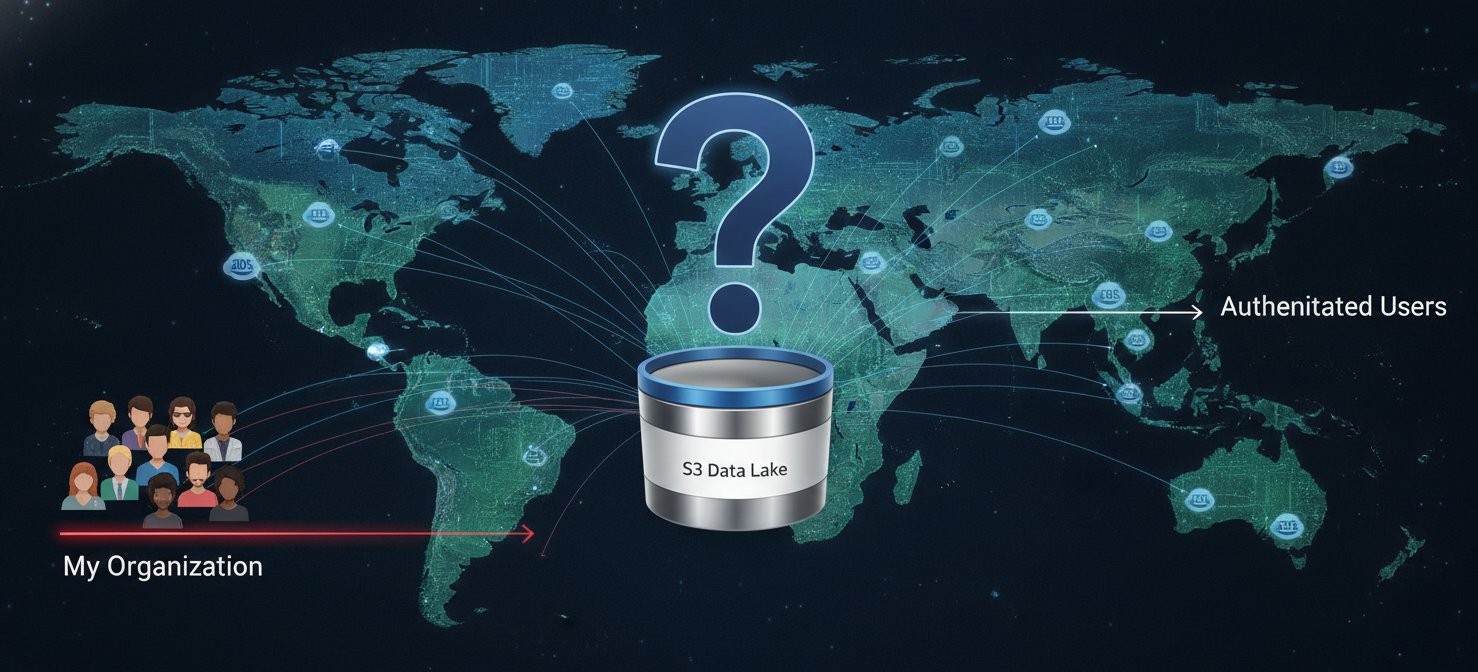
When you grant permissions—such as read or write—to the Authenticated Users group, you are effectively allowing any individual or application in the world that can sign a request with valid AWS credentials to access your resources. This includes users from other companies, independent developers, and potentially, malicious actors who have created their own AWS accounts. While requests must be authenticated (signed), the barrier to entry is merely possessing an AWS account, not being a trusted entity within your organization.
The Hidden Dangers of Granting S3 Authenticated Users Access
The primary danger of this misconfiguration is unintended data exposure. While not as wide open as fully public access (which allows anonymous, unsigned requests), it’s the next closest thing and presents a significant attack surface.
Data Exfiltration and Reconnaissance
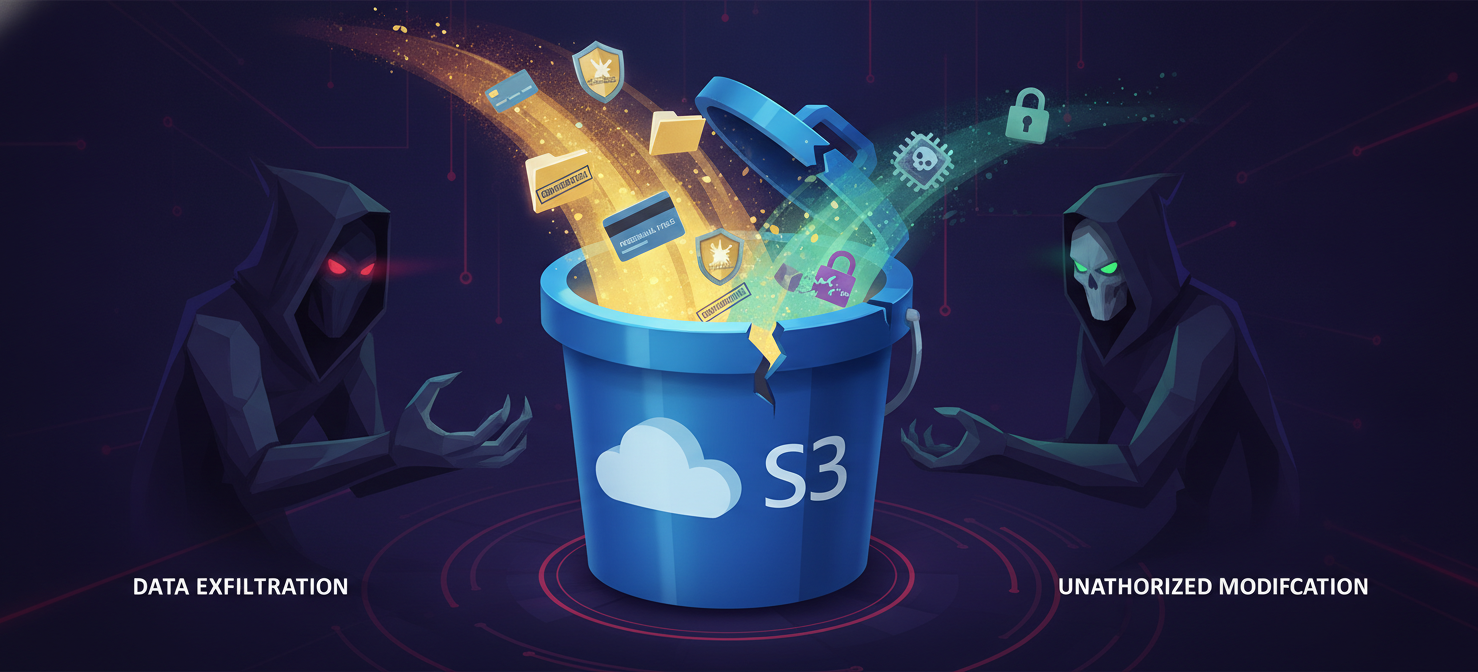
If you grant List (READ) access to the Authenticated Users group, an attacker with any AWS account can enumerate all the objects within your bucket. This reconnaissance phase allows them to identify potentially valuable files—backups, configuration files, customer data, or intellectual property. Subsequently, if Read (GetObject) permissions are also granted, they can download and exfiltrate this sensitive information.
Unauthorized Modification or Deletion
Granting Write access is even more dangerous. This permission allows any authenticated AWS user to upload, overwrite, or delete objects in your bucket. Malicious actors could upload malware, deface public-facing content, or simply delete critical data, leading to operational disruptions and potential data loss. Furthermore, this could result in unexpected charges on your AWS bill as you pay for storage of malicious files or data transfer costs.
Compliance and Reputational Damage
For organizations subject to compliance frameworks like PCI-DSS, HIPAA, or GDPR, exposing data to all authenticated AWS users can constitute a serious violation. A data breach resulting from this misconfiguration can lead to hefty fines, legal action, and significant damage to your company’s reputation.
How to Find Buckets with Authenticated Users Access
Before you can fix the problem, you must identify which of your S3 buckets have these overly permissive settings. You can do this through several methods.
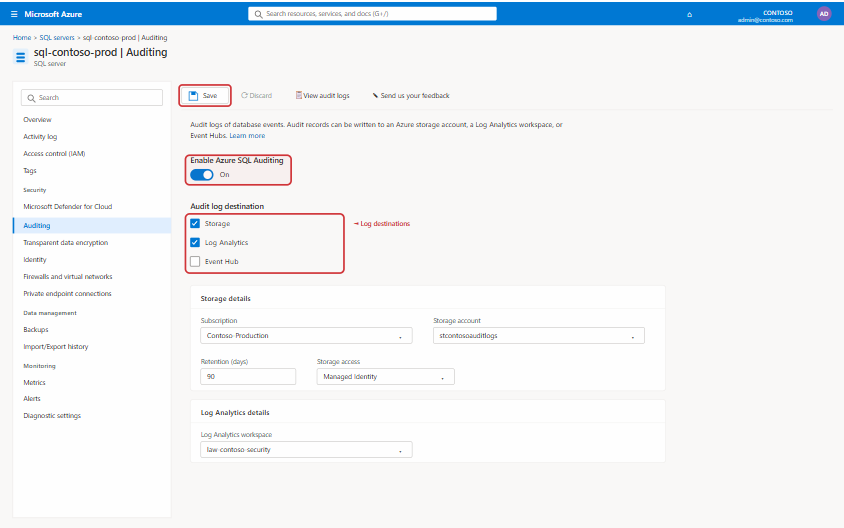
Using the AWS Management Console
The most direct way is to manually inspect each bucket’s permissions.
- Navigate to the Amazon S3 console.
- Click on the name of a bucket you want to inspect.
- Select the Permissions tab.
- Scroll down to the Access Control List (ACL) section and click Edit.
- Look for a grantee named Authenticated users group (anyone with an AWS account). If this group has any permissions checked (e.g., List, Read, Write), the bucket is exposed.
Automated Discovery Tools
Manually checking dozens or hundreds of buckets is inefficient and prone to error. Therefore, using automated tools is a better approach.
- AWS Trusted Advisor: The S3 Bucket Permissions check in Trusted Advisor can flag buckets that allow access to any authenticated AWS user.
- IAM Access Analyzer for S3: This service helps you review bucket policies and ACLs to identify resources shared with external entities, including the global Authenticated Users group.
- AWS CLI: You can use the command
aws s3api get-bucket-acl --bucket YOUR-BUCKET-NAMEto programmatically retrieve the ACL for a bucket and parse the output to find grants to the Authenticated Users URI.
Step-by-Step Remediation Guide
Once you have identified the affected S3 buckets, follow these steps to remove the risky permissions.
- Navigate to the S3 Bucket: In the AWS Management Console, go to the S3 service and select the bucket you need to remediate.
- Edit the Access Control List (ACL): Go to the Permissions tab and, in the ACL section, click the Edit button.
- Remove Permissions: Find the row for the Authenticated users group. Uncheck all the permission boxes next to this group (Objects and Bucket ACL).
- Save Changes: Acknowledge the warning and save your changes.
After removing the ACL entries, the bucket will revert to its default private state or rely on more specific bucket policies and IAM permissions you have defined.
Best Practices for Secure S3 Access Control
Remediating existing issues is only half the battle. To prevent them from recurring, your team should adopt a security-first mindset and implement the following best practices.

Enable S3 Block Public Access
The most effective preventative measure is to enable S3 Block Public Access at the account level. This feature acts as a master lock, overriding any bucket-level ACLs or policies that would otherwise grant broad access. It provides four distinct settings that you should enable:
- Block new public ACLs and bucket policies.
- Ignore public ACLs and bucket policies on existing resources.
This ensures that even if a user accidentally configures a permissive ACL, the account-level setting will prevent it from taking effect.
Embrace the Principle of Least Privilege
The principle of least privilege is a cornerstone of cloud security. Instead of using broad, predefined groups, grant permissions only to the specific IAM roles, users, or AWS services that absolutely require access to perform their functions. Use IAM policies and S3 bucket policies to define granular permissions. For example, if an application only needs to read objects, its role should only have the s3:GetObject permission for the specific bucket or prefix it needs.
Prefer IAM Policies Over ACLs
While ACLs are a legacy method for controlling access, AWS generally recommends using IAM policies and S3 bucket policies for more precise and manageable control. Policies offer more detailed condition keys, allowing you to restrict access based on factors like IP address, VPC endpoint, or multi-factor authentication (MFA) status.
Regularly Audit and Monitor
Security is an ongoing process, not a one-time fix. Regularly use tools like AWS Config, IAM Access Analyzer, and AWS CloudTrail to audit your S3 configurations and monitor for any unauthorized access attempts or changes to permissions. Set up alerts to notify your security team immediately if a bucket is configured with overly permissive access.
In conclusion, understanding the global scope of the “Authenticated Users” group is fundamental to securing your data in Amazon S3. Granting permissions to this group is a common but dangerous misconfiguration that can lead to significant data exposure. By diligently finding and removing this setting, enabling S3 Block Public Access, and adhering to the principle of least privilege, you can effectively mitigate the risk of s3 authenticated users access. Leaving a door open for every AWS user in the world is not a security strategy; it’s an invitation for trouble that is best left un-sent.
To ensure your S3 buckets remain truly secure and avoid these pitfalls, consider exploring our platform’s capabilities to automatically detect and remediate such misconfigurations. You can easily start a free trial to see it in action, or if you prefer a guided tour, book a demo with our experts.
 7-day free trial