



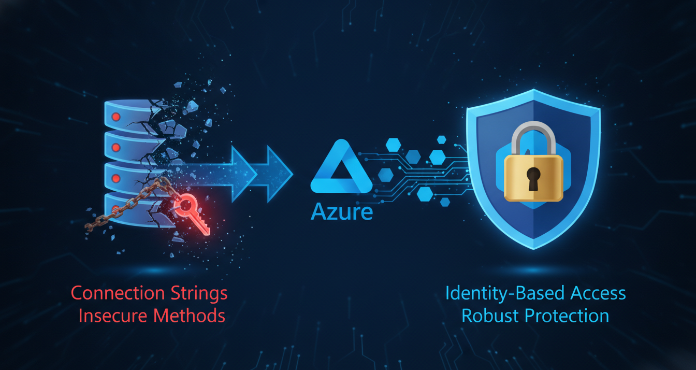
Securing serverless applications is a critical responsibility for any development team. For those leveraging Microsoft’s powerful event-driven platform, a robust azure functions security strategy is not just an option; it’s a necessity. Misconfigured permissions or poorly managed identities can expose sensitive data and create significant vulnerabilities. This article provides a practical guide to mastering identities and permissions, ensuring your serverless architecture is both powerful and protected. You will learn how to move beyond risky connection strings and embrace a modern, identity-based approach to security.
Key takeaways
- Managed identities eliminate the need to store credentials in your code or application settings, significantly improving your security posture.
- Implementing authentication through the App Service platform adds a robust layer of security with minimal code.
- Integrating with Azure Key Vault using a managed identity is a 6-step process for centralizing and securing your application’s secrets.
- Role-Based Access Control (RBAC) allows for fine-grained control over what identities can do within your Azure resources.
Understanding the Default Security Context
By default, an Azure Function app has a unique security context. When you create a function app, it is associated with an application registration in Microsoft Entra ID. However, this initial setup does not automatically secure your function endpoints. HTTP-triggered functions, for example, often start with an anonymous authorization level, meaning anyone with the URL can invoke them.
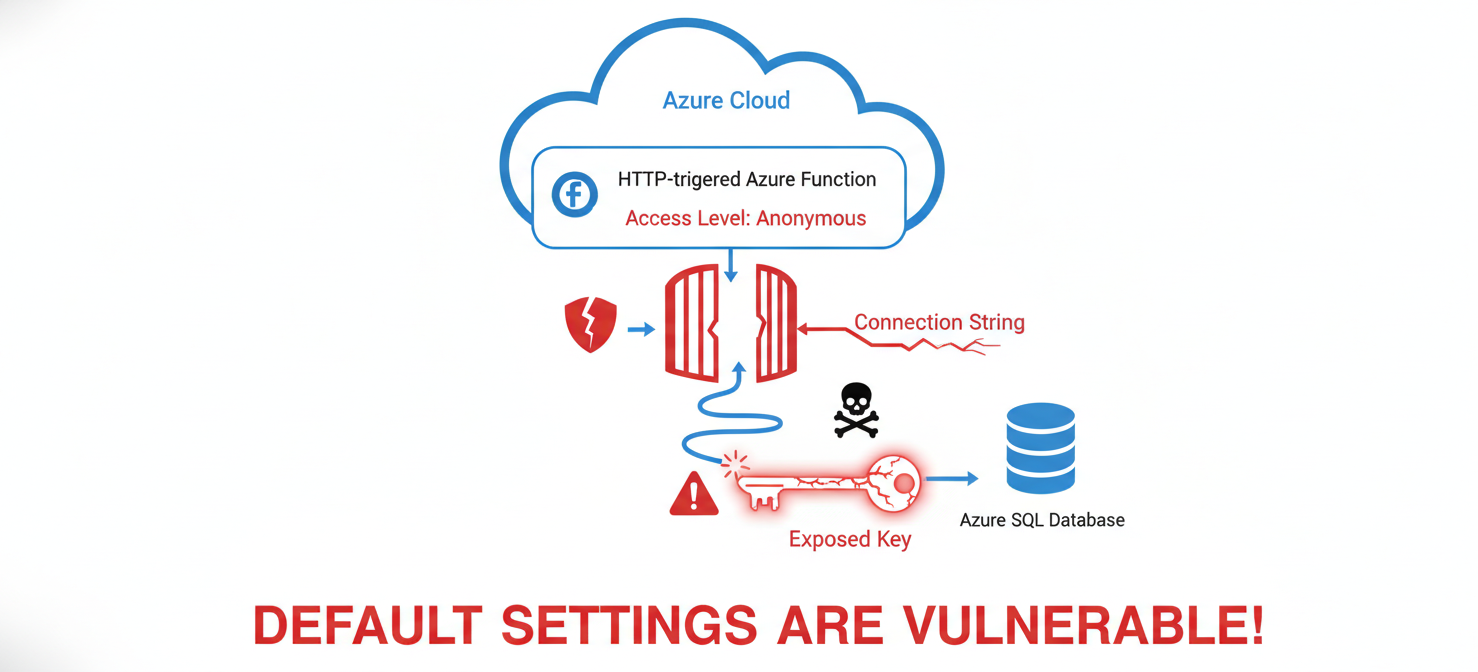
Furthermore, functions frequently need to interact with other Azure resources, such as Storage Accounts or databases. The traditional method for this involves storing connection strings as application settings. While these settings are encrypted at rest, they still represent a potential security risk if exposed. A leaked connection string could grant an attacker direct access to your data. Therefore, relying on these defaults is not sufficient for production environments. The first step in a strong security strategy is to move away from these less secure, key-based access methods.
Managed Identities: The Preferred Approach for Azure Functions Security
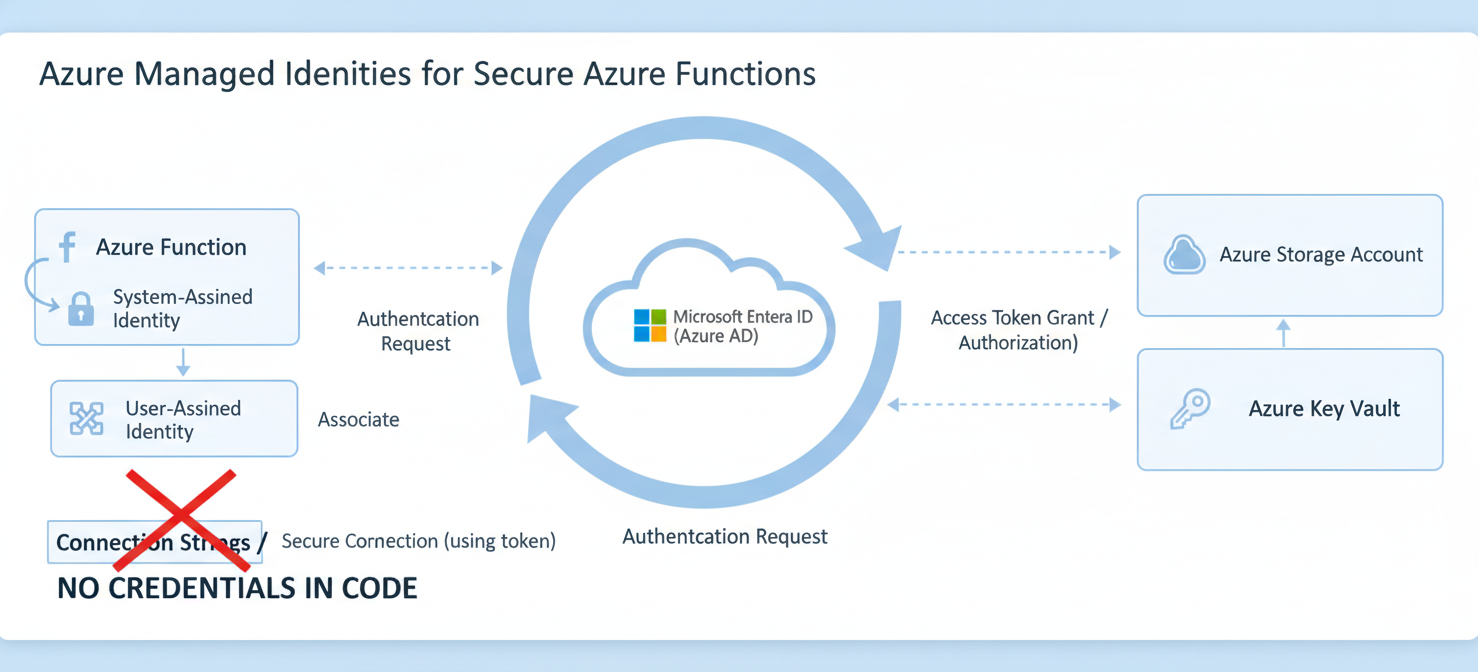
The most effective way to enhance your azure functions security is by using managed identities. A managed identity provides your Function App with an automatically managed identity in Microsoft Entra ID. This allows your function to authenticate to any Azure service that supports Microsoft Entra authentication without needing any credentials stored in your code or configuration.
System-Assigned vs. User-Assigned Identities
There are two types of managed identities:
- System-assigned: This identity is created and tied directly to your Function App. Its lifecycle is linked to the function app; if you delete the app, the identity is also deleted. This is the simplest approach for functions that need a dedicated identity.
- User-assigned: This is a standalone Azure resource that you can create and then assign to one or more Function Apps or other Azure resources. This is useful when you want to grant a set of permissions to multiple resources or manage the identity’s lifecycle separately.
Enabling a system-assigned managed identity is a straightforward process. You can do this directly in the Azure portal under your Function App’s “Identity” settings. Once enabled, your function has a security principal that can be granted permissions to other resources.
Configuring Authentication and Authorization
Securing who can call your function is just as important as securing what your function can call. Azure App Service provides built-in authentication and authorization capabilities, often referred to as “Easy Auth,” which you can enable for your Function App. This feature allows you to integrate with identity providers like Microsoft Entra ID, Google, Facebook, and Twitter with minimal to no code changes.
When you enable App Service Authentication, it runs as a middleware component on the same virtual machine as your app. Every incoming HTTP request must pass through this security layer before it reaches your function code. This middleware handles several key tasks:
- Authenticating users with the specified identity provider.
- Validating, storing, and refreshing tokens.
- Injecting identity information into the request headers for your code to use.
You can configure the platform to reject any unauthenticated requests, ensuring that only validated callers can trigger your function. This provides a powerful, declarative way to secure your HTTP endpoints without cluttering your function code with boilerplate authentication logic.
Role-Based Access Control (RBAC) for Granular Permissions
Once your function has an identity, you need to grant it the specific permissions it requires to do its job—and nothing more. This is the principle of least privilege, and Azure Role-Based Access Control (RBAC) is the tool to enforce it. Instead of giving your function a connection string with full access, you can assign its managed identity a specific role on the target resource.
For example, if your function only needs to read blobs from a storage container, you can assign its managed identity the “Storage Blob Data Reader” role for that specific container. This is an additive model, meaning the effective permissions are the sum of all role assignments.
This approach offers several advantages:
- Granularity: You can define precise permissions.
- Auditability: All access is tied to a specific identity, making it easy to see which function accessed which resource and when.
- No Secrets: You completely eliminate the need for storing and managing connection strings or other secrets for these resources.
Supported roles for managing the function app itself include Contributor, Owner, and Reader, with Contributor being necessary for most management tasks.
Integrating with Azure Key Vault for Secrets Management
Even with managed identities, your application may still have secrets it needs to access, such as API keys for third-party services. The best practice for managing these is to use Azure Key Vault. By combining managed identities with Key Vault, you can create a highly secure system where your Function App can retrieve secrets at runtime without ever having credentials in its configuration.
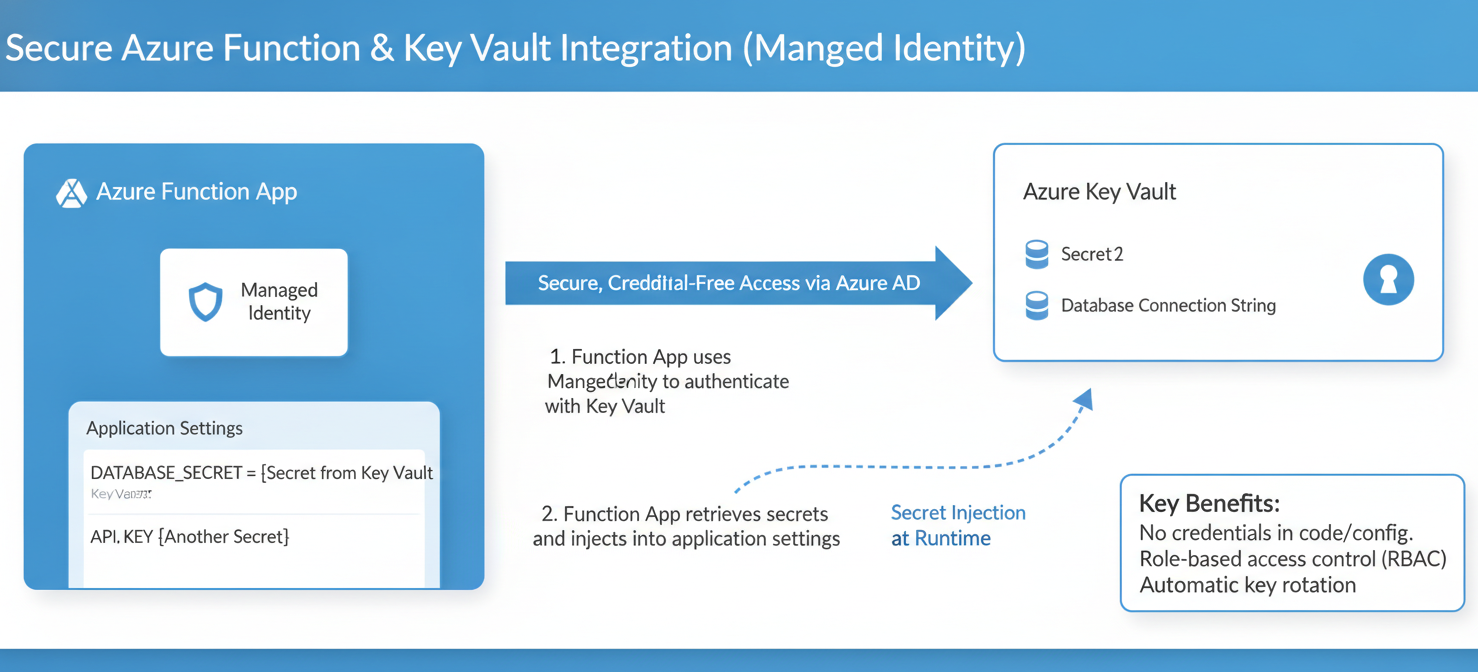
The process involves these key steps:
- Enable a managed identity for your Function App.
- Create an Azure Key Vault.
- Store your secrets within the Key Vault.
- Grant the function’s managed identity “Get” permissions on the secrets in the Key Vault’s access policies or assign it the “Key Vault Secrets User” role.
- In your Function App’s configuration, add an application setting that references the secret in Key Vault using a special syntax:
@Microsoft.KeyVault(SecretUri=...).
When your function starts, the Azure platform uses the app’s managed identity to authenticate to Key Vault and resolve the reference, securely injecting the secret value as an environment variable. Your code can then access it like any other application setting, with no knowledge of the underlying Key Vault interaction.
Conclusion
Moving from connection strings and anonymous endpoints to a modern, identity-centric model is fundamental for strong azure functions security. By leveraging managed identities, you create a clear, auditable, and secure link between your functions and the resources they access. Furthermore, using App Service Authentication locks down your endpoints, while RBAC ensures the principle of least privilege is enforced. Finally, integrating with Azure Key Vault provides a secure vault for any remaining application secrets. This multi-layered approach doesn’t just add security; it simplifies secrets management and reduces the operational burden on your team. Ultimately, a serverless application without a robust identity and permissions strategy is an open invitation for trouble.
To effectively implement these robust security practices and safeguard your Azure Functions, explore how our platform can help. You can easily begin with a free trial to experience enhanced identity management, or if you’re ready for a deeper dive, we invite you to book a personalized demo to see our solution in action.
 7-day free trial