




AWS access keys are powerful credentials. They grant programmatic access to your cloud resources, which is essential for applications and scripts. However, this power also creates a significant security responsibility. An exposed access key can lead to unauthorized access, data breaches, and unexpected costs. Therefore, a systematic approach to aws access key rotation is not just a recommendation; it is a fundamental component of a robust cloud security posture. Regularly changing these keys limits the window of opportunity for an attacker if a key is ever compromised.
Key takeaways
- Rotate keys frequently: The industry standard and a common compliance requirement is to rotate all IAM user access keys at least every 90 days.
- Use a safe, multi-step process: Never delete an old key immediately. Instead, create a new key, update your applications, deactivate the old key to test for dependencies, and only then delete it.
- Prefer IAM roles: Whenever possible, use IAM roles for AWS services like EC2 instances. Roles provide temporary, automatically rotated credentials, which is more secure than using long-term access keys.
What Are AWS Access Keys and Why Rotate Them?
AWS access keys provide authentication for programmatic calls to AWS services, whether through the AWS Command Line Interface (CLI), SDKs, or direct API calls. An access key consists of two parts: an Access Key ID and a Secret Access Key. Think of these as a username and a password for your applications.
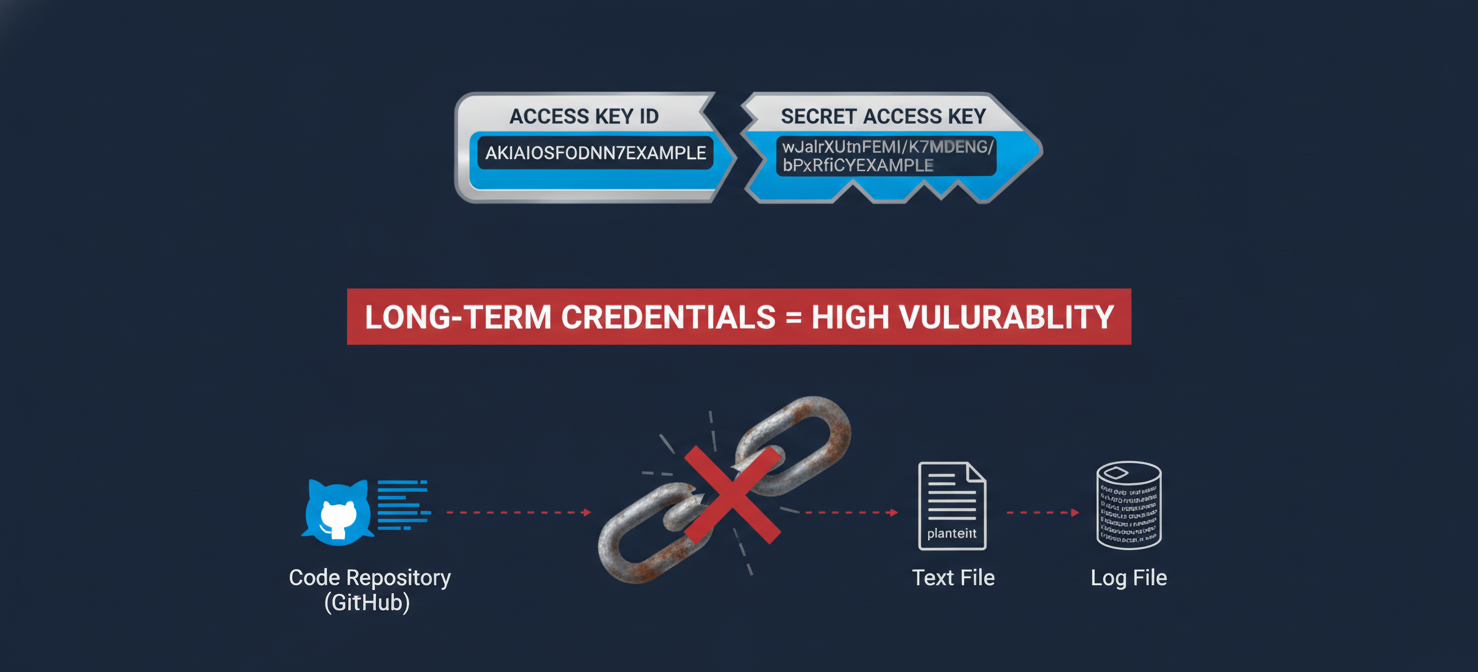
The primary reason for rotating keys is to mitigate risk. Long-term credentials, like access keys, are a common target for attackers. They can be accidentally exposed in several ways:
- Committed to a public code repository like GitHub.
- Stored in plain text within application configuration files.
- Logged in application or system logs.
- Shared insecurely between team members.
If a key is compromised, an attacker could use it to access, modify, or delete your AWS resources. Regular rotation significantly shortens the lifespan of a key. As a result, even if a key is exposed, it is only valid for a limited time, which drastically reduces the potential for damage.
Recommended AWS Access Key Rotation Schedules
The most widely accepted best practice is to rotate access keys every 90 days. This timeframe is not arbitrary; it is a specific recommendation in the CIS (Center for Internet Security) AWS Foundations Benchmark, a set of security configuration guidelines used by many organizations to ensure compliance and security. Many compliance frameworks, such as PCI-DSS and HIPAA, also have requirements that are met by this practice.
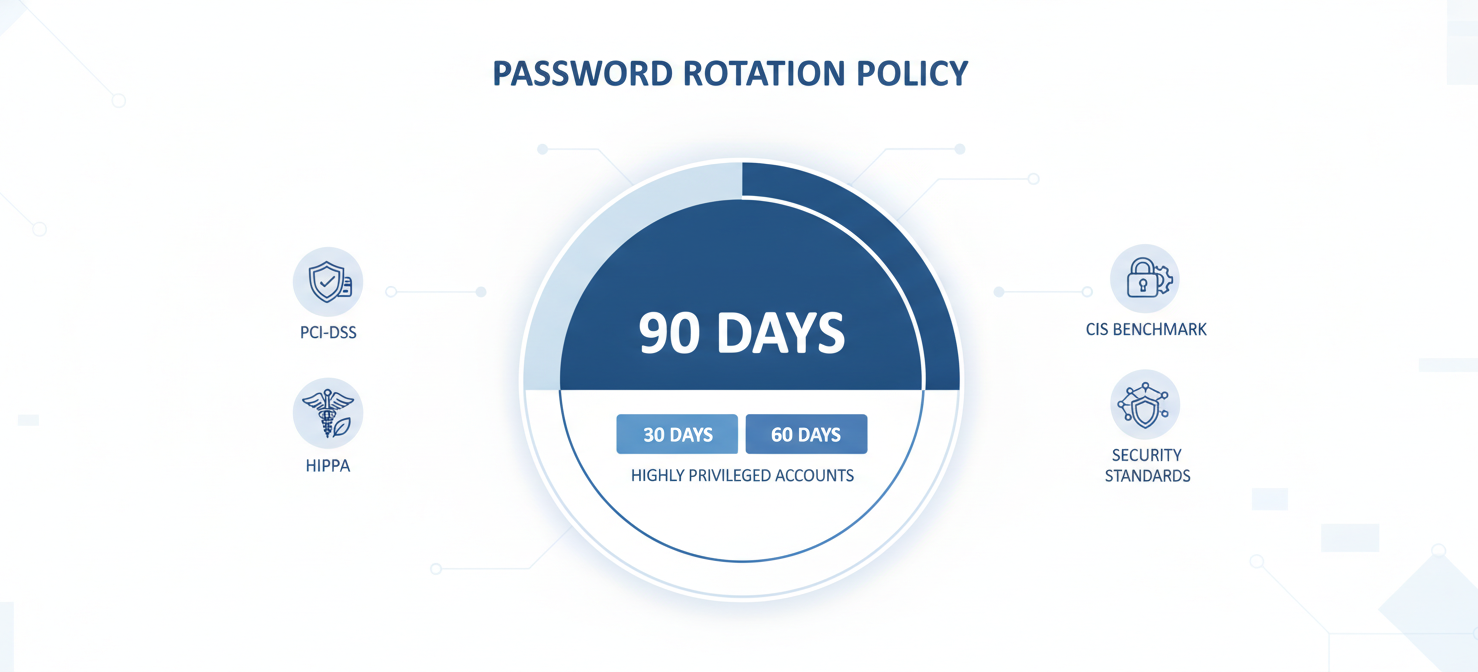
While 90 days is the standard, your organization might choose a more aggressive schedule for highly privileged accounts. For example, you could rotate keys for administrative users every 30 or 60 days. The key is to establish a consistent policy and enforce it. You can use tools like AWS Config to monitor the age of your access keys and alert you when they approach their expiration date.
How to Manually Rotate an Access Key
Rotating a key without causing downtime requires a careful, step-by-step process. A critical feature of AWS IAM is that a user can have two active access keys at the same time. This allows for a seamless transition from an old key to a new one.
The Safe Rotation Process
Follow these steps to ensure a smooth rotation with zero disruption to your applications:
- Create a New Access Key: In the IAM console, navigate to the user, select the “Security credentials” tab, and create a new access key. Securely save the new Access Key ID and Secret Access Key.
- Update Your Applications: Next, update all applications, scripts, and configuration files that use the old key. Replace the old credentials with the new ones you just created. This is often the most time-consuming step, so it is important to have a clear inventory of where each key is used.
- Verify Functionality: After updating, thoroughly test your applications to confirm they are working correctly with the new key.
- Deactivate the Old Key: Once you are confident the new key is working everywhere, return to the IAM console. Instead of deleting the old key, first change its status to “Inactive”. This is a crucial safety check. If you missed an application, it will stop working at this point, and you can quickly reactivate the old key to resolve the issue while you update the remaining system.
- Monitor and Wait: Wait for a reasonable period—perhaps a few days or a week—to ensure no process was missed and everything continues to function as expected. You can use AWS CloudTrail to check if any last-used information for the old key appears.
- Delete the Old Key: Finally, after confirming the old key is no longer in use, you can safely delete it from the IAM console.
Automating the Rotation Process
Manually rotating keys across a large organization is tedious and prone to human error. For this reason, automating the process is highly recommended. Automation ensures that your rotation policy is consistently enforced without manual intervention.
There are several ways to achieve this:
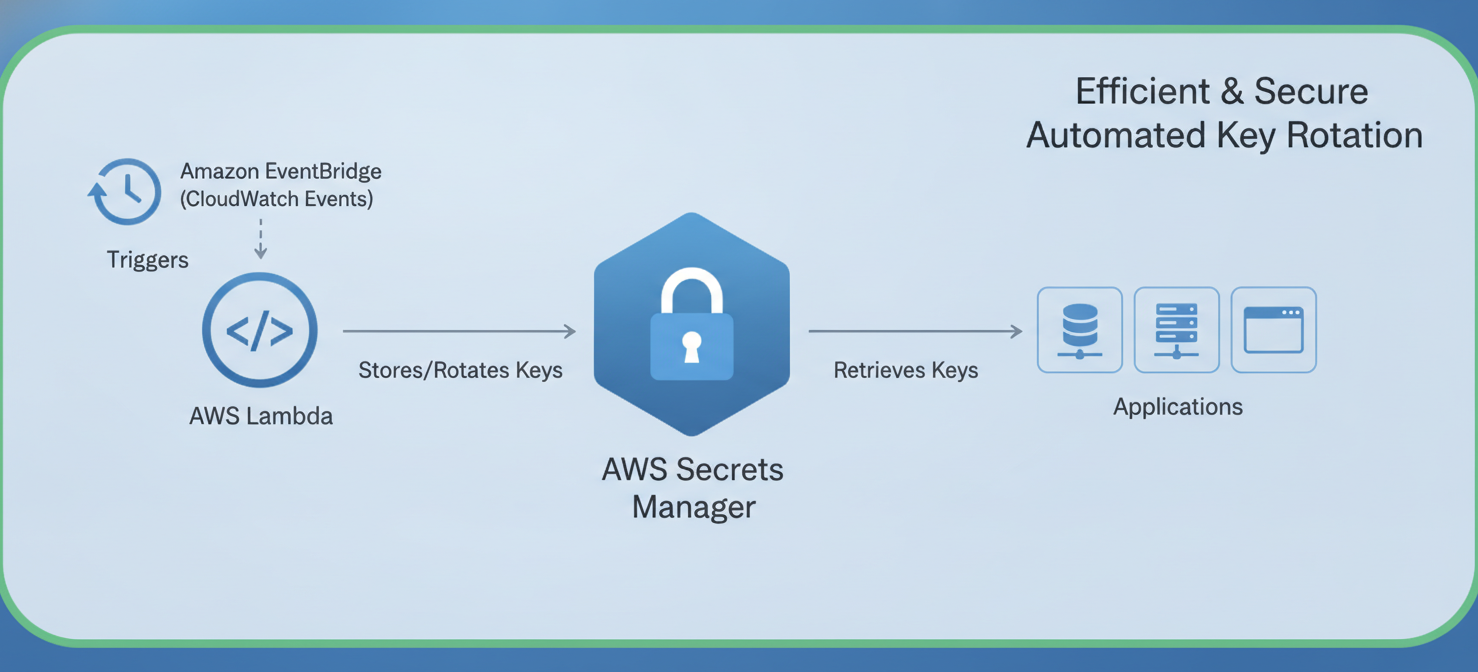
- AWS Secrets Manager: For many AWS services, Secrets Manager can manage and automatically rotate credentials, including API keys. This is a robust, managed solution for handling secrets.
- Custom Lambda Functions: You can build a custom solution using AWS Lambda functions triggered by an Amazon EventBridge schedule. A Lambda script can perform the steps of creating a new key, storing it securely (for example, in Secrets Manager), notifying the user, and eventually deactivating and deleting the old key. There are even pre-built solutions available that use CloudFormation templates to deploy this automation.
Best Practices for Managing Your Access Keys
Effective aws access key rotation is part of a broader strategy for managing credentials securely. In addition to regular rotation, you should follow these essential best practices.
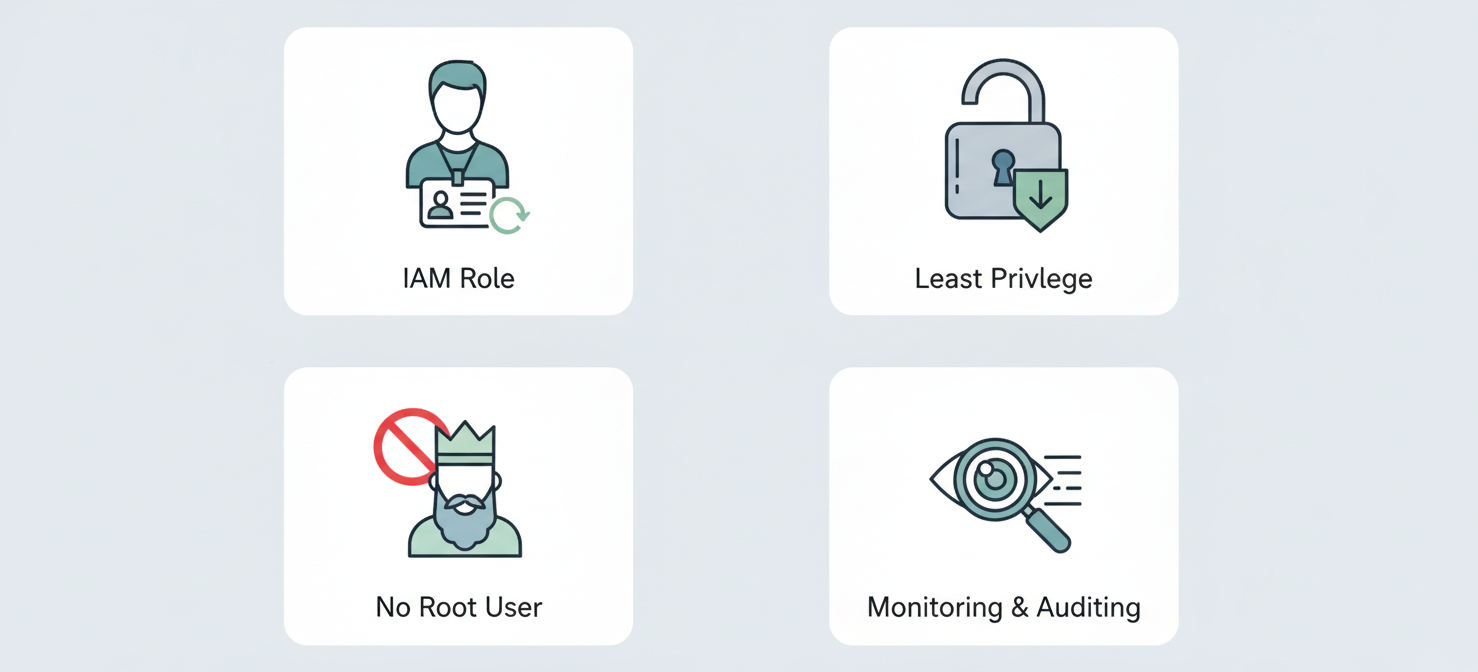
Use IAM Roles Instead of Keys
For applications and services running on AWS resources like EC2 instances, you should always prefer using IAM roles over long-term access keys. An IAM role provides temporary security credentials that are automatically generated and rotated by AWS. This eliminates the need for you to manage or rotate keys for those workloads, significantly improving your security posture.
Apply the Principle of Least Privilege
Never grant more permissions than are absolutely necessary. When you create an IAM user or role, attach policies that grant only the specific permissions required for that identity to perform its tasks. Avoid using broad permissions like *:*. This practice limits the potential damage if a set of credentials is ever compromised.
Never Use the Root User Access Key
Your AWS account’s root user has unrestricted access to all resources. For this reason, you should never create or use an access key for your root user. If a root user access key exists, it should be deleted immediately. Instead, create a dedicated IAM user with administrative privileges for daily management tasks.
Monitor and Audit Key Usage
Regularly monitor the activity associated with your access keys. AWS CloudTrail logs every API call made in your account, which allows you to see when and how an access key was last used. This information is invaluable for identifying unused keys that can be removed and for detecting unusual or unauthorized activity.
Conclusion
Managing credentials is a critical aspect of cloud security. While it may seem like a minor task, consistent aws access key rotation is a powerful security practice that protects your environment from the risks of compromised credentials. Treat your access keys like the sensitive passwords they are. You would not use the same password for years on end, and your applications should not either. By establishing a strict rotation schedule, leveraging automation, and embracing best practices like using IAM roles, you can implement a robust defense. This is not just about checking a compliance box; it is about practicing fundamental security hygiene to keep your AWS environment secure.
To truly master your cloud security posture and ensure consistent access key rotation without manual overhead, consider exploring a platform that simplifies these complex tasks; you can easily start a free trial to see its capabilities firsthand or book a demo with our experts to understand seamless integration.
 7-day free trial