



Understanding the costs associated with cloud data storage is essential for managing your budget effectively. For teams using Microsoft’s cloud, grasping the details of azure blob storage pricing is a critical first step. The service offers a flexible, pay-as-you-go model, but its multifaceted structure means costs can escalate if not managed carefully. This article breaks down the key components of Azure Blob Storage pricing, from data volume and access tiers to transactions and data transfer fees, providing a clear path to cost optimization.
Key takeaways
- Azure Blob Storage costs are driven by six main factors: data storage volume, access tier, data redundancy, transaction quantity, data retrieval, and data transfer.
- Lifecycle management policies can automate moving data to cheaper tiers, potentially cutting storage costs by up to 90%.
- Choosing the right redundancy option is a trade-off; geo-redundant storage (GRS) roughly doubles the storage cost compared to locally-redundant storage (LRS) but provides higher durability.
- Tools like Binadox provide granular visibility into usage, helping to identify and eliminate sources of unnecessary spending.
Understanding Azure Blob Storage Pricing
Azure Blob Storage pricing is not a single line item on your bill. Instead, the total cost is a sum of several distinct factors. This iaas pricing model provides flexibility but also requires a clear understanding to avoid unexpected charges. The primary cost components include the volume of data you store, how frequently you access it, the redundancy level you select, the number of operations you perform, and the amount of data you transfer out of Azure’s network.
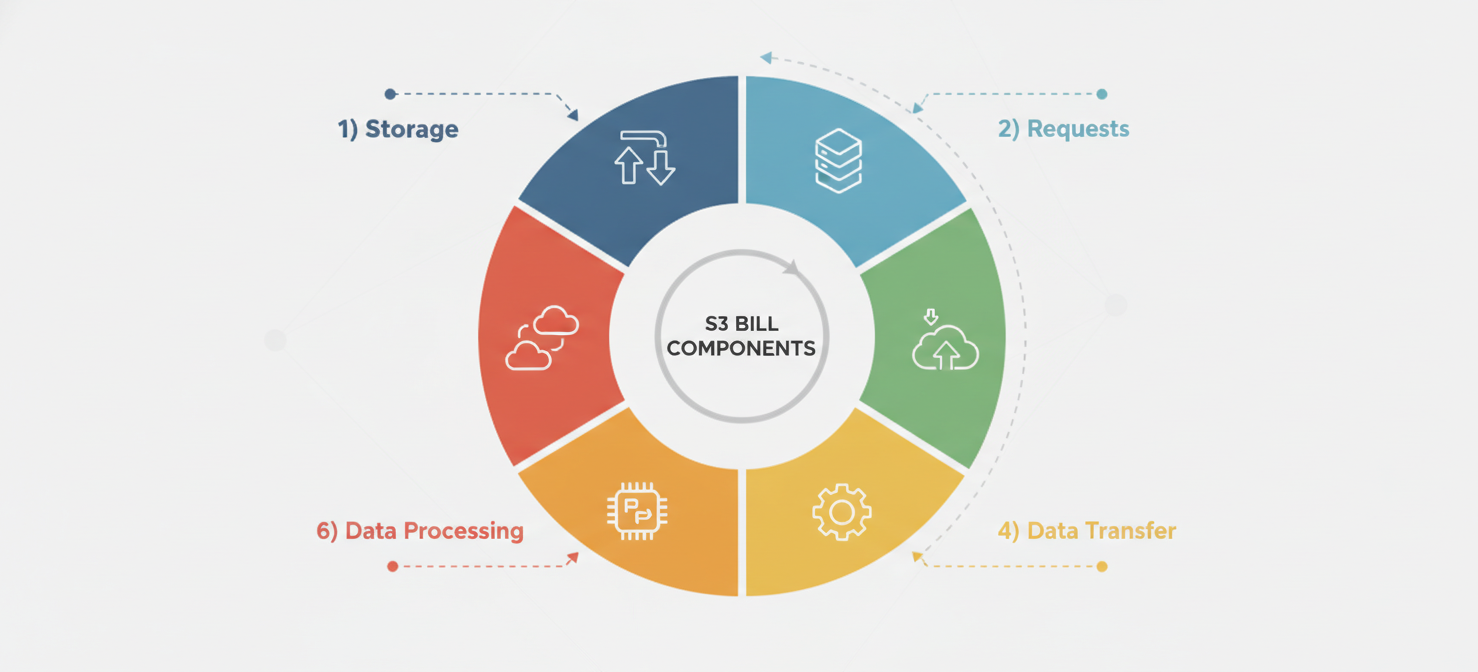
Each of these elements is billed as a separate meter. For example, you pay a per-gigabyte-per-month fee for data at rest, a per-transaction fee for read and write operations, and a per-gigabyte fee for data transferred out to the internet. This granular approach allows you to tailor your storage to your specific needs, but it also means you must monitor each aspect of your usage to control your overall spending.
Key Cost Components
The main drivers of your monthly bill can be categorized as follows:
- Data Storage: The amount of data (in GB) stored in your account.
- Operations: The read, write, and other transactions performed on your data.
- Data Transfer: Data moving out of an Azure region.
- Data Redundancy: The chosen level of data durability and availability.
- Access Tiers: The frequency with which you access your data (Hot, Cool, Cold, or Archive).
How Storage Capacity, Access Tiers, and Redundancy Affect Costs
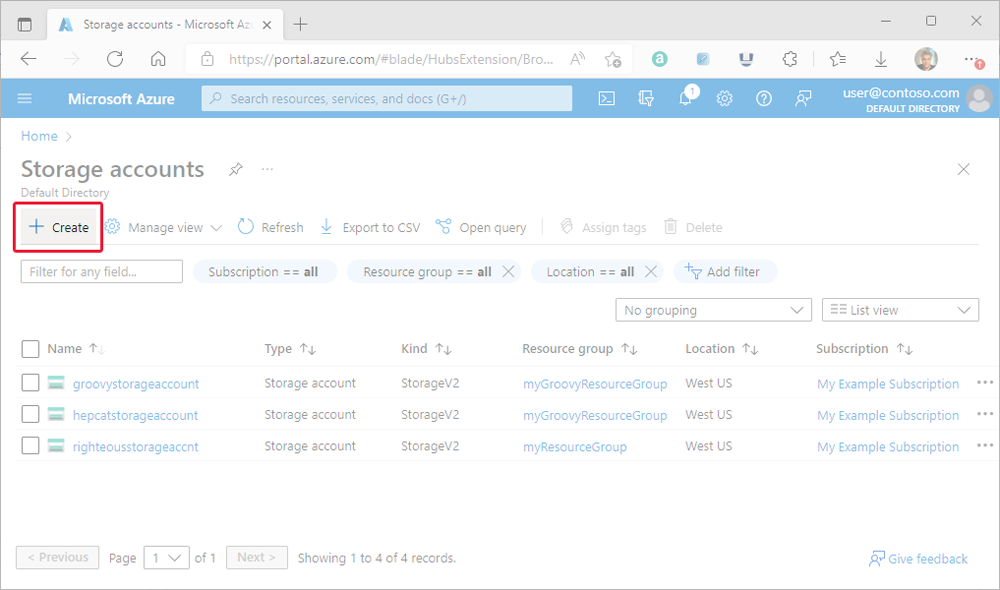
The most significant portion of your Azure Blob Storage bill often comes from the data you store at rest. This cost is calculated based on the volume of data (measured in gigabytes) stored per month. However, the rate you pay per gigabyte is heavily influenced by two other choices: the access tier and the redundancy option.
Access Tiers: Matching Cost to Access Frequency
Azure offers several access tiers designed to provide cost-effective storage for different data usage patterns. Choosing the right tier is fundamental to managing costs.
- Hot Tier: This tier is optimized for data that is accessed frequently. It has the highest storage costs but the lowest access costs.
- Cool Tier: Intended for data that is infrequently accessed and stored for at least 30 days. It offers lower storage costs than the Hot tier but has higher access costs.
- Cold Tier: Designed for data stored for at least 90 days that is rarely accessed. It provides even lower storage costs than the Cool tier but with higher retrieval fees.
- Archive Tier: This is the most economical option for storing data, ideal for long-term backup and archival data stored for at least 180 days. While it has the lowest storage cost, data retrieval can take several hours and incurs higher costs.
It’s important to be aware of early deletion penalties. Data moved to the Cool, Cold, or Archive tiers is expected to remain there for a minimum period (30, 90, and 180 days, respectively). Deleting data before these minimums can result in a prorated charge.
Redundancy Options: Balancing Durability and Price
Azure ensures your data is durable by storing multiple copies. The redundancy option you select determines how and where these copies are stored, directly impacting your costs.
- Locally-Redundant Storage (LRS): This is the lowest-cost option, storing three copies of your data within a single data center.
- Zone-Redundant Storage (ZRS): ZRS stores three copies of your data across separate availability zones within the same region, offering better availability than LRS.
- Geo-Redundant Storage (GRS): GRS copies your data to a secondary region hundreds of miles away, providing protection against regional outages. This option significantly increases storage costs.
- Geo-Zone-Redundant Storage (GZRS): This is the most durable option, combining the benefits of ZRS and GRS. It is also the most expensive.
Choosing a geo-redundant option can nearly double your storage costs compared to LRS, so it’s crucial to align your redundancy choice with your data’s criticality and your disaster recovery requirements.
Transaction, Retrieval, and Data Transfer Charges
Beyond the cost of storing data at rest, your interactions with that data generate additional charges. These operational costs can add up, especially for applications with high transaction volumes.
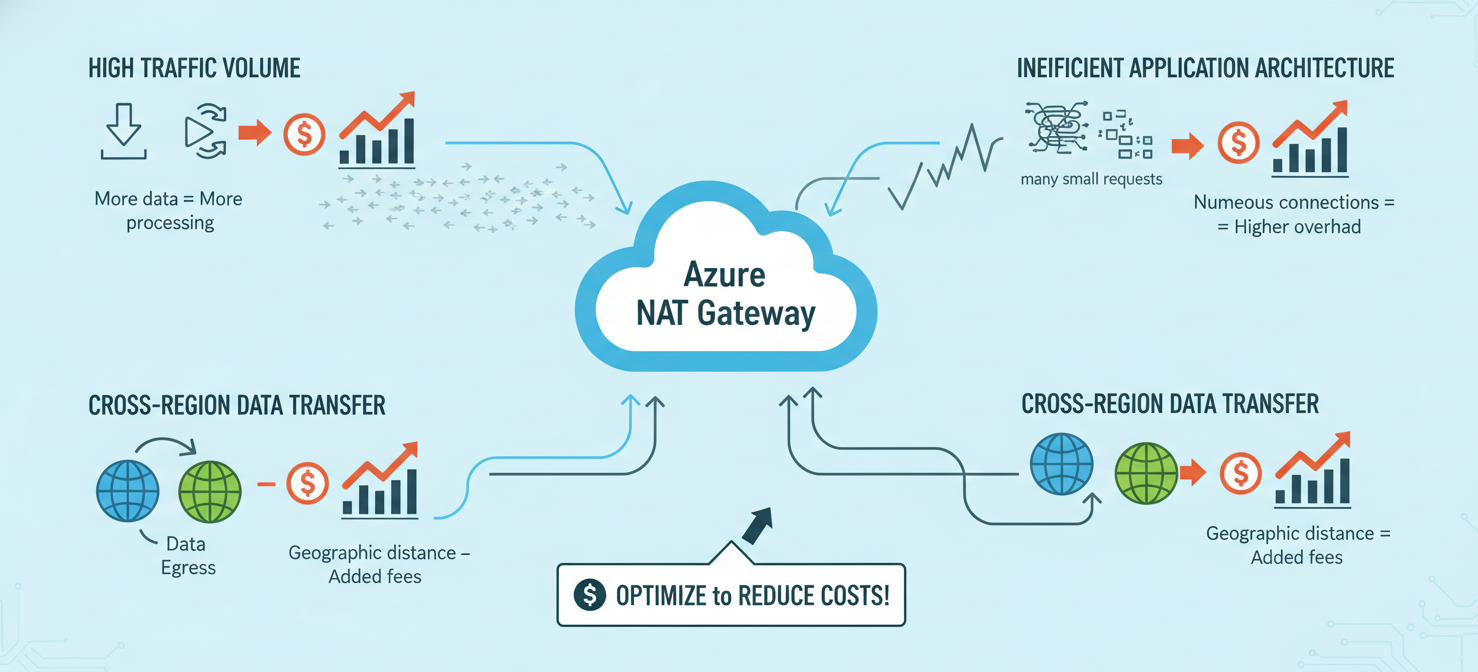
Transaction Costs: Every action you perform on your data—such as writing, reading, listing, or deleting blobs—is considered a transaction and is billed accordingly. Azure charges for these operations in blocks of 10,000. The cost per transaction varies significantly by access tier. For instance, write operations are cheapest in the Hot tier and become progressively more expensive in the Cool, Cold, and Archive tiers. Conversely, read operations are very inexpensive in the Hot tier but can be quite costly from the Archive tier.
Data Retrieval Costs: For data stored in the Cool, Cold, and Archive tiers, a separate data retrieval fee applies whenever you access the data. This is a per-gigabyte charge for reading the data, in addition to the per-transaction read operation cost. Retrieval from the Archive tier is the most expensive and is designed for rare, emergency-use cases.
Data Transfer Costs: Data transfer (or egress) fees apply when your data moves out of an Azure region. Ingress (data moving into Azure) is generally free. Data transfer costs are tiered, meaning the per-gigabyte price decreases as your data volume increases. Transfers between Azure services within the same region are typically free, but transfers to different regions or out to the public internet will incur charges.
How to Interpret Blob Storage Usage Metrics and Billing Records
To effectively manage your cloud hosting pricing, you need to understand where the money is going. Azure provides tools to help you analyze your spending.
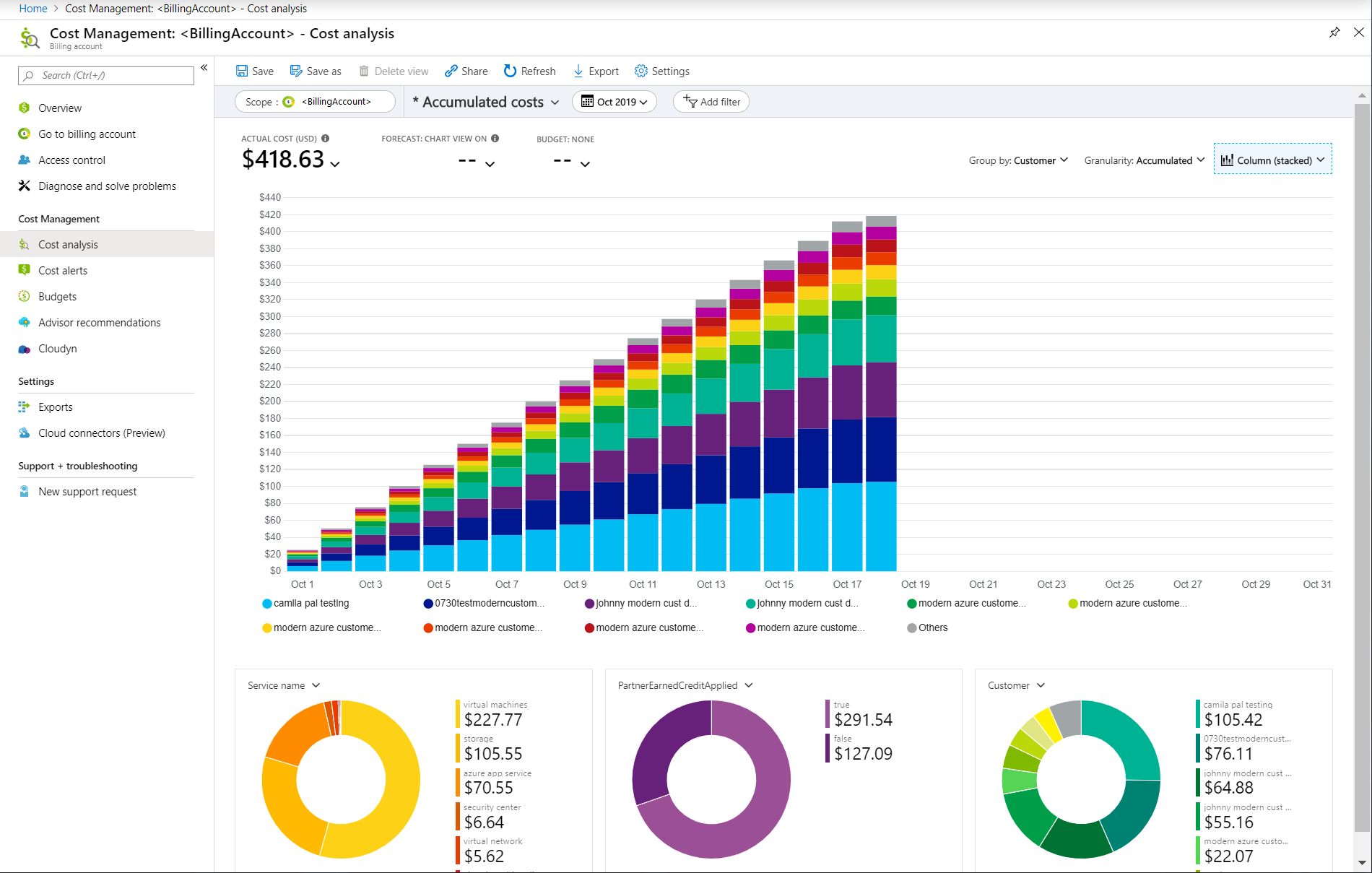
Within the Azure portal, the Cost Management + Billing service is your primary tool. Here, you can use the cost analysis feature to view a detailed breakdown of your spending. You can filter by subscription, resource group, and time period to see exactly which storage accounts are generating the most cost.
When examining your bill, look for line items corresponding to the different billing meters:
- Data stored: This will be broken down by redundancy and access tier (e.g., “LRS Hot Data Stored”).
- Operations: These will appear as distinct items like “Write Operations” or “Read Operations,” measured in units of 10,000.
- Data retrieval: For cooler tiers, you will see charges for “Data Retrieval.”
- Data transfer: Egress will be listed as “Data Transfer Out.”
By regularly reviewing these details, you can spot trends, such as a sudden spike in transactions or an unexpected increase in data stored in a more expensive tier.
How to Identify the Main Drivers of Blob Storage Costs
Identifying the primary drivers of your costs is the first step toward optimization. Start by using the Azure Cost Management tool to group your spending by meter category. This will quickly show you whether the bulk of your expense comes from data storage capacity, operations, or data transfer.
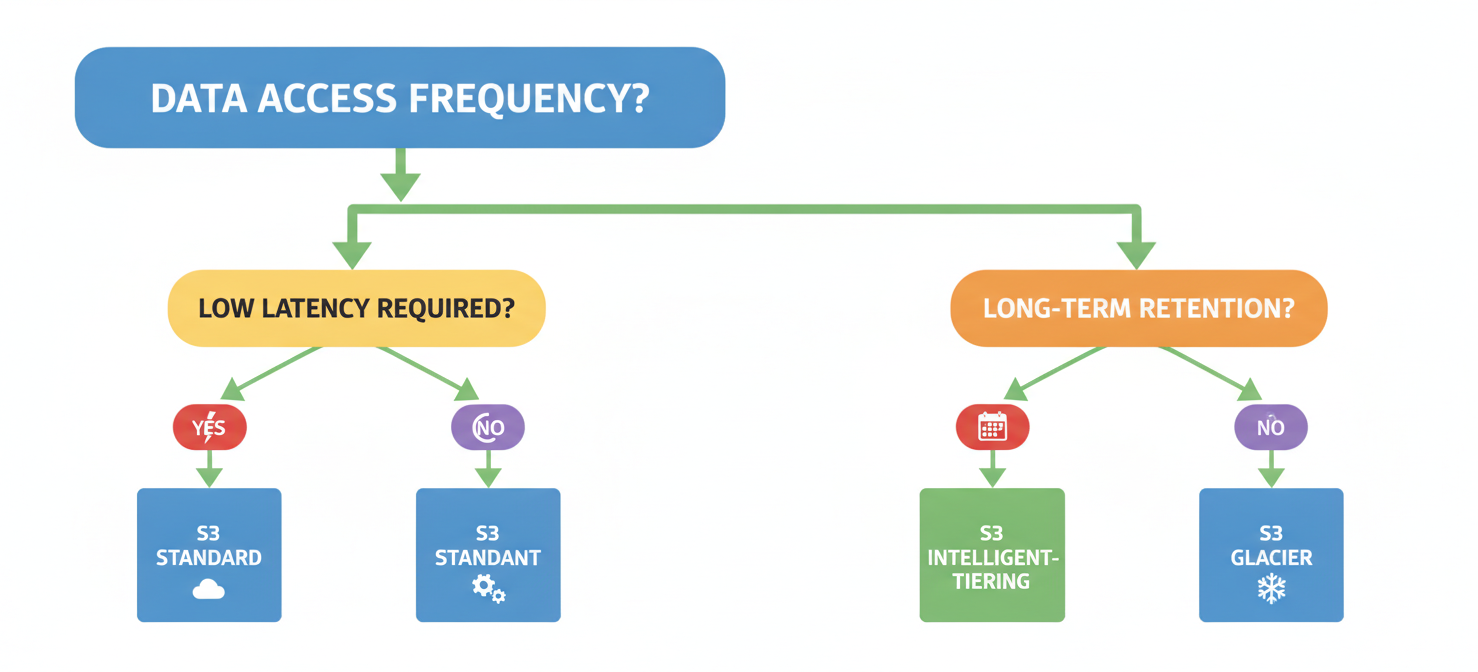
If storage capacity is the main driver, your next step is to analyze your data by access tier. Are you storing large volumes of infrequently accessed data in the expensive Hot tier? This is a common source of overspending. Similarly, check your redundancy settings. Using GRS for non-critical development data, for example, is an unnecessary expense.
If operations are a significant cost, investigate your application’s behavior. High transaction counts might indicate an inefficient process, such as an application that repeatedly reads the same blob instead of caching it. For write-heavy workloads, ensure you are using the appropriate blob type, as Append Blobs can have different transaction cost profiles than Block Blobs.
Finally, if data transfer costs are high, examine where your data is going. Are you serving large files directly to the internet? Using a Content Delivery Network (CDN) can often be a more cost-effective solution for distributing content globally.
How Binadox Helps Analyze Azure Blob Storage Costs
While Azure’s native tools are powerful, third-party cloud cost management platforms like Binadox can provide deeper insights and automated optimization. Binadox offers a unified dashboard for real-time Azure cost monitoring, giving you granular, resource-level visibility across all your services, including Blob Storage.
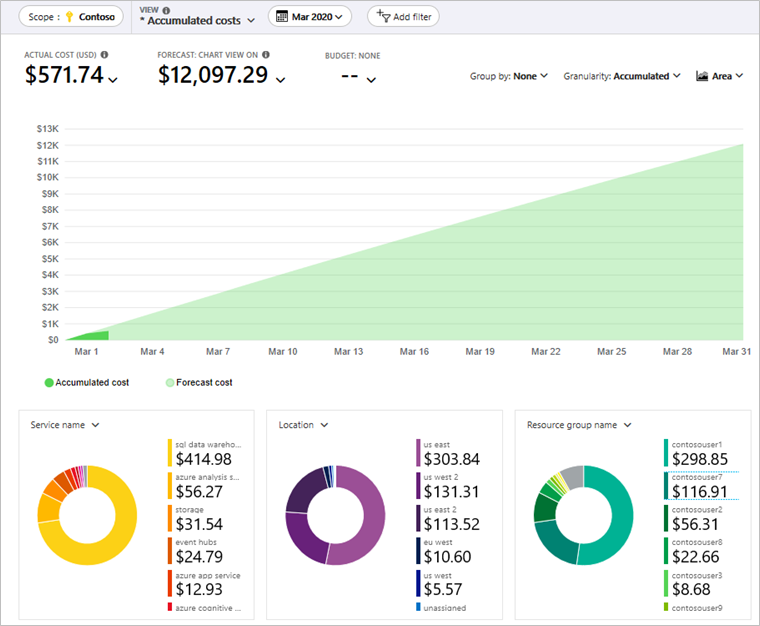
Binadox helps you move beyond simple reporting to active financial management. Its AI-powered engine analyzes your actual usage patterns to provide intelligent storage management recommendations. For example, it can identify data that has not been accessed for a specific period and recommend moving it from the Hot tier to the Cool or Archive tier, directly aligning your spending with your usage.
Furthermore, Binadox simplifies cost allocation. With advanced resource tagging and department-level reporting, you can implement effective showback or chargeback models. This clarifies accountability and encourages teams to be more mindful of their storage consumption. The platform’s predictive cost forecasting and anomaly detection can also alert you to potential budget overruns before they happen, allowing you to take corrective action proactively.
Best Practices for Managing Blob Storage Spending
Controlling your azure blob storage costs is an ongoing process, not a one-time fix. By implementing a few best practices, you can ensure you are continuously optimizing your spending.
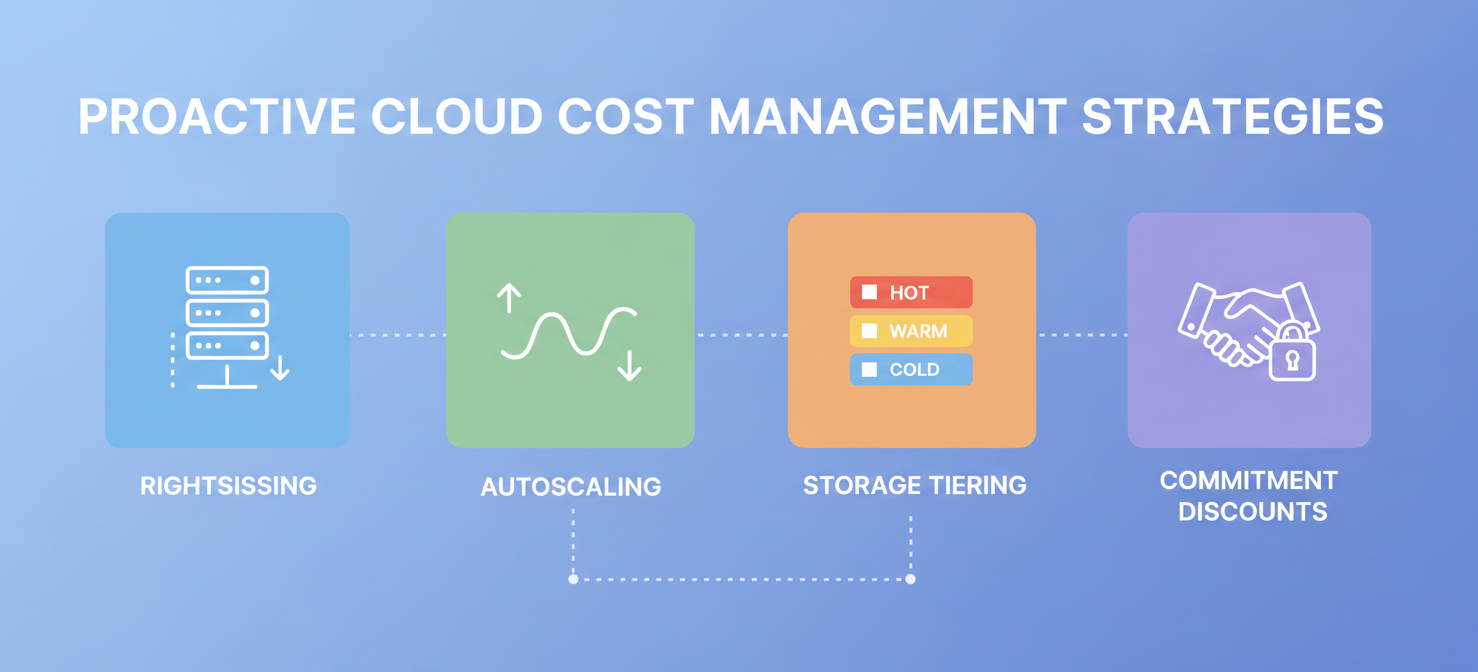
First, automate data tiering with lifecycle management policies. This is one of the most effective ways to reduce costs. You can create rules that automatically move blobs to cooler storage tiers (e.g., from Hot to Cool after 30 days of no access) or delete them after a certain period. This eliminates the need for manual intervention and ensures you are always using the most cost-effective tier.
Second, choose the right redundancy option from the start. Don’t default to geo-redundant storage unless your application’s availability requirements truly demand it. For development, testing, and other non-critical data, LRS is often sufficient and much cheaper.
Third, compress your data before storing it. Storing compressed data reduces the amount of storage capacity you need and can also lower data transfer costs. The trade-off is the added CPU cost for compression and decompression, but for many workloads, the storage savings are well worth it.
Finally, regularly audit and clean up your storage accounts. Over time, storage accounts can accumulate unneeded data, such as old backups, temporary files, and orphaned disks. Periodically reviewing your containers and deleting unnecessary blobs can prevent this “storage creep” from inflating your bill.
Managing cloud costs requires diligence. The complexity of cloud pricing models means that small inefficiencies can compound into significant expenses over time. By understanding the components of Azure Blob Storage pricing and actively managing your usage, you can prevent your storage bill from becoming an unwelcome surprise. It’s less about finding a single magic bullet and more about the disciplined, ongoing practice of aligning your spending with your actual needs.
Ultimately, effective Azure Blob Storage cost management is about continuous optimization and aligning your spending with actual usage, a process made significantly easier with specialized tools. To experience this firsthand and gain deeper insights into your cloud expenditure, consider starting your free Binadox trial or scheduling a personalized demonstration with our experts.
 7-day free trial