


Managing your Google Cloud Platform (GCP) spending can feel complex. The pay-as-you-go model offers flexibility, but it also creates budget uncertainty. Unchecked resources, growing storage, and inefficient queries can quickly lead to surprise charges. Effective google cloud cost management across services requires more than just viewing a monthly bill; it demands a clear strategy for tracking expenses, allocating costs, and optimizing usage. This guide explains how GCP billing works, where costs hide, and how your team can gain control over your cloud budget.
Key takeaways:
- The biggest cost drivers in GCP are often overprovisioned compute resources, unmanaged storage growth, and hidden network egress fees.
- Google Cloud offers automatic Sustained Use Discounts (SUDs) that can provide up to 30% savings on long-running VMs without any upfront commitment.
- For deep analysis, export your billing data to BigQuery. This provides the most granular view of every charge and is the foundation for custom dashboards and third-party tools.
Understanding Google Cloud Billing and Its Main Cost Drivers
Google Cloud Platform operates on a consumption-based financial model. While this pay-as-you-go system offers great efficiency in theory, it can also introduce significant unpredictability into your IT budget. In traditional on-premises setups, the process of buying hardware creates a natural brake on spending. The cloud, however, is different. A developer can launch a vast number of resources with a single API call, bypassing the usual financial controls.
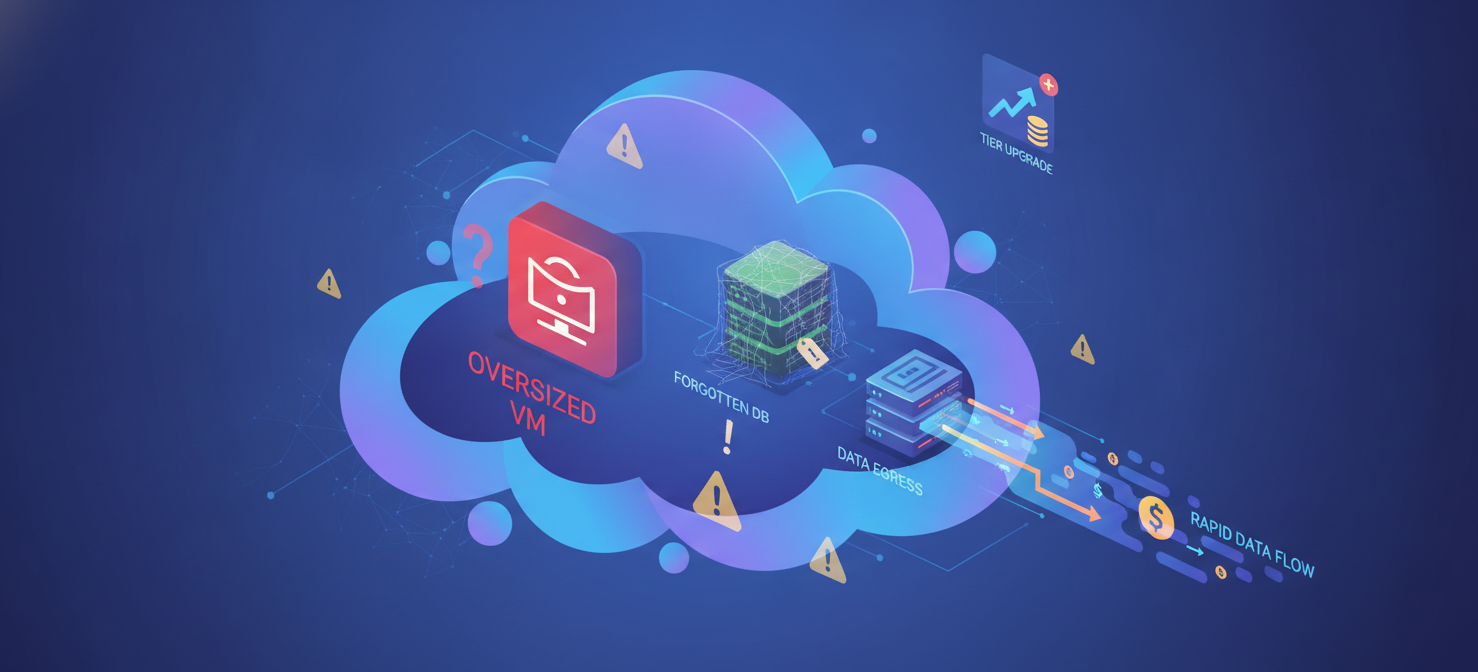
Therefore, the main challenge of google cloud cost management is telling the difference between spending that generates value and spending that is simply waste. For example, a rise in BigQuery costs that matches an increase in customer transactions is a sign of healthy scaling. On the other hand, high costs from idle virtual machines (VMs) in a test environment represent pure financial loss.
Primary Cost Drivers in GCP
Several common issues consistently inflate GCP invoices:
- Overprovisioned Compute Resources: Engineering teams often provision resources for a hypothetical peak demand instead of for their actual daily needs. As a result, VMs run at very low CPU utilization while you pay the full hourly cost.
- Storage Growth Without Lifecycle Management: A “store everything now, sort it out later” approach leads to rising costs. Data often remains in expensive Standard storage long after it is rarely accessed.
- Inefficient Database and Analytics Usage: Services like BigQuery charge based on the amount of data scanned. An unoptimized query, such as
SELECT *without a filter, can scan petabytes of data and generate huge charges instantly. - Idle Kubernetes Capacity: Google Kubernetes Engine (GKE) clusters can suffer from inefficient packing of pods onto nodes. When Kubernetes reserves CPU and memory based on requests rather than actual use, you end up paying for idle Compute Engine nodes.
- Data Egress (Network Transfer): Moving data out of the Google Cloud network costs money, especially to the public internet or between different regions. Egress is often called the number-one hidden cost in the cloud.
- Missing Cost Allocation Labels: Without a strict system of tagging and labeling, you cannot attribute costs to specific teams or projects. This removes financial accountability and makes it impossible to see who is spending what.
How GCP Costs Are Organized by Service, SKU, and Resource
To effectively analyze your Google Cloud spending, you must first understand how the billing data is structured. GCP organizes data in a clear hierarchy, which allows you to view expenses from different perspectives.
The Billing Hierarchy
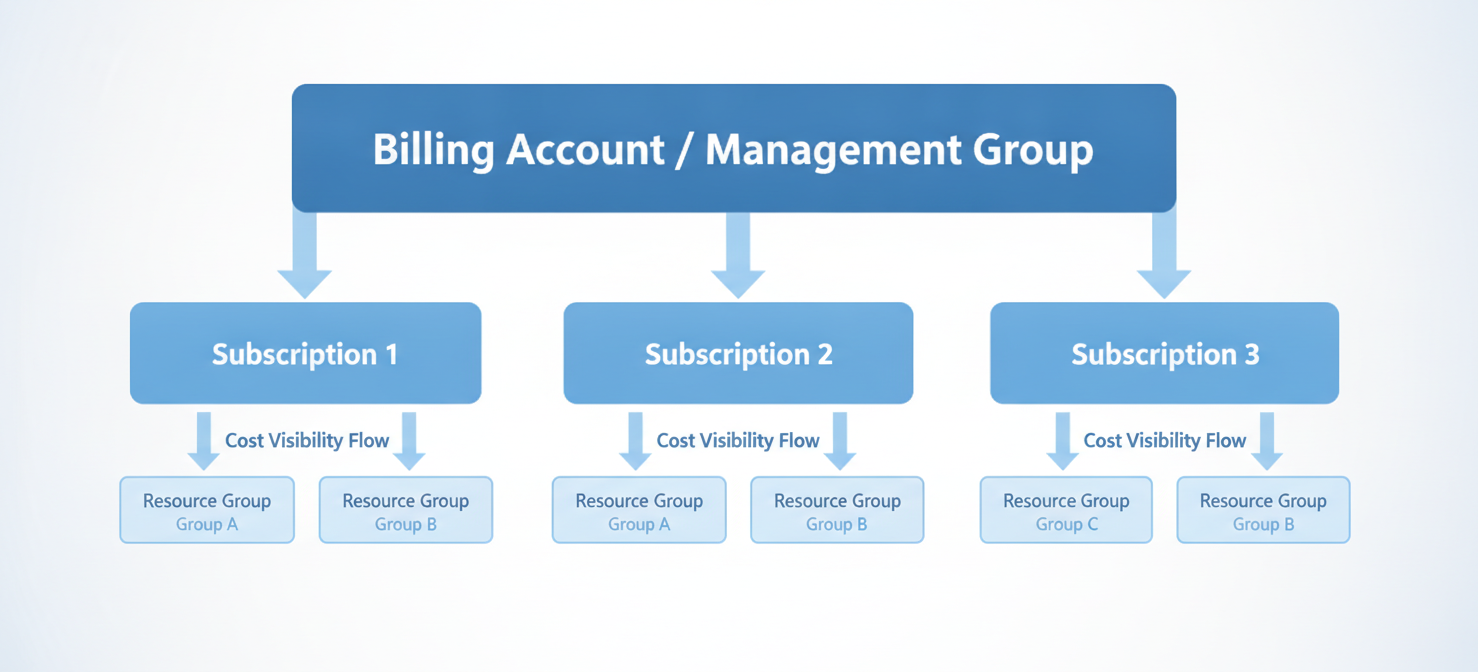
Your GCP billing data is organized from the highest financial level down to the smallest technical unit:
- Cloud Billing Account: This is the root financial account that pays for all resource use. It is linked to a Google payments profile and is what generates your invoice.
- Projects: Projects are the basic organizational unit in GCP. Every resource, like a VM or a storage bucket, must belong to a project. Consequently, projects are the main boundary for assigning costs.
- Services: These are high-level categories like Compute Engine, Cloud Storage, or BigQuery. Grouping costs by service gives you a big-picture view of your spending.
- SKUs (Stock Keeping Units): SKUs are the most critical part of the billing structure. A SKU represents the most detailed, billable item in GCP. It defines exactly what you are being charged for and how it is measured.
- Resources: These are the specific items you create, such as a VM named
web-server-01. - Labels: Labels are key-value pairs you apply to resources, like
environment: production. They are the primary tool for cost allocation and are essential for any chargeback or showback model.
The Complexity of SKUs
The huge number of SKUs in GCP shows just how complex cloud billing can be. The price of a single resource is rarely one number; instead, it is a collection of many small charges. For instance, starting one VM creates billing lines for multiple SKUs: vCPU usage, RAM usage, persistent disk storage, and any network egress.
The table below shows how many SKUs exist for some popular GCP services, highlighting the detailed nature of the pricing model.
| GCP Service | Number of Resource Groups | Total Number of SKUs |
|---|---|---|
| Compute Engine | 129 | 15,082 |
| Cloud SQL | 19 | 7,799 |
| Cloud Storage | 19 | 638 |
| BigQuery | 6 | 244 |
| Kubernetes Engine | 1 | 632 |
This granularity means that two identical projects with the same number of VMs can have very different costs if they use different underlying SKUs, such as different regions or machine types.
Key Google Cloud Cost Categories: Compute, Storage, Networking, and Databases
To achieve effective google cloud cost management across services, you must understand the pricing for the four main pillars: Compute, Storage, Networking, and Databases.
1. Compute Costs: Engine, VMs, and Kubernetes
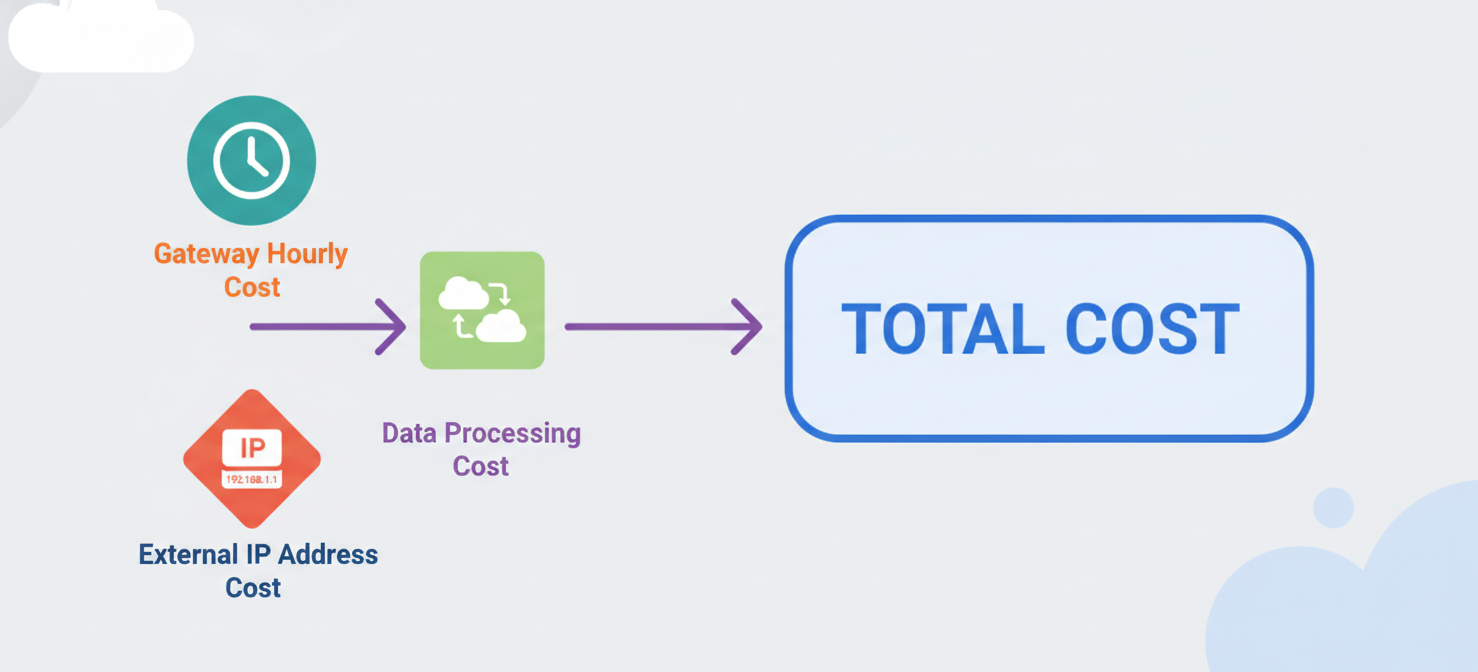
Compute Engine and Google Kubernetes Engine (GKE) are typically the largest items on an enterprise cloud bill. GCP prices compute resources based on the machine family, vCPUs, memory, region, and duration of use, which is billed per second.
Machine Families and Base Pricing
Google provides different machine families for different needs. The Cost-optimized (E2) series is the most affordable, while the General-purpose (N2) and Compute-optimized (C2/C4) series are for more demanding applications.
The following table shows sample on-demand monthly pricing for common instances in the us-central1 region, assuming 730 hours of use.
| Machine Type | Family / Characteristics | vCPU | RAM (GiB) | Approx. Monthly Cost ($/mo) |
|---|---|---|---|---|
e2-micro |
Cost-optimized (Free Tier eligible) | 2 (shared) | 1 | $20.16 |
e2-medium |
Cost-optimized (General web) | 2 (shared) | 4 | $40.38 – $80.64 |
n2-standard-2 |
General purpose | 2 | 8 | $82.08 |
n2-standard-4 |
General purpose (Heavy workloads) | 4 | 16 | $141.80 – $164.16 |
(Note: Pricing can change based on usage models and region.)
Discount Mechanisms: SUDs and CUDs
GCP stands out from its competitors with its aggressive automatic discounts.
-
Sustained Use Discounts (SUDs): These are automatic discounts for eligible Compute Engine resources that run for a significant portion of the month. You do not need to sign a contract. If a VM runs for more than 25% of a billing month, GCP automatically applies increasing discounts, reaching up to 30% for a VM that runs the entire month. SUDs are great for predictable, long-running workloads.
-
Committed Use Discounts (CUDs): For very predictable workloads, CUDs offer even bigger savings if you commit to a 1-year or 3-year term. These discounts can be as high as 57%-70% off the list price. However, if you commit to more capacity than you need, you will pay for unused resources, which cancels out the savings.
2. Storage Costs: Classes and Lifecycle Management
GCP has four storage classes based on access frequency:
- Standard Storage: For “hot” data that is accessed often, like website content.
- Nearline Storage: For data accessed less than once a month, like backups.
- Coldline Storage: For data accessed less than once a quarter.
- Archive Storage: For long-term data you access less than once a year, such as for compliance.
The table below shows how storage costs decrease as access frequency and retrieval requirements go down.
| Storage Class | Storage Cost ($/GB/month) | Retrieval Fee ($/GB) | Minimum Storage Duration |
|---|---|---|---|
| Standard | $0.020 | None | None |
| Nearline | $0.010 | $0.01 | 30 days |
| Coldline | $0.004 | $0.02 | 90 days |
| Archive | $0.0012 | $0.05 | 365 days |
A key thing to watch out for is the “early deletion” penalty. The colder storage tiers have low prices because they require you to keep data for a minimum duration. If you delete an object from the Archive tier before its 365-day term is up, Google charges you a fee equal to the cost of storing it for the remaining time.
3. Networking Costs: The Egress Challenge
Networking, and specifically data egress, is widely known as one of the most confusing and expensive parts of cloud computing.
Google Cloud offers two network routing tiers for internet egress:
- Premium Tier: This is the default. Your traffic travels on Google’s high-performance global network. Egress starts at $0.12 per GB for the first 1 TB per month to North American destinations.
- Standard Tier: Your traffic leaves the Google network sooner and travels over the public internet. This tier is much cheaper at $0.085 per GB.
Recent industry changes have made egress even more expensive. In mid-2026, for example, Google Cloud doubled its peering egress rates for direct interconnects in North America. For data-heavy work like machine learning, these network fees can cost more than the compute resources themselves.
4. Databases and Analytics: BigQuery Economics
Data warehouse solutions like BigQuery are becoming a fast-growing part of GCP bills as companies become more data-driven.
BigQuery bills for storage and query processing separately.
- Storage: Active data costs $0.02 per GB per month. Data that has not been modified for 90 days is automatically discounted to $0.01 per GB per month.
- Query Processing (On-Demand): The default model bills you for the volume of bytes your query scans. This is currently priced around $5.00 to $6.25 per TB processed. Because of how BigQuery is designed, a careless
SELECT *query on a huge table can instantly cost thousands of dollars. - Capacity-Based Pricing (Flat-Rate): For predictable workloads, you can buy dedicated query processing capacity measured in “slots.” This protects you from runaway query costs but requires careful planning.
How to Analyze GCP Usage and Identify the Biggest Cost Contributors
Effective google cloud cost management depends on using the native tools within the GCP console. Google provides three main instruments for analyzing your spending.
1. Cloud Console Billing Reports
Billing Reports are pre-built visual dashboards inside the GCP console. They are perfect for quick, high-level investigations and reviewing monthly trends. You can filter and group cost trends by project, service, SKU, and label to quickly find what you are looking for.
2. Cost Breakdown Reports
The Cost Breakdown Report gives you a detailed accounting view of your bill. It clearly separates your gross charges from any applied credits, discounts (like SUDs and CUDs), and taxes. This report is vital for understanding the difference between the list price of resources and what you actually owe.
3. BigQuery Billing Export
For the most detailed analysis, the BigQuery Billing Export is the ultimate tool. When you enable this feature, GCP sends every single billing line item to a private BigQuery dataset that you own. Because the data is in a SQL-queryable format, your teams can run complex queries to find specific cost drivers. This export is the foundational data source for creating custom dashboards and for feeding data into third-party cost optimization platforms.
How to Detect Unexpected Charges and Spending Trends
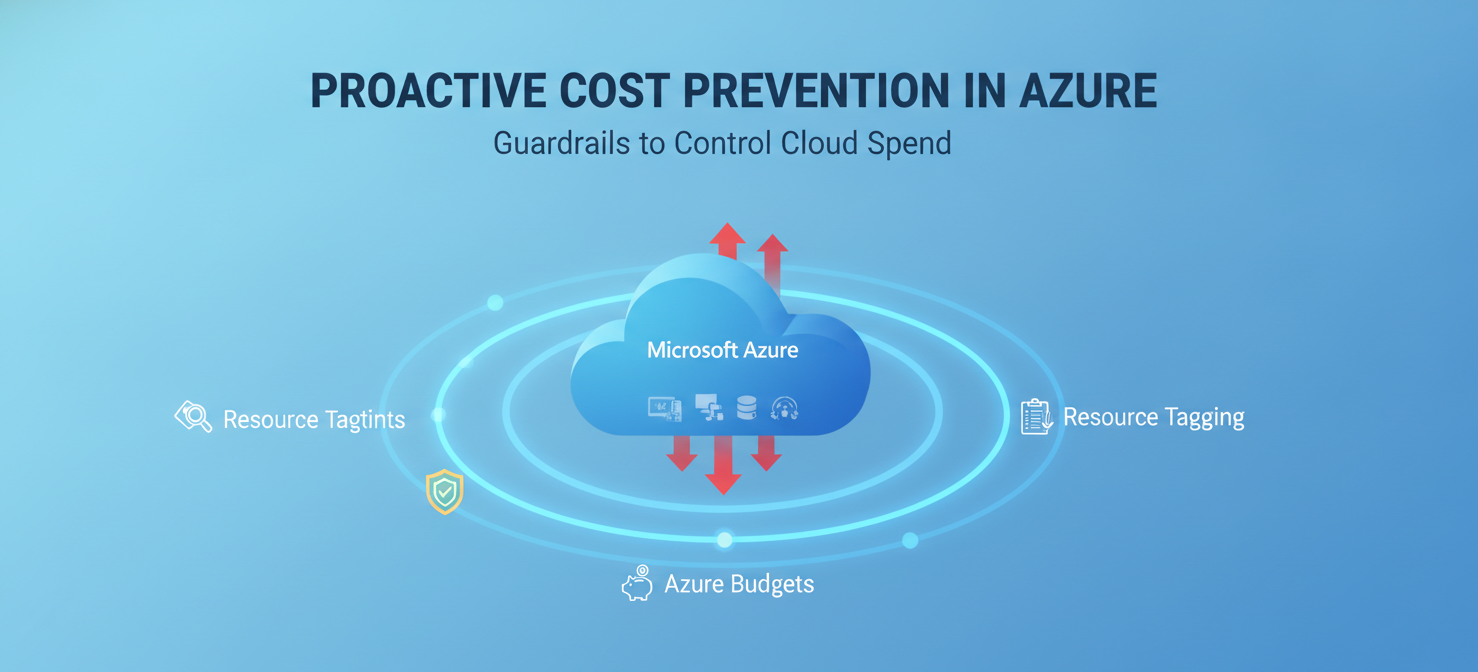
Cloud costs can spike suddenly, leading to “bill shock.” A single coding error, an unoptimized query, or a surge in AI model usage can create huge bills overnight.
Identifying the Anomalies
Unexpected charges often come from a misunderstanding of Google’s pricing. For instance, many users assume the GCP Free Tier covers their usage, only to find out they used an ineligible machine type or exceeded the strict limits, resulting in standard charges. Furthermore, there can be a reporting lag of up to 24 hours in billing data, so you might not see the financial impact of a mistake until the next day.
Establishing Defensive Monitoring
To protect your budget from runaway costs, you must set up proactive monitoring:
- Multi-Tiered Budget Alerts: Create budgets in the GCP console and set up alerts that trigger notifications at different thresholds (like 50%, 80%, and 100% of your planned budget). These alerts give your team time to investigate a problem before it becomes a financial disaster.
- API Spend Caps for AI Workloads: Generative AI workloads using services like Gemini or Vertex AI have very sensitive, token-based billing. To prevent AI-driven bill shock, you can isolate applications in their own projects or use prepaid billing with hard spending caps in Google AI Studio.
- Grouping by SKU for Root Cause Analysis: When you see a cost spike, use the Billing Reports page and group the data by SKU. This will show you the exact metered unit that caused the increase, whether it was
Network Internet EgressorSSD backed Persistent Disksnapshots.
How Binadox Kind of Usage Simplifies Google Cloud Billing Analysis
While GCP’s native BigQuery export provides complete data, querying raw SQL tables with millions of rows is hard work. It is often too technical for financial stakeholders. This is where specialized cloud cost optimization platforms like Binadox can help. (демонстрация того, как Binadox помогает сделать биллинговые данные понятнее)
Overcoming Raw Data Paralysis
Cloud billing data is filled with technical details, like resource IDs and confusing SKU names. Trying to analyze these individual entries to spot a trend is nearly impossible.
To solve this, Binadox created a feature called “Kind of usage”. This feature acts as a translation layer that simplifies billing analysis for GCP, AWS, and Azure.
The Mechanics of “Kind of Usage”
“Kind of usage” turns raw, confusing billing lines into a clear, visual report. Its main benefits include:
- Logical Grouping: Instead of making you sort through thousands of individual lines for disks, egress, and VMs, the feature automatically groups them into broad, logical categories like Compute, Storage, and Data Transfer.
- Immediate Cost Distribution Visibility: You can instantly see how your money is being spent across your infrastructure without writing any SQL queries.
- Comprehensive Key Metrics: For each category, the report provides standard financial metrics:
- Volume: The total amount of the resource consumed.
- Charged: The gross cost incurred.
- Credits: Any discounts or credits applied.
- Net: The final, bottom-line cost.
- Share of Charges: The percentage of the total bill that this category represents.
By showing you the biggest areas of spending and their relative impact, “Kind of usage” gives your FinOps team a clear starting point for optimization. If you spot an anomaly, you can click through from the aggregated view down to the raw data for a detailed, SKU-level investigation.
Best Practices for Tracking and Optimizing Google Cloud Costs
Achieving financial control in the cloud is not a one-time project; it is an ongoing discipline. Successful google cloud cost management relies on a structured set of best practices.
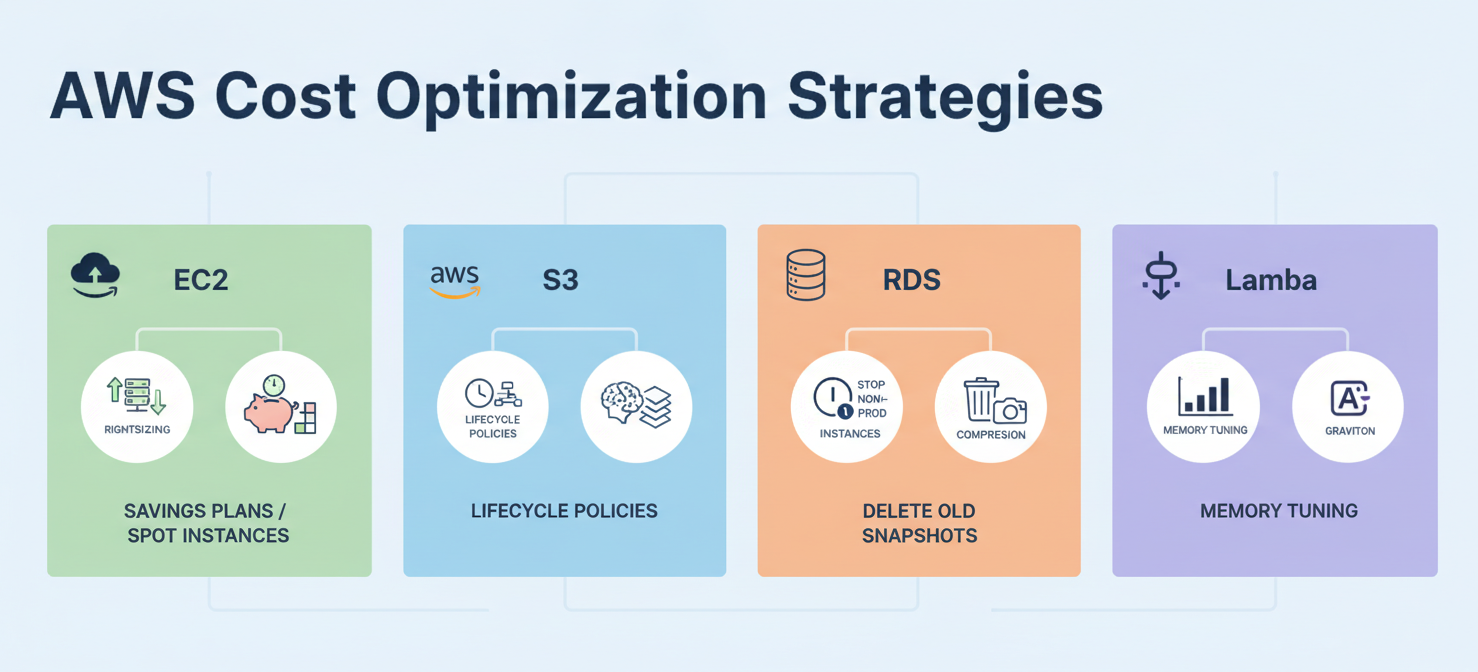
- Implement Comprehensive Tagging and Labeling The foundation of cost allocation is consistent resource labeling. Every resource you deploy should have standard labels that identify the owner, cost center, and environment (e.g., dev, prod). Without this metadata, it is impossible to perform chargebacks or track shared costs.
- Eliminate Waste Before Making Commitments A key rule of FinOps is to rightsize your infrastructure before you buy Committed Use Discounts (CUDs). Getting a 50% discount on a large VM that only needs the capacity of a small one is still a net financial loss. Use tools to scale down idle resources and delete unattached disks before you lock into long-term contracts.
- Optimize BigQuery Query Architectures
To keep data analytics from hurting your budget, train your teams on BigQuery’s pricing model. Best practices include using partition filters, avoiding
SELECT *, and using the query validator to estimate costs before running a query. For predictable workloads, switch from on-demand billing to capacity-based reservations. - Architect for Network Efficiency You can reduce network egress fees with smart architectural design. First, see if the cheaper Standard Tier network routing meets your latency needs. In addition, place your data storage in the same location as your compute resources to minimize data transfer penalties between regions.
- Shift Left on Cost Visibility Build cost awareness directly into your development workflow. Using Infrastructure as Code (IaC) cost tracking tools, developers can see the financial impact of their changes before any resources are actually deployed.
- Continuously Monitor SUD and CUD Utilization Keep an eye on the balance between Sustained Use Discounts and Committed Use Discounts. If some workloads are just missing the threshold to trigger SUDs, a small scheduling change could unlock free savings. On the other hand, if your baseline usage is consistently high, moving from automatic SUDs to a negotiated CUD will provide the biggest discount.
By combining Google Cloud’s native tools with analytical platforms and building a culture of financial accountability, your organization can turn cloud billing from a source of stress into a strategic advantage. True google cloud cost management across services is not about spending less; it is about spending smarter.
Achieving smarter GCP spending means transforming complex data into actionable insights; to truly master your cloud budget, you can experience these capabilities firsthand or speak with an expert to see a tailored solution.
 7-day free trial