



Understanding your cloud spending is fundamental to managing it effectively. However, deciphering a detailed cloud bill can often feel like an archaeological dig. The charges are there, but connecting them to specific projects, teams, or environments is a significant challenge. This is where a solid cloud cost allocation strategy becomes essential. Without it, you’re flying blind, unable to make informed decisions about resource optimization, budget forecasting, or departmental chargebacks. True financial governance in the cloud starts with visibility.
Key takeaways:
- A four-step process involving resource hierarchy, labeling, built-in tools, and BigQuery can demystify your GCP spending.
- Consistent labeling is the cornerstone of granular cost attribution, allowing you to filter and group costs by project, team, or application.
- Exporting billing data to BigQuery allows for the most detailed and customizable analysis of your GCP costs.
- Effective cloud cost allocation can help identify unused resources and reduce overall cloud expenditure.
The Challenge of Opaque Cloud Bills
Your monthly Google Cloud Platform (GCP) bill is a summary of thousands, or even millions, of individual charges. It shows you the total cost of services like Compute Engine, Cloud Storage, and BigQuery. However, it often doesn’t tell you why you incurred those costs. Which department spun up those virtual machines? Is the staging environment suddenly more expensive than production? Answering these questions is the core challenge of cloud cost attribution.
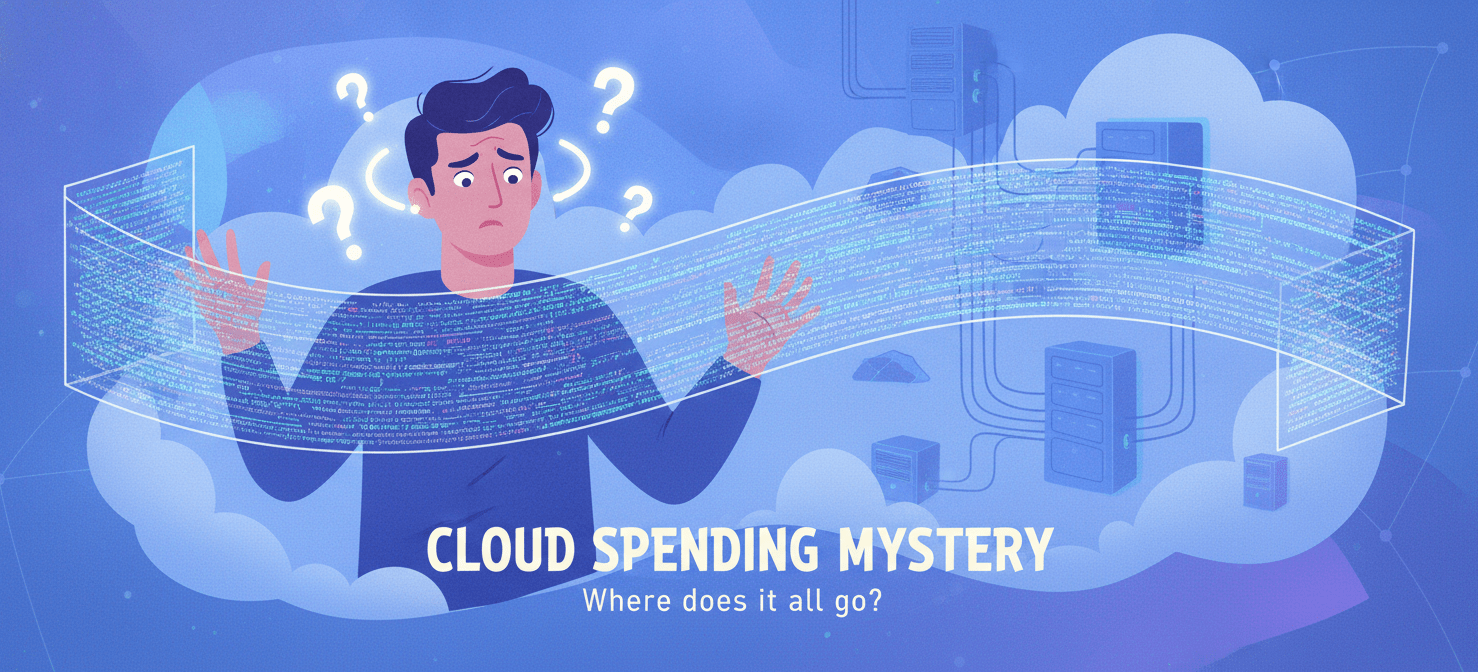
Without a clear system to link costs back to their sources, several problems arise. First, accountability becomes nearly impossible. If no one owns a resource, no one is responsible for its cost. Consequently, resources are often left running unnecessarily, leading to wasted spend. Furthermore, it becomes difficult to accurately budget for future cloud usage or to implement fair chargeback models for different business units. Your bill becomes a single, monolithic number that offers little insight into your operational efficiency.
Step 1: Organize Your GCP Resource Hierarchy
Before you can assign costs, you need a logical structure for your resources. GCP provides a hierarchical model for organizing your resources that is foundational for both access control and cost management. This hierarchy consists of the organization, folders, and projects.
- Organization: This is the root node of your GCP hierarchy. It’s typically associated with your company.
- Folders: You can use folders to group projects that share common characteristics. For example, you might create folders for different departments (e.g., “Engineering,” “Marketing”), environments (e.g., “Production,” “Development”), or legal entities.
- Projects: All GCP resources, such as virtual machines and storage buckets, must belong to a project. Projects are the primary basis for enabling and using GCP services.
By thoughtfully structuring your resources into a hierarchy of folders and projects, you create a foundational layer of cost separation. For instance, you can immediately see the total cost incurred by all projects within the “Development” folder. This high-level view is a crucial first step in understanding your spending patterns.
Step 2: Implement a Consistent Labeling Strategy for Cloud Cost Allocation
While the resource hierarchy provides a broad overview, labels allow for much more granular cloud cost allocation. Labels are key-value pairs that you can attach to your GCP resources, such as Compute Engine instances or Cloud Storage buckets. For example, you could label a virtual machine with team: backend or cost-center: 12345.
Developing a Labeling Policy
To be effective, your labeling strategy must be consistent and enforced across your organization. First, decide on a set of standard labels that you will apply to all relevant resources. Common labels include:
team: The team responsible for the resource.environment: The deployment environment (e.g.,production,staging,development).application: The name of the application the resource supports.cost-center: The internal cost center to which the resource’s cost should be attributed.
Next, you should document this policy and communicate it clearly to all your teams. In addition, you can use GCP’s organization policies to enforce the use of specific labels, ensuring that new resources are created with the necessary cost allocation information from the start.
Step 3: Use GCP’s Built-in Cost Management Tools
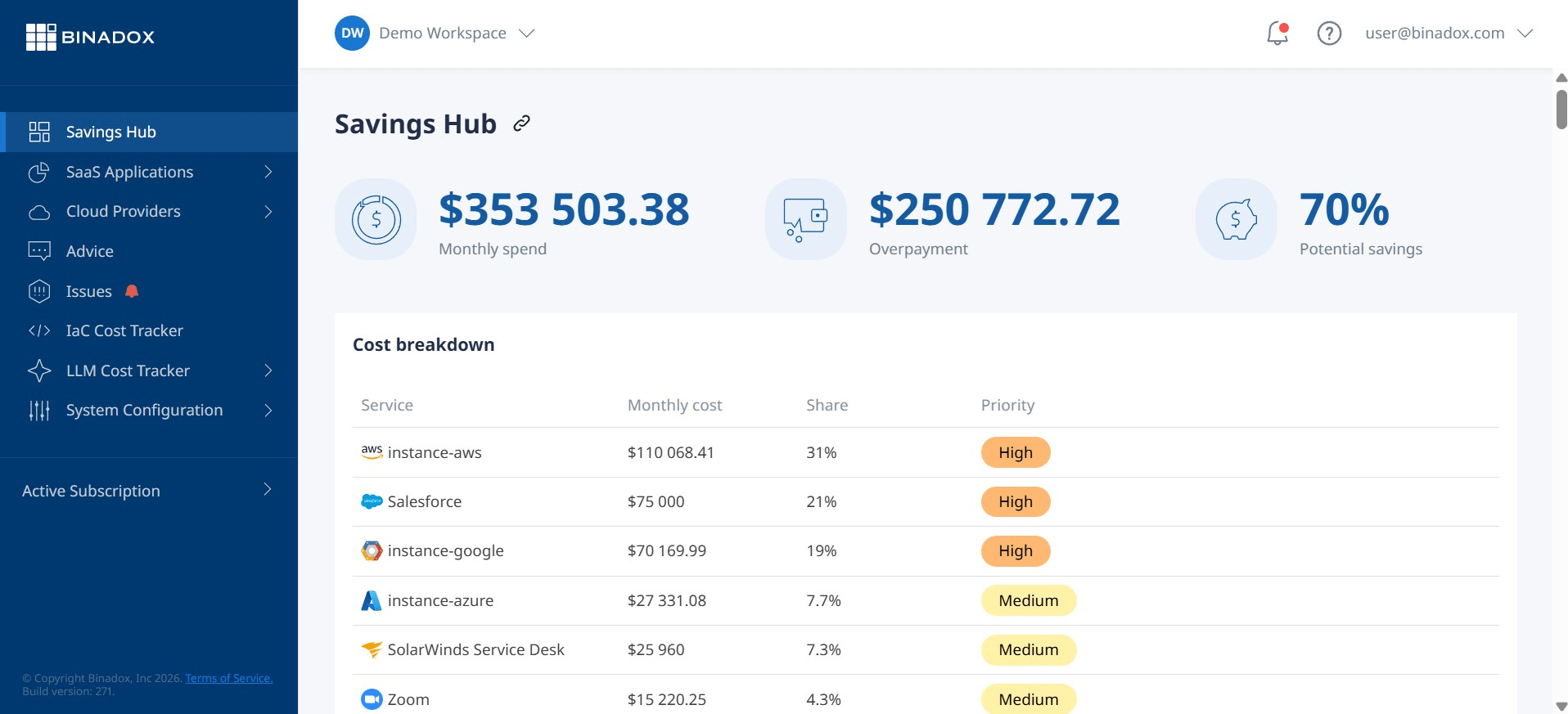
GCP offers several built-in tools that leverage your resource hierarchy and labels to provide insights into your spending. These tools are a great starting point for analyzing your GCP cost by resource without requiring complex setup.
Cloud Billing Reports
The Google Cloud Console provides a set of built-in billing reports that allow you to visualize and analyze your costs. You can filter these reports by a variety of dimensions, including:
- Project: See the costs associated with each of your GCP projects.
- Service: Understand which GCP services are driving the most spend.
- Labels: This is where your labeling strategy pays off. You can filter your costs by the labels you’ve applied, allowing you to see, for example, the total cost of all resources with the
team: backendlabel.
These reports are interactive and allow you to drill down into your data to understand cost trends and identify anomalies. For example, you can group your costs by label and then by SKU to see exactly which resources and services are contributing to a particular team’s spending.
Budgets and Alerts
In addition to reports, you can set up budgets in GCP to monitor your costs and receive alerts when your spending exceeds certain thresholds. You can scope these budgets to your entire organization, specific folders or projects, or even filter by labels. For instance, you could create a budget for a specific team’s resources and receive an email notification if their spending is projected to exceed their monthly allocation. This proactive approach helps prevent budget overruns before they happen.
Step 4: Export and Analyze Billing Data with BigQuery
For the most powerful and flexible cost analysis, you can export your detailed billing data to BigQuery. This provides you with a raw, granular dataset of your GCP usage and costs that you can query using standard SQL.
Setting Up the Export
Configuring the export is a straightforward process. Within the Cloud Billing section of the GCP Console, you can enable the export of your detailed usage cost data to a BigQuery dataset that you specify. Once enabled, GCP will automatically begin exporting your billing data to BigQuery on a regular basis.
Advanced Cost Analysis
With your billing data in BigQuery, you can perform much more sophisticated analysis than is possible with the built-in reports. For example, you can:
- Join billing data with other business data: You could join your cost data with your company’s financial data to perform detailed profitability analysis.
- Create custom dashboards: Use tools like Looker Studio to build custom, interactive dashboards that visualize your cost data in ways that are most relevant to your business.
- Identify untagged resources: Run queries to find resources that are missing your standard cost allocation labels, helping you to enforce your labeling policy.
This level of detailed analysis is invaluable for large organizations with complex cloud environments, providing deep insights into the drivers of their cloud spend.
Conclusion
Moving from an opaque, confusing cloud bill to a clear, actionable breakdown of expenses is not an insurmountable task. It requires a methodical approach. By establishing a logical resource hierarchy, implementing a consistent labeling policy, utilizing GCP’s native tools, and leveraging the power of BigQuery for deep analysis, you can achieve true cloud cost allocation. This visibility is the foundation of financial accountability in the cloud. Without it, you are simply paying a bill; with it, you are managing an investment. And you can finally answer the simple question of who left the lights on.
If you’re ready to gain full financial accountability and transform your cloud spending into a managed investment, you can experience these benefits firsthand by starting your free Binadox trial or by scheduling a personalized demonstration.
 7-day free trial