



As an engineering manager or director, you own the engine of innovation. However, that engine runs on cloud resources, and its fuel isn’t free. When Azure bills spiral, the first questions often land at your team’s feet. Effective engineering team cloud cost management is no longer a peripheral task for the finance department; it is a core engineering responsibility that directly impacts your budget, project timelines, and operational efficiency. This article provides a practical, five-step framework for embedding cost governance directly into your engineering processes, transforming cost from a reactive problem into a proactive, team-owned metric.
Key takeaways
- Visibility First: You cannot control what you cannot see. The first step is always to gain granular visibility into which teams, applications, and environments are driving costs using Azure’s native tools.
- Govern with Policy: Use Azure Policy to enforce tagging and prevent the deployment of overly expensive or non-compliant resources before they incur costs.
- Accountability via Showback: Implement a “showback” model to report costs back to the specific teams that incurred them, fostering a sense of ownership without the complexity of internal billing.
- Systematic Optimization: Leverage Azure Advisor for a continuous feed of optimization recommendations, turning cost reduction from a one-time project into a recurring engineering practice.
Why Engineering Managers Must Own Cloud Costs
Cloud spending is a direct consequence of technical decisions. An architect choosing a premium database SKU, a developer provisioning an oversized VM for a test environment, or a data engineer configuring a storage account—these are all engineering choices with direct financial impact. When cost management is disconnected from the teams making these decisions, the result is a cycle of budget overruns and reactive, disruptive cleanup efforts.

For engineering leaders, owning this process means shifting from a reactive stance (“Why is the bill so high?”) to a proactive one (“How can we deliver this feature with maximum cost efficiency?”). This is not about stifling innovation or forcing engineers to become accountants. Instead, it’s about providing them with the data and guardrails to make cost-aware decisions as part of their daily workflow. By integrating cost as a key metric alongside performance, reliability, and security, you build a more disciplined, efficient, and financially accountable engineering organization. This approach, often part of a broader FinOps practice, aligns technical priorities with business goals, ensuring that your team’s work delivers maximum value for every dollar spent.
Step 1: Gaining Visibility with Azure’s Native Tools
The foundation of any cost management strategy is visibility. Before you can control or optimize spend, you must understand its origin. Fortunately, Azure provides a powerful suite of native tools designed to give you this clarity.
Mastering Azure Cost Management + Billing
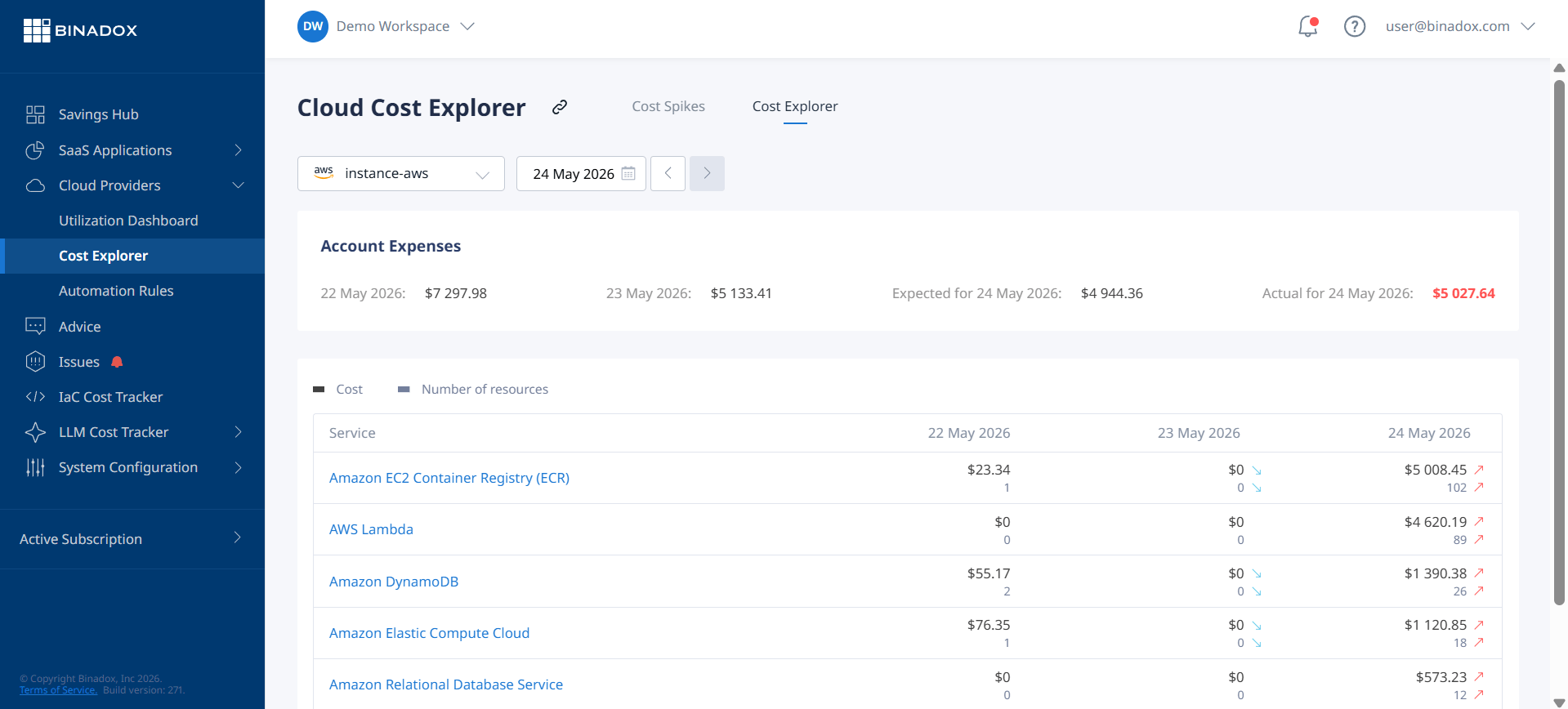
Your primary tool is the Azure Cost Management + Billing suite, which is included with your Azure subscription at no additional cost. Start with the Cost analysis feature. This is your central dashboard for dissecting your Azure bill. Instead of viewing a single, monolithic number, you can group and filter costs by meaningful business dimensions.
For an engineering manager, the most critical views are:
- Cost by Resource Group: This gives you a direct line of sight into the cost of specific applications or services, assuming your resource groups are structured logically.
- Cost by Subscription: Essential for organizations that use different subscriptions for development, staging, and production environments.
- Cost by Service Name: This helps you identify which Azure services (e.g., Virtual Machines, Storage, Azure SQL) contribute most to your bill.
- Cost by Tag: As you’ll see in the next section, this is the most powerful view for creating true team-based cost reporting in Azure.
The goal here is to move beyond the total invoice amount and understand the drivers behind it. Is the spike in cost due to the new data analytics project? Or did a developer spin up a large cluster in a sandbox environment and forget to turn it off? Cost analysis provides the data to answer these questions.
Step 2: Implementing Governance Through Tagging and Policy
Once you have visibility, the next step is to establish governance. This involves creating a framework of rules and controls that ensures costs are tracked accurately and wasteful practices are prevented.
The Foundation: A Consistent Tagging Strategy
Tags are simple key-value pairs of metadata you apply to Azure resources, but they are the bedrock of effective cost allocation. Without a consistent tagging strategy, it’s impossible to attribute costs to the teams, projects, or applications that incur them.
Start by defining a small set of mandatory tags that every resource must have. A practical starting point for most engineering teams includes:
- Owner: The email address or team alias responsible for the resource.
- CostCenter: The financial cost center to which the resource’s cost should be allocated.
- Application: The name of the application or service the resource supports.
- Environment: The deployment stage, such as
Production,Staging, orDevelopment.
Consistency is critical. Prod and Production will be treated as two separate categories in cost reports, diluting your data. Therefore, you should document your naming conventions and enforce them.
Enforcing Governance with Azure Policy
Relying on engineers to manually apply tags is a recipe for failure. Instead, you should automate enforcement using Azure Policy. Azure Policy allows you to create rules that resources must adhere to. You can, for example, implement policies that:
- Require specific tags on resource creation: This policy can be configured to “deny” the creation of any new resource that is missing a mandatory tag like
OwnerorCostCenter. - Audit for missing tags: For existing resources, you can use an “audit” policy to flag non-compliant resources for later remediation.
- Restrict allowed VM SKUs: To prevent accidental deployment of extremely expensive virtual machine types in development environments, you can create a policy that only allows specific, cost-effective SKUs.
By using policy, you embed cost governance directly into the deployment process, making it a proactive control rather than a reactive cleanup task.
Step 3: Driving Accountability with Budgets and Showback
With visibility and governance in place, you can now focus on building accountability within your teams. The goal is to make engineers aware of the cost implications of their work and empower them to take ownership.
Setting Proactive Alerts with Azure Budgets
Azure Budgets is a simple yet powerful tool for proactive cost monitoring. You can set a budget for a specific scope, such as a subscription or a resource group, for a set period (e.g., monthly).
Crucially, you can configure alerts to be triggered when spending reaches a certain percentage of the budget. A best practice is to set multiple alert thresholds:
- 80% of Actual Spend: An early warning that the team is approaching its limit.
- 100% of Forecasted Spend: A more urgent alert that predicts a budget overrun before the period ends.
These alerts can be sent via email or, even better, integrated into your team’s workflow tools like Microsoft Teams or Slack via Action Groups. This ensures the notification is seen and acted upon by the people who can address the issue directly.
Implementing a Showback Model
Showback is the practice of reporting cloud usage costs back to the departments or teams that consumed the resources, but without actually billing them internally. It is an informational model designed to increase awareness and encourage self-governance. This contrasts with “chargeback,” which involves formal internal billing and is often more complex to implement.
Using the tagging data you’ve established, you can create team-specific dashboards in Azure Cost Management. Schedule a monthly review meeting with each team lead to go over their team-based cost reporting azure dashboard. This is not about assigning blame; it’s a collaborative process to identify optimization opportunities and discuss the cost-benefit trade-offs of their architectural choices. This simple act of making costs visible to the responsible team is often one of the most effective drivers of behavioral change.
Step 4: Optimizing Costs with Azure Advisor and Rightsizing
Once you have established a baseline of visibility and accountability, you can move on to systematic cost optimization. This is about ensuring you are using resources as efficiently as possible.
Leveraging Azure Advisor for Low-Hanging Fruit
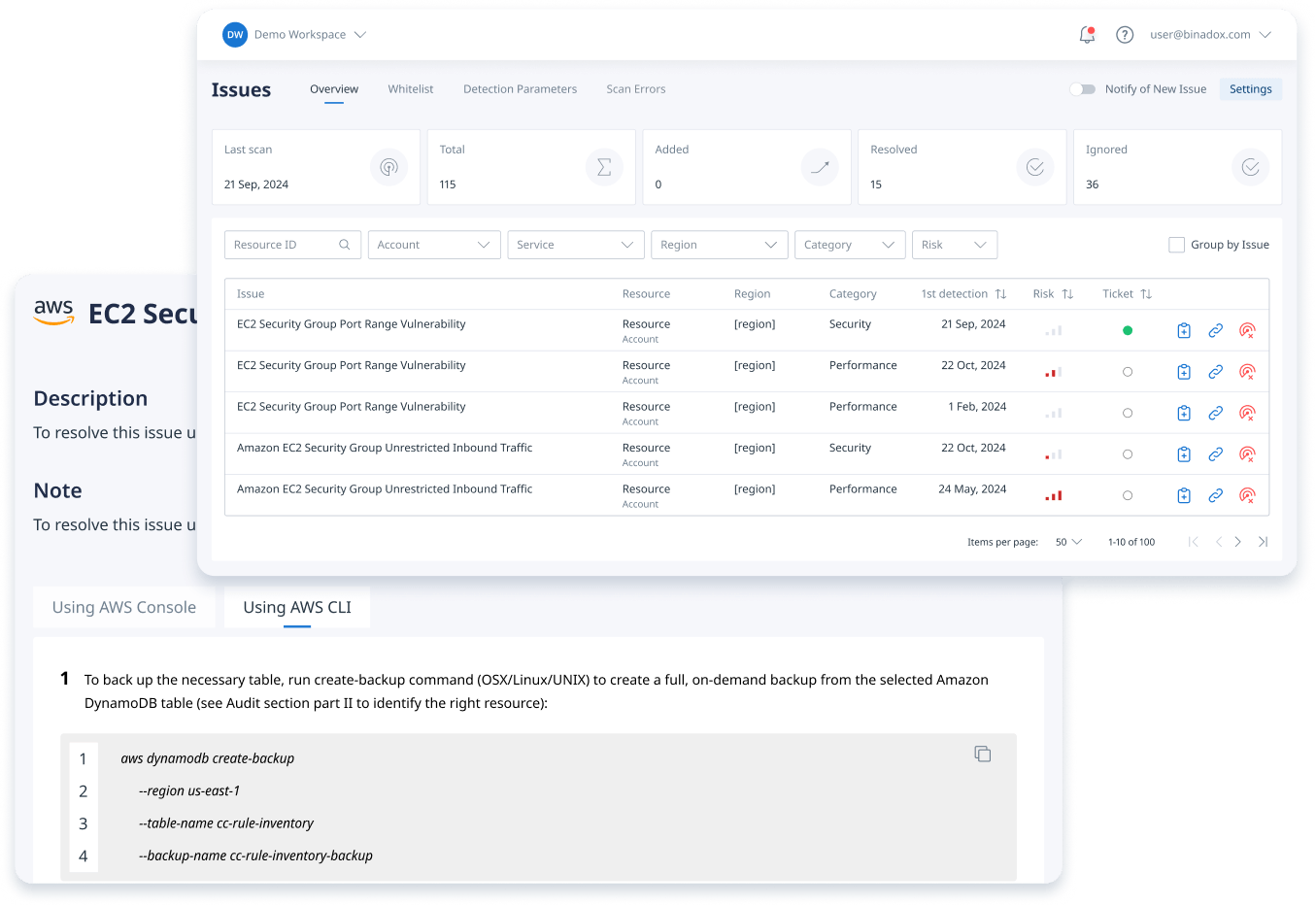
Azure Advisor is a free, built-in service that acts as a personalized cloud consultant. It analyzes your resource configuration and usage telemetry and provides actionable recommendations across five pillars, including Cost.
Common cost recommendations from Advisor include:
- Right-sizing or shutting down underutilized VMs: Advisor identifies virtual machines with consistently low CPU or network usage and suggests smaller, cheaper SKUs.
- Identifying idle resources: This includes unassociated public IP addresses or idle virtual network gateways that are incurring charges without providing value.
- Purchasing reservations: For workloads with predictable, consistent usage (like production servers), purchasing Azure Reserved Instances can offer significant savings (up to 72%) compared to pay-as-you-go pricing.
Make it a process to review Advisor recommendations on a regular cadence (e.g., weekly or bi-weekly). Assign action items to the relevant teams and track the resulting savings. This turns optimization into a continuous, data-driven process.
The Engineering Discipline of Rightsizing
Rightsizing involves adjusting the size and type of your resources to match your workload’s performance requirements without over-provisioning. While Advisor provides excellent starting points, true rightsizing is an ongoing engineering discipline. Encourage your teams to:
- Monitor Performance Metrics: Use Azure Monitor to track CPU, memory, and I/O metrics for their applications. This data provides the evidence needed to safely downsize over-provisioned resources.
- Load Test Applications: Before downsizing a critical production resource, validate the change with load testing to ensure performance is not negatively impacted.
- Automate Shutdowns: For development and test environments, implement automation scripts to shut down resources outside of business hours, a simple yet highly effective cost-saving measure.
Step 5: Fostering a Culture of Cost-Conscious Engineering
Ultimately, tools and processes can only go so far. The most sustainable and impactful form of cloud cost management comes from building a culture where engineers treat cost as a non-functional requirement, just like performance and security.
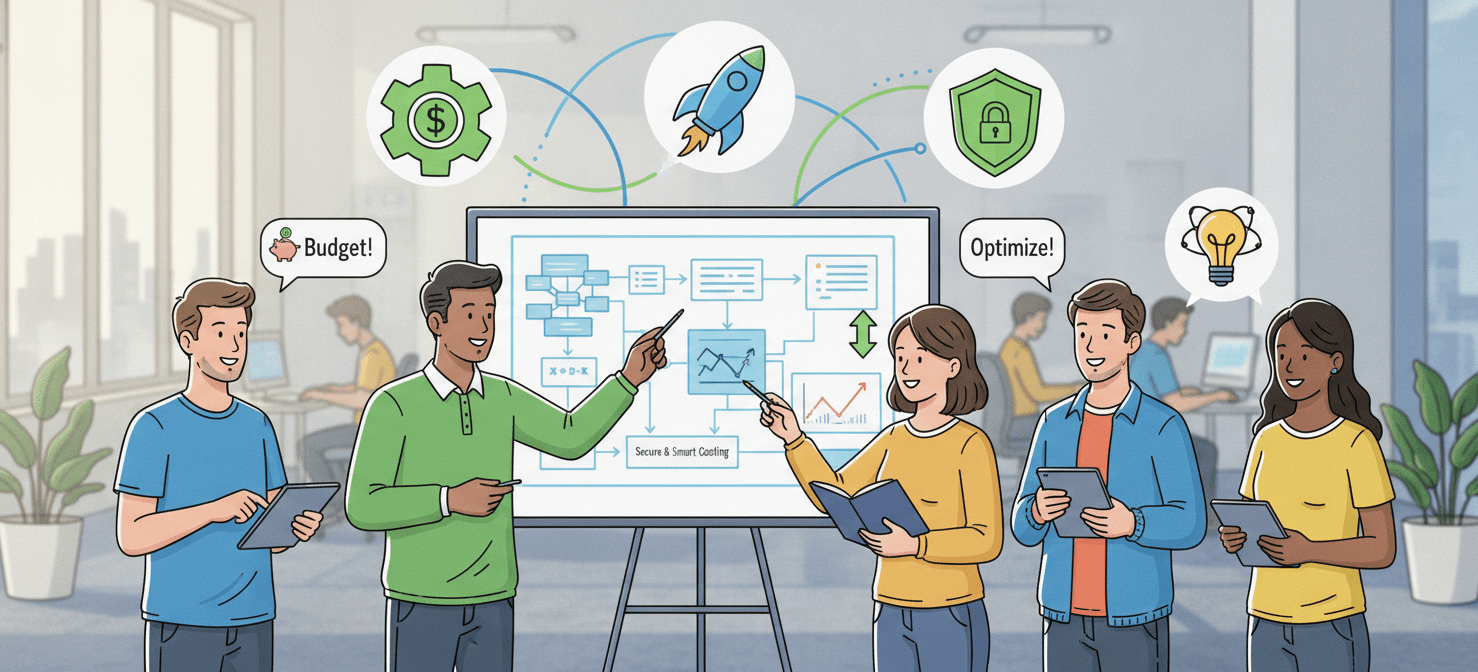
This cultural shift starts with you. When you discuss new projects, ask about the estimated running costs. During architecture reviews, challenge assumptions that lead to expensive service choices. Furthermore, when a team successfully reduces their service’s operating costs through clever optimization, celebrate that win publicly.
Incorporate cost awareness into your team’s regular ceremonies. For instance, add a “cost impact” field to your project planning templates. Also, include a review of cost dashboards in your monthly operational meetings. By making cost a regular part of the conversation, you signal its importance and empower your engineers to think like owners. This creates a virtuous cycle: engineers who understand the financial impact of their decisions are better equipped to build efficient, valuable, and sustainable software.
Conclusion
Cloud costs are not an abstract financial problem; they are the direct result of accumulated engineering decisions. Therefore, the most effective approach to engineering team cloud cost management is one that is owned by engineering itself. By systematically implementing visibility, establishing policy-driven governance, driving accountability through budgets and showback, and fostering a culture of continuous optimization, you can transform your team’s relationship with cloud spending. The process moves from a reactive cycle of explaining surprise bills to a proactive discipline of building cost-efficient, high-value systems. This doesn’t just control your budget—it builds a more mature, accountable, and business-aligned engineering organization. After all, an engineer who knows the cost of a line of code is an engineer who truly understands its value.
To empower your team with this proactive approach and gain deeper insights into your Azure spend, you can easily create your free Binadox account or book a demo to see our platform in action.
 7-day free trial