


Serverless computing with AWS Lambda offers incredible flexibility, allowing you to run code without provisioning or managing servers. However, this flexibility comes with a usage-based pricing model that can be complex. A firm grasp of aws lambda pricing is essential for managing your cloud spending effectively. This guide breaks down the core components of Lambda costs, from invocation counts to memory allocation, and explains how to analyze your usage to prevent unexpected charges.
Key takeaways
- AWS Lambda pricing is primarily based on two metrics: the number of requests (invocations) and the compute duration, measured in GB-seconds.
- The AWS Free Tier for Lambda is generous and does not expire, including 1 million free requests and 400,000 GB-seconds of compute time per month.
- Choosing the Arm-based Graviton2 processor architecture can reduce your compute costs by up to 20% compared to x86, offering better price performance.
- Factors beyond basic execution, such as data transfer, provisioned concurrency, and CloudWatch logging, can significantly contribute to your total bill.
Understanding AWS Lambda Pricing Models
The core of AWS Lambda’s pricing is a pay-per-use model. You are not charged for idle time; billing only occurs when your code is running. This contrasts sharply with traditional server models like EC2, where you pay for instances regardless of their utilization. The main billing metrics are requests and duration.
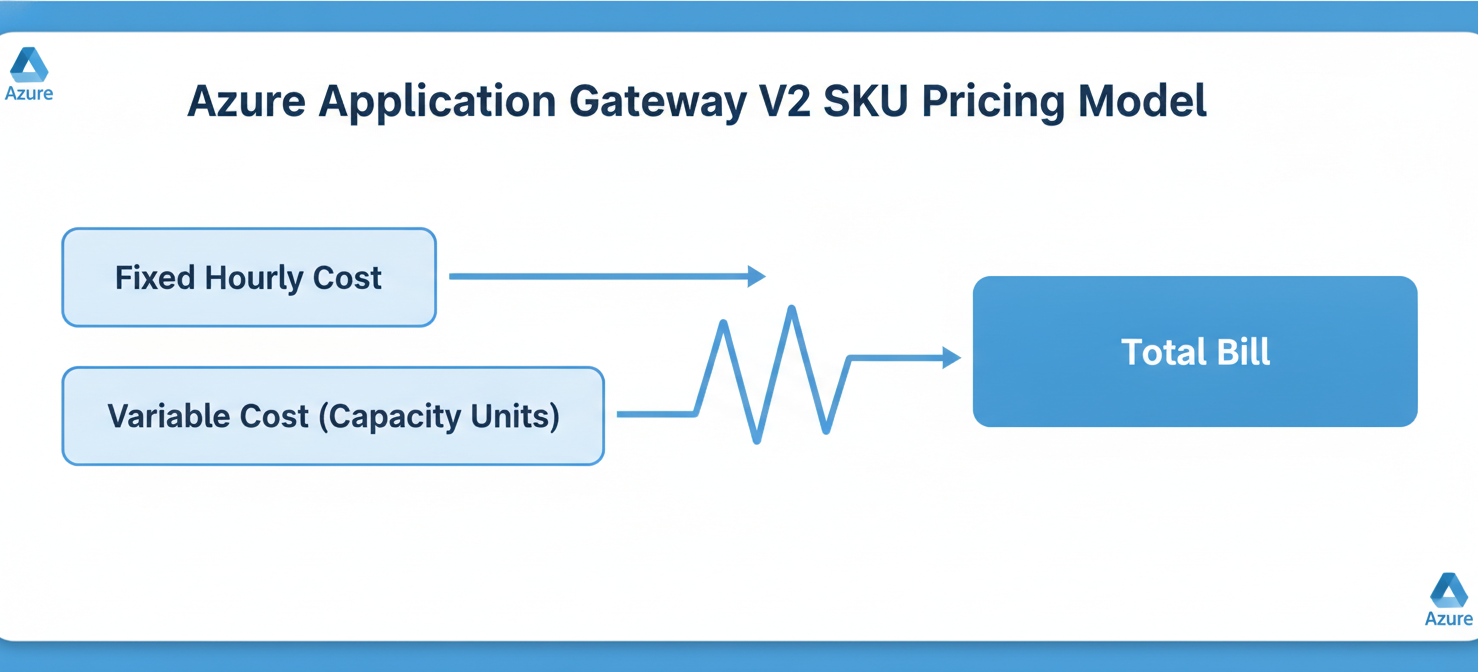
Every time your Lambda function is triggered by an event, it counts as one request. AWS charges a flat rate per million requests after the generous free tier is exhausted. The second primary cost component is duration, which measures the time your code takes to execute, from start to finish. This is billed in gigabyte-seconds (GB-seconds), a metric that combines allocated memory with execution time.
Compute Options and Architecture
AWS gives you a choice between two processor architectures for your functions: x86 and Arm. Functions running on AWS Graviton2 (Arm) processors benefit from a lower price point for compute duration. This can lead to significant savings, especially for compute-intensive workloads, without requiring major code changes for many applications.
For applications that require low latency and predictable performance, Lambda offers a feature called Provisioned Concurrency. This option keeps a specified number of function instances initialized and ready to respond in double-digit milliseconds. However, this readiness comes at a cost. You pay for the amount of concurrency you configure, from the time it’s enabled until it’s disabled, in addition to the standard request and duration charges when the function is invoked.
How Invocation Counts, Duration, and Memory Affect Costs
The relationship between memory, duration, and cost is a critical aspect of aws lambda pricing. While it might seem intuitive to allocate the minimum memory to save money, this can be a false economy.
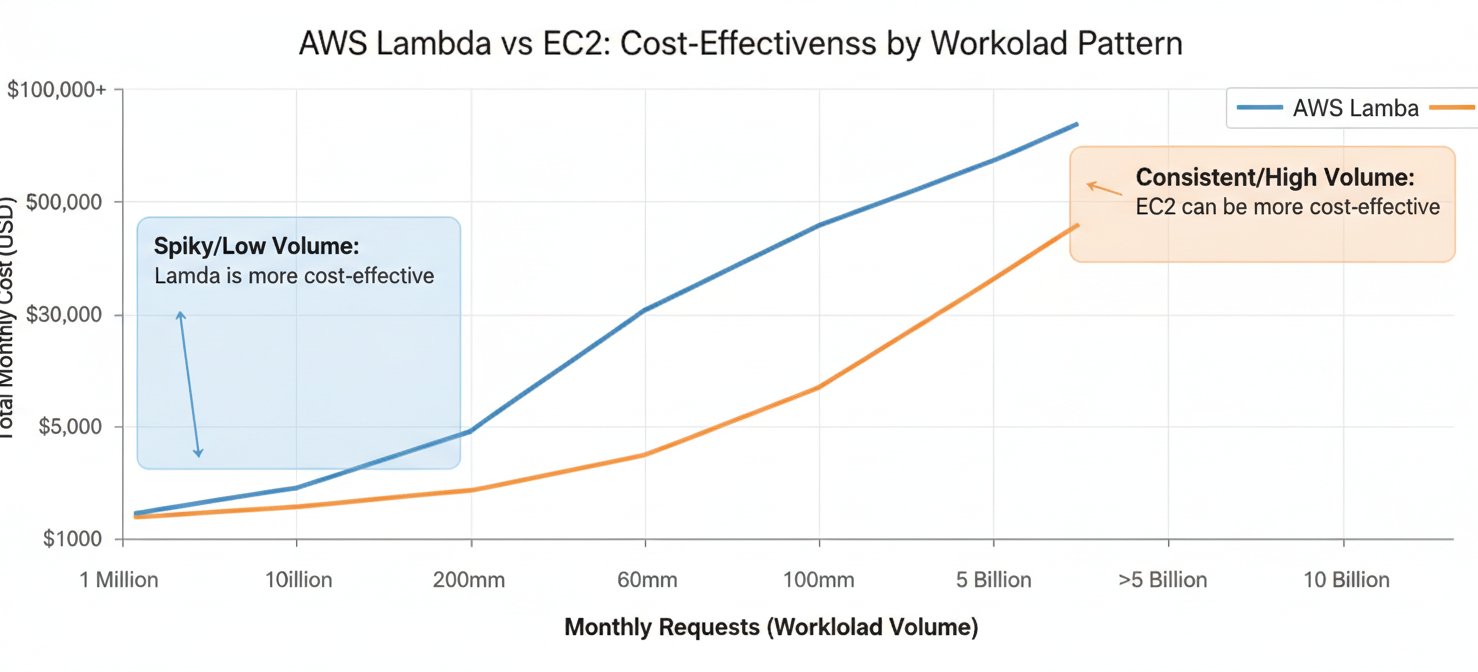
In AWS Lambda, the amount of CPU power allocated to your function is proportional to the amount of memory you configure. Increasing a function’s memory can therefore decrease its execution time. For CPU-bound or memory-intensive tasks, a higher memory setting can lead to a faster, and sometimes cheaper, overall execution. The key is to find the optimal balance where the total GB-second consumption is at its lowest.
For example, a function configured with 256 MB of memory might run for 800 milliseconds. The same function with 512 MB might run for only 300 milliseconds. Although the per-millisecond cost is higher with more memory, the drastic reduction in duration can result in a lower total compute charge. This makes performance tuning and right-sizing memory a crucial step in cost management.
Additional Lambda-Related Charges to Consider
Your AWS Lambda bill often includes more than just request and duration charges. Several other services and features can contribute to the total cost and should be monitored closely.
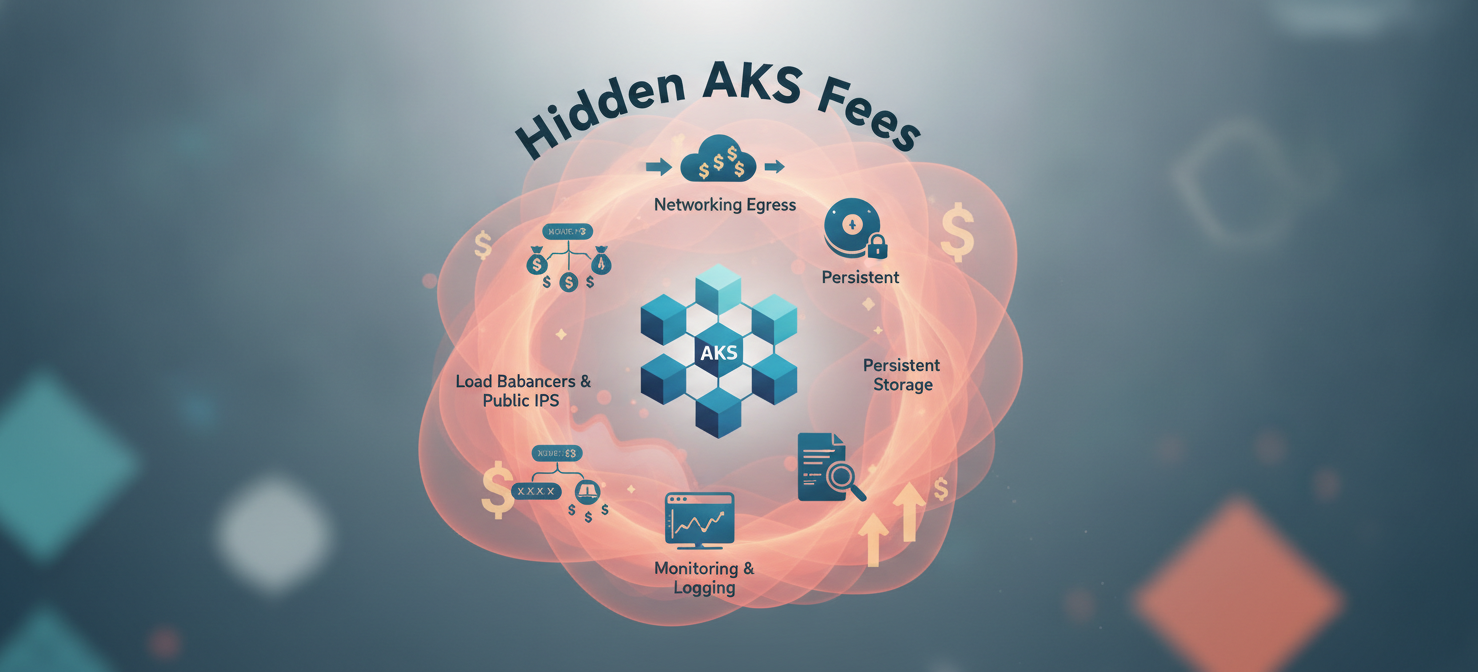
- Data Transfer: Data transferred out of your Lambda function to the internet or to other AWS regions incurs charges. While data transfer within the same AWS region is often free, cross-region communication can add up, especially for chatty applications.
- Ephemeral Storage: Lambda provides a default 512 MB of ephemeral storage (
/tmp) for each function at no cost. If you configure more than this, you are charged based on the amount of storage provisioned and the duration of the function’s execution. - Triggering Services: The services that invoke your Lambda functions, such as Amazon API Gateway, Amazon SQS, or Amazon EventBridge, have their own pricing models. For instance, API Gateway charges per million requests it handles before passing them to Lambda.
- Logging and Monitoring: Lambda functions automatically write logs to Amazon CloudWatch. You are charged for CloudWatch Logs ingestion and storage beyond the free tier. Verbose logging in a high-volume function can lead to surprisingly high CloudWatch costs.
How to Interpret Lambda Usage Metrics and Billing Records
To effectively manage your Lambda spending, you need to understand how to read your AWS Cost and Usage Report (CUR). This report provides the most detailed data about your AWS charges. Look for line items with “Lambda” in the service column.
Key metrics to focus on include:
- Invocation-Count: The total number of requests for your functions.
- GB-Second: The aggregated compute duration. This is where the bulk of the cost often lies.
- Region: Costs are broken down by AWS region, which is important as pricing can vary slightly.
By filtering your billing records by function name or tags, you can start to attribute costs to specific applications or teams. This granularity is the first step toward identifying which parts of your system are driving the most significant spend.
How to Identify Costly Functions and Usage Patterns
Once you can navigate your billing data, the next step is to look for patterns that indicate inefficiency. High GB-second consumption is the most obvious red flag. This could be caused by a single, long-running function or a function that is invoked very frequently.
Ask these questions to pinpoint issues:
- Which functions have the longest average duration? Long execution times directly increase costs and can also indicate performance bottlenecks in your code.
- Which functions have the highest invocation counts? A function that runs millions of times, even if it’s fast, can accumulate significant request charges.
- Is memory allocation appropriate? A function with high memory allocation that doesn’t need it is wasting money every millisecond it runs. Conversely, a memory-starved function may run slowly, increasing duration costs. Tools like AWS Compute Optimizer can provide recommendations for memory sizing based on historical usage.
Analyzing these patterns helps you move from simply observing costs to actively managing them by targeting specific functions for optimization.
How Binadox Helps Analyze Lambda Costs
While the AWS console provides essential tools, third-party platforms like Binadox can offer deeper insights and simplify cost management in the AWS cloud. Binadox helps you visualize spending trends, attribute costs more easily, and identify optimization opportunities that might be missed in raw billing data.
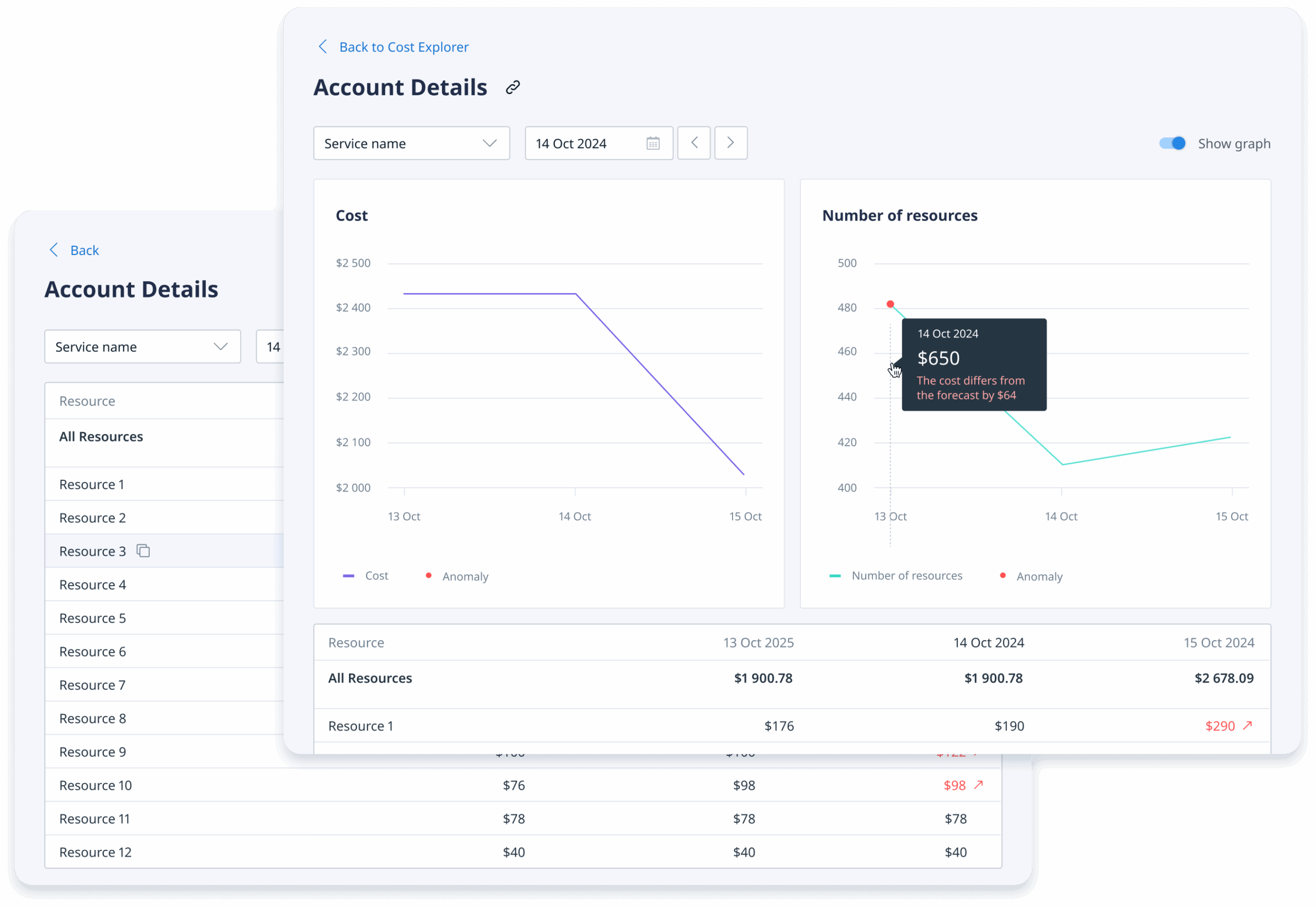
By integrating with your AWS billing data, Binadox provides dashboards that break down Lambda costs by function, application, or environment. This allows your team to see exactly where your budget is going without needing to become experts in parsing complex usage reports. The platform can help you track the effectiveness of your optimization efforts, such as the cost savings realized after migrating a function to Graviton2 or right-sizing its memory allocation. This clear visibility supports better decision-making and fosters a culture of cost awareness.
Best Practices for Managing Lambda Spending
Effective cost management is an ongoing process, not a one-time fix. Adopting a few best practices can help keep your Lambda spending in check as your applications scale.
First, always right-size your functions. Use tools like AWS Lambda Power Tuning to test different memory configurations and find the most cost-effective setting for each workload. Second, adopt the Graviton2 (Arm) architecture where possible. The lower compute pricing offers a straightforward way to reduce costs for many functions.
Next, optimize your code for efficiency. Reducing execution duration is a direct way to lower costs. This includes optimizing dependencies, avoiding long-running external API calls, and processing events in batches where applicable. Finally, implement robust monitoring and alerting. Set up billing alarms in AWS Budgets to notify you when costs exceed a certain threshold. This proactive approach helps you catch unexpected spending spikes before they become a major problem.
Ultimately, understanding aws lambda pricing is not just about reading a price sheet. It requires a holistic view of how your functions are configured, how they are invoked, and how they interact with other AWS services. By paying close attention to the key cost drivers and using the right tools to analyze your usage, you can harness the power of serverless computing without breaking your budget.
To gain deeper insights into your Lambda costs and unlock significant savings, you can easily begin using Binadox with a free trial or arrange a personalized demonstration.
 7-day free trial