


Amazon Elastic Block Store (EBS) provides persistent block storage for your EC2 instances, but its flexibility can lead to surprisingly complex bills. Understanding the core components of aws ebs pricing is the first step toward effective cloud cost management. Costs are not just about the amount of data you store; they are a combination of provisioned capacity, performance tiers, and data backup strategies. Your monthly EBS charges are directly influenced by the volume types you choose, the performance you provision, how you manage snapshots, and how accurately you track these components.
Key takeaways
- EBS costs are driven by four main factors: provisioned storage (in GB-months), volume type, provisioned performance (IOPS and throughput), and snapshot storage.
- Migrating from older
gp2volumes togp3can reduce storage costs by up to 20% and offers more predictable performance by decoupling it from storage size. - Snapshots are incremental, meaning you are only billed for the data blocks that have changed since the last snapshot, not the full volume size.
- Unattached EBS volumes and old, unmanaged snapshots are common sources of unnecessary spending, as they continue to accrue charges until you manually delete them.
1. Understanding Amazon EBS Pricing
Amazon EBS uses a pay-for-what-you-provision model. This means you are billed for the total amount of storage you allocate, measured in gigabyte-months (GB-months), regardless of how much of that space you actually use. If you provision a 200 GB volume for a full month, you pay for 200 GB-months of storage. If you only keep it for half the month, you pay for 100 GB-months.
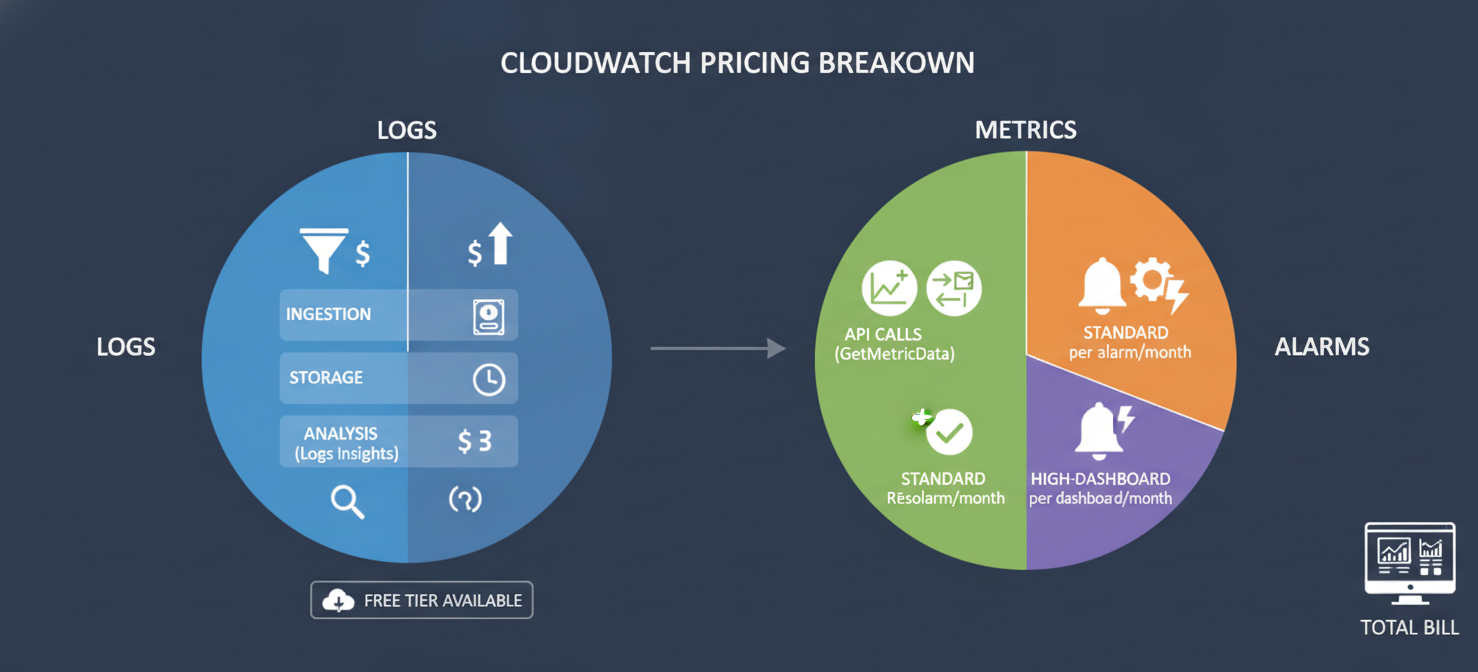
Beyond just storage capacity, your costs are determined by several other key factors:
- Volume Type: Different volume types are optimized for different use cases and have distinct pricing models.
- Provisioned Performance: For certain volume types, you pay for provisioned Input/Output Operations Per Second (IOPS) and throughput (MB/s).
- Snapshots: Backups of your volumes, stored as snapshots in Amazon S3, incur their own storage costs.
- Data Transfer: While less common for EBS itself, transferring data out of an AWS region can add to your bill.
This structure gives you fine-grained control but also requires careful management to avoid paying for resources you don’t need.
2. How Volume Type, Capacity, and Performance Affect Costs
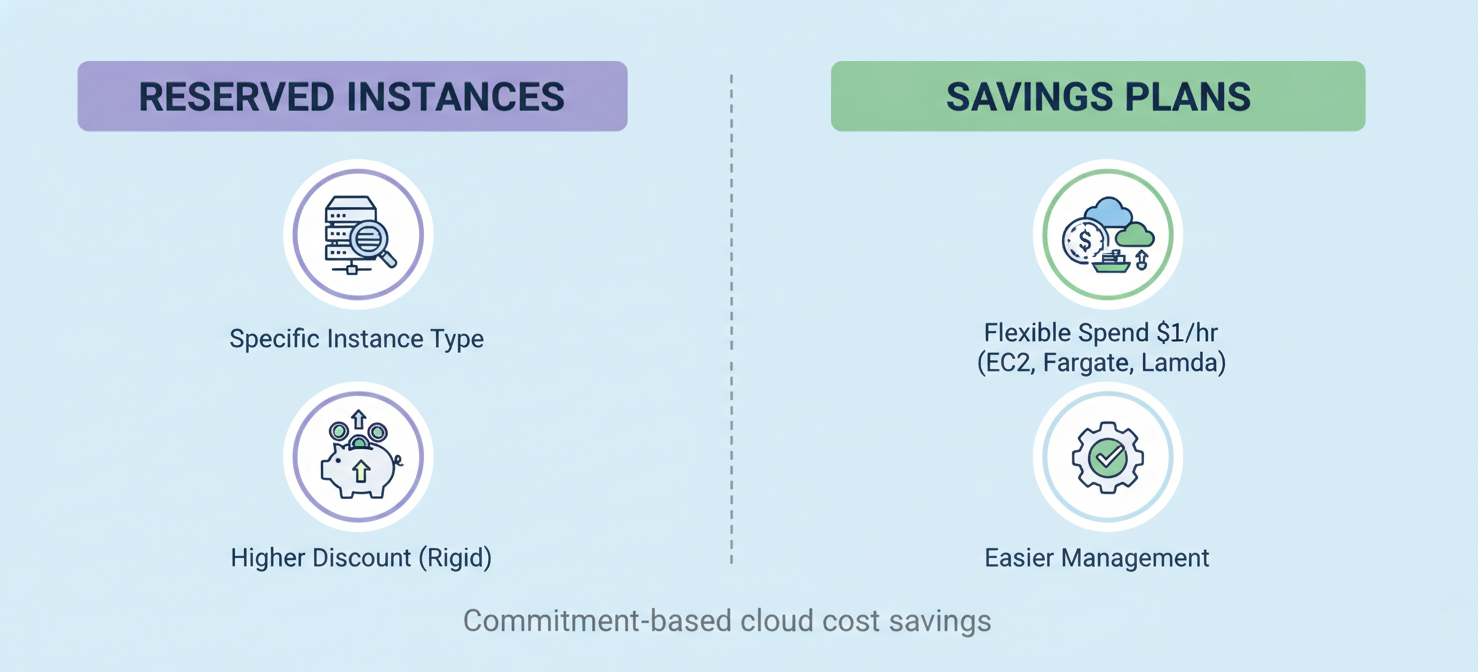
The type of EBS volume you select is one of the biggest factors influencing your ec2 billing. AWS offers a range of options, from cost-effective hard disk drives (HDDs) to high-performance solid-state drives (SSDs), each with a different price point.
SSD-Backed Volumes
SSD-backed volumes are designed for transactional workloads that require high IOPS and low latency, such as databases and boot volumes.
- General Purpose SSD (
gp3andgp2): These volumes offer a balance of price and performance suitable for a wide variety of applications. The newergp3volumes are a significant improvement for cost management. They offer a baseline of 3,000 IOPS and 125 MB/s of throughput regardless of volume size, and you can provision additional performance independently. In contrast,gp2performance scales directly with size (3 IOPS per GB), often forcing you to over-provision storage just to get the IOPS you need. Migrating fromgp2togp3is a recommended best practice that can lower storage costs by up to 20%. - Provisioned IOPS SSD (
io2 Block Expressandio1): These are designed for I/O-intensive, business-critical applications that demand sustained high performance and low latency, like large relational databases. With these volumes, you pay a premium for the storage and also for the exact amount of IOPS you provision.io2 Block Expressis the latest generation, offering much higher durability and performance, with the ability to provision up to 256,000 IOPS per volume.
HDD-Backed Volumes
HDD-backed volumes provide a lower-cost option for workloads that are more dependent on throughput than IOPS.
- Throughput Optimized HDD (
st1): This type is ideal for frequently accessed, throughput-intensive workloads with large datasets, such as big data analytics, data warehousing, and log processing. - Cold HDD (
sc1): As the least expensive EBS volume type,sc1is designed for large, infrequently accessed data workloads.
Choosing the right volume type is a critical step in managing your amazon cloud ec2 pricing. Using a high-performance io2 volume for a low-traffic application results in unnecessary costs, just as using an sc1 volume for a database would lead to poor performance.
3. Amazon EBS Snapshot Costs Explained
EBS snapshots are point-in-time backups of your volumes, and they are a fundamental part of any disaster recovery strategy. However, their costs can accumulate if not managed properly.
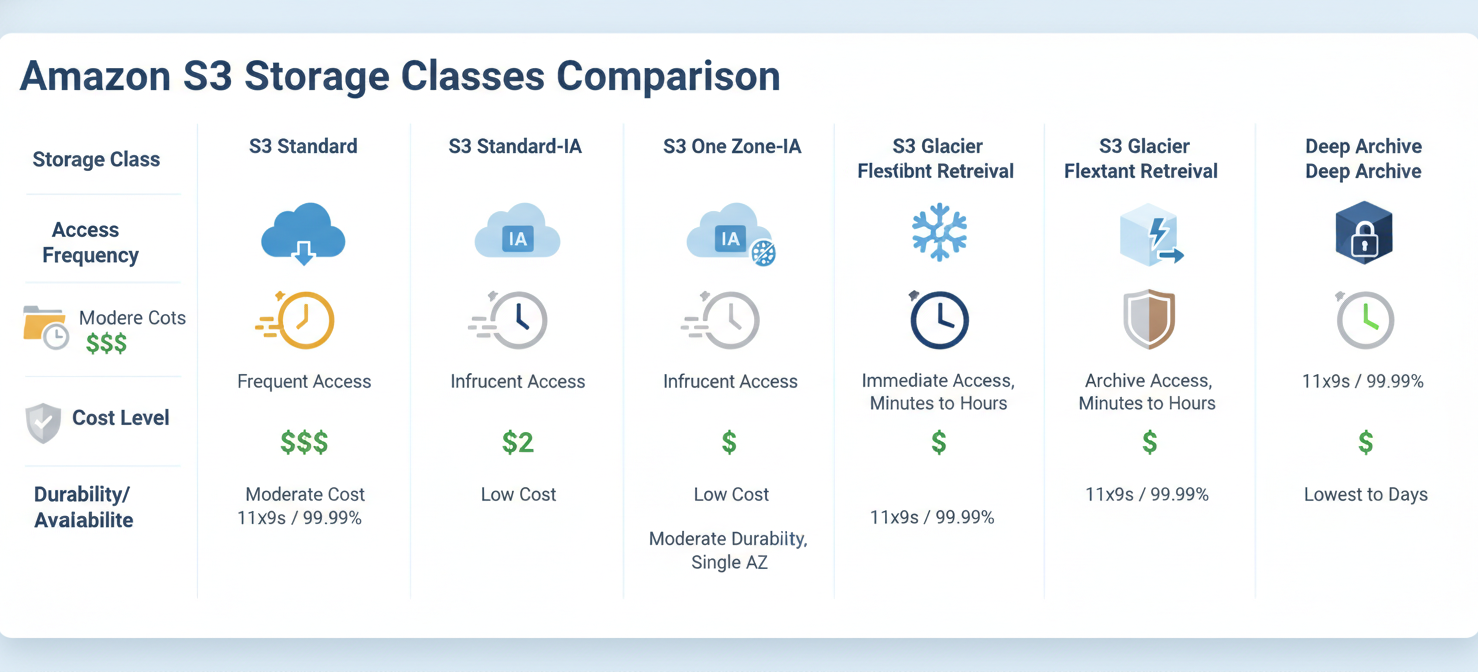
Snapshots are stored in Amazon S3 and are billed per GB-month of storage consumed. The key thing to understand is that snapshots are incremental. When you take the first snapshot of a volume, a full copy of the data is saved. For each subsequent snapshot of that same volume, only the data blocks that have changed since the previous snapshot are saved.
This incremental nature is highly efficient. For example, if you have a 100 GB volume with only 5 GB of data changed between backups, your next snapshot will only add approximately 5 GB to your total snapshot storage, not another 100 GB. Over time, as you delete older snapshots, AWS ensures that the data needed for your remaining snapshots is preserved.
However, snapshot costs can become a significant part of your aws cost ec2 other charges if you retain too many or if the data on your volumes changes frequently. A common mistake is forgetting to delete snapshots associated with terminated EC2 instances or old EBS volumes, leading to “phantom” costs for data you no longer need.
4. How to Interpret EBS Usage Types and Billing Records
To manage your EBS costs, you first need to understand how they appear on your AWS bill. In your AWS Cost and Usage Report (CUR), EBS-related charges are broken down into specific usage types. This allows you to distinguish between what you’re spending on active volumes versus backups.
Common EBS usage types you will see include:
- Volume Storage: Charges are often listed with codes that specify the region and volume type, such as
USE2-EBS:VolumeUsage.gp3. This line item shows the cost for the amount ofgp3storage you provisioned in the US East (Ohio) region, measured in GB-months. - Provisioned IOPS: For
io1andio2volumes, you’ll see separate line items for the IOPS you’ve provisioned, billed in IOPS-months. - Snapshot Storage: These charges appear as
EBS:SnapshotUsageand reflect the total data stored in your snapshots, also measured in GB-months.
By filtering your billing report for these EBS-specific codes, you can separate your volume costs from your snapshot costs. This helps you see, for example, if a recent spike in your bill is due to provisioning a large new volume or an accumulation of old snapshots. Analyzing these records is a key practice for cost management in the AWS cloud.
5. How to Identify the Largest EBS Cost Contributors
Once you can read your bill, the next step is to pinpoint your biggest expenses. Several AWS-native tools can help you with this analysis.
- AWS Cost Explorer: This is your primary tool for visualizing and analyzing your AWS spending. You can filter your costs by service (select EC2-Other, which includes EBS), usage type, and tags. By grouping your report by “Usage Type,” you can quickly see a chart comparing your spending on
VolumeUsageversusSnapshotUsage. Tagging your EBS volumes by project, team, or application is a crucial best practice, as it allows you to attribute costs directly to the resources that generate them. - AWS Compute Optimizer: This tool analyzes your EBS volume utilization over time and provides recommendations for rightsizing. It can identify over-provisioned volumes—for instance, a volume with high provisioned IOPS but consistently low actual usage—and suggest a more cost-effective configuration.
- AWS Trusted Advisor: The Trusted Advisor checks your AWS environment and provides recommendations to improve performance and reduce costs. One of its key checks is identifying unattached EBS volumes, which are a common source of wasted spend.
Regularly using these tools helps you move from simply paying your bill to actively managing your ec2 instance costs.
6. How Binadox Kind of Usage Simplifies EBS Cost Analysis
While AWS tools are powerful, third-party cloud cost management platforms can offer more intuitive ways to categorize and understand your spending. Tools like Binadox provide simplified cost analysis by automatically grouping complex usage data into clear, business-relevant categories.
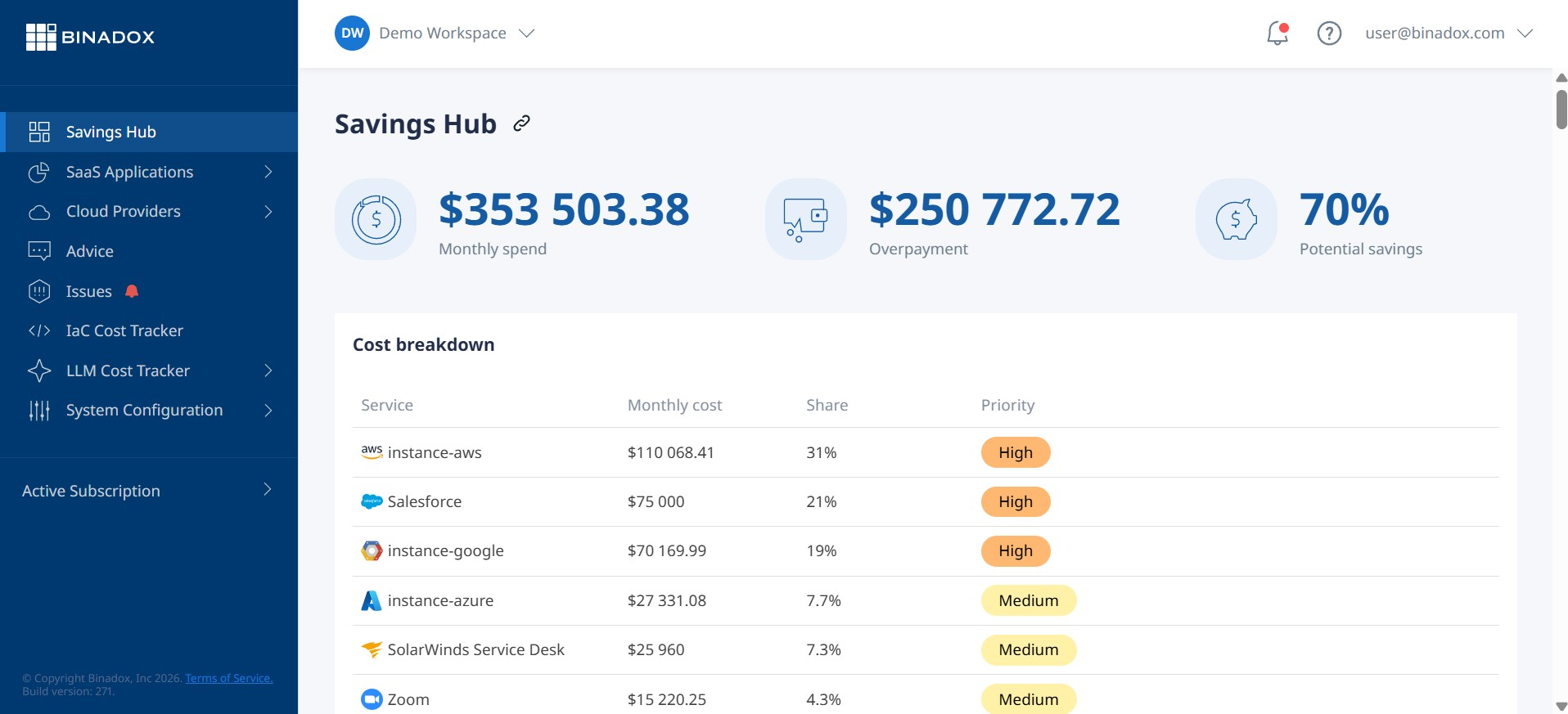
Instead of manually sifting through dozens of usage types in the AWS Cost and Usage Report, a feature like Binadox’s “Kind of Usage” can consolidate them into easily understandable labels. For example, it might group all EBS-related charges—across different volume types, IOPS, and snapshot tiers—under a single “Storage” or “EBS” category.
This level of abstraction helps you see the big picture quickly. You can identify that your storage costs are rising without needing to be an expert on every specific EBS billing code. These platforms often provide dashboards that visualize spending trends by service, project, or team, making it easier to spot anomalies and report on costs to stakeholders who may not be familiar with the intricacies of AWS billing. By simplifying the data, these tools enable your team to focus on optimization rather than on data interpretation.
7. Best Practices for Managing EBS Costs
Effectively managing your EBS costs involves a continuous cycle of monitoring, analyzing, and optimizing. Here are some of the most impactful best practices your team can implement.
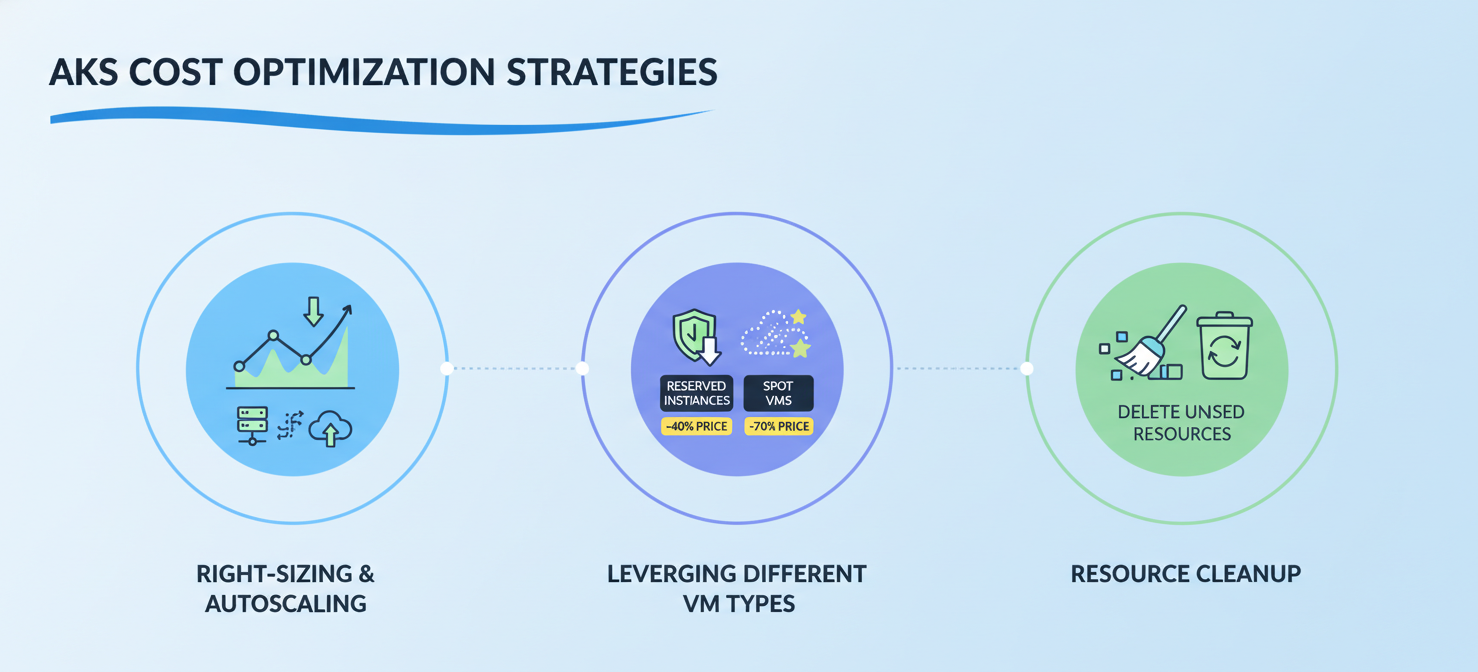
Delete Unused Resources
This is the most straightforward way to cut costs. Regularly identify and delete unattached EBS volumes and old, unnecessary snapshots. You can automate this process using Amazon Data Lifecycle Manager to define retention policies for your snapshots or by creating custom scripts.
Rightsize Your Volumes
Avoid over-provisioning. Use Amazon CloudWatch to monitor the VolumeReadOps, VolumeWriteOps, and VolumeIdleTime metrics to understand the actual performance needs of your applications. Based on this data, you can downsize volumes or reduce provisioned IOPS without impacting performance. AWS Compute Optimizer can provide automated recommendations for this.
Choose the Right Volume Type
Match your volume type to your workload’s requirements.
- Migrate nearly all
gp2volumes togp3. This move typically provides immediate cost savings of up to 20% on storage and gives you better, more predictable performance. - Use
io1/io2only for applications that genuinely require sustained high IOPS, like production databases. - For throughput-heavy workloads like data processing, use
st1.
Implement Lifecycle Policies
Use Amazon Data Lifecycle Manager (DLM) to automate the creation, retention, and deletion of EBS snapshots. You can set up policies to, for example, retain daily snapshots for a week, weekly snapshots for a month, and monthly snapshots for a year. This prevents the uncontrolled growth of snapshot storage costs.
Conclusion
Controlling your Amazon EBS spending is not about cutting corners on performance; it’s about making informed, data-driven decisions. The primary drivers of your bill—provisioned volumes, performance settings, and snapshots—are all within your control. By regularly reviewing your billing records, using tools like AWS Cost Explorer and Compute Optimizer to identify waste, and implementing cost management best practices, you can significantly reduce your expenses. Ultimately, a deep understanding of aws ebs pricing allows you to build a cost-efficient architecture that meets your performance needs without breaking your budget. It turns out that in the cloud, as on the ground, tidiness pays.
To gain even deeper insights and streamline your cost optimization efforts, you can try Binadox for free to simplify your cloud spend, or if you prefer a guided tour, easily schedule a demonstration.
 7-day free trial