



Managing your Amazon Web Services (AWS) spend can feel like trying to hit a moving target in the dark. Costs can escalate quickly, driven by everything from forgotten EC2 instances to unoptimized data transfer. This is where cloud cost optimization tools become essential. They provide the visibility, analytics, and automation needed to understand where your money is going and how to reduce waste. By leveraging a combination of native AWS services like CloudWatch and specialized third-party platforms, your team can transform cloud cost management from a reactive headache into a proactive, strategic advantage.
Key takeaways
- Native AWS tools like Cost Explorer and Compute Optimizer provide a solid foundation for cost management, but often lack the granular detail and automation needed for complex environments.
- Third-party tools offer advanced features like real-time anomaly detection, automated rightsizing, and sophisticated Kubernetes cost allocation, often identifying 10-20% in potential savings.
- Effective cost optimization isn’t just about tools; it requires a FinOps culture where engineering, finance, and operations collaborate to make cost-conscious decisions.
- Amazon CloudWatch can be a powerful ally for cost monitoring when configured correctly, tracking metrics that correlate with spend and triggering alerts on unusual activity.
The High Cost of Unmanaged AWS Environments
In a dynamic cloud environment, it’s easy for costs to spiral out of control. Developers might spin up resources for a short-term project and forget to terminate them. An application’s auto-scaling group could be misconfigured, leading to over-provisioning. Data transfer costs, often an afterthought, can accumulate into a significant portion of the monthly bill. Without dedicated monitoring, these issues can go unnoticed for weeks or even months, resulting in budget overruns and difficult conversations with the finance department.

The complexity of AWS pricing itself presents a challenge. With numerous services, instance types, and pricing models like On-Demand, Reserved Instances, and Savings Plans, it’s difficult to ensure you’re always using the most cost-effective option. This complexity is compounded in large organizations with multiple teams and accounts, where a lack of centralized visibility makes it nearly impossible to get a holistic view of cloud spending.
Furthermore, the rise of containerized and serverless architectures introduces new layers of cost management complexity. Tracking the cost of individual microservices running on a shared Kubernetes cluster or understanding the true cost of a serverless function requires specialized tooling that can allocate shared resources accurately.
Native AWS Tools for Cost Management
AWS provides a suite of native tools designed to help you monitor and manage your cloud spend. While they may not offer all the advanced features of third-party platforms, they are an excellent starting point for any cost optimization initiative.
AWS Cost Explorer
AWS Cost Explorer is a visualization tool that allows you to view and analyze your AWS costs and usage over time. You can filter and group your data by various dimensions, such as service, region, or tags, to identify spending trends and cost drivers. Cost Explorer also includes a forecasting feature that can help you predict future spending based on historical data.
Amazon CloudWatch
While primarily a monitoring and observability service, Amazon CloudWatch can be a powerful tool for cost management. You can create custom dashboards to track metrics that are directly related to your costs, such as EC2 CPU utilization, the number of S3 requests, or Lambda function invocations. By setting up CloudWatch Alarms, you can be notified automatically when these metrics cross a certain threshold, which could indicate a potential cost anomaly.
AWS Budgets
AWS Budgets allows you to set custom cost and usage budgets for your AWS accounts and services. You can configure alerts to notify you when your spending exceeds or is forecasted to exceed your budgeted amount. This proactive approach helps you stay on top of your spending and avoid surprises at the end of the month.
AWS Trusted Advisor
AWS Trusted Advisor acts as your personalized cloud expert, providing recommendations to help you optimize your AWS environment across several categories, including cost optimization. It can identify idle resources like unassociated Elastic IP addresses or underutilized EC2 instances, offering specific actions you can take to reduce waste. However, access to the full range of cost optimization checks requires a Business Support plan or higher.
AWS Compute Optimizer
AWS Compute Optimizer uses machine learning to analyze the configuration and utilization metrics of your resources and recommend optimal AWS resources. It can help you right-size your EC2 instances, Auto Scaling groups, EBS volumes, and Lambda functions to improve performance and lower costs. The recommendations are based on an analysis of up to 14 days of historical data.
AWS Cost Anomaly Detection
This feature uses machine learning to identify anomalous spending patterns in your AWS account. It learns your typical spending behavior and alerts you when it detects a significant deviation, allowing you to investigate and address the issue before it escalates. You can set up alerts to be delivered via email or Amazon SNS.
Why Native Tools Aren’t Always Enough
While the native AWS tools provide a solid foundation for cost management, they have limitations that can become apparent as your cloud environment grows in complexity.

Lack of Granular Detail
AWS Cost Explorer is excellent for high-level trend analysis, but it can be challenging to drill down into the specific drivers of your costs. For example, it can be difficult to allocate shared Kubernetes costs to individual teams or applications without extensive tagging and manual analysis. Third-party tools often provide more granular visibility, allowing you to see costs broken down by microservice, feature, or even individual customer.
Limited Automation
Many of the recommendations from native tools like Trusted Advisor and Compute Optimizer require manual implementation. While these recommendations are valuable, the process of acting on them can be time-consuming, especially in large environments. Some of the best cloud cost monitoring tools offer automated rightsizing and resource termination, freeing up your team to focus on more strategic initiatives.
Reactive vs. Proactive
Tools like AWS Budgets and Cost Anomaly Detection are primarily reactive; they alert you after a cost spike has already occurred. While this is useful for damage control, a more proactive approach can prevent these spikes from happening in the first place. Advanced finops cloud cost tools can provide real-time insights and predictive analytics to help you anticipate and avoid cost overruns.
Multi-Cloud Complexity
If your organization uses multiple cloud providers, relying solely on AWS native tools will give you an incomplete picture of your total cloud spend. Third-party platforms often support multiple clouds, providing a single pane of glass for managing your entire cloud financial footprint.
Top Third-Party Cloud Cost Optimization Tools
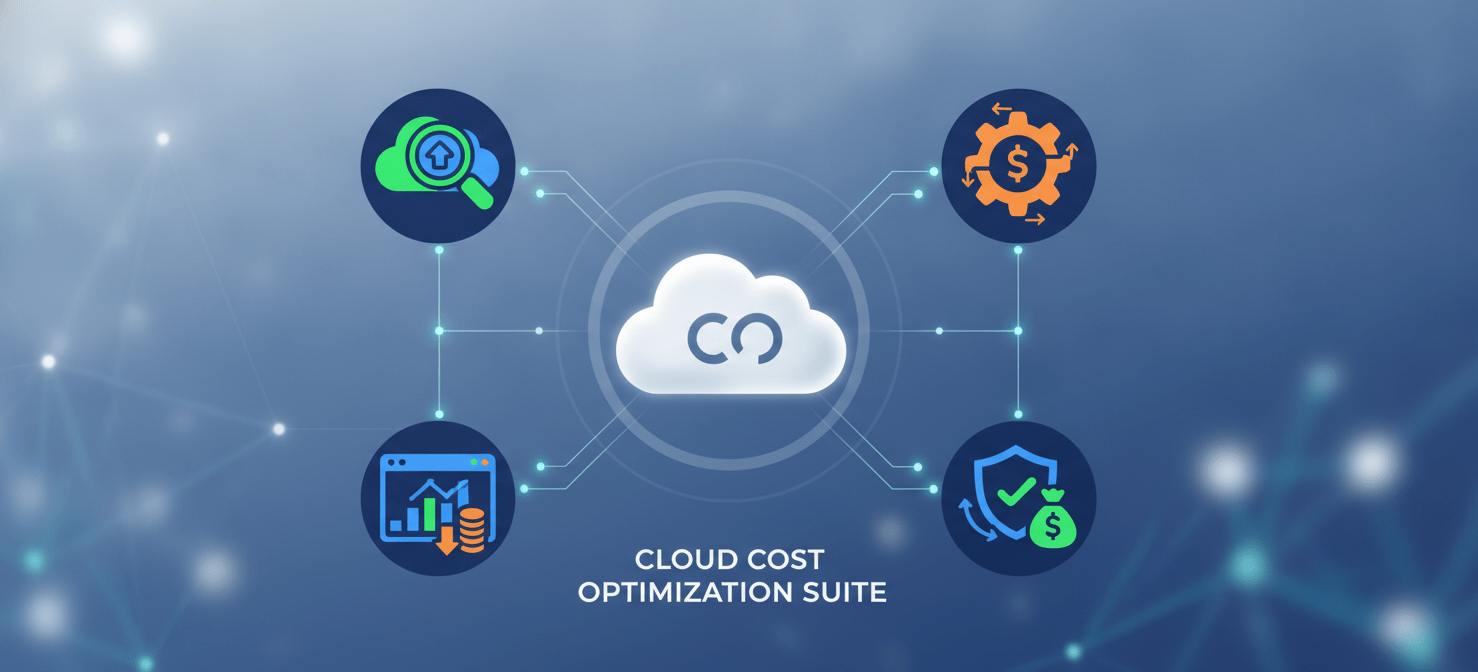
A variety of third-party tools have emerged to address the limitations of native AWS offerings. These platforms provide advanced features and a more holistic approach to cloud financial management.
Datadog Cloud Cost Management
Datadog integrates cost data directly with your performance and observability metrics, providing a unified view of your cloud environment. This allows you to see the immediate cost impact of code deployments, traffic spikes, and infrastructure changes. Datadog’s platform helps you allocate costs to specific teams and services, track spending against budgets, and identify anomalies in real-time.
CloudHealth by VMware
CloudHealth is a comprehensive multi-cloud management platform that provides deep visibility into your cloud costs. It offers features for cost optimization, budgeting, forecasting, and governance. CloudHealth’s “Perspectives” feature allows you to group and analyze costs based on business context, such as by project, department, or application.
Cloudability
Now part of Apptio, Cloudability is another powerful platform for enterprise-level FinOps. It excels at providing granular cost visibility and allocation, helping you understand the “why” behind your cloud spend. Cloudability offers robust reporting and analytics capabilities, as well as recommendations for rightsizing and Reserved Instance/Savings Plan optimization.
Kubecost
For organizations running containerized workloads on Kubernetes, Kubecost is an essential tool. It provides real-time cost visibility and insights for teams using Kubernetes, helping you break down costs by namespace, deployment, service, and more. Kubecost can help you identify idle resources, right-size your cluster, and make more informed decisions about your containerized infrastructure.
Open Source Alternatives
For teams with the technical expertise and a desire for customization, several open-source cloud cost optimization tools are available. Tools like Karpenter and AutoSpotting can help automate the use of spot instances, potentially saving 60-90% on compute costs. Other projects like Komiser provide a comprehensive overview of your cloud resources and potential cost savings.
Key Features to Look for in a Cost Optimization Tool
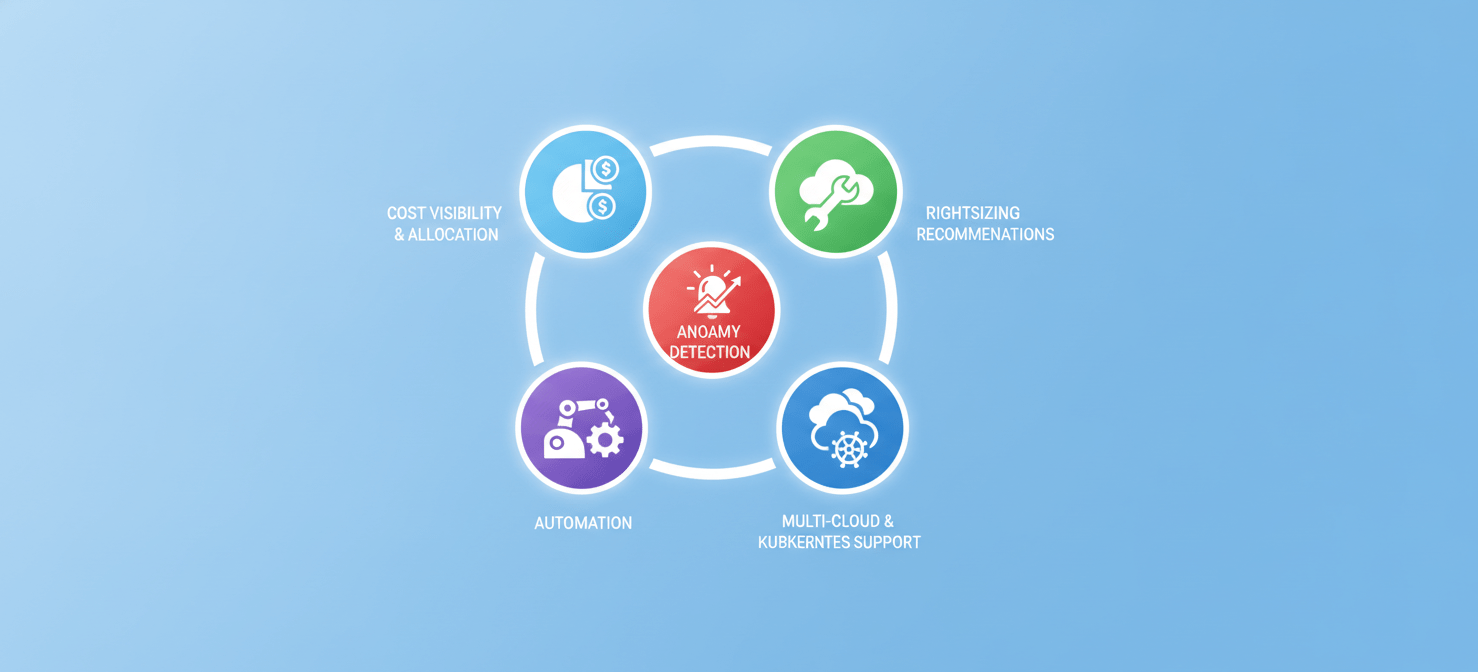
When evaluating cloud cost optimization tools, there are several key features to consider:
Cost Visibility and Allocation
The ability to see exactly where your money is going is the foundation of any cost optimization effort. Look for tools that can provide granular cost breakdowns and allow you to allocate costs based on business-relevant dimensions like teams, projects, and products.
Rightsizing Recommendations
Over-provisioning is a major source of cloud waste. A good cost optimization tool will analyze your resource utilization and provide specific, actionable recommendations for rightsizing your instances and volumes.
Anomaly Detection
Unexpected cost spikes can wreak havoc on your budget. Look for tools that use machine learning to detect anomalies in real-time and provide detailed root cause analysis to help you quickly identify and resolve the issue.
Automation
Manual cost optimization is not scalable. The best tools offer automation features for tasks like rightsizing, terminating idle resources, and managing Reserved Instances and Savings Plans.
Multi-Cloud and Kubernetes Support
If your organization uses multiple cloud providers or has a significant Kubernetes footprint, make sure the tool you choose can support your entire environment.
Implementing a FinOps Culture with the Right Tools
Ultimately, cloud cost optimization is not just a technical problem; it’s a cultural one. The most successful organizations are those that adopt a FinOps culture, where engineering, finance, and operations teams collaborate to make cost-conscious decisions. The right tools can be a catalyst for this cultural shift.
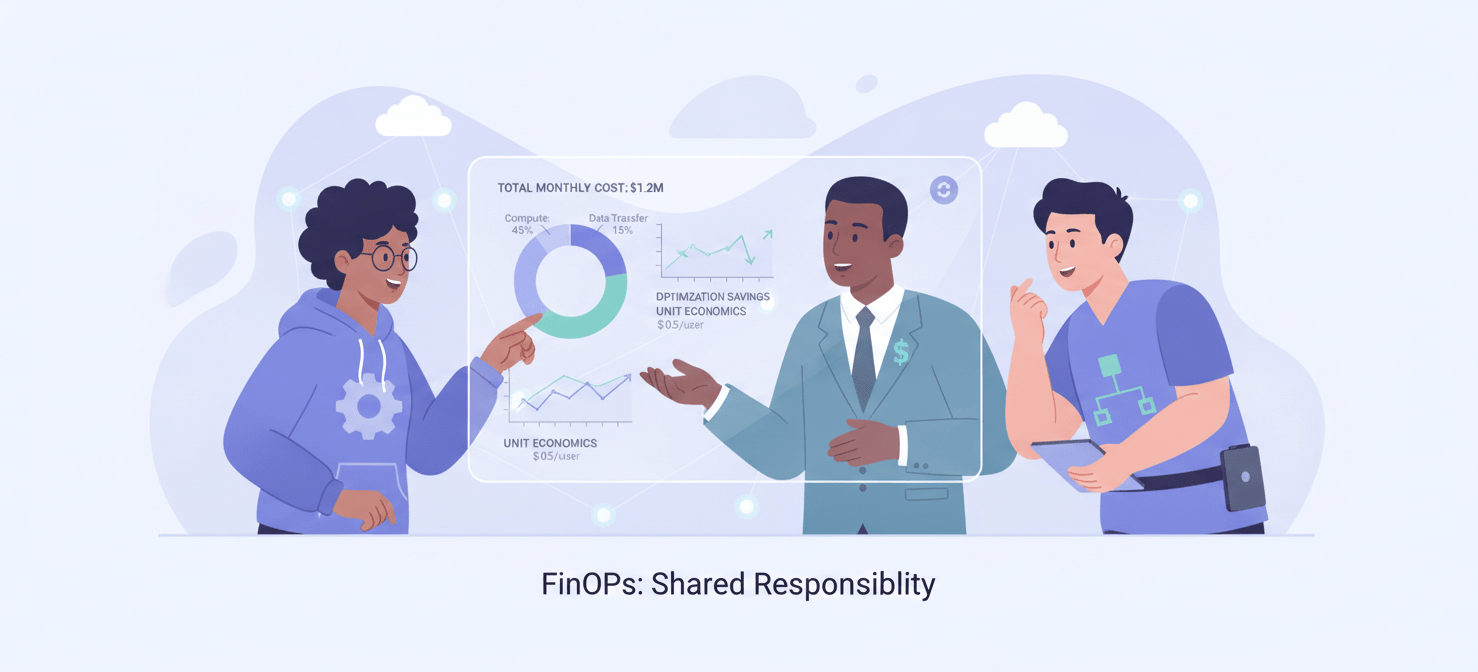
By providing shared visibility and a common language for discussing cloud costs, these tools can break down silos and foster a sense of shared ownership. When engineers can see the cost implications of their architectural decisions in real-time, they are empowered to build more cost-efficient applications. When finance has a clear understanding of where the cloud budget is going, they can have more productive conversations with engineering about trade-offs and priorities.
The goal is to embed cost awareness into every stage of the development lifecycle, from initial design to ongoing operations. This requires a combination of the right tools, the right processes, and the right mindset.
Conclusion: Gaining Control Over Your AWS Spend
The days of treating cloud spend as an uncontrollable force of nature are over. With the right combination of native AWS services and third-party cloud cost optimization tools, your team can gain unprecedented visibility and control over your AWS environment. By moving from a reactive to a proactive approach, you can not only reduce waste and lower your monthly bill but also free up resources to invest in innovation and growth. The key is to choose the tools that best fit your organization’s needs and to foster a culture of cost accountability across all teams. After all, a well-managed cloud environment is not just about saving money; it’s about maximizing the value of your investment in the cloud.

Ready to transform your AWS spend from a burden into a strategic advantage? Discover how our platform can provide the granular visibility and automation you need by exploring our solution with a free trial or scheduling a personalized demo to see it in action.
 7-day free trial