


Understanding your Amazon Web Services (AWS) bill is fundamental to running a cost-effective cloud environment. As your infrastructure grows, however, deciphering the complex web of services, usage types, and pricing models can become a significant challenge. Effective cost management in the aws cloud requires moving beyond a simple review of your monthly total and developing a granular understanding of what drives your spending. This article breaks down the components of your AWS bill, shows you how to identify major cost contributors, and explains how to use both native and third-party tools to gain clear visibility into your expenditures.
Key takeaways
- Your AWS costs are primarily driven by three main components: compute, storage, and outbound data transfer.
- Unexpected charges often come from orphaned resources, such as unattached storage volumes and idle networking components, which can continue to incur costs even when not actively used.
- Implementing a consistent resource tagging strategy is the most effective way to allocate costs to specific projects, teams, or business units.
- Tools like AWS Cost Explorer provide high-level visual analysis, while third-party platforms like Binadox offer deeper, automated insights by translating raw billing data into actionable categories.
What Drives AWS Costs? An Overview of the Main Cost Components
To manage your AWS spending, you first need to understand how AWS charges for its resources. The platform operates on a pay-as-you-go model, meaning you are billed only for the resources you provision and consume. While there are over 200 services, your bill is predominantly influenced by three core cost drivers: compute, storage, and outbound data transfer.
Compute resources, like Amazon Elastic Compute Cloud (EC2) instances, are the workhorses of your cloud infrastructure. AWS bills for compute time by the second or hour, starting from the moment an instance is launched until it is terminated.
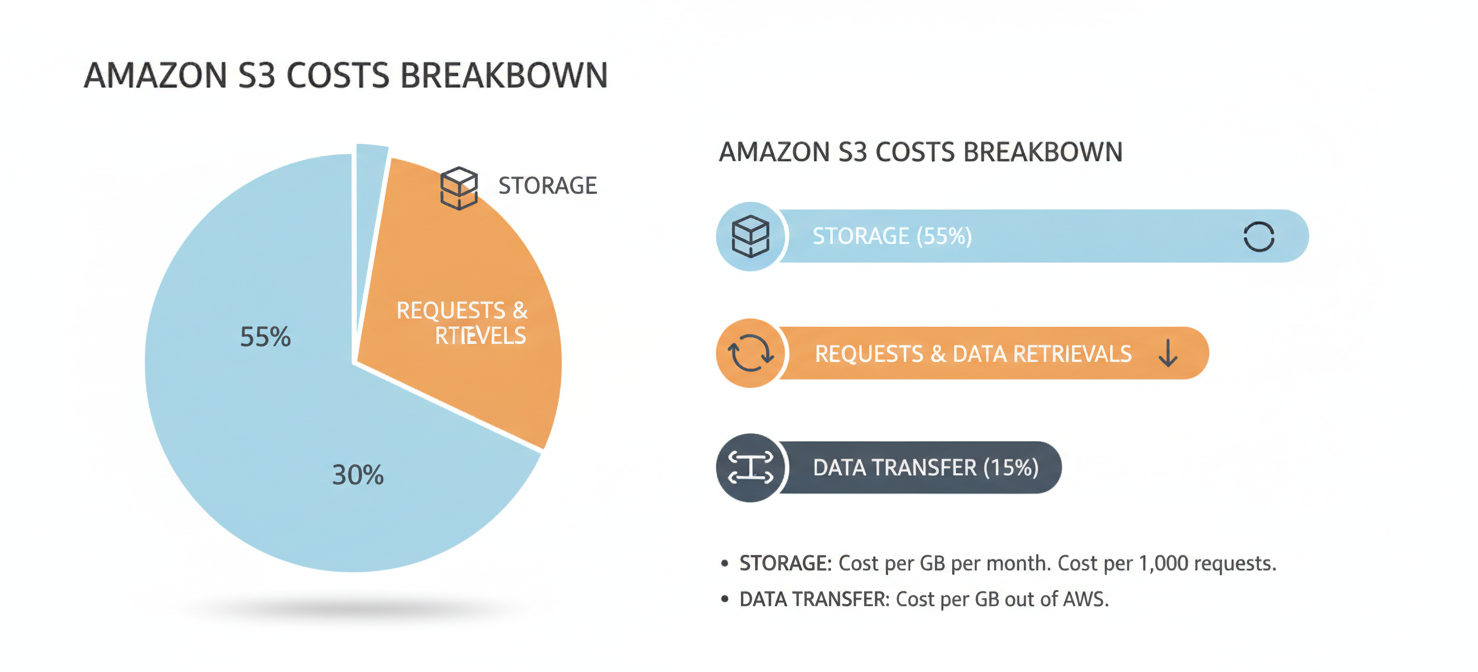
Storage is the second major cost component. Unlike the time-based billing for compute, storage is typically billed per gigabyte (GB) per month. The price varies based on the storage medium’s performance, how often you access the data, and the geographic region where it is stored.
Finally, networking and data transfer fees are a frequent source of surprise costs. Data transferred into AWS is generally free. However, you are charged for data transferred out of AWS to the internet or between different AWS Regions. These outbound (egress) fees are aggregated across all services and billed on a tiered, per-GB basis, often becoming a significant and underestimated expense.
How to Read and Interpret Your AWS Bill
Your AWS bill is more than just a single number; it’s a detailed breakdown of every charge incurred across your accounts. You can access it through the AWS Billing and Cost Management console. A common mistake is to only look at the top-line summary. True cost analysis requires digging into the line items.
The invoice organizes costs by service, allowing you to see exactly how much you spent on EC2, S3, RDS, and other services. Within each service, you can see costs broken down by the AWS Region where the resources were deployed. This is a crucial first step for identifying charges from unexpected geographic locations.
It’s also important to distinguish between direct and auxiliary costs. For example, an EC2 instance charge reflects the raw compute hours, but it might also include separate line items for attached software licenses, such as for Windows Server. Furthermore, if you use pricing models like Reserved Instances or Savings Plans, your bill will show upfront payments, monthly fees, and the corresponding discounts applied to your on-demand usage.
How AWS Costs Are Organized by Service, Usage Type, and Region
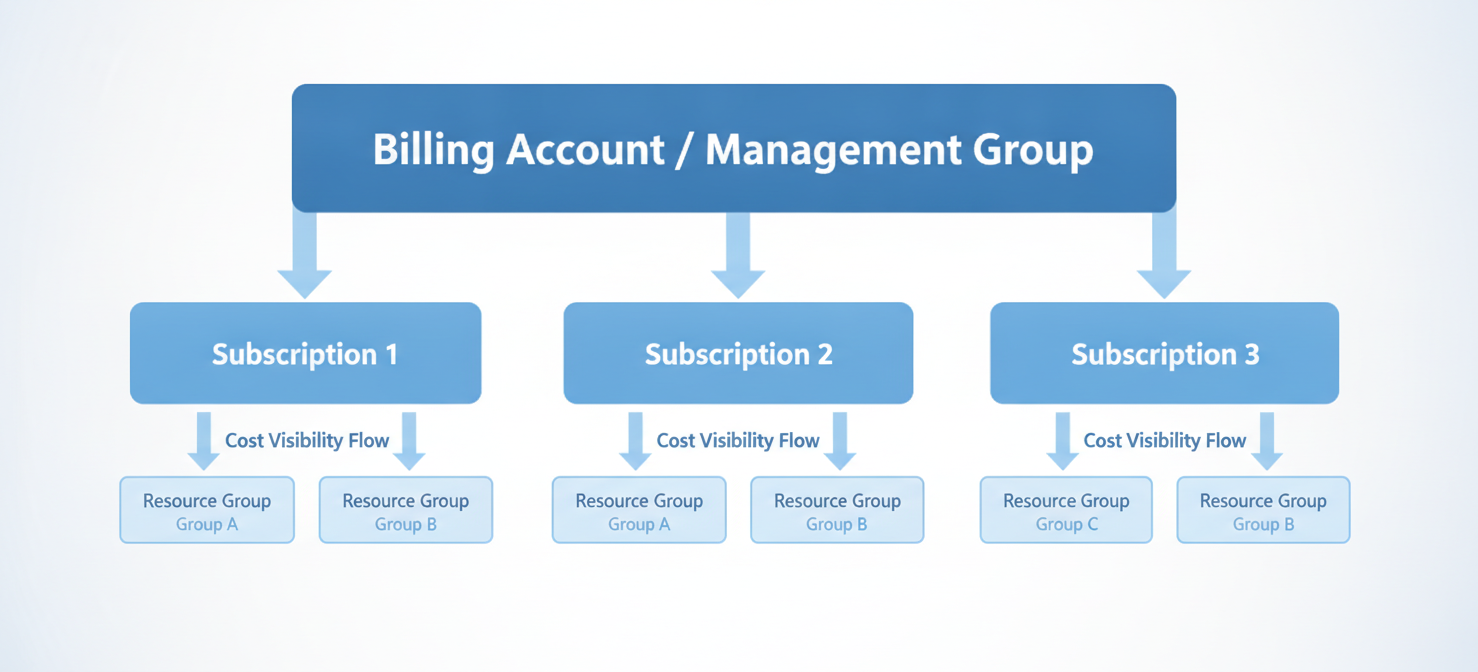
AWS provides a structured way to analyze your spending by organizing cost data along three main dimensions: Service, Usage Type, and Region.
- Service: This is the highest-level category. Costs are grouped by the specific AWS product you used, such as Amazon EC2 for virtual servers or Amazon S3 for object storage.
- Usage Type: This dimension provides technical details about the consumed resource. For an EC2 instance, the usage type specifies the instance family and size (e.g.,
BoxUsage:t2.micro). For S3, it might differentiate between standard storage, data requests, and data transfer. - Region: AWS pricing is not uniform globally; running the same workload in N. Virginia (
us-east-1) can have a different cost than in São Paulo (sa-east-1). Analyzing costs by region helps you find resources that may have been deployed in more expensive locations unintentionally.
In addition to these dimensions, your bill will also include any applicable taxes, such as Value-Added Tax (VAT) or sales tax, depending on your billing address.
Which AWS Services Contribute Most to Your Cloud Spending?
While every organization’s cloud usage is unique, a few services consistently appear as the largest contributors to the monthly bill. These typically fall into the categories of compute, managed databases, storage, and networking.
- Amazon EC2: As the primary service for running virtual servers, EC2 is often the largest single line item for many businesses. The cost is driven by the number of instances, their size, and how long they run.
- Amazon RDS: Managed database services like Relational Database Service (RDS) are another major cost center. RDS simplifies database administration but comes at a premium compared to running a database on a plain EC2 instance.
- Amazon S3 and EBS: Storage services like Simple Storage Service (S3) and Elastic Block Store (EBS) can also account for a significant portion of spending. While the per-gigabyte cost may seem low, the sheer volume of data stored for applications, backups, and data lakes can lead to substantial aggregate charges.
- Data Transfer: As mentioned earlier, outbound data transfer costs can accumulate quickly. In addition, managed networking components like NAT Gateways, which allow instances in private subnets to access the internet, incur both an hourly fee and a per-gigabyte data processing fee.
How to Break Down AWS Costs by Usage Category
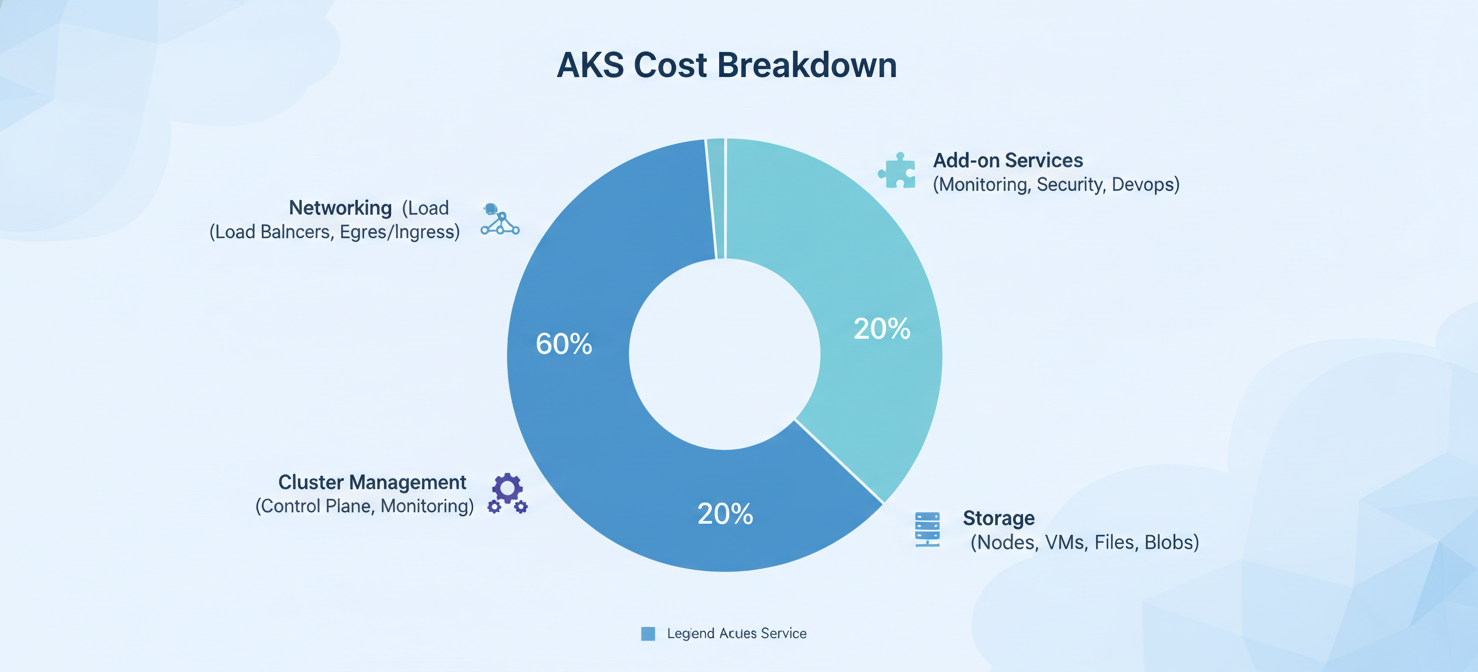
As your organization grows, simply knowing how much you spent on EC2 is not enough. You need to attribute costs to specific projects, departments, or applications. The primary way to achieve this is through a disciplined tagging strategy.
Using AWS Cost Categories
AWS offers a free tool called AWS Cost Categories to help you map your spending to your internal business structure. This feature uses a rule-based engine to group costs based on dimensions like account, service, charge type, or resource tags.
For example, you can create a rule that automatically groups all resources tagged with Project:Alpha into a “Project Alpha” cost category. This allows you to see a consolidated view of all costs associated with that project, regardless of which AWS services were used. You can also create hierarchical relationships and set up rules to split shared costs, such as enterprise support fees, proportionally across different business units.
AWS Cost Drivers: Compute, Storage, Networking, and Managed Services
A deeper analysis of your spending requires looking at the four main pillars of AWS infrastructure and their specific cost drivers.
Compute
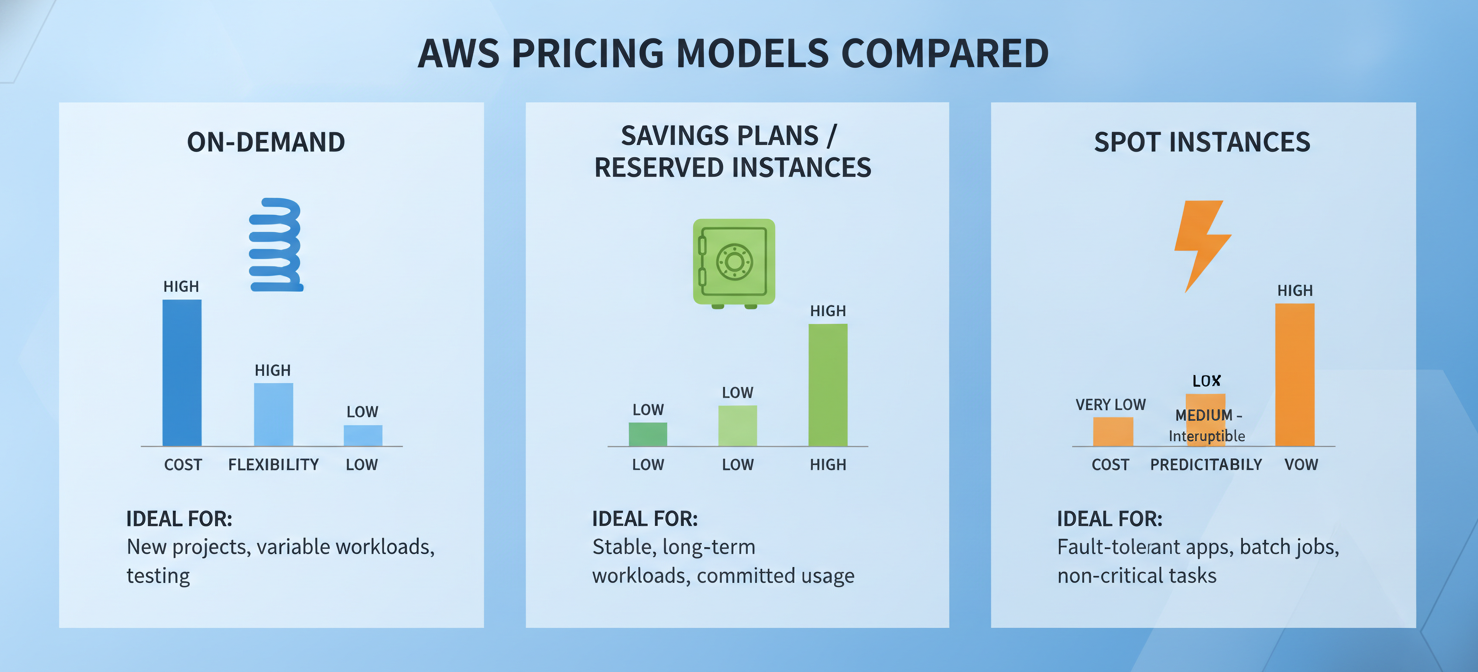
The cost of compute is heavily influenced by the pricing model you choose. AWS offers several options to match different workload patterns.
- On-Demand: This model offers the most flexibility, allowing you to start and stop instances at any time with no commitment. However, it is also the most expensive option and is best for unpredictable, short-term workloads.
- Reserved Instances (RIs) & Savings Plans: By committing to a one- or three-year term for a certain amount of usage, you can receive significant discounts of up to 72% compared to On-Demand prices. This is ideal for stable, predictable workloads.
- Spot Instances: These use spare AWS capacity and offer the deepest discounts (up to 90%). The trade-off is that AWS can terminate these instances with only a two-minute warning, making them suitable only for fault-tolerant or stateless applications.
Storage
Storage costs are determined by the type of storage and how you manage your data’s lifecycle. High-performance SSD volumes are more expensive than archival storage. You can significantly reduce costs by implementing lifecycle policies that automatically move infrequently accessed data to cheaper storage tiers like Amazon S3 Glacier.
Networking
Networking is often the most difficult cost to predict. Outbound data transfer fees are a primary driver, but managed components also contribute. For instance, a NAT Gateway has a fixed hourly rate plus a fee for every gigabyte of data it processes, which can quickly add up in high-traffic environments.
Managed Services
Services like Amazon RDS or Amazon SageMaker provide significant operational benefits by abstracting away administrative tasks. This convenience comes at a premium over the underlying compute and storage costs. Because these services run continuously, they can accumulate large costs if left running when not needed.
How to Identify the Largest Cost Contributors and Unexpected Charges
Sudden spikes in your AWS bill, often called “bill shock,” are a common problem. These surprises are rarely due to billing errors. Instead, they are typically caused by orphaned or idle resources that you are no longer using but are still paying for.
Common sources of unexpected charges include:
- Orphaned EBS Volumes: When you terminate an EC2 instance, its attached storage volumes (EBS volumes) are not deleted by default. These unattached volumes continue to incur storage charges indefinitely.
- Idle NAT Gateways: A NAT Gateway accrues an hourly charge just for being provisioned, even if no data is passing through it.
- Unreleased Elastic IP Addresses: AWS charges an hourly fee for any public IPv4 address (Elastic IP) that is allocated to your account but not attached to a running EC2 instance.
- Over-Provisioning: Paying for more compute or storage capacity than you actually use is a straightforward way to waste money.
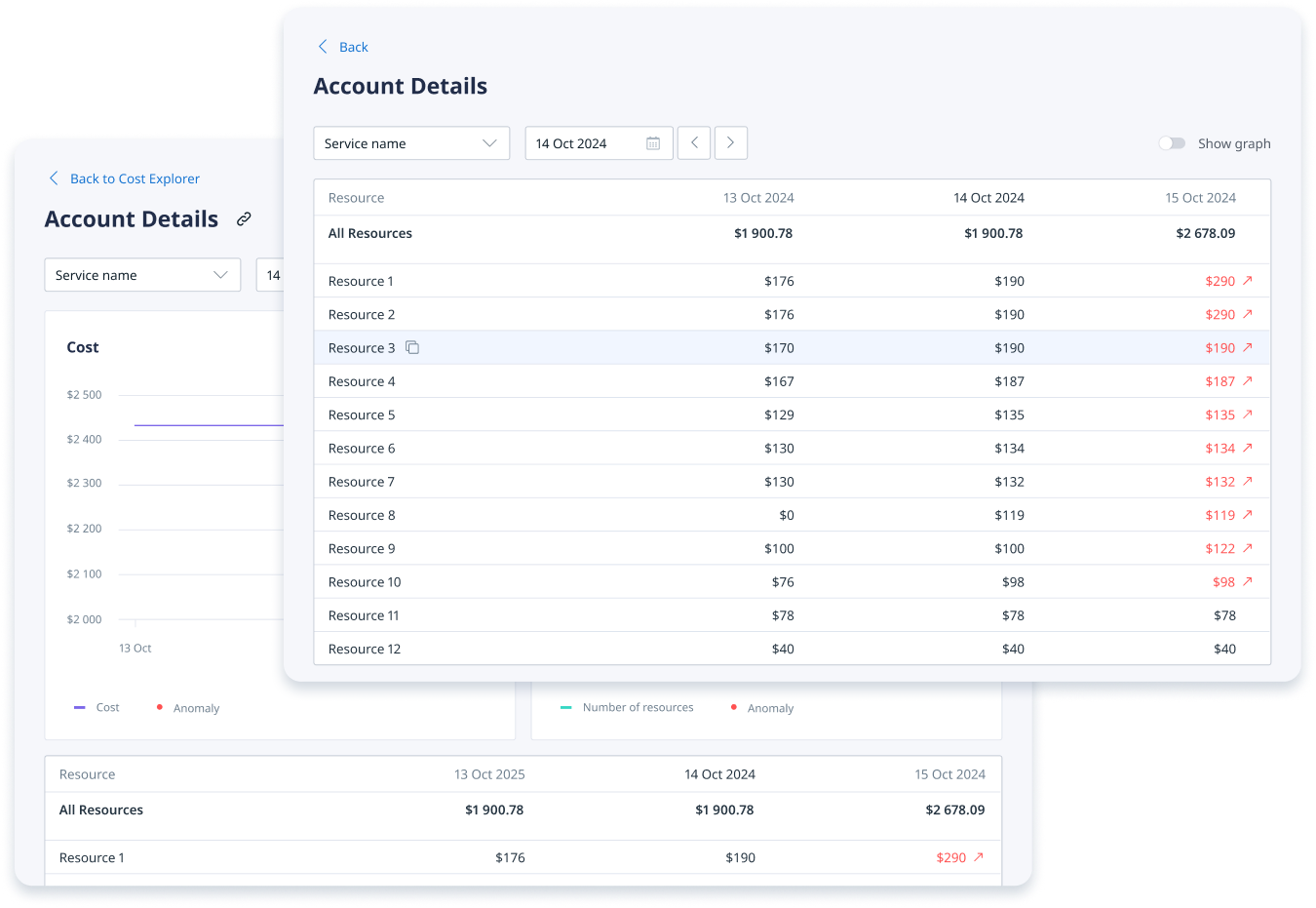
To investigate a cost spike, use the AWS Cost Explorer to group your spending by service and compare the current period to a previous one. This will help you quickly isolate which service is responsible for the increase.
How to Analyze AWS Billing Data to Find Cost Optimization Opportunities
Effective cost analysis is an active investigation, not a passive review. The goal is to separate productive costs from wasteful spending. This starts with identifying resources with low utilization, such as EC2 instances that consistently run below 5% CPU usage.
Using AWS Trusted Advisor
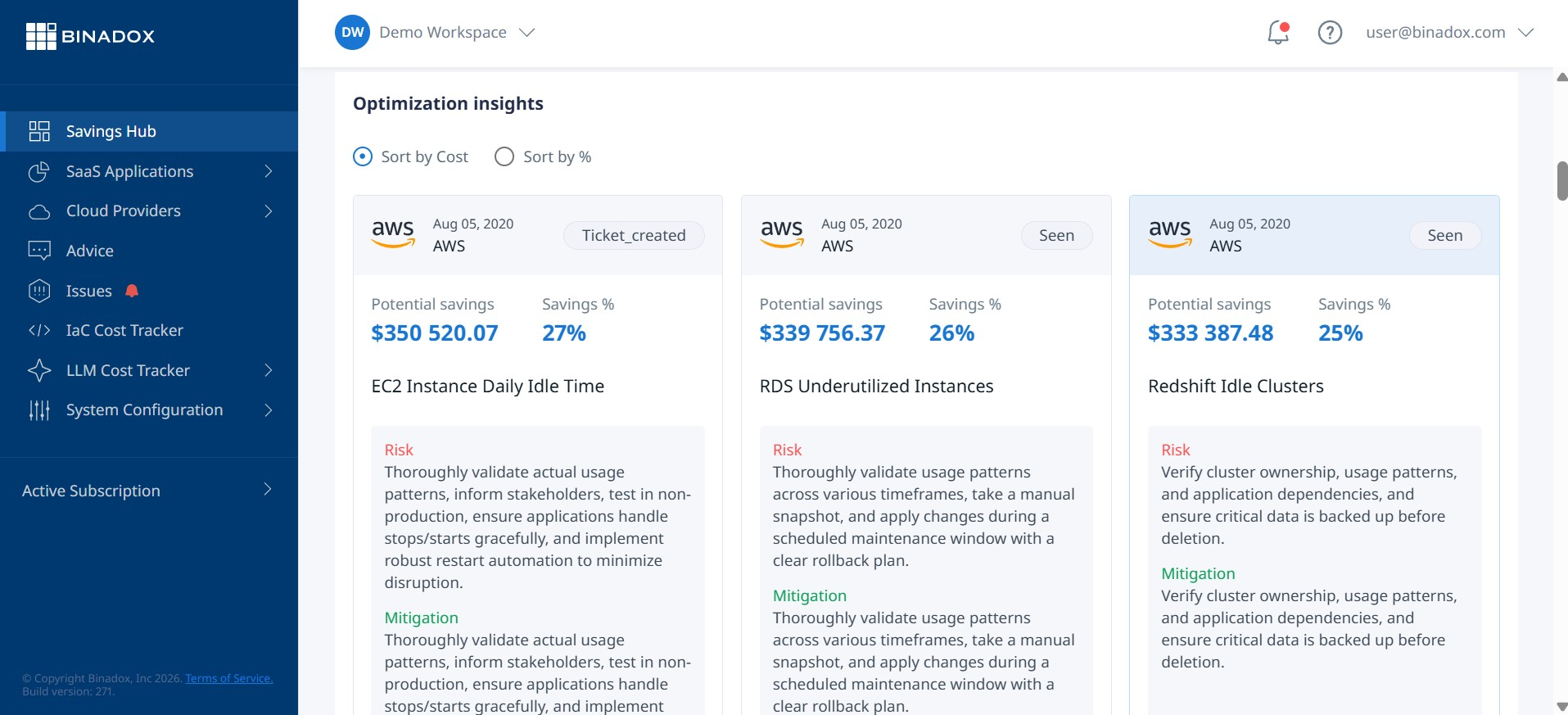
To help with this process, AWS provides a tool called Trusted Advisor. It acts as an automated cloud expert, inspecting your environment and providing recommendations based on best practices. The cost optimization checks in Trusted Advisor automatically flag underutilized resources like idle load balancers and unattached EBS volumes, and identify opportunities to save money with Reserved Instances. To get the full set of cost optimization checks, you need to have an AWS Business, Enterprise, or Unified Operations support plan.
By connecting your resource usage to your financial data, you can calculate key business metrics like “cost per customer.” This transforms cost management in the aws cloud from a simple accounting task into a strategic driver for your business.
Using AWS Cost Explorer and Billing Reports to Investigate Spending
AWS offers two main native tools for financial analysis: AWS Cost Explorer and the AWS Cost and Usage Report (CUR).
AWS Cost Explorer
AWS Cost Explorer is a user-friendly tool with a visual interface that helps you understand your spending patterns. You can filter and group costs by dimensions like service, region, or tags to quickly generate charts and reports. It allows you to view up to 12 months of historical data and provides forecasting to help with budget planning. While excellent for high-level analysis, it abstracts some of the finer details.
AWS Cost and Usage Report (CUR)
For the most detailed analysis, you need the AWS Cost and Usage Report (CUR). The CUR is the most comprehensive billing data set available from AWS. It’s not a visual tool; instead, it delivers raw data files (in CSV or Parquet format) to an S3 bucket you own. These reports break down costs by resource ID and usage type, with data available at an hourly or daily resolution. The raw format is designed for ingestion into data analysis platforms like Amazon Athena or third-party business intelligence tools, allowing for deep, programmatic audits of your spending.
How Binadox Simplifies AWS Billing Analysis with Service and Usage Breakdown
While native tools provide the data, analyzing a report with millions of lines can be extremely time-consuming. This is where third-party cloud management platforms like Binadox can help. Binadox automates and simplifies billing analysis by ingesting the raw CUR data and applying its own analytical layer.
Binadox provides a dashboard that highlights your main cost drivers and automatically flags anomalies that could lead to bill shock. It offers a unified view for multi-cloud environments, including AWS, Azure, and Google Cloud. This level of abstraction saves your FinOps team from the manual effort of parsing raw data, allowing them to focus on strategic optimization.

From Raw Billing Data to Actionable Insights with Binadox Kind of Usage
A key feature in the Binadox platform is “Kind of usage,” which redefines how cloud cost analysis is performed. It automatically translates the thousands of cryptic line items from your bill into clear, logical usage categories. This allows you to instantly see how your spending is distributed across different types of consumption without needing data engineering skills.
For each category, the “Kind of usage” report provides five key metrics:
- Volume: The amount of resource consumed (e.g., GB-months of storage).
- Charged: The gross cost for that usage.
- Credits: Any discounts applied.
- Net: The final cost after credits.
- Share of charges: The percentage of your total bill this category represents.
This clear breakdown makes it easy to compare consumption to cost and pinpoint exactly where to focus your optimization efforts.
Best Practices for Monitoring AWS Costs and Improving Cost Visibility
Effective cost management is a continuous process of monitoring and governance. The goal is to prevent waste before it happens.
- Implement Comprehensive Tagging: Tagging is the foundation of cost visibility. Every resource should be tagged with its owner, project, and environment to ensure costs can be accurately allocated.
- Establish Budgets and Alerts: Use AWS Budgets to set spending limits and configure alerts. You can receive notifications via email or Slack when your actual or forecasted spending exceeds a threshold, allowing you to take action immediately.
- Use Anomaly Detection: AWS offers machine learning-powered anomaly detection that can automatically flag unusual spending patterns within hours, helping you avoid major bill shock.
- Automate Cleanup: Aggressively remove unused resources. Set up automated lifecycle rules to delete old S3 objects and create scripts to terminate unattached EBS volumes and release unassociated Elastic IPs regularly.
- Right-Size Resources: Continuously review recommendations from AWS Trusted Advisor to right-size over-provisioned instances. Modernize your architecture where possible, shifting from expensive On-Demand instances to more cost-effective options like Serverless or Reserved Instances for predictable workloads.
Conclusion: Build a Clearer Picture of Your AWS Spending
Mastering cost management in the aws cloud is not optional for a modern business. The complexity of cloud pricing, from per-second compute billing to tiered data egress fees, can quickly turn a flexible infrastructure into a financial burden.
To maintain control, your team must move beyond simply reading the invoice total. By using native tools like AWS Cost Categories and the Cost and Usage Report, you can map every dollar of spending to a specific business purpose. Moreover, integrating third-party platforms like Binadox can significantly accelerate this process. Features like “Kind of usage” remove the friction of analyzing raw data, giving you an immediate and precise view of your consumption and costs.
Ultimately, a clear picture of your AWS spending comes from a combination of disciplined tagging, automated alerts, and continuous optimization. When you treat cloud economics as a proactive engineering challenge instead of a reactive accounting problem, you can scale your infrastructure with confidence, driving innovation while eliminating waste.
To truly master your AWS cost management and transform raw data into actionable insights, you can easily start a free trial of Binadox today, or for a personalized walkthrough, book a demo with our team to explore its comprehensive features.
 7-day free trial